How I produce 50 product photos a week with AI (and where humans still win)
A real workflow for shipping ecommerce and ad-creative product photography using GPT Image 2 and Nano Banana Pro — including where human photographers still outperform.

David Chen
·5 min read

Eighteen months ago I was burning $1,600 a shoot to get 10 product photos out the door — studio rental, photographer day rate, retoucher, the works. The bill was strangling our small creative team and the seven-day turnaround was killing our client retention.
I started running half the work through AI almost as a desperation move. Today my team ships roughly 45-55 product images a week out of GPT Image2 Studio instead of a physical studio — about 600 last quarter — and I haven't booked a studio for non-hero work since January.
Below is the actual workflow I run, the economics that finally clicked, and the four jobs where I still pay a human photographer (because the math says I have to). If you ship product images at any volume, you'll know by the end whether the same switch makes sense for you.
The workflow
1. Pack the brief into a structured prompt.
Every product gets a one-page brief: product category, key feature, target placement (Amazon main image, lifestyle lifestyle shot, ad hero), aspect ratio. From that brief I build a prompt using the five-slot structure — subject, action, environment, lighting, camera.
2. Run 3 renders on Nano Banana Pro.
For product shots, Nano Banana Pro is the only model that consistently keeps the product geometry intact. At 25 credits per 2K render, three variants costs 75 credits — about $0.75 on our Pro plan. Cheaper than a minute of a human photographer's time.
3. Upscale and polish in Photoshop.
AI gets you 85% of the way. The final 15% is Photoshop: color correction to match brand palette, clean up any edge artifacts, swap backgrounds if needed. This is where the human still matters.
4. QA with a human eye.
I look at every image before it ships. AI will occasionally render a bottle cap with six threads or a watch with impossible indices. You have to catch this.
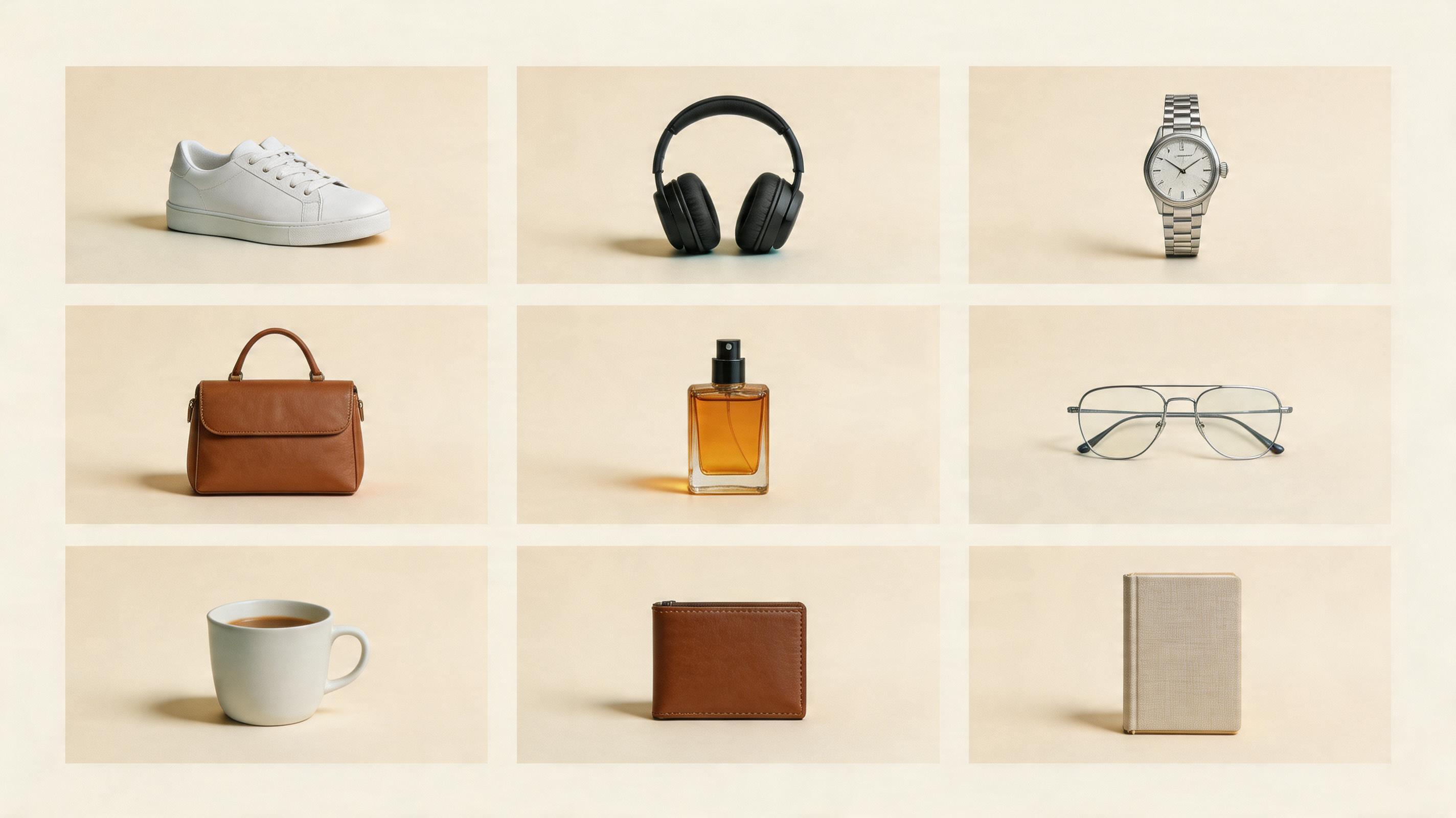
Start with one SKU before you batch the whole catalog.
Generate three product directions, pick the one that keeps the shape honest, then continue with background removal, upscaling, and compression.
The economics
Traditional product shoot for 10 SKUs:
- Studio rental: $300
- Photographer day rate: $800
- Retouching: $500
- Total: ~$1,600 for 10 images ($160/image)
- Turnaround: 7-10 days
AI workflow for 10 SKUs:
- GPT Image2 Studio Pro plan: $19.90/month
- Credits used: ~750 (30 renders × 25 credits, covering 10 finals with iteration)
- Photoshop time: 30 minutes per image × 10 = 5 hours
- Retoucher rate: $50/hour × 5 = $250
- Total: ~$270 for 10 images ($27/image)
- Turnaround: 1 day
An 85% cost reduction and 7-day time saving. The Photoshop/retouching step is the floor — it's the irreducible human-in-the-loop cost.
Where humans still win
Models and people. We still shoot real humans for hero campaigns. AI humans are getting eerily good, but the moment a customer recognizes a generated face it's over.
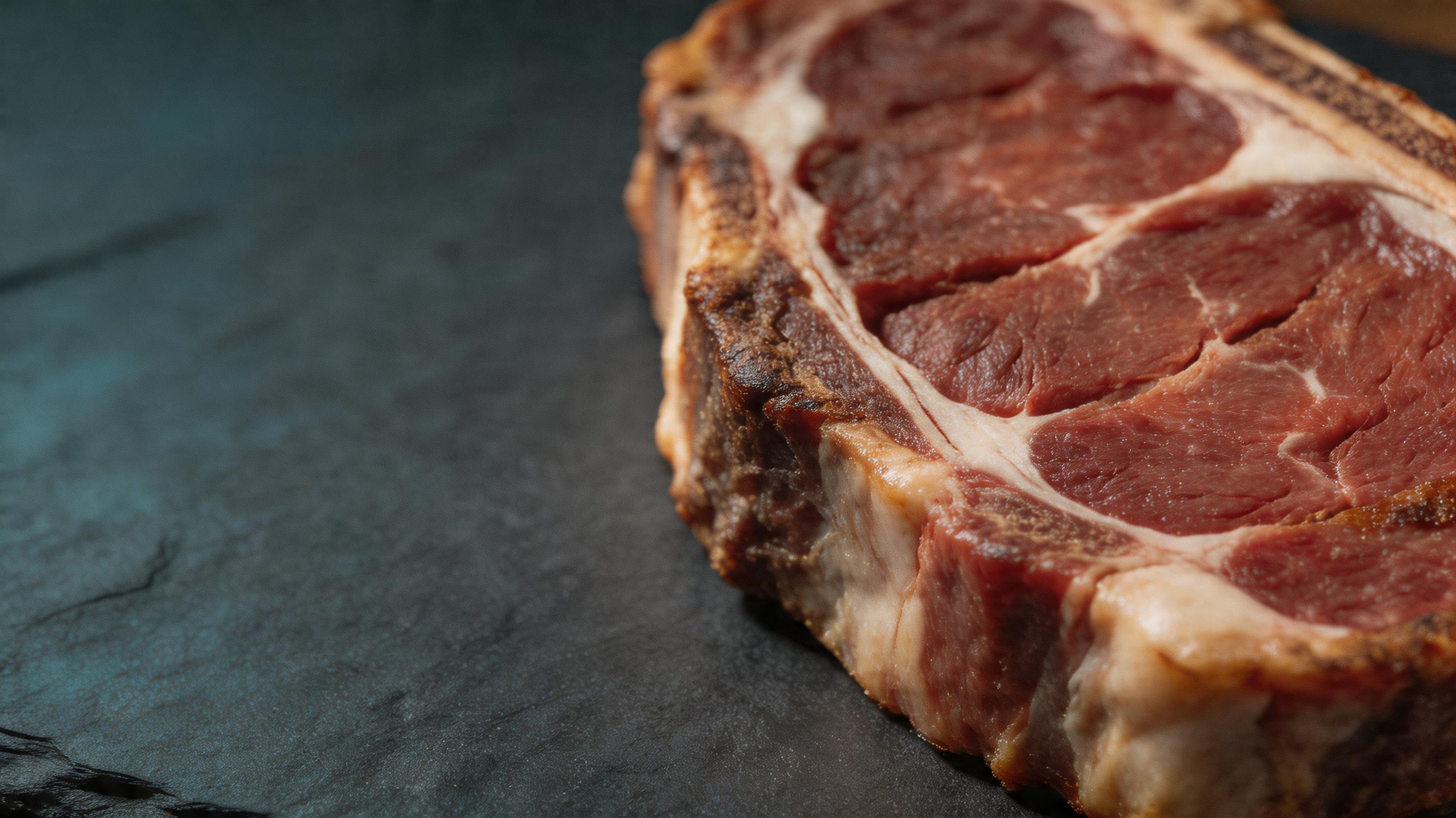
Texture-critical products. Fabric, leather, food. Close-up texture on a steak or a wool coat is still better shot real. AI smooths in ways that hurt premium positioning.
Brand consistency. Once you have a defined brand look (lighting, palette, framing), human-operated studios replicate it exactly across 500 SKUs. AI drift is real and costs QA time.
Anything regulatory. Food, pharma, and some cosmetics categories have strict truth-in-advertising rules. I wouldn't put an AI render of a hamburger on a box.
When to switch back and forth
Our rule of thumb:
- Under 20 units of the same SKU → AI
- 20-100 units, non-premium category → AI with polish
- Premium category, hero campaign → human shoot
- Hybrid: AI for product-only cutouts, human for lifestyle/contextual
What to expect if you try this
- Your first week will be bad. Prompt skill has a steep curve.
- Budget 60 credits per usable final image in the first month. Drops to ~30 as you get sharper.
- Build a prompt library of "winning" prompts by category. Reuse is everything.
- Keep a Photoshop person on speed dial.
The Bottom Line
- AI cuts product-image cost from ~$160 to ~$27 per image — an 85% reduction at the same quality bar, with one-day turnaround instead of seven.
- You cannot fire your retoucher. The Photoshop step is the irreducible human-in-the-loop floor.
- Don't replace humans for hero campaigns, real-people shots, texture-critical food/fabric, or regulated categories. I learned each of those the hard way.
- I didn't fire my photographer. I gave him the hero work and let AI take the long tail. Both of us are happier.
Want to try the workflow on your own products? Every new account starts with 30 credits and unlocks 30 more after the first successful image: gptimg.app/.
Frequently asked questions
Do I need a credit card to try GPT Image2 Studio?
No. Every new account starts with 30 credits on signup, then unlocks 30 more after the first successful image. Paid plans only kick in if you want more than the free ceiling.
Can I use the generated images commercially?
Yes. Every tier, including the free starter credits, comes with full commercial rights. Run ads, sell products, print on merchandise, publish on any platform. No watermark, no attribution required.
Which model should I route to for what?
Hero ads and text-heavy creative fit GPT Image 1.5 high. Product and macro texture work fit Nano Banana Pro. High-volume social iteration fits Nano Banana 2. Fast drafts and mood boards fit Z Image. The workbench can route one prompt across all of them.
How fast is a single generation?
Z Image returns in about 10 seconds. Nano Banana 2 often returns in 15 to 20 seconds. Nano Banana Pro and GPT Image 1.5 high usually take 30 to 45 seconds for standard quality, and up to about a minute for 4K high quality.
What's the difference between GPT Image 1.5 high and Nano Banana 2?
GPT Image 1.5 high is stronger for text inside images and premium ad creative. Nano Banana 2 is faster and cheaper. In production, compare both with the same prompt before choosing the final image.
Can I edit an existing image instead of generating from scratch?
Yes. Upload a reference image, then continue with image-to-image, masked edits, background removal, object cleanup, or compression inside the same workflow.
Stop guessing the model.
Run all three.
We route your prompt to GPT Image 1.5 high, Nano Banana 2, Z Image and more — same workbench, same prompt, side-by-side blind compare. 30 credits on signup, another 30 after your first successful image, and commercial rights at every tier.
30 + 30
Free credits
5+
SOTA models
30s
To first render