GPT Image2
Real sampleDrag the divider to inspect detail
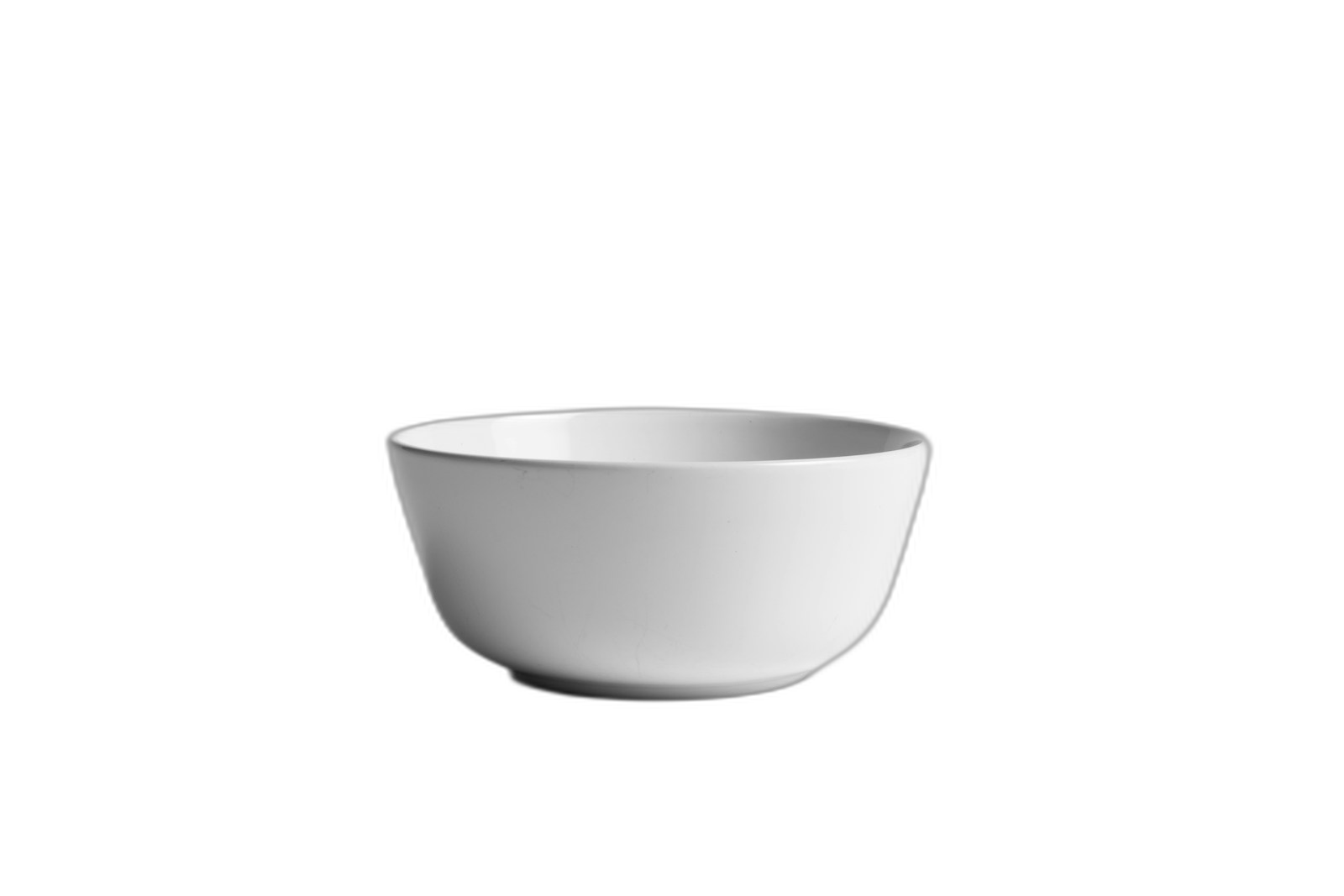
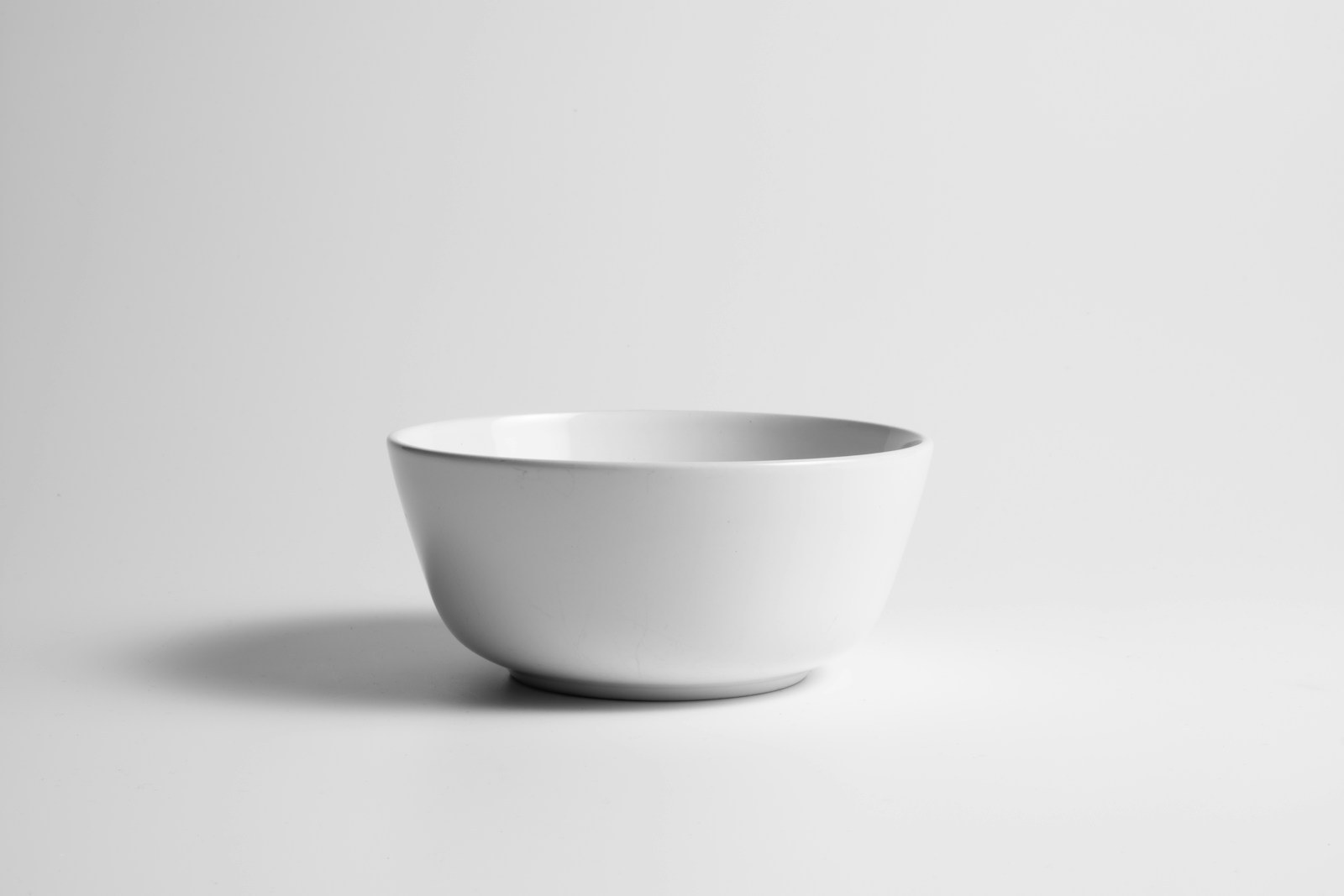
Drag the divider to inspect detail
Preview PNG on
Transparent product PNG
Original product photo
Clean product-ready cutouts
Remove image backgrounds with AI
Cut out the subject, export a transparent PNG, then keep going with upscale, erase, or compression so the image is actually ready to publish.
Remove background
Upload a product, person, logo mockup, or generated subject.
No image on hand? Try one of these


Input
JPG, PNG, WebP
Output
Transparent PNG, JPG, WebP
Your first free run returns on the normal queue.
Best fit
Best when the subject edge is visible and you need a reusable transparent PNG for stores, ads, or profile images.
Watch first
Hair, glass, mesh, and shadows need an edge check on white, black, and color backgrounds.
Next move
Use the cutout as a layer, then upscale for hero layouts or compress for upload speed.
Transparent, white, black, or custom color background
Subject preview
Continue to upscale or compress
Examples
See the cutout before you trust the tool
Each sample uses a real original image and a transparent PNG output. Drag the divider, then switch the hero preview background to check edges against transparent, white, black, and brand-color surfaces.
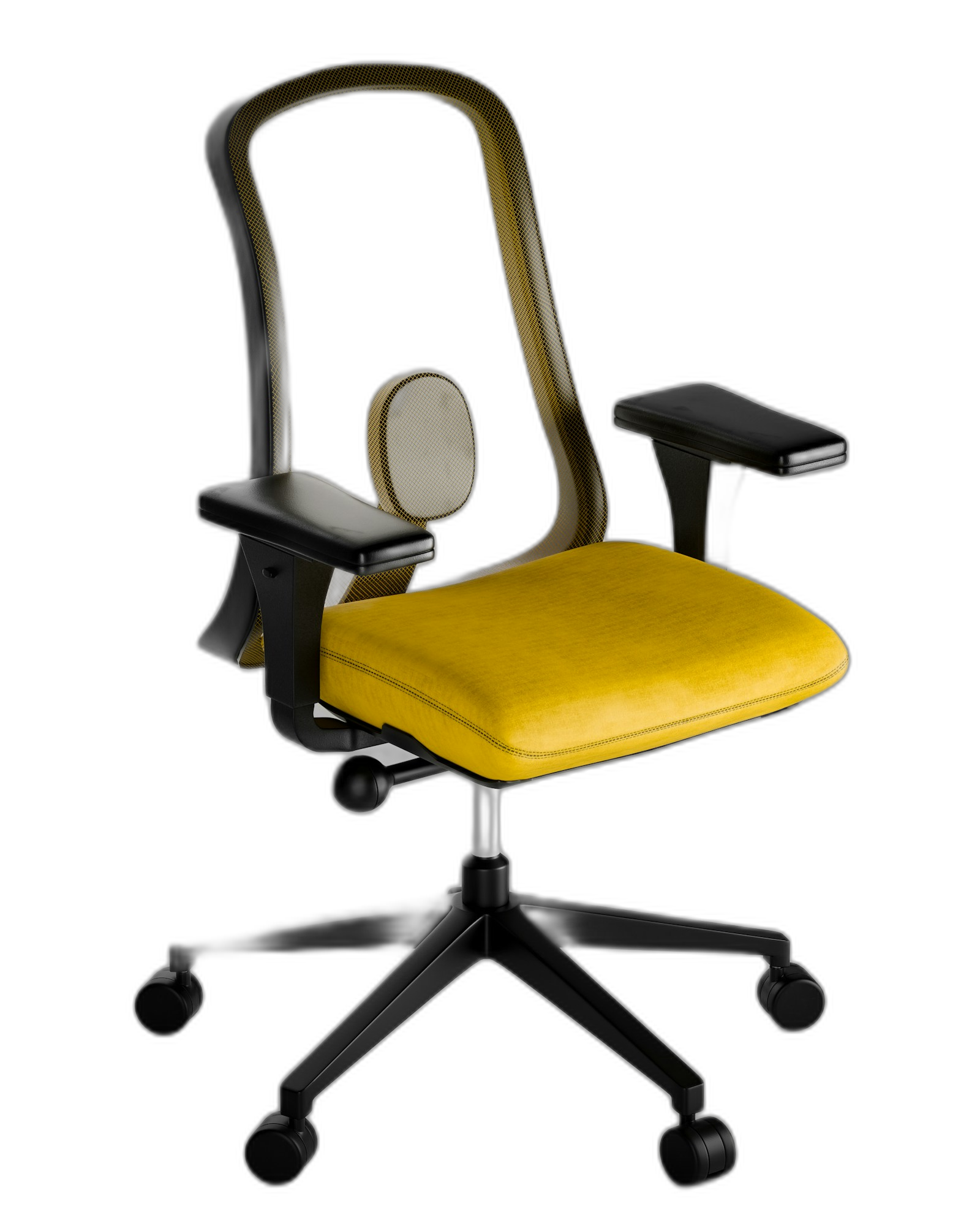
real transparent PNG
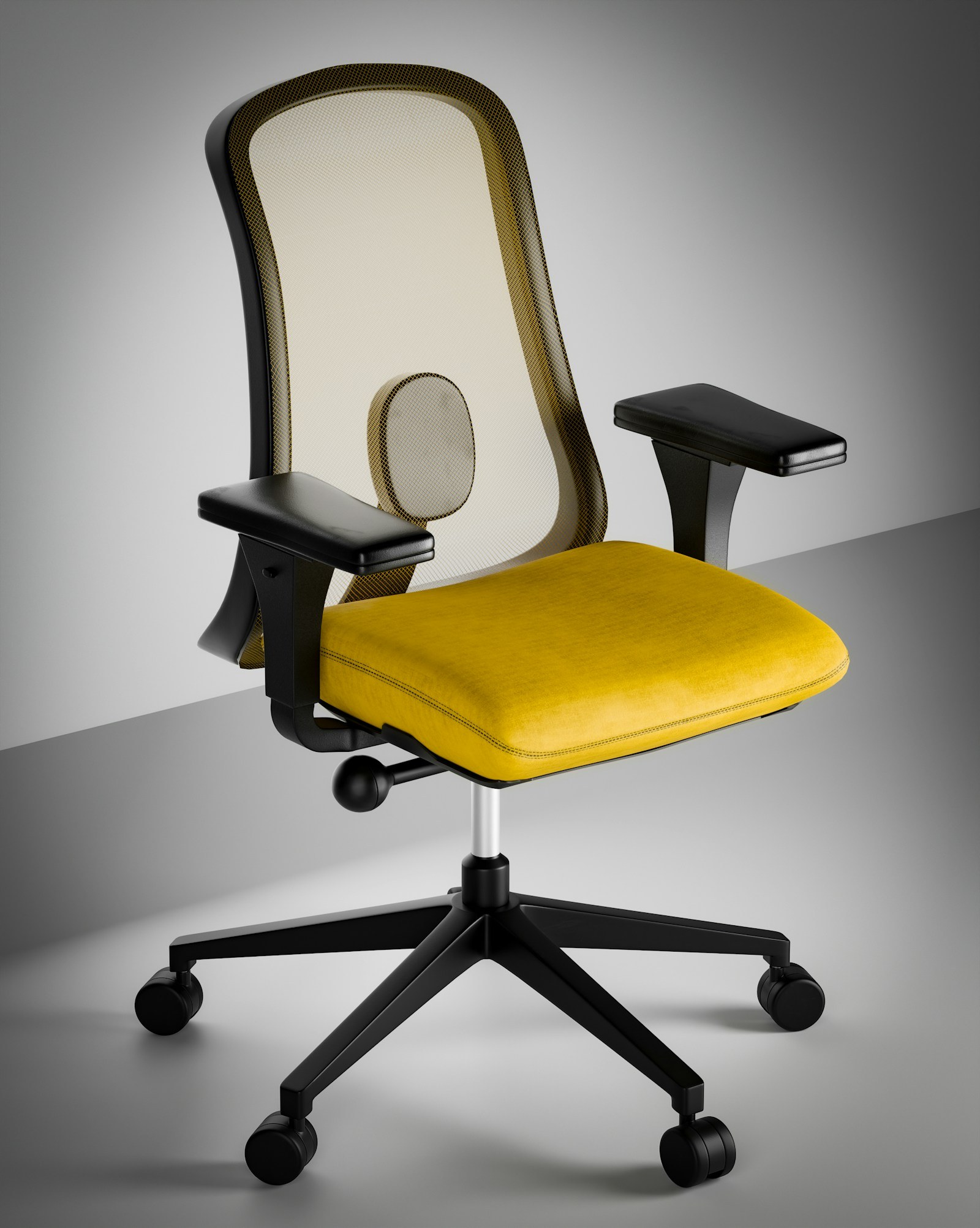
Drag to compare
Transparent chair PNG
Original chair photo
Cut a product chair out of its studio photo
The subject becomes a reusable layer for product cards, ads, and generated scenes.
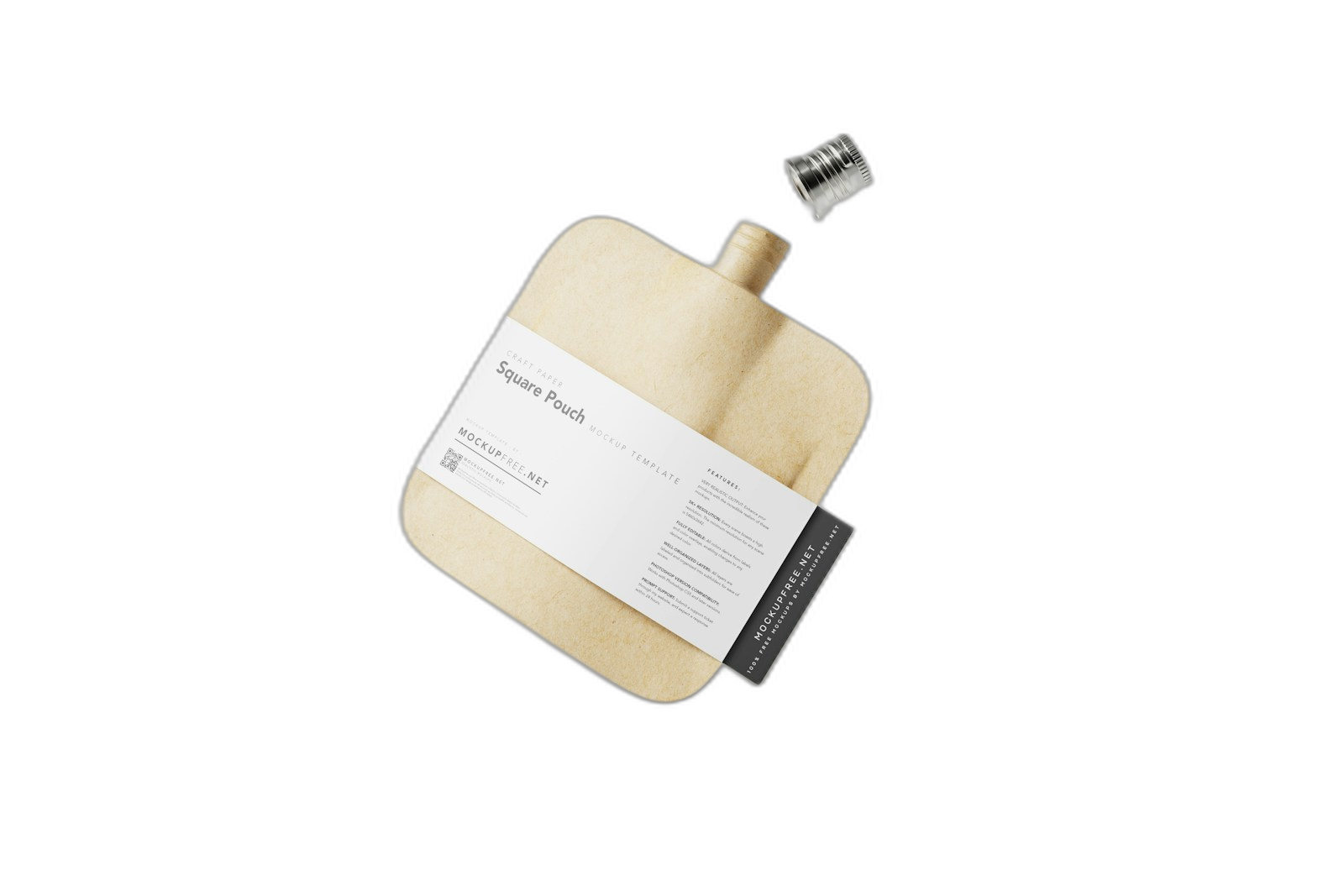
real transparent PNG
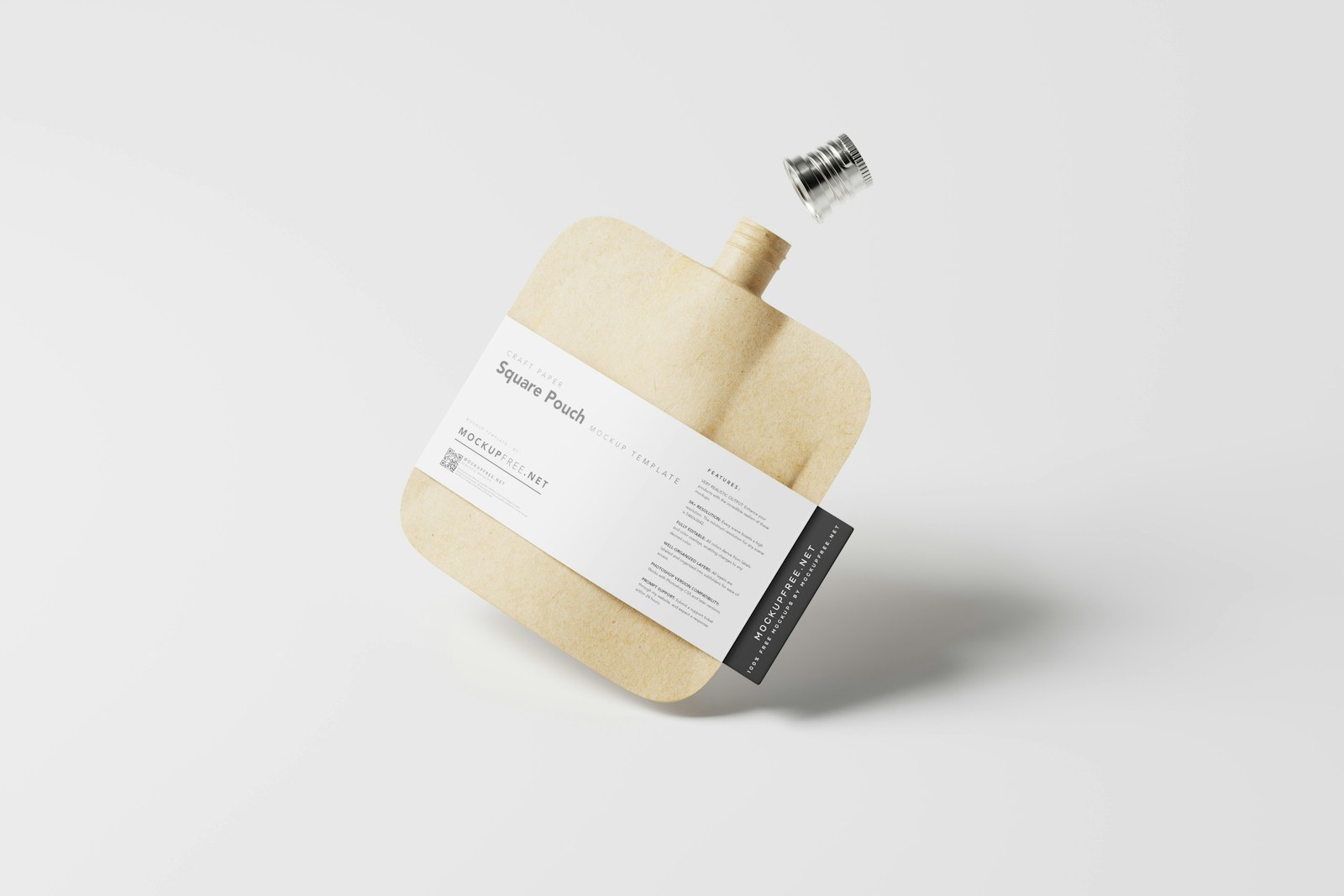
Drag to compare
Packaging PNG layer
Package with studio shadow
Extract packaging for a marketplace tile
Useful when the original photo is good but the store, banner, or ad needs a different background.
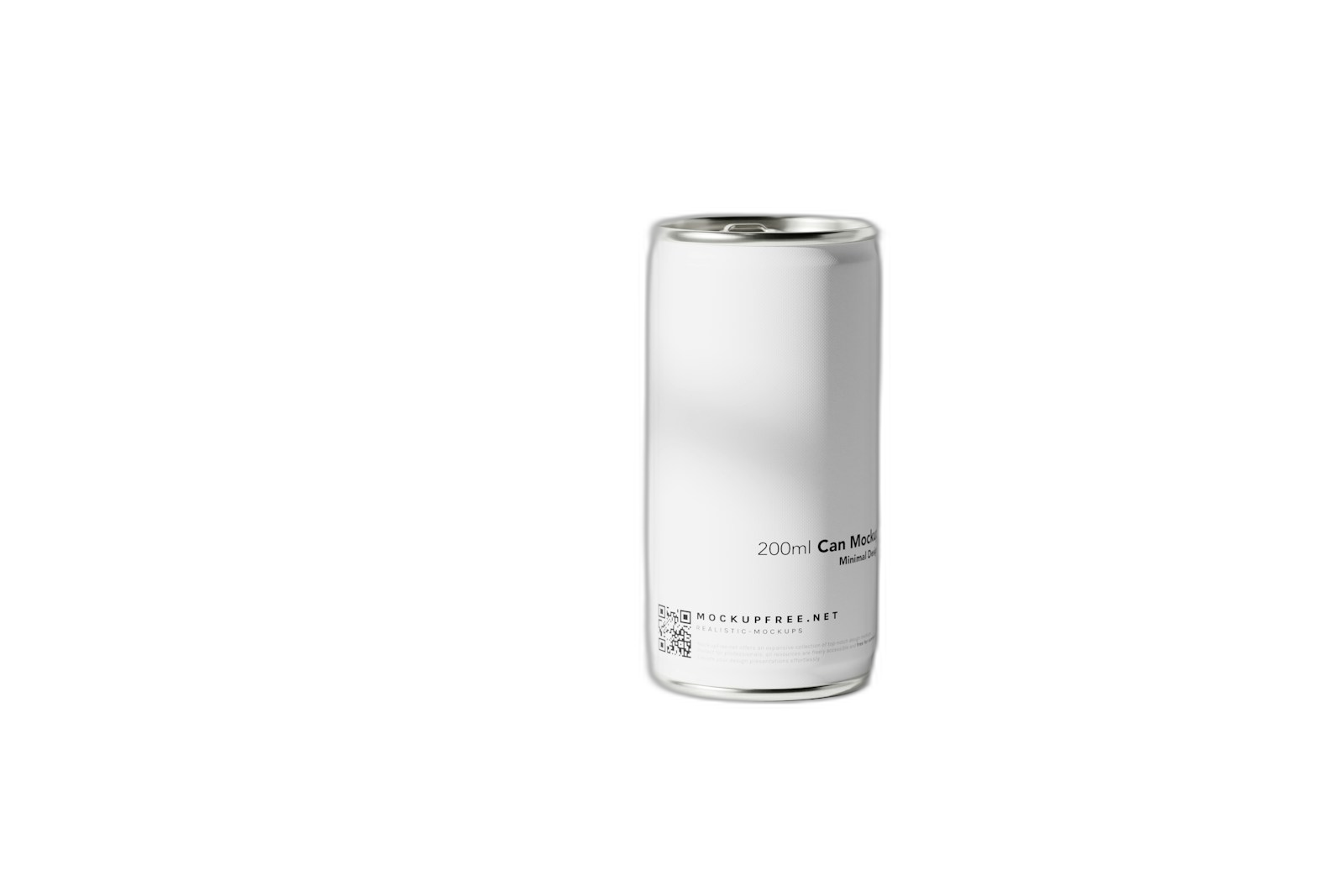
real transparent PNG
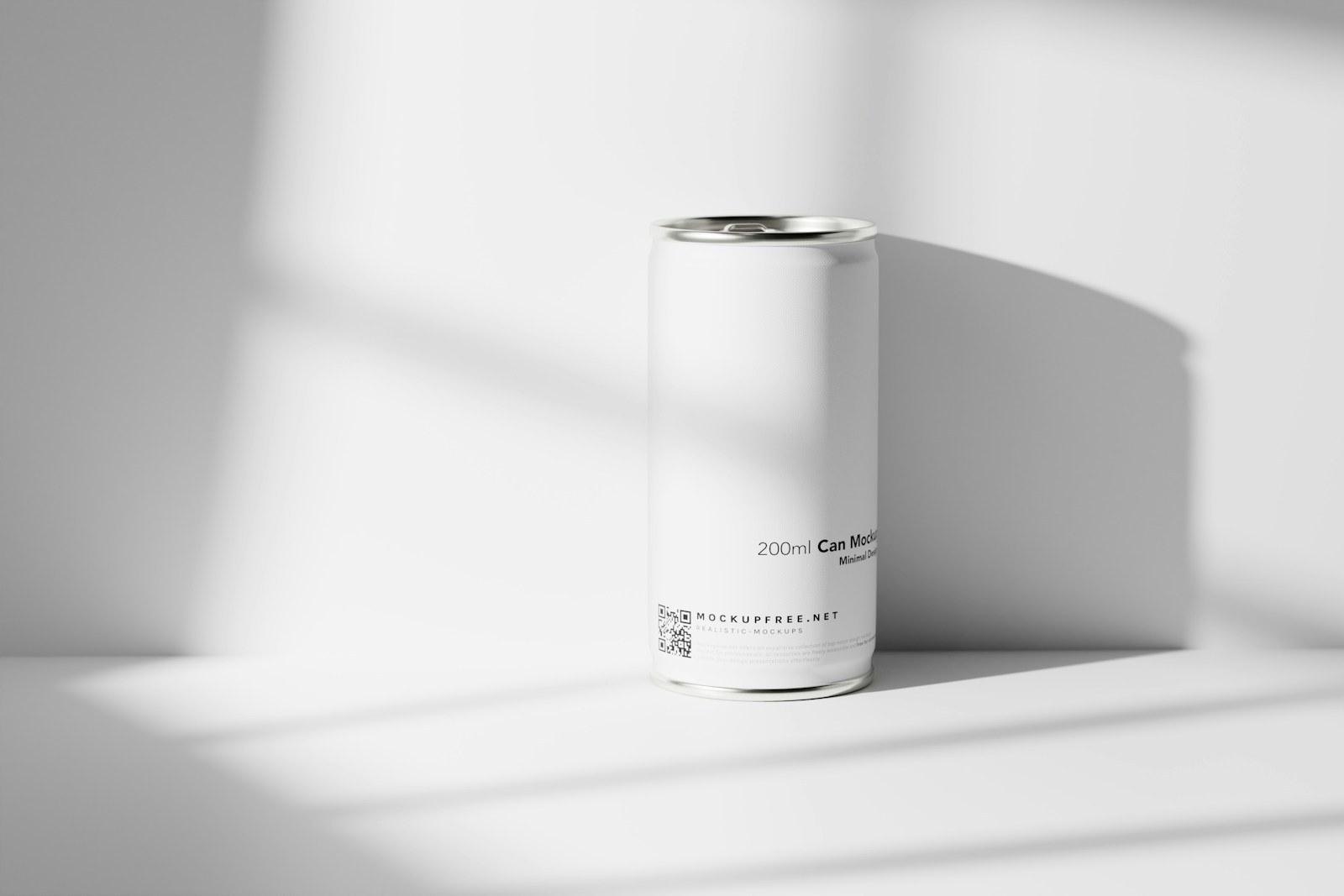
Drag to compare
Single product cutout
Can in a light scene
Isolate a can before making an ad scene
A clean object layer can move into a new generated scene, product grid, or comparison layout.

real transparent PNG

Drag to compare
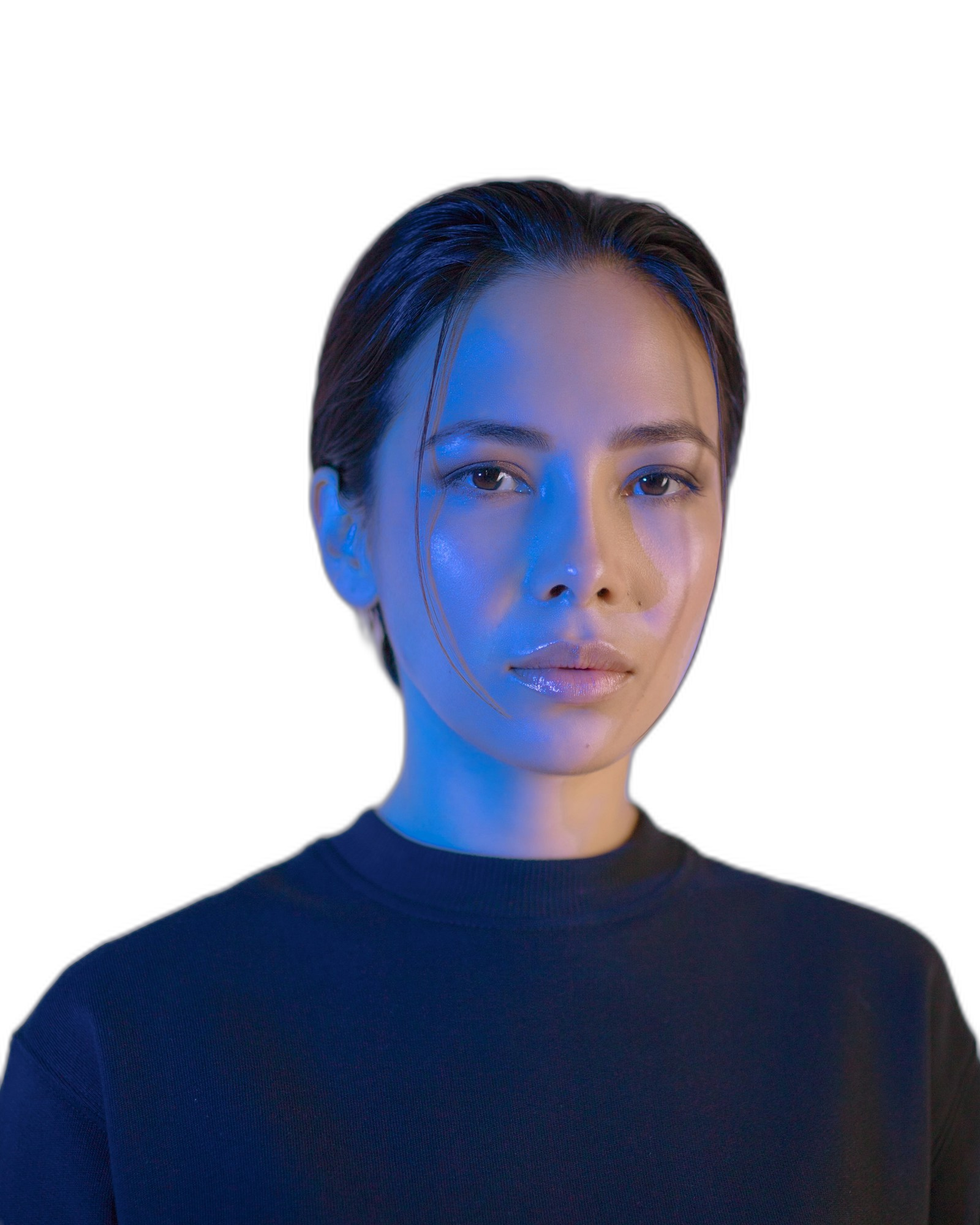
Layer-ready person
Portrait with background
Prepare a person cutout for thumbnails
Creators can reuse a portrait across covers, banners, profile graphics, and ads.
real transparent PNG

Drag to compare
Transparent creative layer
Original background
Create clean social and ad layers
A transparent output makes the next design step obvious: new background, upscale, then compress.
Use cases
Not a one-off utility. It is the next step after generation.
The page stays focused for search, but it also teaches users what else GPTIMG can finish from the same image.
Product photos
Create a clean product cutout for Shopify, Amazon, marketplace listings, and ad layouts.
Avatars and profile images
Cut out a person or character and reuse it across thumbnails, banners, and social posts.
AI-generated subjects
Take a generated object or character out of its scene so it becomes a reusable design layer.
Connected tools
One finished image usually needs one more move
After the first edit, keep the same asset moving through the rest of the suite instead of uploading it somewhere else.
Upscale the cutout
Make the transparent PNG sharper for product pages and ads.
Open Image Upscaler Online for free via AI
Erase edge distractions
Clean strange marks, labels, or leftovers around the subject.
Open Remove unwanted objects from images
Compress for upload
Export a smaller WebP or JPG after the cutout is ready.
Open Compress images online without visible quality loss
Workflows
Popular finishing paths
These are the combinations users naturally need after generating or uploading an image.
Shopify product workflow
Remove the busy scene, sharpen the product, then export a fast-loading store image.
Ad creative workflow
Create a subject layer, clean it, then upscale it for campaign layouts.
Trust
Clear limits make the tool easier to trust
Each page explains what the feature changes, which files it supports, what costs apply, and when another editing step is the better next move.
Transparent output is designed for images you own or have permission to edit.
Good cutouts need a visible subject and enough contrast.
You can continue editing the same image instead of re-uploading elsewhere.
1
Upload a subject image
Use a product, person, object, character, or generated image with a clear subject.
2
Preview the cutout
Check the subject edge, then choose transparent, white, black, or color background output.
3
Finish the asset
Upscale for sharper delivery or compress the final file for faster web upload.
Can I upscale after removing the background?
Yes. For product images, remove the background first, then upscale the clean cutout so edges and product shape stay easier to inspect.
Can I use the result as a transparent PNG?
The planned output supports transparent PNG so you can place the subject into ads, product pages, and design layouts.
What should I do if the cutout edge needs cleanup?
Send the result to the erase tool to remove edge leftovers, unwanted labels, or small artifacts.