No Ticket? Put Yourself Into 2026 World Cup Opening Night With AI
Use AI to make 2026 World Cup opening-night selfies, no-ticket posters, watch-party covers, host-city postcards, and short-video thumbnails.

David Chen
·4 min read
FIFA reported more than 500 million ticket requests after the first 2026 World Cup draw window.
In plain language: a lot of fans want in, and most of them will not be inside the stadium.
But the World Cup has never belonged only to the people in the seats.
Fans will be outside the stadium, in bars, on rooftops, in living rooms, in group chats, and on short-video feeds.
That is why I like this AI idea:
No ticket? Put yourself into opening night anyway.
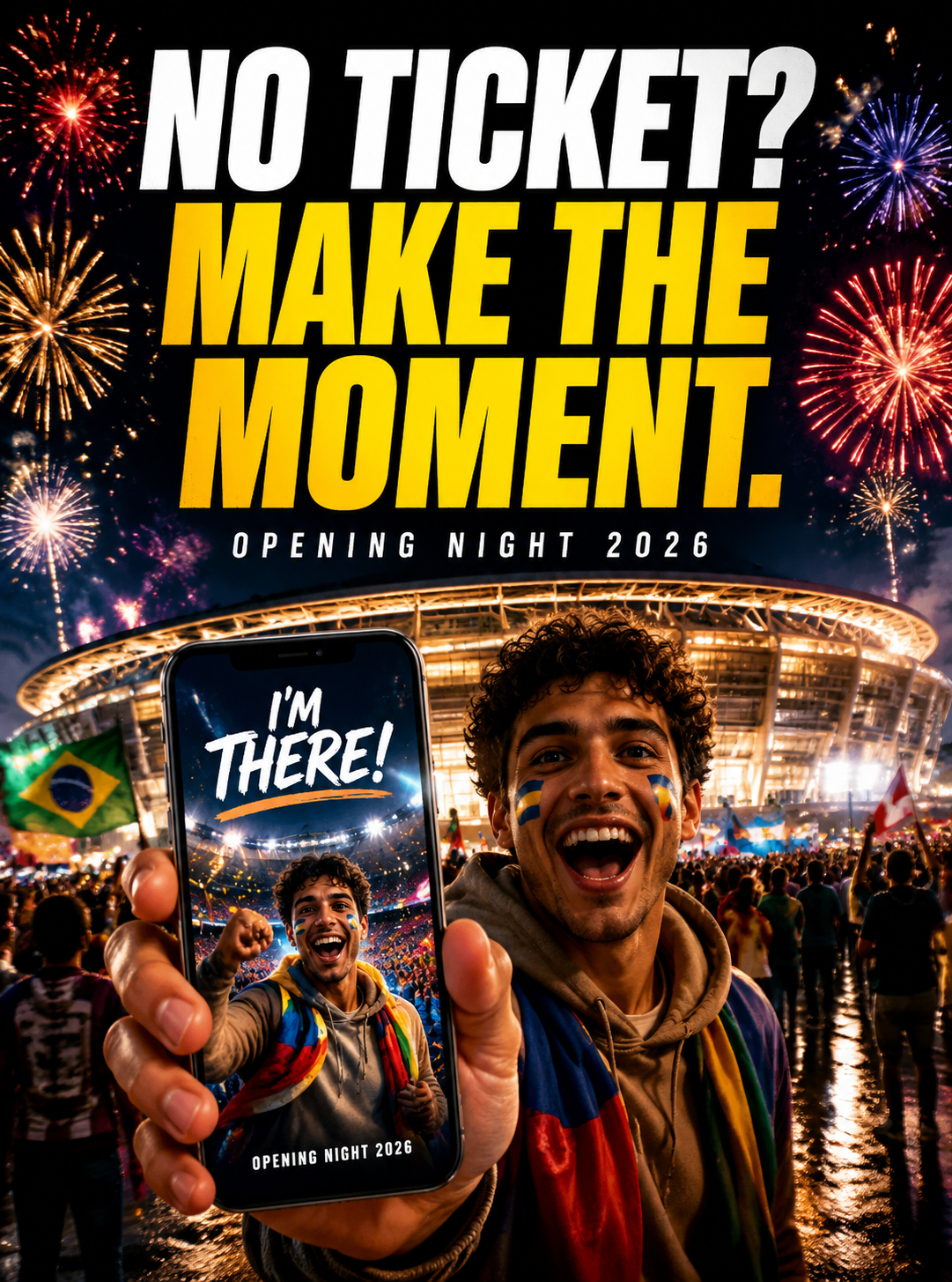
This is not just another stadium poster.
It is a set of images fans can actually post:
- opening-night selfie
- no-ticket poster
- watch-party thumbnail
- host-city postcard
- vertical short-video cover
Open the opening-night generator prompt
Upload a selfie and turn it into a dramatic 2026 opening-night fan poster outside a glowing stadium.
1. Make the “I Made It” Selfie
The most shareable opening-night image does not need a player.
It needs the feeling that you are there.
Fireworks, stadium lights, street food, scarves, a phone in your hand, and a shocked expression can do the job.
Copy this:
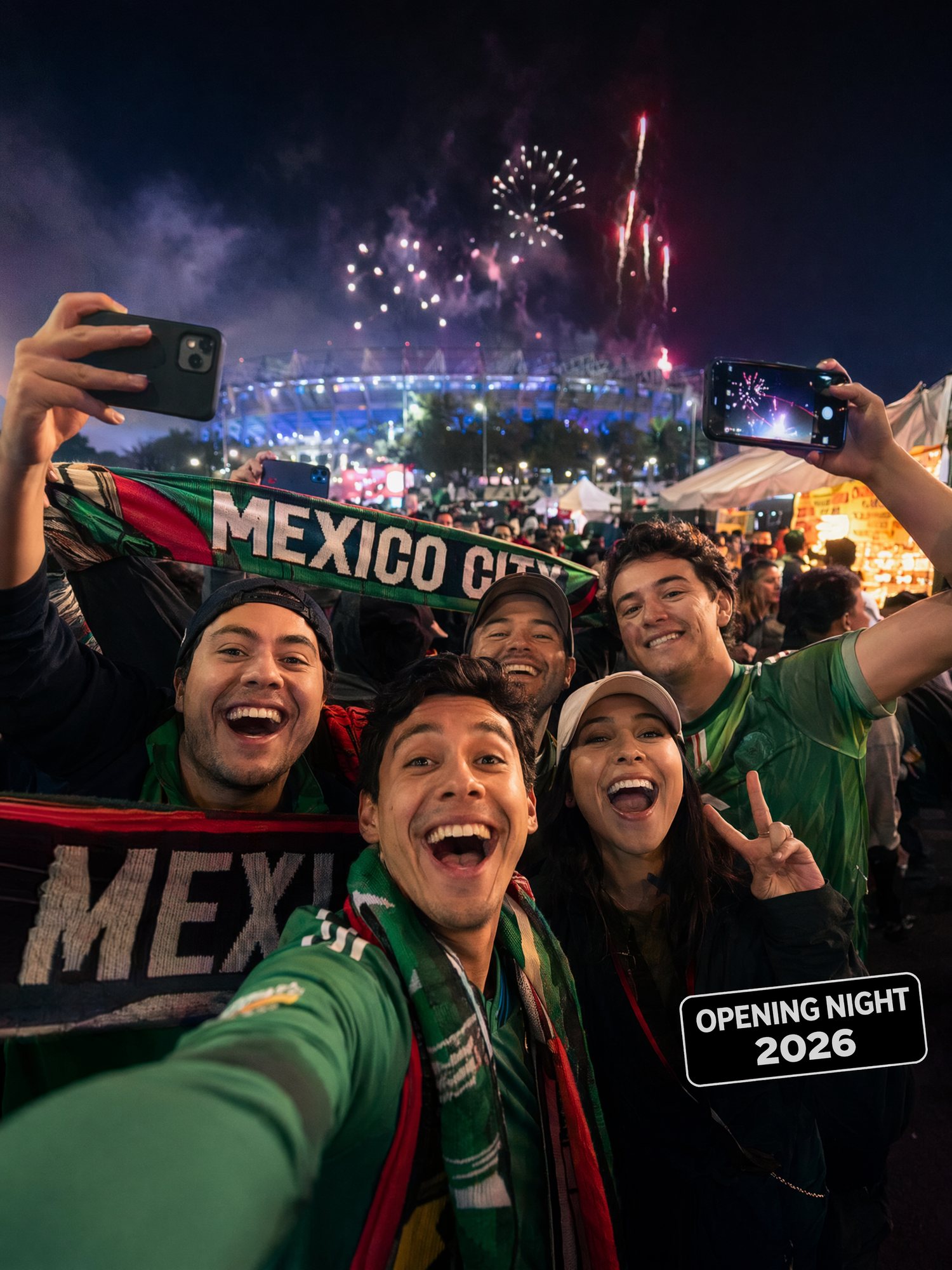
Create a 2026 football opening-night fan selfie.
Use my uploaded selfie as the main fan.
Scene: outside a glowing Mexico City stadium, fireworks, street food, flags, and excited fans.
Mood: once-in-a-lifetime, phone-camera realism, social media crop.
This works for Instagram Stories, TikTok covers, X posts, and group chats.
The viewer understands the joke immediately: you made yourself part of the moment.
2. Turn “No Ticket” Into the Hook
Not having a ticket is not a weak angle.
It is the most relatable angle.
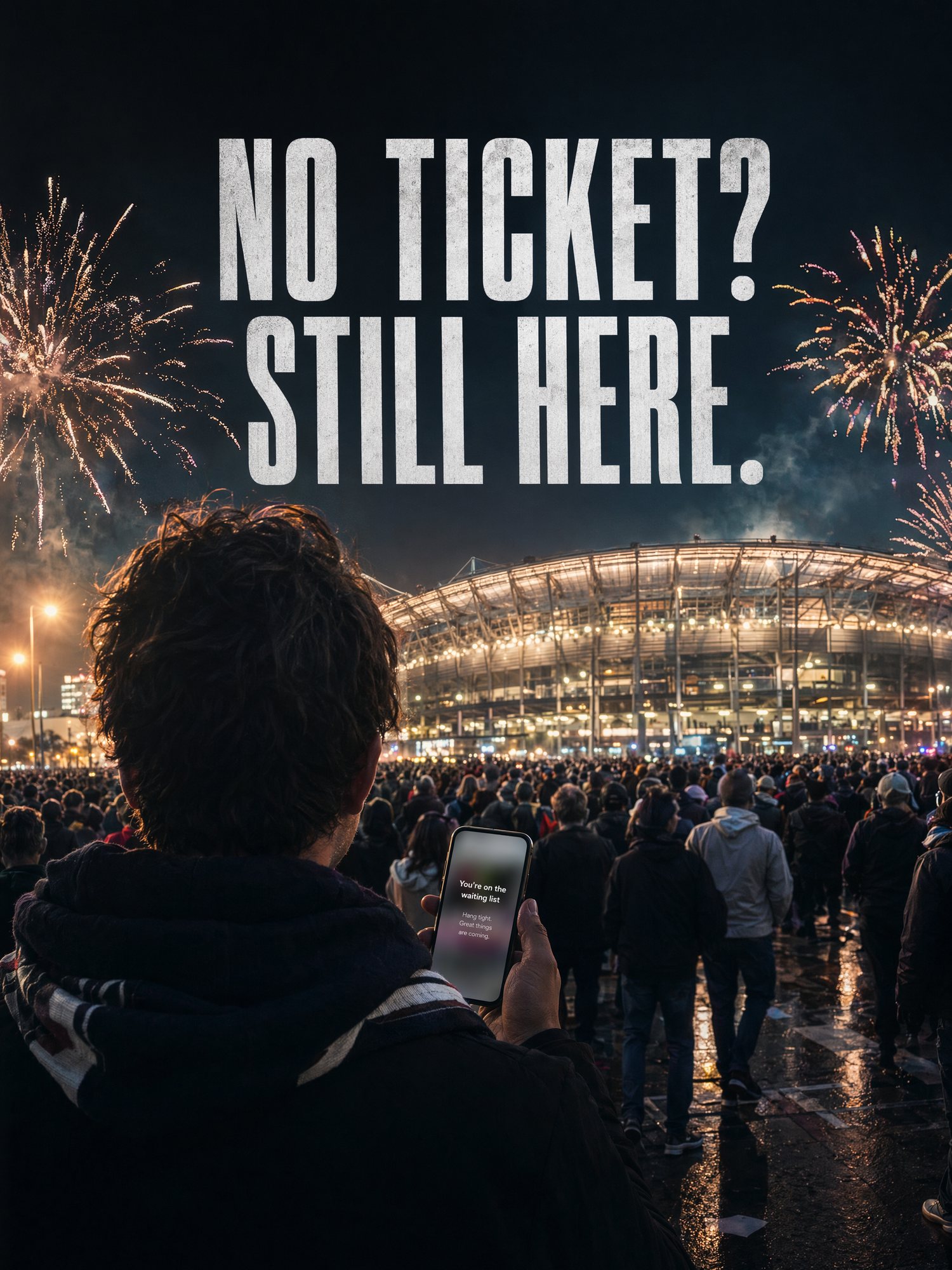
Short copy works best:
- No ticket? Still here.
- Could not get in. Still part of it.
- The stadium is full. The internet is bigger.
- Make the moment.
Use this:
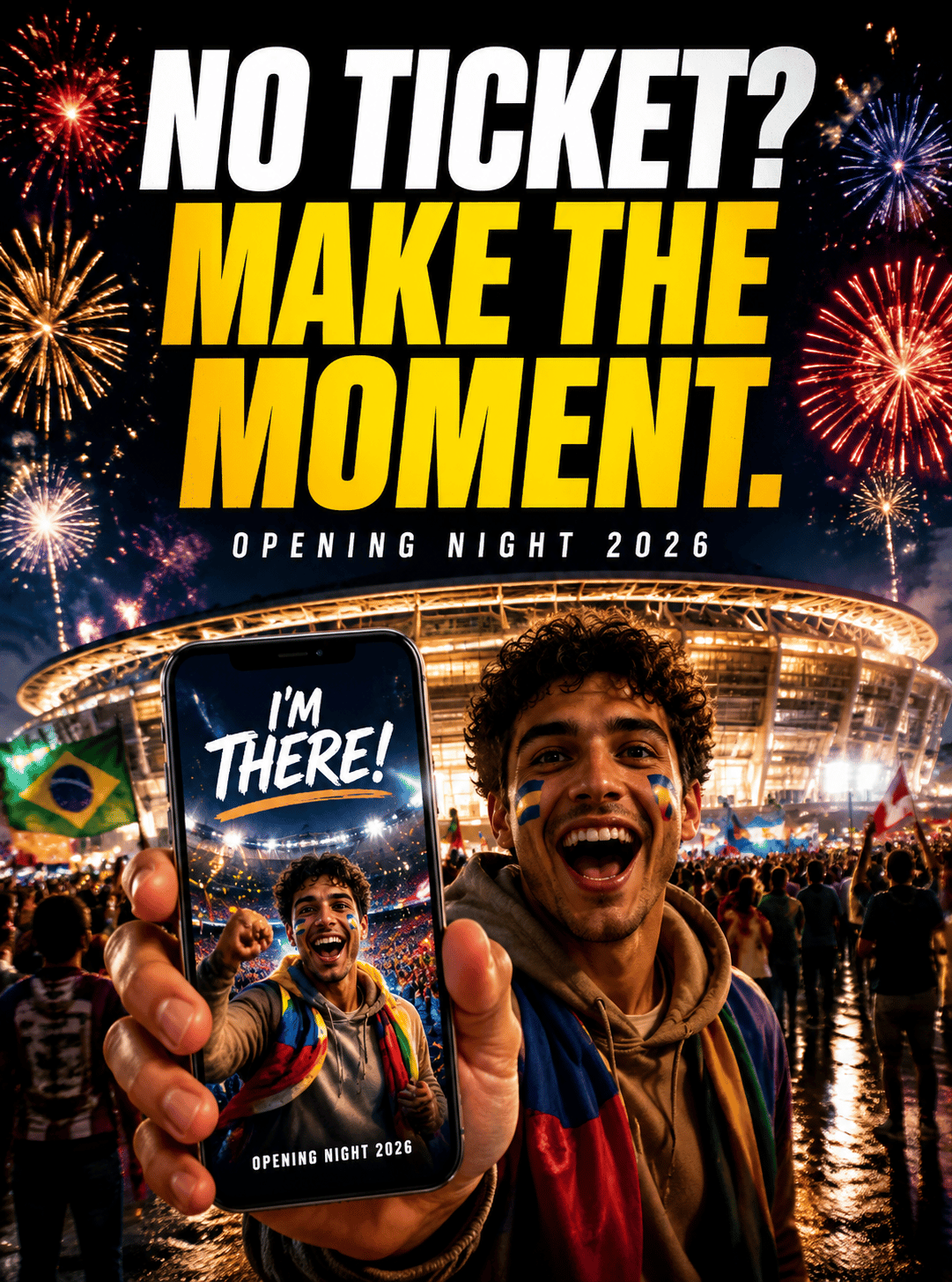
Create a dramatic 2026 football opening-night poster.
Show a fan standing outside a bright stadium, watching fireworks with thousands of people nearby.
Add a cinematic night atmosphere and a bold headline:
NO TICKET? MAKE THE MOMENT.
That is a strong short-video thumbnail because it is not trying to prove you were inside.
It says you still joined the story.
3. The Watch Party Is the Real Stadium for Most Fans
Most people will experience the World Cup in living rooms, bars, rooftops, campuses, offices, and community events.
That is a huge image opportunity.
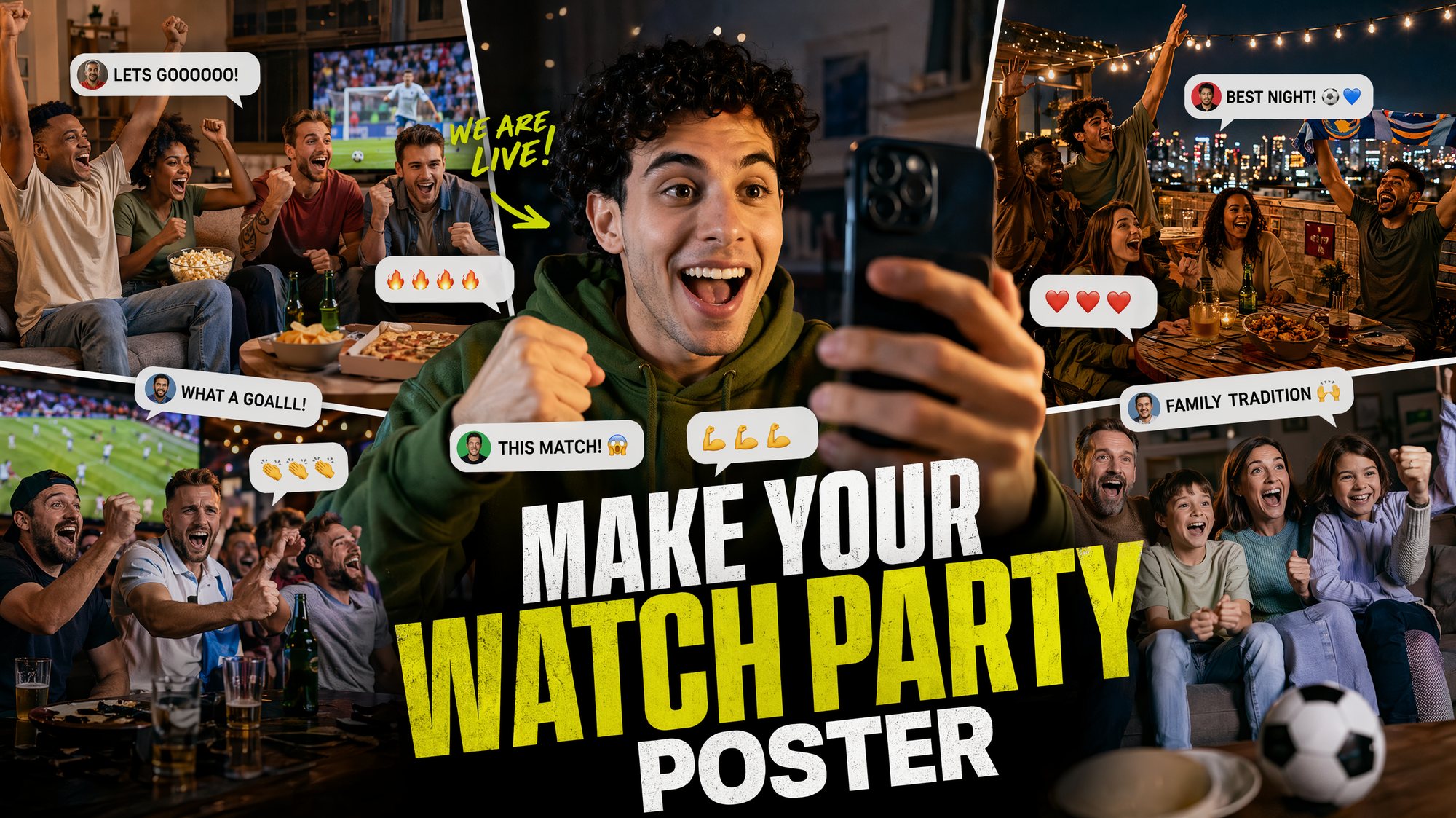
Try this:
Create a 16:9 World Cup watch-party thumbnail.
Show friends filming reactions in a living room and rooftop viewing party.
Add comment bubbles, snacks, scarves, and big match-night energy.
Headline: MAKE YOUR WATCH PARTY POSTER.
This works for bar events, office watch parties, student groups, creator thumbnails, and community posts.
4. Make Host-City Postcards Early
Before the tournament begins, people will search the host cities.
Where is the opening match? Which city should I visit? What does the trip feel like? What should a fan weekend look like?
That is why host-city postcards are worth making early.
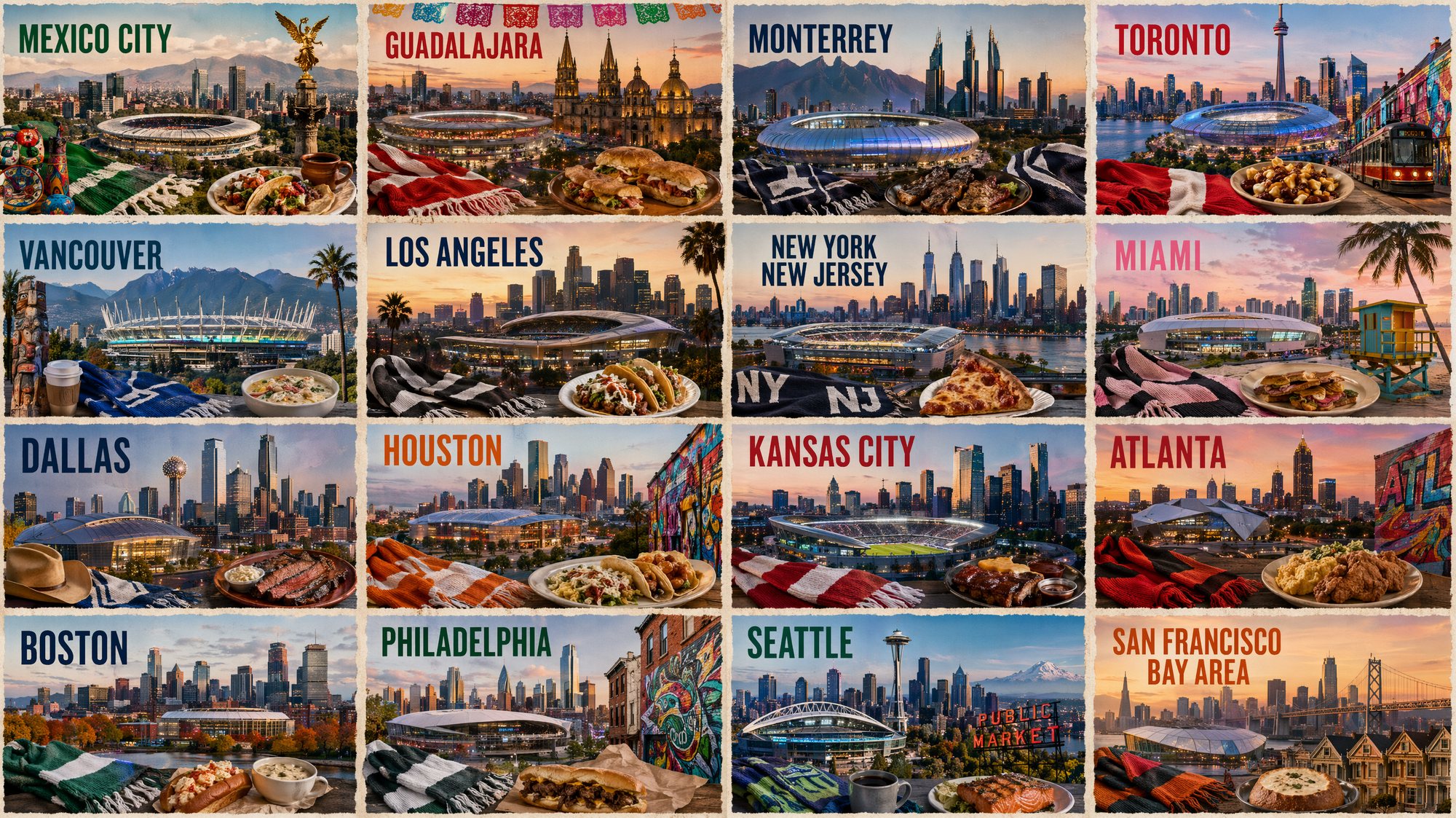
Prompt:
Create a 2026 football host-city postcard wall.
Show multiple postcards with stadium lights, city skylines, local food, fan scarves, and travel stickers.
Make it feel like a dream board for fans planning a World Cup trip.
This is not a travel guide.
It is a desire board.
How I Would Run This
I would not generate everything at once.
I would do it in this order:
- Upload a selfie and make the opening-night selfie.
- Make the no-ticket poster.
- Make the watch-party cover.
- Make the host-city postcard wall.
One image, one job.
That is much more reliable than asking for a full World Cup campaign in one prompt.
The Bottom Line
Opening night is not only for the people inside the stadium.
You can make your own version:
- I made it.
- I did not get in, but I was there.
- I watched with everyone.
- I want to go to the next city.
While everyone else is refreshing ticket news, you can already have your opening-night cover, avatar, and watch-party poster ready.
Sources: FIFA ticket demand report, FIFA match schedule, and FIFA TikTok announcement.
Frequently asked questions
Do I need a credit card to try GPT Image2 Studio?
No. Every new account starts with 30 credits on signup, then unlocks 30 more after the first successful image. Paid plans only kick in if you want more than the free ceiling.
Can I use the generated images commercially?
Yes. Every tier, including the free starter credits, comes with full commercial rights. Run ads, sell products, print on merchandise, publish on any platform. No watermark, no attribution required.
Which model should I route to for what?
Hero ads and text-heavy creative fit GPT Image 1.5 high. Product and macro texture work fit Nano Banana Pro. High-volume social iteration fits Nano Banana 2. Fast drafts and mood boards fit Z Image. The workbench can route one prompt across all of them.
How fast is a single generation?
Z Image returns in about 10 seconds. Nano Banana 2 often returns in 15 to 20 seconds. Nano Banana Pro and GPT Image 1.5 high usually take 30 to 45 seconds for standard quality, and up to about a minute for 4K high quality.
What's the difference between GPT Image 1.5 high and Nano Banana 2?
GPT Image 1.5 high is stronger for text inside images and premium ad creative. Nano Banana 2 is faster and cheaper. In production, compare both with the same prompt before choosing the final image.
Can I edit an existing image instead of generating from scratch?
Yes. Upload a reference image, then continue with image-to-image, masked edits, background removal, object cleanup, or compression inside the same workflow.
Stop guessing the model.
Run all three.
We route your prompt to GPT Image 1.5 high, Nano Banana 2, Z Image and more — same workbench, same prompt, side-by-side blind compare. 30 credits on signup, another 30 after your first successful image, and commercial rights at every tier.
30 + 30
Free credits
5+
SOTA models
30s
To first render