The prompt engineering playbook for Nano Banana Pro
Structure, lighting, composition, and camera language that actually move the needle when prompting Nano Banana Pro for commercial work.

Sarah Thompson
·4 min read

The first commercial prompt I ever wrote for Nano Banana Pro was this: "a beautiful bottle of perfume on a marble surface, high quality, 8k, professional."
What I got back was AI slop. I was furious — I'd watched the same prompt produce gorgeous Midjourney output the month before. I almost blamed the model. Then I read the docs, ran a hundred A/B prompts in a weekend, and figured out the real rule.
Nano Banana Pro is the most literal model I've used. That's a feature, not a bug — it does exactly what you tell it. Which means the quality of your output is 80% prompt format, 20% luck. Adjective dumps don't work. A five-slot grammar does.
Here's the structure I now use for every commercial shoot — the same one I wish someone had handed me my first weekend.
The five-slot prompt
[Subject] [Action/Pose] [Environment] [Lighting] [Camera + Lens]Every slot in order. No adjectives bolted on at the end.
Bad:
a beautiful bottle of perfume on a marble surface, high quality, 8k, professional
Good:
A clear glass perfume bottle with a gold-tone cap, standing upright on a polished white-marble slab, soft morning light from a north-facing window casting a gentle diagonal shadow, shot on a Canon R5 with a 100mm macro lens at f/5.6
The second prompt gets you a usable product shot. The first gets you AI slop.
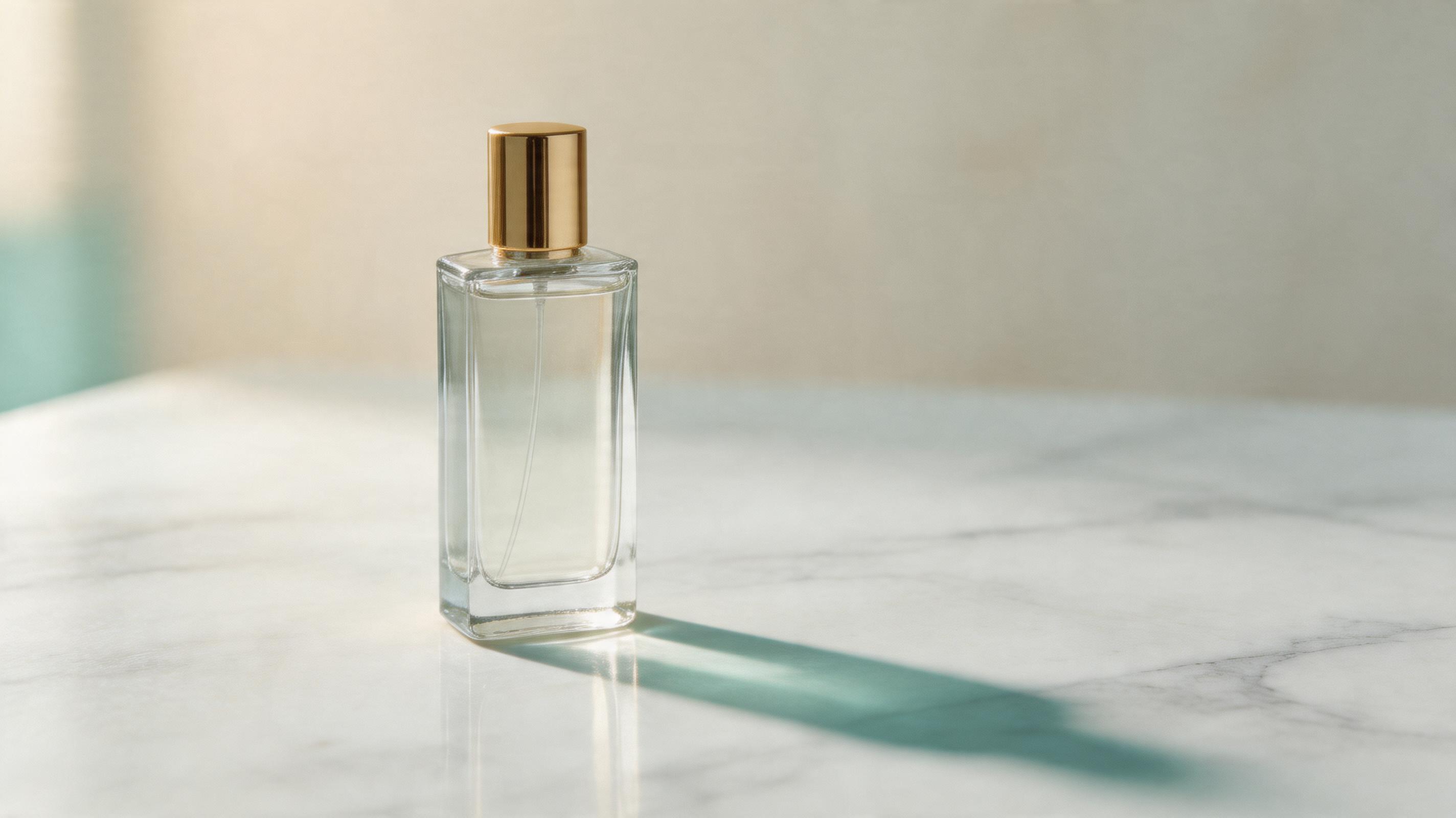
Use the five-slot format on a real product image brief.
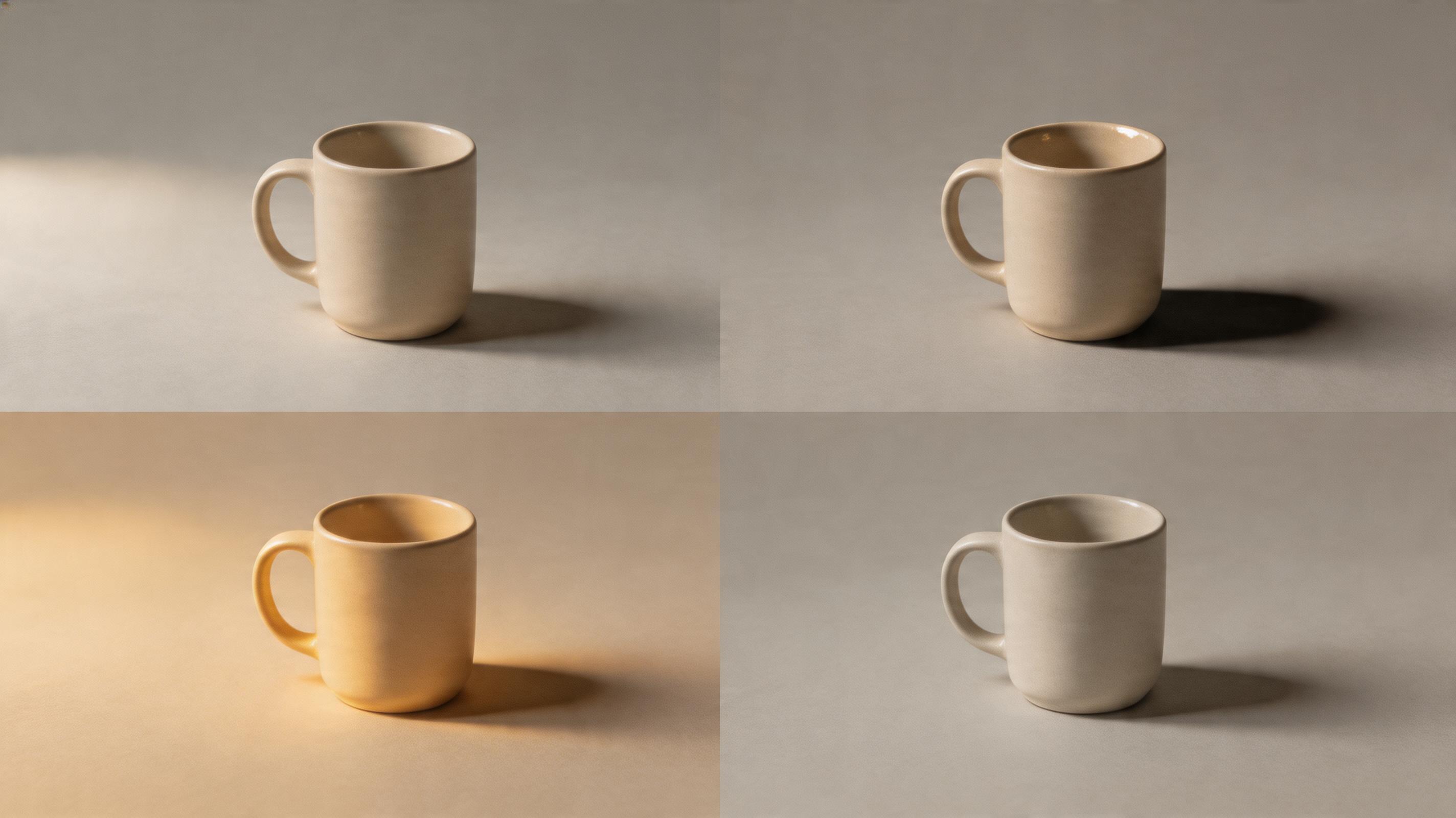
Generate three versions, then inspect the subject shape, lighting direction, and material texture before you spend time editing.
Lighting language that works
- "Soft morning light from a north-facing window" → even, product-friendly
- "Hard overhead studio light with a black bounce card on the left" → high-contrast, editorial
- "Golden-hour side light from frame-right, warm color temperature" → lifestyle, outdoor
- "Overcast daylight, diffuse, no visible shadows" → technical/spec imagery
Avoid: "cinematic lighting," "dramatic lighting," "perfect lighting." These adjectives don't point the model at anything specific.
Camera language that works
Nano Banana Pro responds to real camera gear. Three safe templates:
- Product: "Canon R5 + 100mm macro lens at f/5.6"
- Lifestyle: "Fujifilm X-T5 + 35mm f/1.4 at f/2.8, natural ISO"
- Editorial: "Hasselblad H6D-100C + 80mm lens at f/8, medium format"
The model uses these as style tokens. You don't actually need to own the camera — you're telling the model which image distribution to sample from.
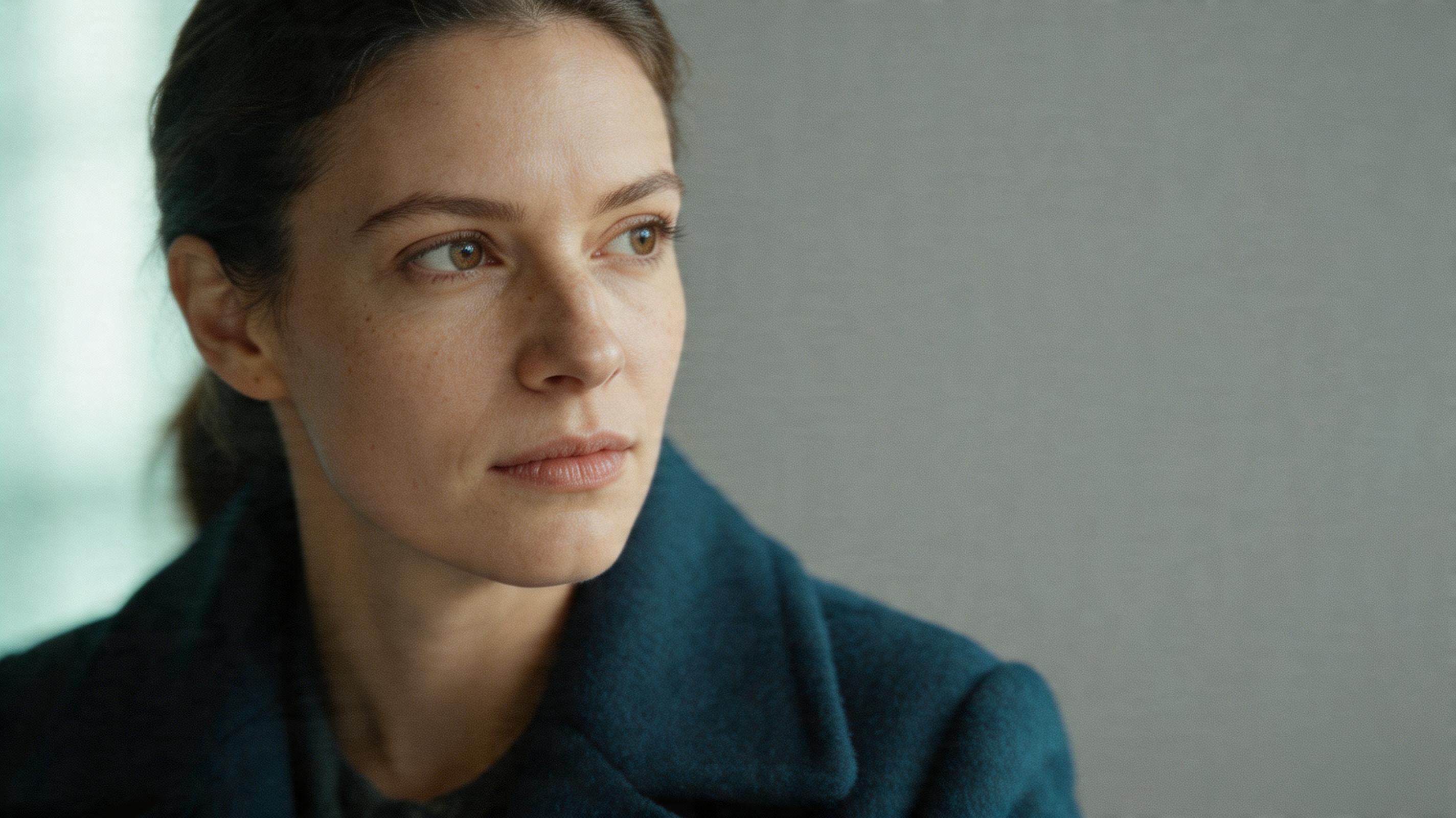
Aspect ratio matters more than you think
Pick your ratio before you write the prompt, not after. A 1:1 square and a 16:9 landscape aren't the same image cropped — they compose differently in the model's latent space.
- 1:1: social posts, thumbnails, profile images
- 4:5: Instagram feed, Pinterest
- 9:16: stories, reels, TikTok
- 16:9: hero banners, YouTube thumbnails, landing page hero
- 3:2: editorial, blog hero images
- 2:3: print, poster, book cover
What to leave out
- "Highly detailed" — redundant, adds noise
- "8K, 4K, HD" — doesn't affect quality, just wastes tokens
- "Masterpiece, award-winning" — triggers a generic aesthetic
- Long style stacks ("by Greg Rutkowski in the style of...") — dilutes control
The iteration loop
I budget three generations per final image:
- First pass: full prompt as written, 1 image
- Refine: adjust lighting or camera based on what the first render got wrong
- Polish: tighten composition, add or remove one detail
If you're on GPT Image2 Studio Basic, that's ~60-90 credits (roughly 2-3 Nano Banana Pro renders) per final. Realistic.
The one-sentence rule
If your prompt is longer than two sentences, you're confusing the model. Cut it down. Every word should earn its place.
The Bottom Line
- Use the five-slot grammar: Subject → Action → Environment → Lighting → Camera. Every slot in order, no adjectives bolted onto the end.
- Strip the adjective dumps — "8k, masterpiece, highly detailed" adds noise, not quality.
- Lighting and camera language is your real lever — name the window, name the lens.
- Pick aspect ratio before you write the prompt, not after. Different ratios are different latent compositions, not crops.
- Budget 3 generations per final image — you'll iterate. Build a winning-prompt library by category and reuse aggressively.
Try the five-slot grammar on your own product photo — every new account starts with 30 credits and unlocks 30 more after the first successful image: gptimg.app/.
Frequently asked questions
Do I need a credit card to try GPT Image2 Studio?
No. Every new account starts with 30 credits on signup, then unlocks 30 more after the first successful image. Paid plans only kick in if you want more than the free ceiling.
Can I use the generated images commercially?
Yes. Every tier, including the free starter credits, comes with full commercial rights. Run ads, sell products, print on merchandise, publish on any platform. No watermark, no attribution required.
Which model should I route to for what?
Hero ads and text-heavy creative fit GPT Image 1.5 high. Product and macro texture work fit Nano Banana Pro. High-volume social iteration fits Nano Banana 2. Fast drafts and mood boards fit Z Image. The workbench can route one prompt across all of them.
How fast is a single generation?
Z Image returns in about 10 seconds. Nano Banana 2 often returns in 15 to 20 seconds. Nano Banana Pro and GPT Image 1.5 high usually take 30 to 45 seconds for standard quality, and up to about a minute for 4K high quality.
What's the difference between GPT Image 1.5 high and Nano Banana 2?
GPT Image 1.5 high is stronger for text inside images and premium ad creative. Nano Banana 2 is faster and cheaper. In production, compare both with the same prompt before choosing the final image.
Can I edit an existing image instead of generating from scratch?
Yes. Upload a reference image, then continue with image-to-image, masked edits, background removal, object cleanup, or compression inside the same workflow.
Stop guessing the model.
Run all three.
We route your prompt to GPT Image 1.5 high, Nano Banana 2, Z Image and more — same workbench, same prompt, side-by-side blind compare. 30 credits on signup, another 30 after your first successful image, and commercial rights at every tier.
30 + 30
Free credits
5+
SOTA models
30s
To first render