Make the 2026 World Cup Photo You’ll Never Get
Upload a selfie and turn it into a 2026 World Cup fan edit with stadium lights, last-dance emotion, new-era storylines, comeback murals, and shareable match-day posters.

Emily Rodriguez
·5 min read
TL;DR: The most clickable 2026 World Cup AI image is not a generic football poster. It is a fan fantasy: upload your selfie and make the World Cup photo you could never get in real life.
I started with a very simple sentence:
I want a World Cup photo with my favorite player.
That sentence works because every fan already has a version of it. A tunnel shot with Ronaldo. A last-dance moment with Messi. A new-era poster for Mbappe, Lamine Yamal, or Jude Bellingham. A comeback mural for Neymar.
The image does not need to explain the entire tournament.
It needs to make the fan feel like they entered the story.
Start With the Photo Fans Could Never Take
A normal football poster is easy to ignore.
A photo you were never close enough to take is harder to ignore.
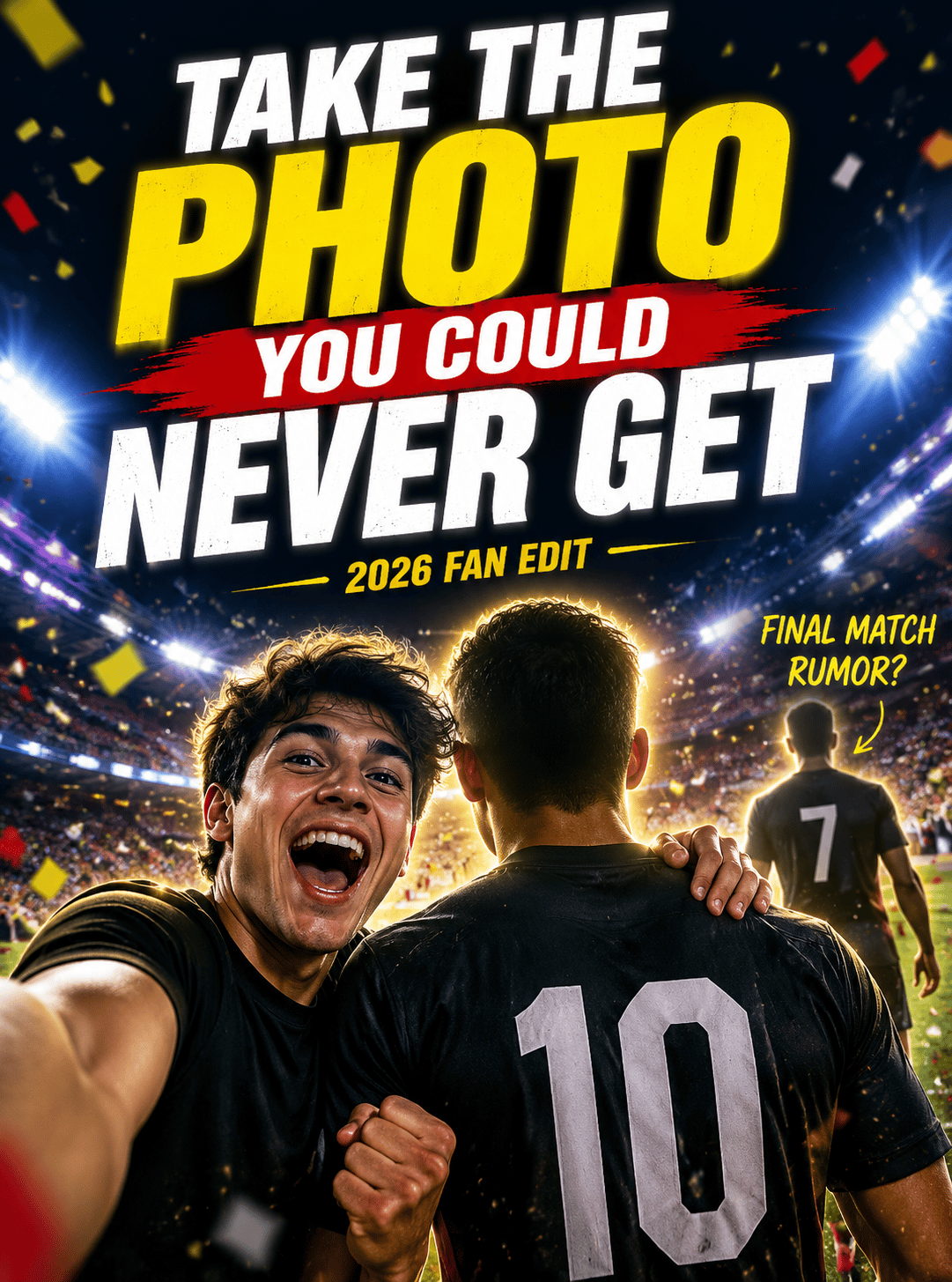
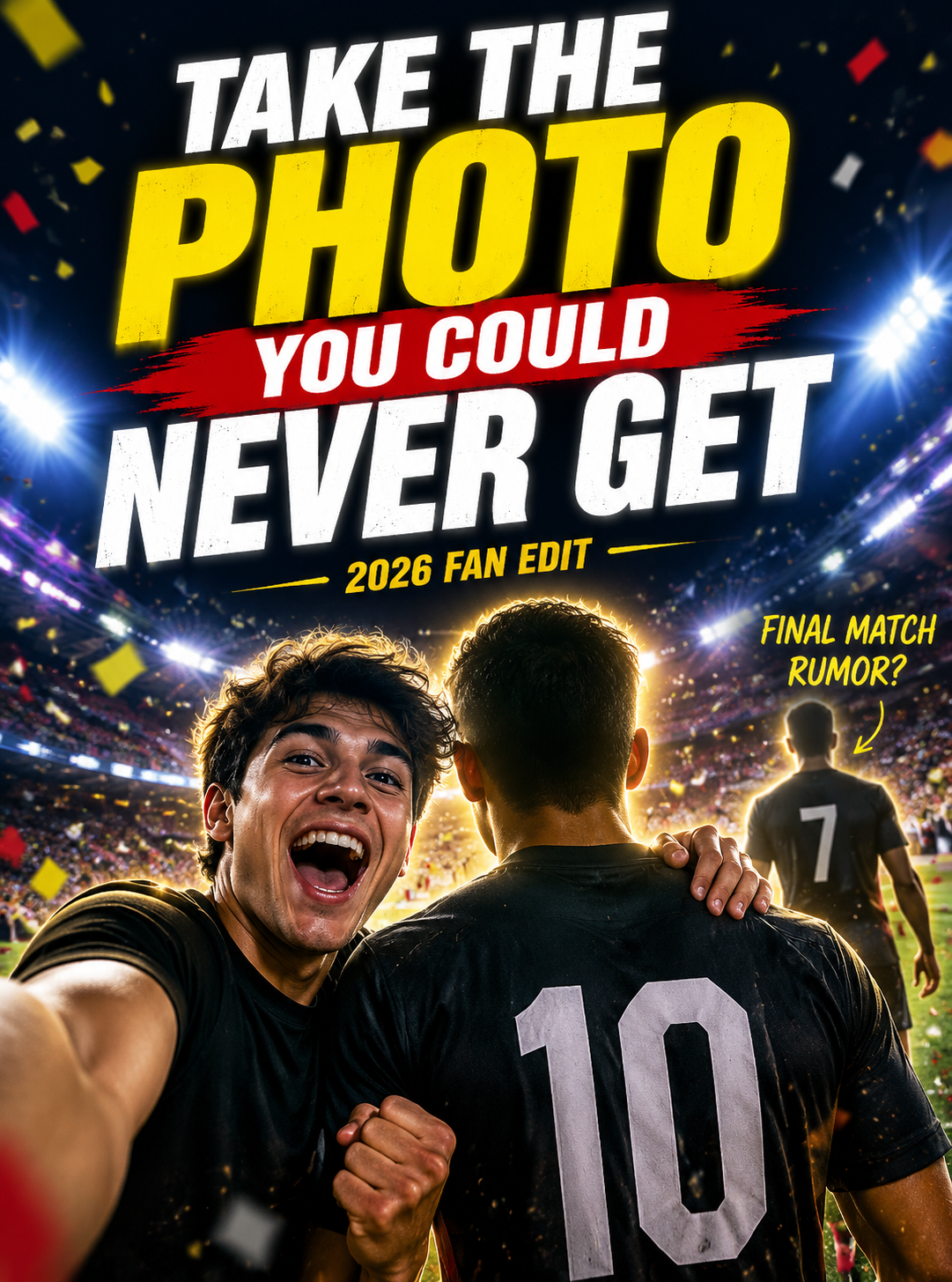
The simplest composition is this: your selfie in the foreground, a back-facing number 10 or number 7 player beside you, stadium lights above, confetti in the air, and one loud headline.
Open the 2026 fan-photo template
Upload a selfie, then generate a fan edit beside a back-facing number 10 football silhouette. The player is symbolic; the moment is yours.
Use this visible prompt:
Use my uploaded selfie as the fan in the foreground.
Place me beside a back-facing number 10 football legend under stadium lights.
Add gold confetti, match-night energy, and a bold poster headline:
TAKE THE PHOTO YOU COULD NEVER GET.
Make it feel like a viral 2026 fan edit.
1. The Last-Dance Poster
Football has one emotion that never gets old: this might be the last time.
That is why Messi, Ronaldo, Last Dance, and 2026 World Cup belong in the same conversation.
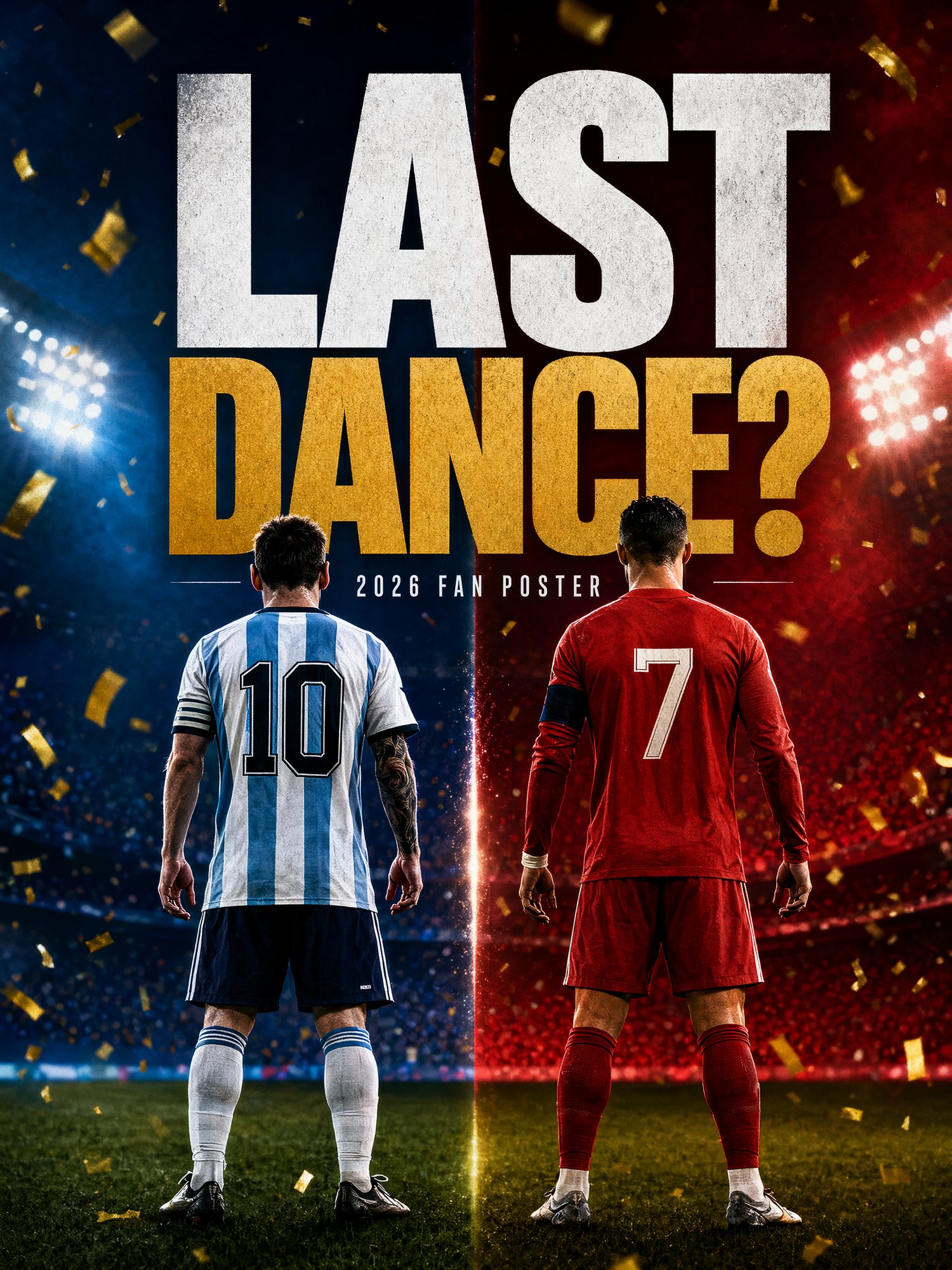
The image can be simple: number 10 and number 7 from behind, walking toward the lights, gold confetti falling, giant text asking one question.
Prompt:
Create a 2026 football fan poster.
Show two back-facing legendary football silhouettes:
one number 10 and one number 7.
Use stadium lights, gold confetti, tunnel shadows, and a final-match mood.
Headline: LAST DANCE?
This is a better social image than a plain match poster because it asks fans to answer.
2. The New-Era Poster
The next viral lane is the succession debate.
Who owns 2026: Mbappe, Yamal, Bellingham, Vinicius, Haaland, or someone nobody expects yet?
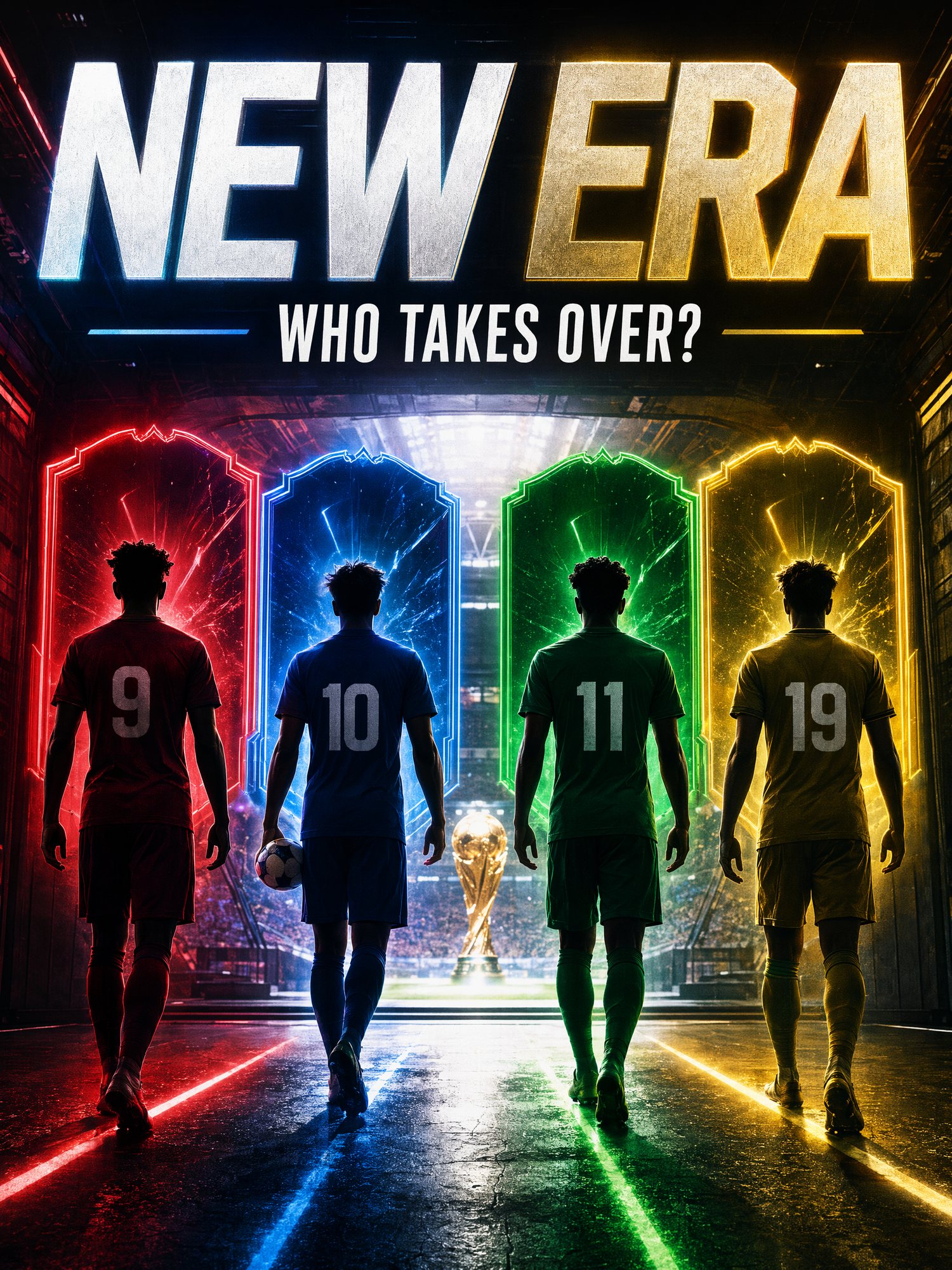
Make the image feel like a debate card:
- Stadium tunnel
- Back-facing silhouettes
- Glowing shirt numbers
- Trading-card lighting
- One giant headline: WHO TAKES OVER?
Prompt:
Create a 2026 football new-era poster.
Show four young football silhouettes walking through a glowing stadium tunnel.
Use trading-card lighting, neon rim light, and giant text:
WHO TAKES OVER?
Make it feel like a debate poster fans would repost.
3. The Selfie Upload Is the Conversion Moment
The strongest reaction is not “nice image.”
It is:
Can I make this with my own photo?
That is why the article should show the workflow clearly.
- Upload a selfie.
- Pick the story: last dance, new era, comeback, opening night.
- Choose a crop: avatar, poster, phone wallpaper, short-video cover.
- Keep the headline short enough to read at phone size.
Copy this:
Use my uploaded selfie as the main fan.
Put me inside a 2026 football match-night scene.
Add stadium lights, crowd energy, scarf details, and a cinematic poster crop.
Headline: I WAS THERE.
4. The Comeback Mural
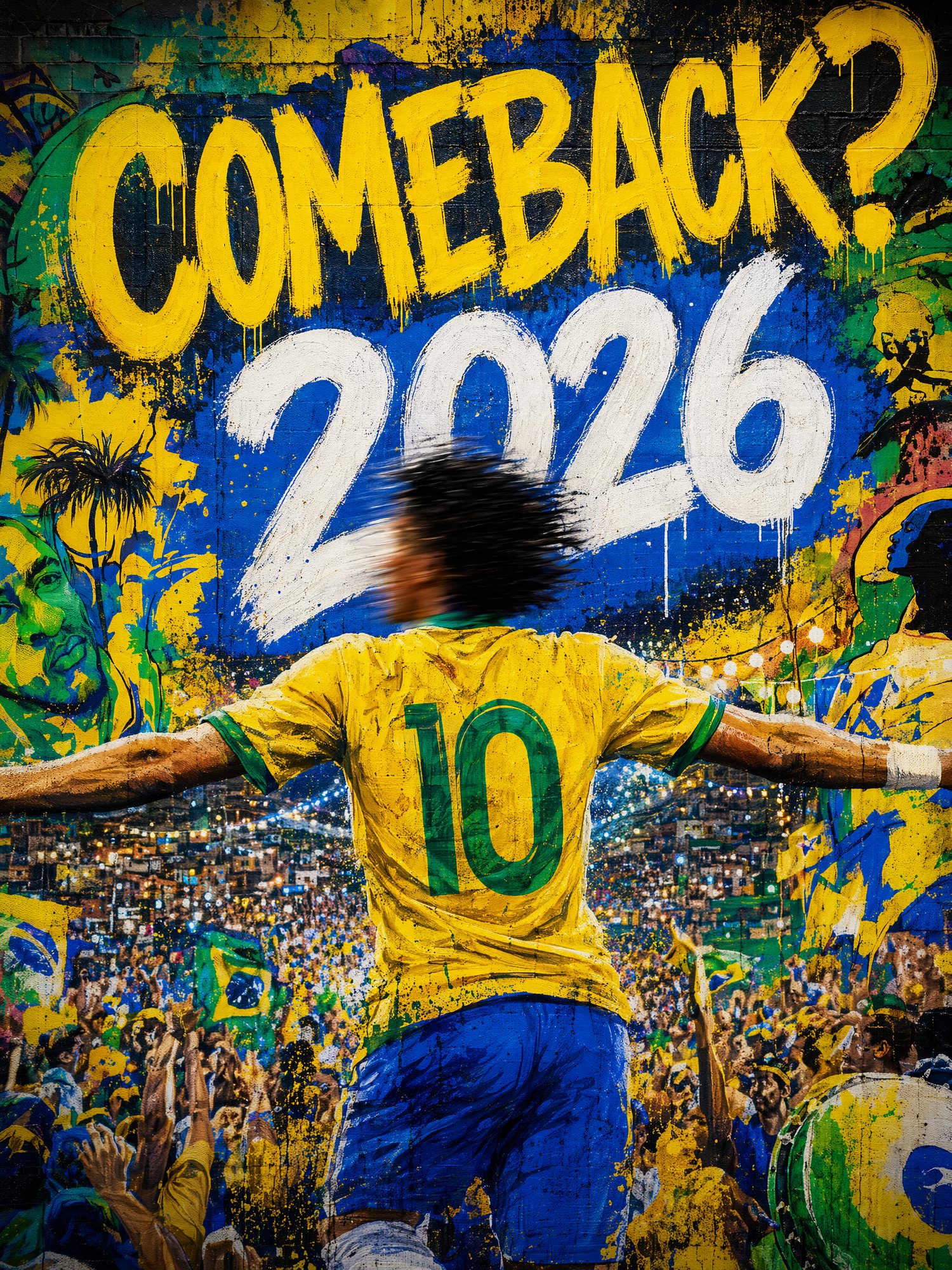
Comeback stories do not need a clean stadium poster.
They need street art energy: spray paint, carnival color, yellow-green light, motion blur, and one impossible question.
Prompt:
Create a 2026 football comeback mural.
Show a number 10 attacker from behind, surrounded by carnival crowd energy.
Use spray-paint texture, motion blur, yellow-green light, and giant text:
COMEBACK? 2026.
The Bottom Line
The viral angle is not “AI can make football images.”
The viral angle is:
You can make the World Cup photo you were never close enough to take.
Use star storylines to create the hook. Use the fan’s selfie to create ownership. Then send the reader straight into a generator with the idea already loaded.
Frequently asked questions
Do I need a credit card to try GPT Image2 Studio?
No. Every new account starts with 30 credits on signup, then unlocks 30 more after the first successful image. Paid plans only kick in if you want more than the free ceiling.
Can I use the generated images commercially?
Yes. Every tier, including the free starter credits, comes with full commercial rights. Run ads, sell products, print on merchandise, publish on any platform. No watermark, no attribution required.
Which model should I route to for what?
Hero ads and text-heavy creative fit GPT Image 1.5 high. Product and macro texture work fit Nano Banana Pro. High-volume social iteration fits Nano Banana 2. Fast drafts and mood boards fit Z Image. The workbench can route one prompt across all of them.
How fast is a single generation?
Z Image returns in about 10 seconds. Nano Banana 2 often returns in 15 to 20 seconds. Nano Banana Pro and GPT Image 1.5 high usually take 30 to 45 seconds for standard quality, and up to about a minute for 4K high quality.
What's the difference between GPT Image 1.5 high and Nano Banana 2?
GPT Image 1.5 high is stronger for text inside images and premium ad creative. Nano Banana 2 is faster and cheaper. In production, compare both with the same prompt before choosing the final image.
Can I edit an existing image instead of generating from scratch?
Yes. Upload a reference image, then continue with image-to-image, masked edits, background removal, object cleanup, or compression inside the same workflow.
Stop guessing the model.
Run all three.
We route your prompt to GPT Image 1.5 high, Nano Banana 2, Z Image and more — same workbench, same prompt, side-by-side blind compare. 30 credits on signup, another 30 after your first successful image, and commercial rights at every tier.
30 + 30
Free credits
5+
SOTA models
30s
To first render