I Turned One Product Photo Into a Full Ecommerce Image Set With AI
A practical AI workflow for turning one product reference into ecommerce hero images, studio shots, lifestyle visuals, detail-page graphics, ad creatives, and social covers.

David Chen
·5 min read
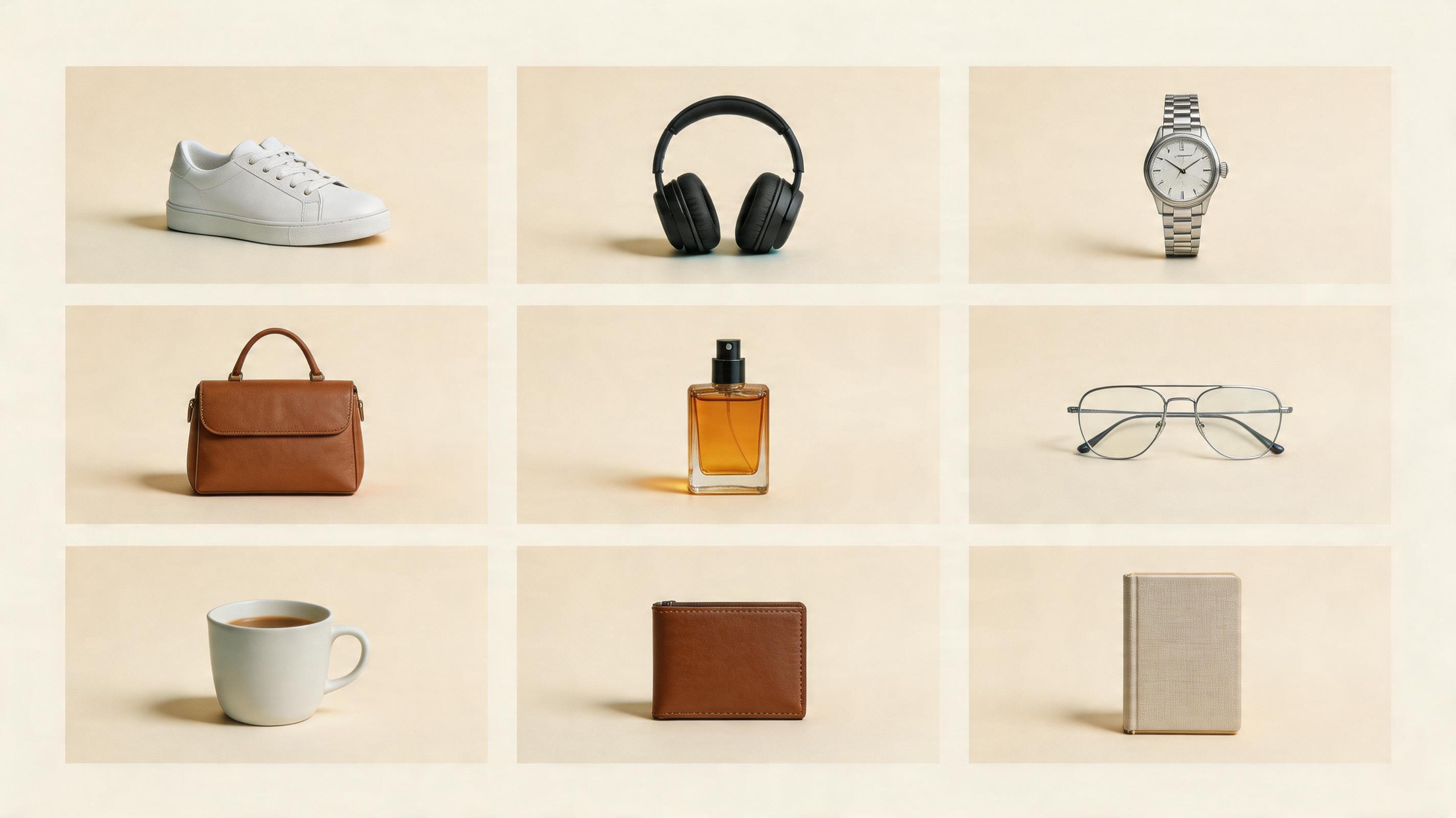
A product team rarely needs just one nice image.
They need the hero image, the clean studio shot, the lifestyle image, the detail-page graphic, the ad creative, and the social cover.
That is why I tested a simple question:
Can one product reference photo become a usable ecommerce image set with AI?
The short answer is yes, but not if you ask for everything in one prompt.
The useful way is to make one image for one job.
Start With the Asset List
The worst prompt is something like:
Make a premium ecommerce product image set.It sounds fine, but it gives the model too much room to guess.
I split the set into five images:
- White-background hero image: make the product clear.
- Studio product shot: make the product feel premium.
- Lifestyle image: show where the product belongs.
- Detail-page image: explain two or three key benefits.
- Social cover: make someone stop scrolling.
Once the jobs are clear, the images get much better.
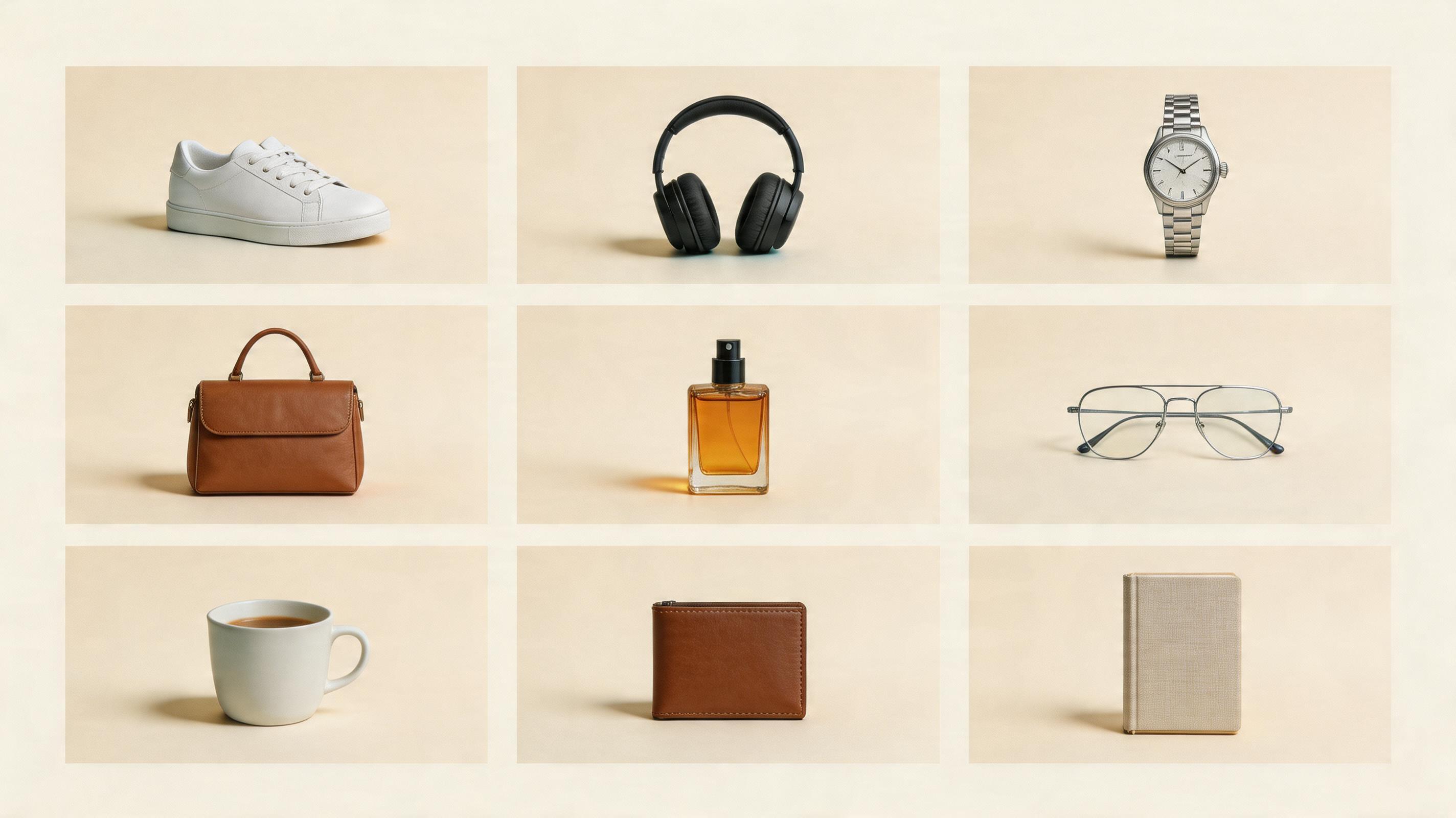
Generate the first ecommerce hero image
Upload a product reference and start with a clean 3:4 ecommerce product image before expanding the set.
1. The Hero Image Should Be Boring on Purpose
The hero image is not the place to show off.
It has one job: help shoppers understand exactly what they are looking at.
Create a clean ecommerce hero product image from the uploaded product reference.
Use a white or light neutral background.
Place the product in the center with realistic studio lighting and a soft contact shadow.
Keep the product clear, sharp, and suitable for a marketplace listing.
Add props only after the hero image is stable.
Clean hero images are the anchor of the whole set.
2. The Studio Shot Adds Premium Feel
After the hero image, I make one quieter studio shot.
This is where lighting, shadows, texture, and surface choice matter.
Create a premium studio product photo from the uploaded product reference.
Place the product on a simple stone, acrylic, wood, or matte surface.
Use soft directional lighting, realistic shadows, and a clean commercial background.
Make it feel suitable for a product detail page or brand store.
This image usually works well on product pages, collection pages, and landing pages.
3. The Lifestyle Image Should Explain Use
Lifestyle images are tempting because AI can make them dramatic fast.
But a lifestyle image should not just decorate the product.
It should explain how the product fits into someone’s life.
Create a lifestyle ecommerce image using the uploaded product.
Place the product in a realistic usage scene: [write the scene].
The environment should explain how the product is used.
The product remains the hero of the image.
For headphones, use commuting, a desk, or a cafe.
For skincare, use a bathroom shelf, vanity table, or travel pouch.
For sneakers, use a street, track, or gym.
4. Detail Images Need Fewer Words
Detail images often fail because people try to explain everything at once.
I limit the image to three feature callouts.
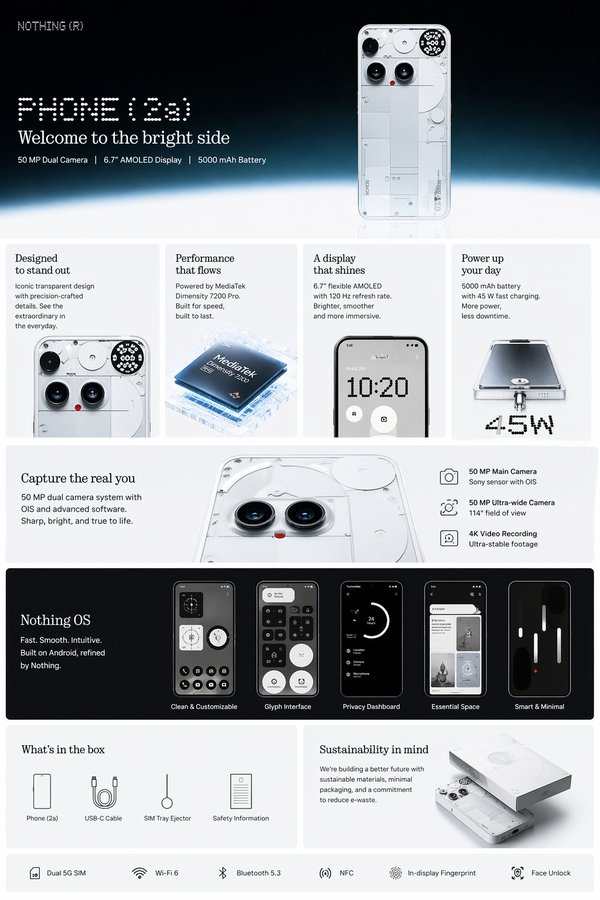
Create a clean ecommerce product-detail image.
Show the product as the hero.
Add up to 3 simple feature callouts with short labels.
Use enough white space and a clear vertical product-page layout.
If you need ten selling points, make three images.
Split a long page into several focused images.
5. Social Covers Need Title Space
A social cover is not the same as a product page image.
It needs room for a headline.
Create a 3:4 social-commerce cover image from the uploaded product.
Place the product in the lower two-thirds.
Leave a clean title area in the upper third.
Make it bright, clean, modern, and suitable for mobile browsing.
My preference is to let AI create the visual first, then add final text afterward.
That keeps the design cleaner and the words more reliable.
My Actual Order
I generate the set in this order:
- white-background hero
- studio product shot
- lifestyle image
- detail-page graphic
- social cover
- ad creative
Start with the image that proves the product still looks right.
The Bottom Line
One product reference can become a full ecommerce image set with AI.
But the prompt has to know the job.
Hero images make the product clear. Studio shots add value. Lifestyle images create desire. Detail images explain. Social covers earn the click.
When you split the set this way, AI starts feeling less like a toy and more like a fast ecommerce visual assistant.
Frequently asked questions
Do I need a credit card to try GPT Image2 Studio?
No. Every new account starts with 30 credits on signup, then unlocks 30 more after the first successful image. Paid plans only kick in if you want more than the free ceiling.
Can I use the generated images commercially?
Yes. Every tier, including the free starter credits, comes with full commercial rights. Run ads, sell products, print on merchandise, publish on any platform. No watermark, no attribution required.
Which model should I route to for what?
Hero ads and text-heavy creative fit GPT Image 1.5 high. Product and macro texture work fit Nano Banana Pro. High-volume social iteration fits Nano Banana 2. Fast drafts and mood boards fit Z Image. The workbench can route one prompt across all of them.
How fast is a single generation?
Z Image returns in about 10 seconds. Nano Banana 2 often returns in 15 to 20 seconds. Nano Banana Pro and GPT Image 1.5 high usually take 30 to 45 seconds for standard quality, and up to about a minute for 4K high quality.
What's the difference between GPT Image 1.5 high and Nano Banana 2?
GPT Image 1.5 high is stronger for text inside images and premium ad creative. Nano Banana 2 is faster and cheaper. In production, compare both with the same prompt before choosing the final image.
Can I edit an existing image instead of generating from scratch?
Yes. Upload a reference image, then continue with image-to-image, masked edits, background removal, object cleanup, or compression inside the same workflow.
Stop guessing the model.
Run all three.
We route your prompt to GPT Image 1.5 high, Nano Banana 2, Z Image and more — same workbench, same prompt, side-by-side blind compare. 30 credits on signup, another 30 after your first successful image, and commercial rights at every tier.
30 + 30
Free credits
5+
SOTA models
30s
To first render