Stop Arguing About the 2026 World Cup Logo. Make Your Own Fan Kit With AI.
A practical AI workflow for making 2026 World Cup fan wallpapers, profile pictures, original sticker sheets, watch-party covers, and city-inspired fan graphics.

Sarah Thompson
·4 min read
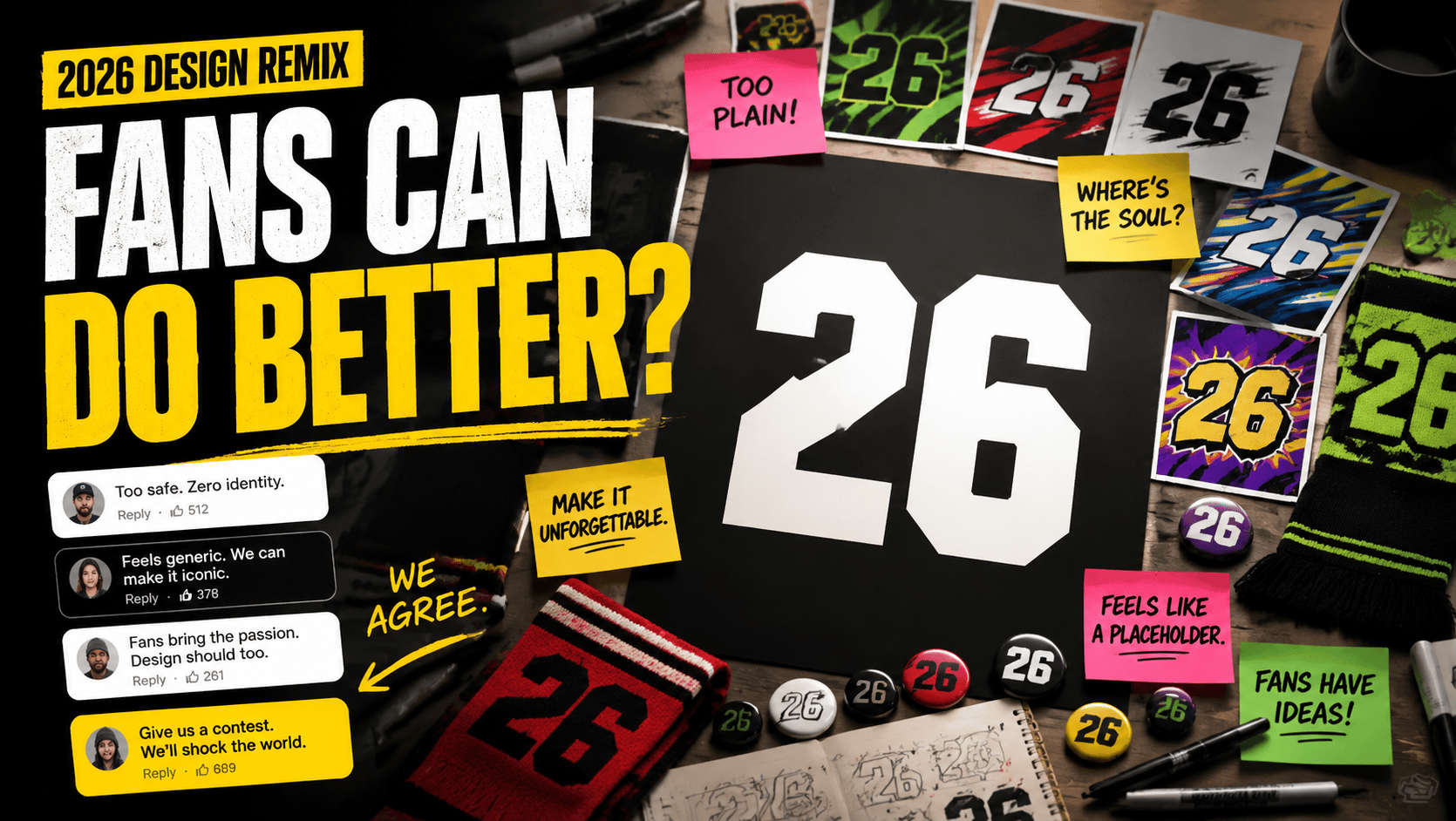
The 2026 World Cup visuals are already doing what World Cup visuals always do: making the internet argue.
Some fans like the minimal logo. Some fans hate it. Some people are debating TRIONDA, the official match ball. Others are reacting to Clutch, Maple, and Zayu, the three mascots.
Honestly, most of us do not get to decide what the official design looks like.
But we can still use the moment.
Searches for 2026 World Cup profile pictures, World Cup 2026 wallpapers, football stickers, fan avatars, and watch-party graphics are going to keep rising as the tournament gets closer.
So instead of only reacting to the official design, I would rather do something more fun:
make my own 2026 World Cup fan kit with AI.
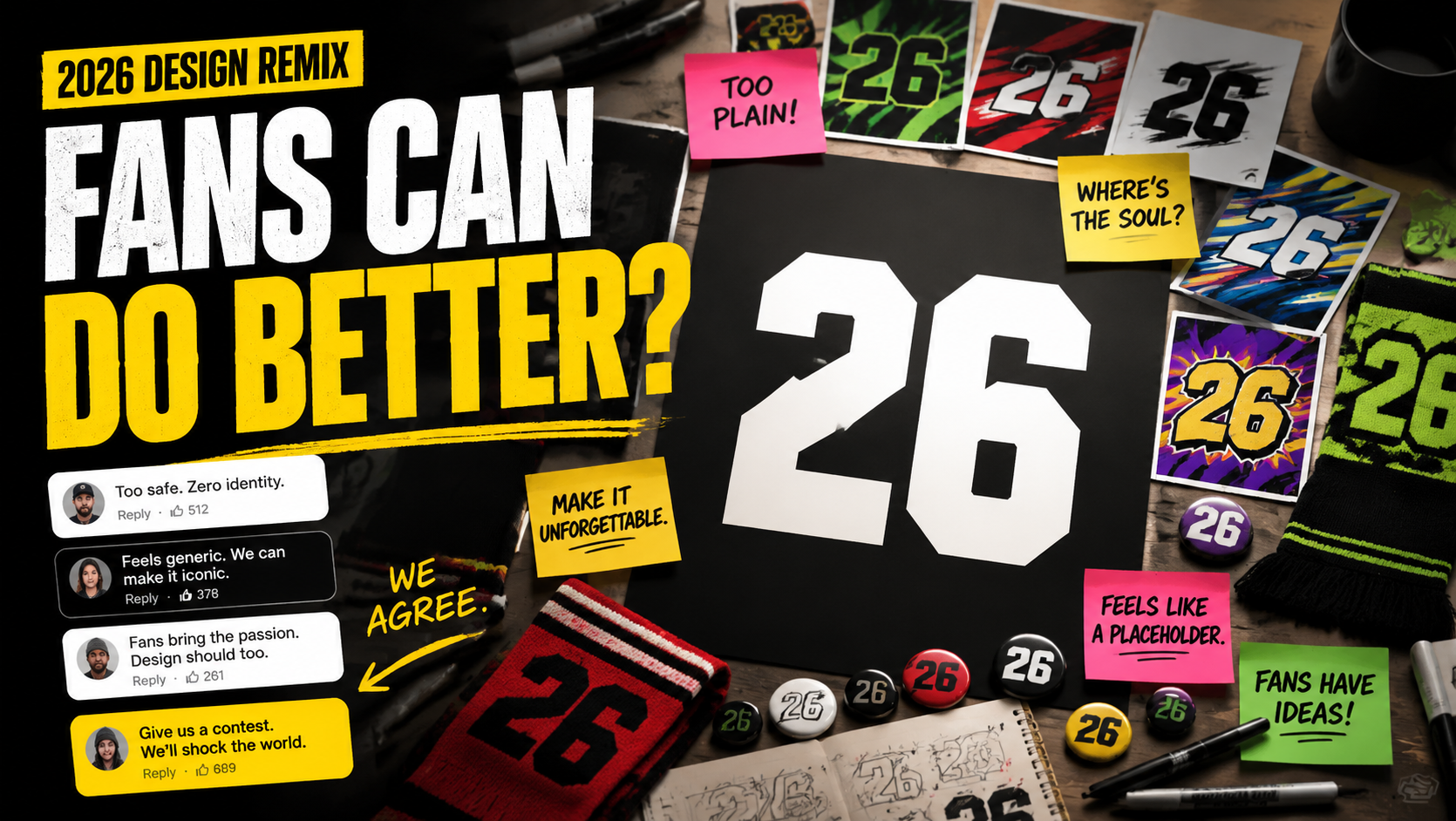
I am not a professional designer.
I do not want to spend an afternoon masking objects in Photoshop or building a sticker pack from scratch.
But I do know how to get AI to do useful creative work.
A fan kit does not need to be complicated. Start with four pieces:
- a phone wallpaper
- a social profile picture
- an original sticker sheet
- a watch-party cover
Those are much more useful than one generic poster.
A wallpaper gets saved. An avatar gets used. A sticker gets sent in group chats. A watch-party cover gets posted before the match.
Generate your 2026 fan kit
Open the generator, paste one of the prompts below, and start with a wallpaper, avatar, or sticker sheet.
Why Making Your Own Fan Kit Works Better
The most interesting part of the 2026 World Cup is that it stretches across the United States, Canada, and Mexico.
That means one generic football poster is not enough.
If you care about Seattle or Vancouver, you might want deep green, rain, pine forests, mountains, and maple details.
If you are watching Mexico City, you might want bright color, street football, night markets, murals, and festival energy.
If Miami is your mood, you probably want neon pink, electric blue, palm trees, beach air, and late-night lights.
That is exactly where AI is useful.
You do not need to hunt through stock assets for hours. You just describe the city vibe, the color palette, the football energy, and the format you want.
Here are the three prompt formats I would actually use.
1. Make a Phone Wallpaper First
Phone wallpapers are the lowest-friction fan asset.
They do not need a full event layout. They just need a strong mood, clean composition, and colors that look good on a lock screen.
For a Miami version, copy this:
A trendy 2026 football fan phone wallpaper.
Miami city vibe with neon pink and bright blue colors,
palm tree silhouettes in the background,
a dynamic football in the center,
high aesthetic, modern vector art style,
clean composition, perfect for iPhone wallpaper.
For a Mexico City version, swap in:
Mexico City street football vibe,
bright Aztec-inspired colors,
night market lights,
urban mural background,
festival energy.
For a Vancouver version, try:
Vancouver rainy night football vibe,
deep green and white color palette,
mountain silhouette,
maple leaf accents,
misty stadium lights.
Keep the first pass simple.
Generate four versions, pick the strongest one, then ask for tighter color and cleaner composition.
2. Make an Original Sticker Sheet
Sticker sheets are more shareable than posters.
During the World Cup, people may not repost a long graphic, but they will save a good avatar, reaction sticker, or group-chat image.
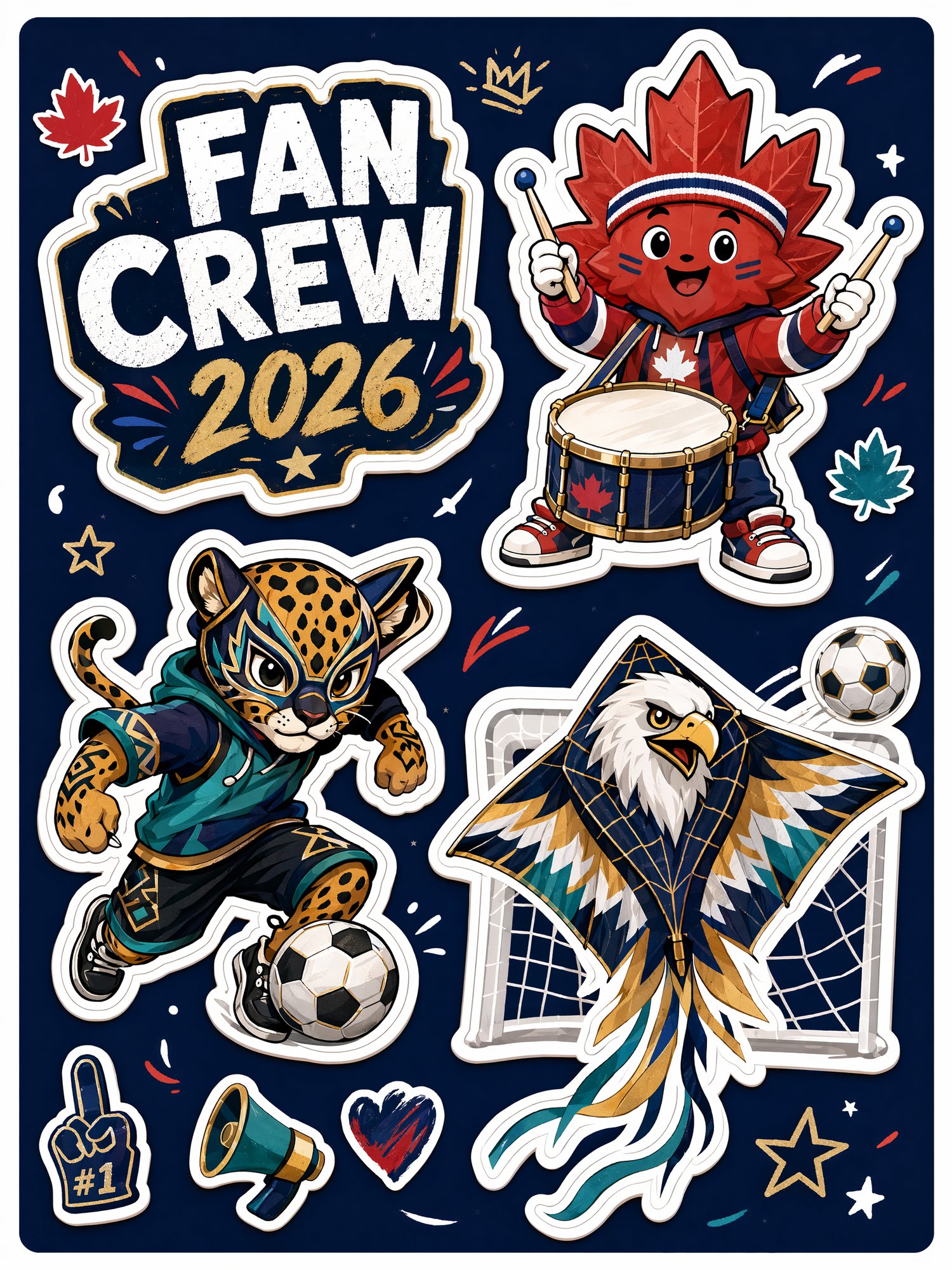
Use this:
Create an original football fan sticker sheet flat-lay.
Design three fictional mascot-style characters:
a maple leaf playing drums,
a jaguar doing street football tricks,
and an eagle wearing goalkeeper gloves.
Cute, energetic, trendy blind-box style,
bold sticker outlines, colorful match-day captions.
This can become a group-chat sticker, a profile badge, a social post detail, or a phone-case concept.
I would generate a set, not one character.
A set feels like a kit. One character feels like a random AI image.
3. Make a Profile Picture People Can Actually Use
Profile pictures are the most practical asset.
When the tournament gets close, fans will change avatars, group icons, and account covers.
A strong avatar only needs three things:
- obvious football energy
- bold color
- a face or expression that still reads when small
Copy this:
A dynamic 3D avatar of a football fan
wearing a generic team jersey,
with red, white, and green face paint,
excited match-day expression,
highly detailed, vivid colors,
clean background,
perfect for a social media profile picture.
For a softer creator-style avatar, add:
soft studio lighting, glossy 3D style, friendly and energetic.For a more TikTok or Instagram-style avatar, add:
bold rim light, stadium glow, high contrast, viral sports profile image.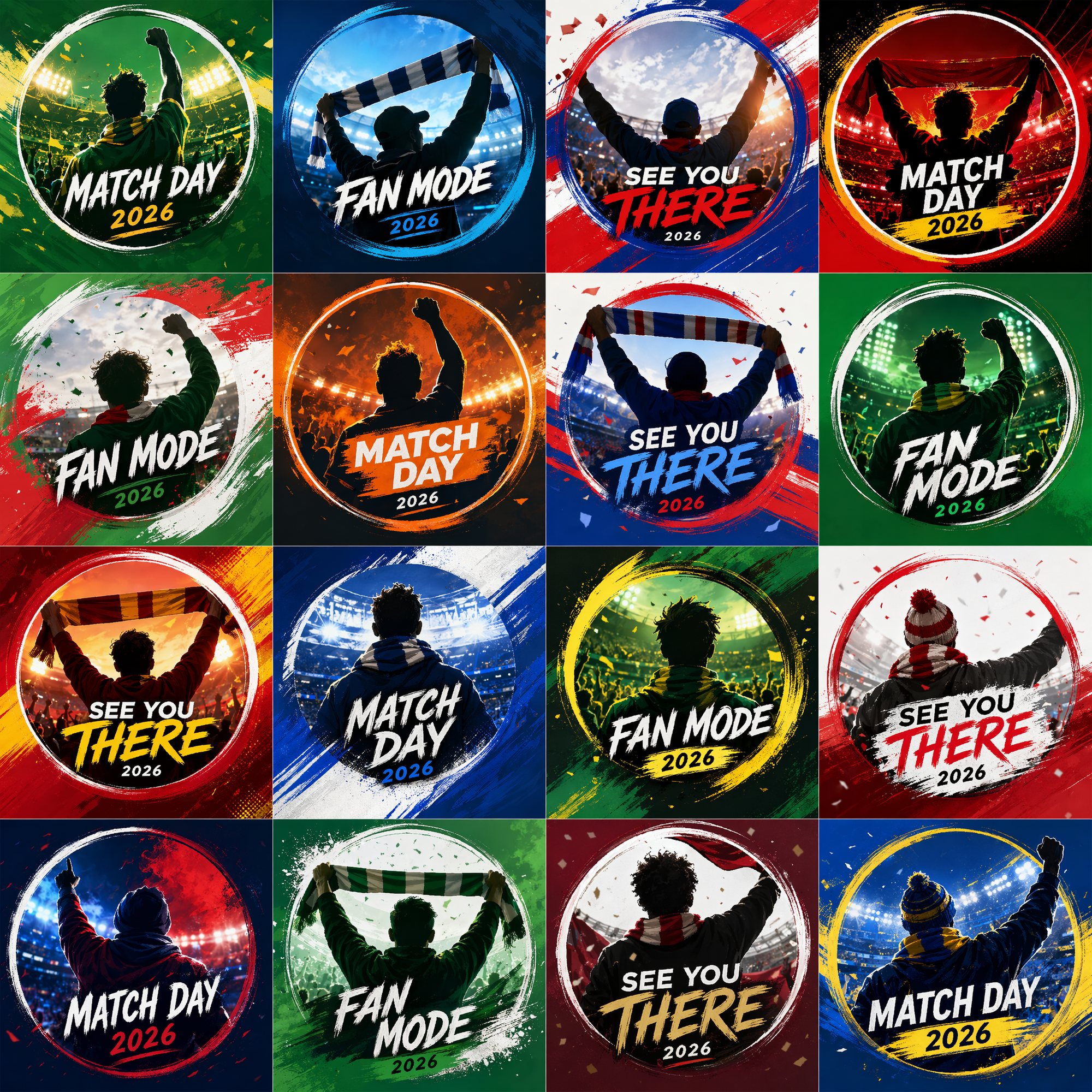
Turn the Pieces Into a Full Fan Kit
One image is fun.
A full kit feels like something you can actually post.
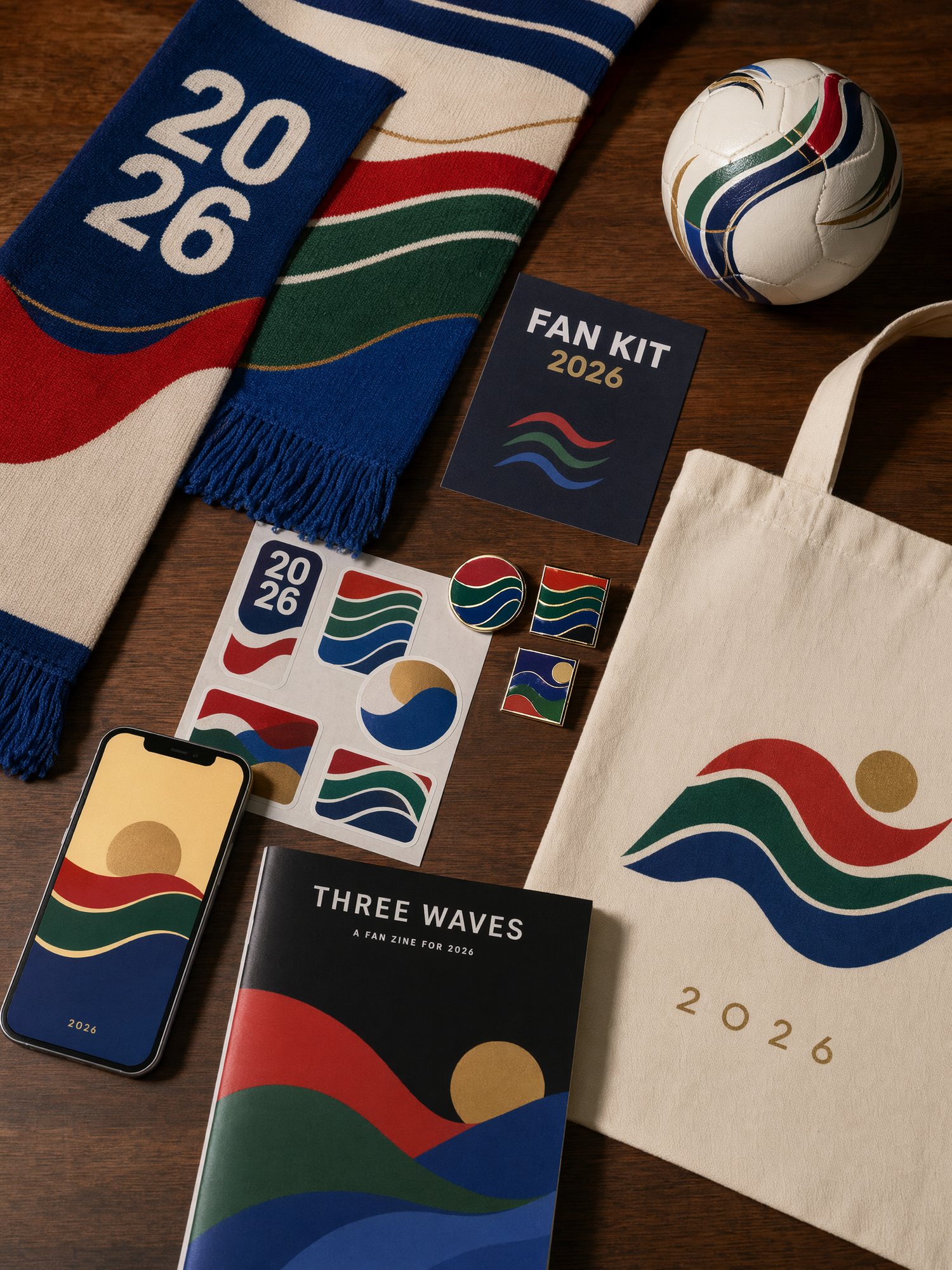
My favorite move is to put the avatar, wallpaper, sticker sheet, scarf, pins, postcards, and badges into one flat-lay image.
That gives you a cover image for a blog post, a social carousel, or a “look what I made for the World Cup” post.
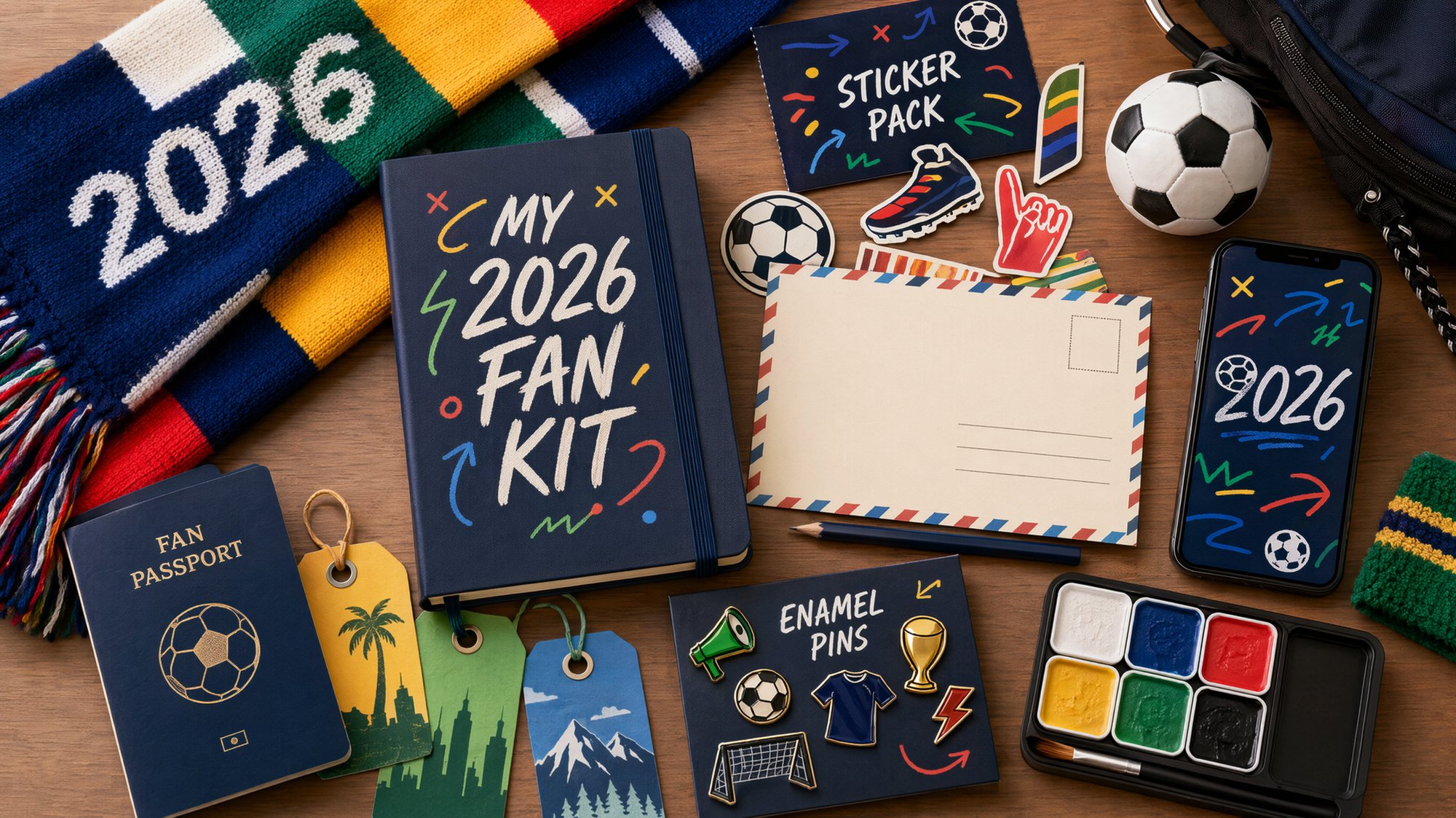
Prompt:
Create a 2026 football fan kit flat-lay.
Include scarf, sticker sheet, fan passport notebook,
pins, phone wallpaper preview, mini football,
host-city postcards, and match-day badges.
Use a premium editorial product photography style,
bright fan energy, clean layout, highly shareable.
The point is not to make the most complicated image.
The point is to make people understand instantly: this is my whole World Cup vibe.
Where I Generate These
You do not need a local setup or a complicated node workflow for this.
I use GPT Image2 Studio for these tests because it is fast and direct.
I paste one prompt, compare multiple image models, and pick the result that actually feels usable. Some models are better for avatars. Some are better for stickers. Some are better for product-style flat-lays.
My workflow is simple:
- Start with a short prompt.
- Generate a few directions.
- Pick the one with the strongest mood.
- Add city, color, size, and platform details.
- Expand the best result into avatar, wallpaper, sticker, and cover versions.
That is much faster than trying to design the whole kit from scratch.
The Bottom Line
The 2026 World Cup hype is only getting started.
You can keep arguing about the official visuals.
Or you can make something fans will actually use:
- phone wallpapers
- profile pictures
- original stickers
- watch-party covers
- city-inspired fan graphics
While everyone else is still reacting, you can already have your World Cup avatar, wallpaper, and fan kit ready to post.
Sources: FIFA official match ball TRIONDA and FIFA mascot announcement.
Frequently asked questions
Do I need a credit card to try GPT Image2 Studio?
No. Every new account starts with 30 credits on signup, then unlocks 30 more after the first successful image. Paid plans only kick in if you want more than the free ceiling.
Can I use the generated images commercially?
Yes. Every tier, including the free starter credits, comes with full commercial rights. Run ads, sell products, print on merchandise, publish on any platform. No watermark, no attribution required.
Which model should I route to for what?
Hero ads and text-heavy creative fit GPT Image 1.5 high. Product and macro texture work fit Nano Banana Pro. High-volume social iteration fits Nano Banana 2. Fast drafts and mood boards fit Z Image. The workbench can route one prompt across all of them.
How fast is a single generation?
Z Image returns in about 10 seconds. Nano Banana 2 often returns in 15 to 20 seconds. Nano Banana Pro and GPT Image 1.5 high usually take 30 to 45 seconds for standard quality, and up to about a minute for 4K high quality.
What's the difference between GPT Image 1.5 high and Nano Banana 2?
GPT Image 1.5 high is stronger for text inside images and premium ad creative. Nano Banana 2 is faster and cheaper. In production, compare both with the same prompt before choosing the final image.
Can I edit an existing image instead of generating from scratch?
Yes. Upload a reference image, then continue with image-to-image, masked edits, background removal, object cleanup, or compression inside the same workflow.
Stop guessing the model.
Run all three.
We route your prompt to GPT Image 1.5 high, Nano Banana 2, Z Image and more — same workbench, same prompt, side-by-side blind compare. 30 credits on signup, another 30 after your first successful image, and commercial rights at every tier.
30 + 30
Free credits
5+
SOTA models
30s
To first render