我用 AI 重做电商产品图,才发现最值钱的不是最花的那张
一次真实的 AI 电商产品图测试:白底主图、棚拍图、生活方式图和详情图分别怎么做,哪些图适合 AI,哪些还需要真人摄影。

David Chen
·2 min read

我以前以为,电商产品图只有一个任务:把商品拍好看。
后来我发现,这个想法太浅了。
一套真正能卖货的商品图,至少要回答买家 5 个问题:
- 这东西到底长什么样?
- 材质看起来靠谱吗?
- 它有多大?
- 我会在什么场景里用它?
- 这件商品凭什么值得我点进去?
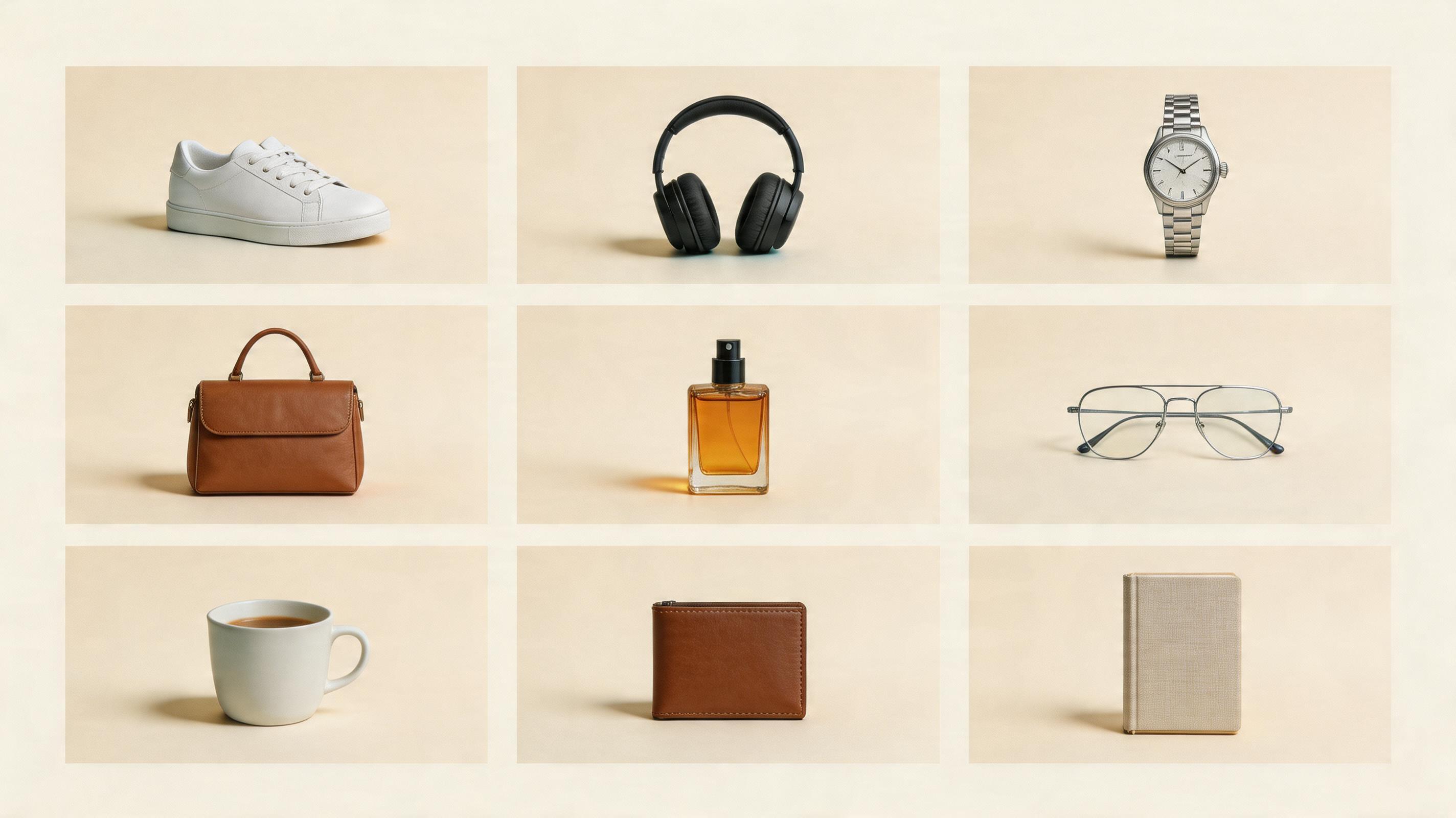
所以我用 AI 重做了一套电商产品图。
不是为了证明 AI 能替代摄影师,而是想看清楚一件事:哪些图交给 AI 最划算,哪些图最好别偷懒。
最后我的感受很直接:
AI 最适合做商品图的第一版、场景变体、广告草图和详情页素材。
但它不适合无脑替代所有拍摄。
先生成一张干净产品图
上传商品参考图,先跑一张 3:4 电商产品图,再继续做场景图和详情图。
第一张:白底主图越克制越好
白底主图是最无聊的一张,也是最重要的一张。
它不负责讲故事。
它只负责让买家看清商品。
提示词可以很简单:
Create a clean ecommerce product photo.
Use the uploaded product as the reference.
White background, centered product, realistic shadow, sharp focus.
Make it look like a marketplace hero image.
这张图千万别一开始就加道具。
主图要清楚、稳定、少干扰。
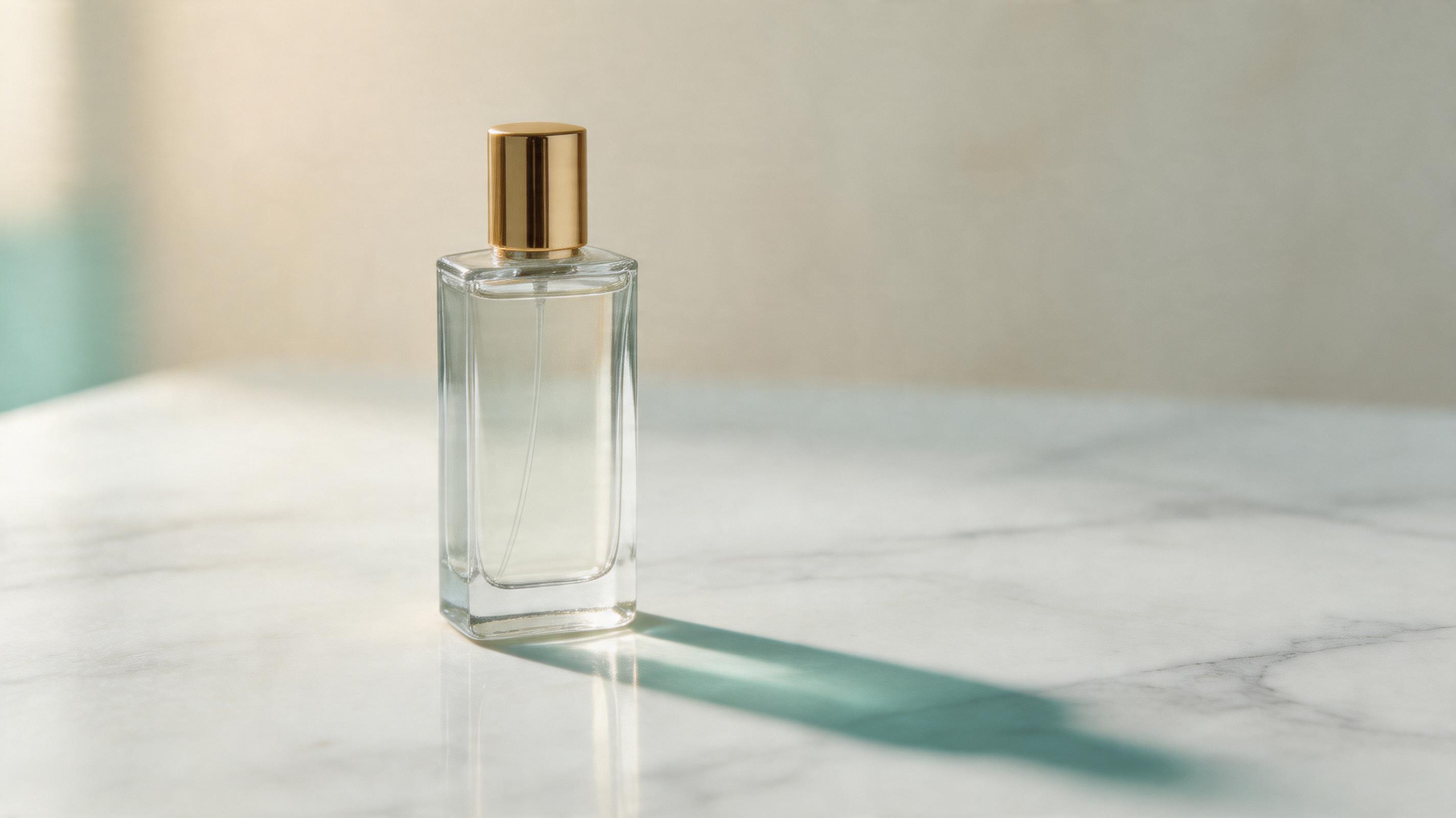
第二张:棚拍图负责质感
棚拍图是 AI 很能发挥的地方。
它可以加石面、亚克力、木纹、柔光、阴影和背景层次,让商品看起来更贵一点。
我常用这段:
Create a premium studio product photograph.
Place the product on a clean matte surface.
Use soft directional light, realistic shadow, and subtle background depth.
Keep the product as the only hero object.
如果生成结果太像广告大片,我会让它“更安静一点”。
棚拍图最怕背景抢走商品。
第三张:生活方式图要像真的会发生
生活方式图很容易变成 AI 味。
模型会自动加咖啡杯、绿植、窗边阳光、丝绸、石头、水滴。
问题是:这些东西不一定能帮用户理解商品。
我会先问一句:
这个商品到底会出现在哪里?
耳机在通勤路上。 香水在梳妆台。 运动鞋在街头或健身房。 杯子在办公室和早餐桌。 小家电在厨房台面。
提示词:
Create a lifestyle ecommerce image.
Place the product in a believable real-life usage scene.
Use natural lighting and human-scale context.
The product should still be the main subject.
场景图不是越丰富越好。
它要让买家想象:这个东西会出现在我的生活里。
第四张:详情图只讲三个卖点
详情图最容易被写满。
我以前也会犯这个错:总想把所有卖点都塞进去。
但手机上看,一张图里超过 3 个重点就开始乱。
Create a clean ecommerce detail image.
Show the product clearly.
Add 3 simple feature callouts with short labels.
Use clean spacing and a vertical product-page layout.
如果你有 8 个卖点,那就拆成 3 张图。
不要让一张图承担整页详情。
哪些图我仍然会人工拍?
AI 很快,但不是所有商品都适合全交给 AI。
这些我会更谨慎:
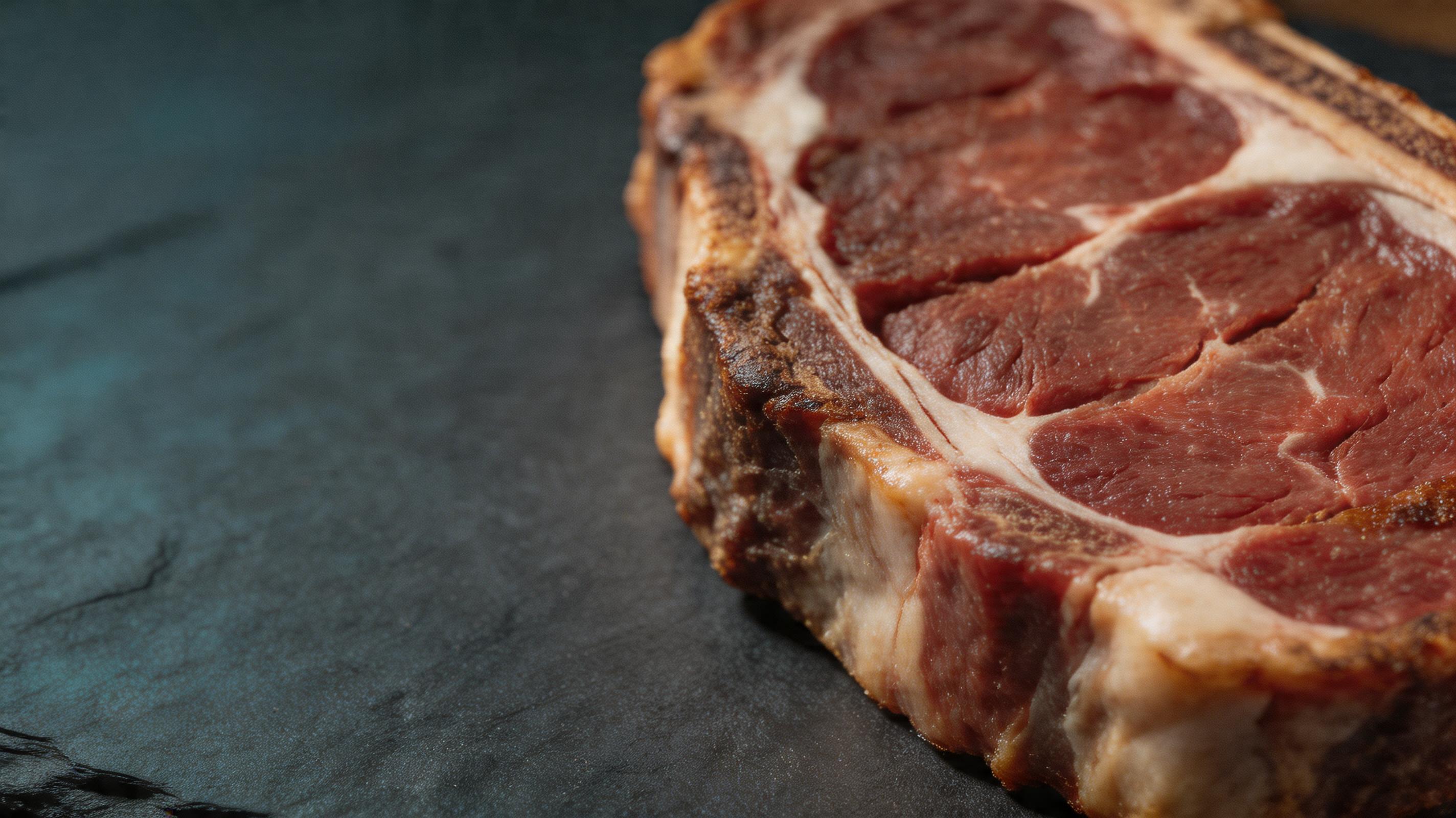
- 食物质感,尤其是新鲜度很重要的时候。
- 高端皮革、面料、珠宝、腕表的微距细节。
- 医疗、保健、功效敏感类产品。
- 需要真人模特真实试穿的服装和鞋类。
- 任何买家会因为细节误差而投诉的商品。
AI 最适合帮你跑方向。
真正上架前,还是要人工检查。
我现在的实际流程
如果我只有一张产品参考图,我会这样做:
- 先生成一张白底主图。
- 再生成一张棚拍质感图。
- 生成一张生活方式图。
- 做一张详情页卖点图。
- 最后再做广告图和社媒封面。
这个顺序很重要。
你一上来就做很酷的广告图,可能会忽略商品已经被 AI 改变了。
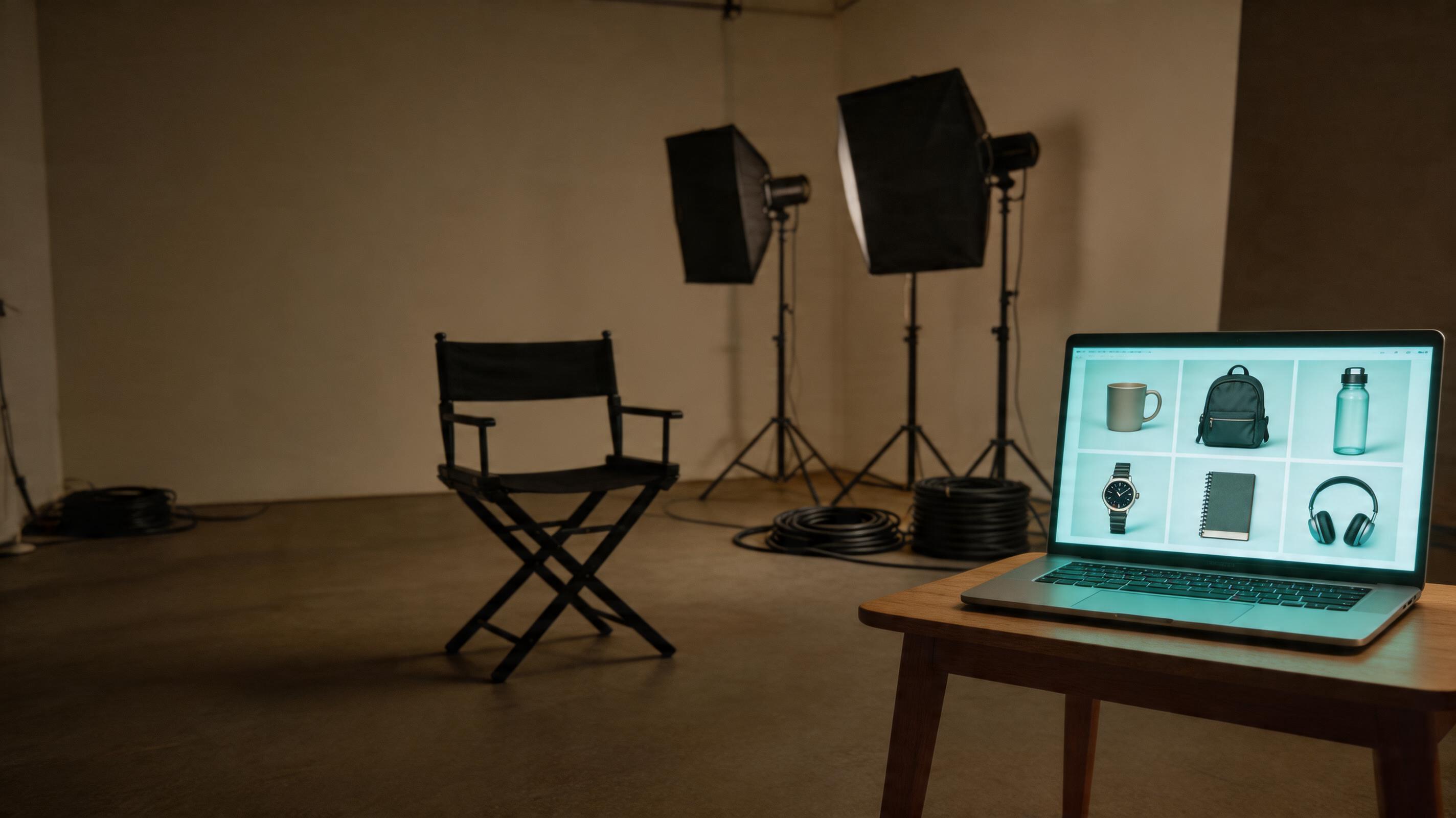
The Bottom Line
AI 可以帮电商团队省很多时间。
但最值钱的不是那张最花、最炸、最像广告大片的图。
最值钱的是能真正放进商品页的图:
- 主图看得清
- 棚拍有质感
- 场景能代入
- 详情能解释
- 封面能点击
只要按这个顺序做,AI 就不是玩具,而是一个很快的电商视觉助理。
常见问题
试用 GPT Image2 Studio 需要银行卡吗?
不需要。新账号注册即可获得 30 点数,首次成功生成后还能再解锁 30 点数。只有需要更多用量时才需要选择付费方案。
生成图片可以商用吗?
可以。包括免费启动点数在内,每个档位都包含商用授权。可用于广告、商品页、印刷物和社媒内容,无水印,也不强制署名。
不同模型适合什么任务?
广告主视觉和含文字创意优先用 GPT Image 1.5 high;商品质感和微距细节适合 Nano Banana Pro;大量社媒迭代适合 Nano Banana 2;快速草图和情绪板可以用 Z Image。工作台可以让同一个提示词同时跑多个模型。
单张生成通常需要多久?
Z Image 通常约 10 秒返回;Nano Banana 2 约 15 到 20 秒;Nano Banana Pro 和 GPT Image 1.5 high 标准质量通常 30 到 45 秒,4K 高质量可能接近 1 分钟。
GPT Image 1.5 high 和 Nano Banana 2 有什么差别?
GPT Image 1.5 high 更适合图中文字和高要求广告创意;Nano Banana 2 更快,成本也更低。实际生产中建议同一提示词并排比较,再选最稳的结果。
可以编辑已有图片吗?
可以。上传参考图后,可以做图生图、局部重绘、去背景、擦除和压缩,让同一张图继续完成后续交付。