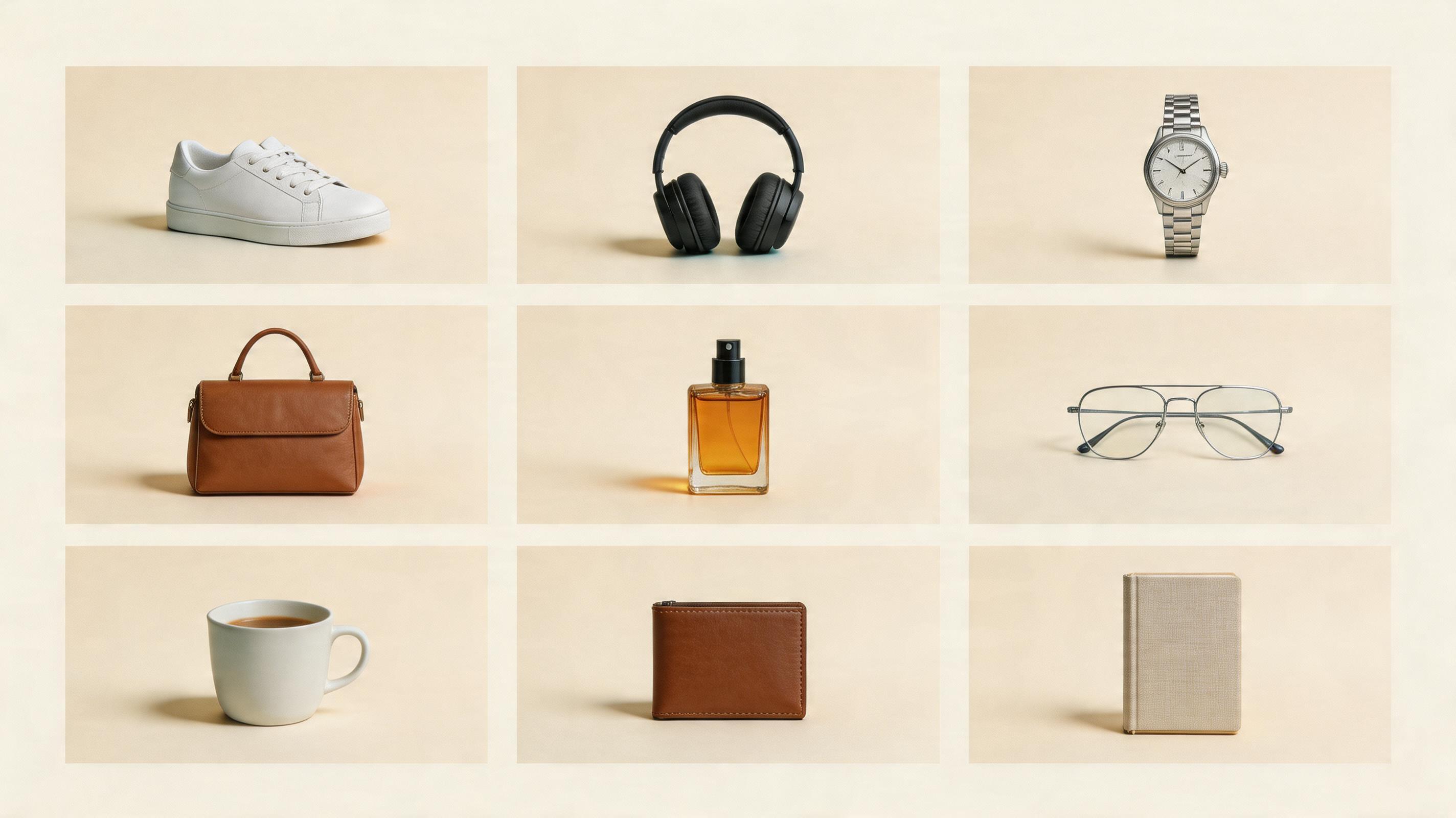
ECサイトの商品画像をAIで作り直したら、残せたのは4枚だけだった
EC商品画像と商品写真 AIの実践ワークフロー。白背景、スタジオ写真、ライフスタイル、商品説明画像のどこをAIに任せられるか、プロンプト構造まで整理します。
David Chen
·2 min read

以前の私は、ECの商品画像の仕事は「商品をきれいに見せること」だと思っていました。
それだけでは足りません。
EC商品画像は、購入者がまだ言葉にしていない疑問に答える必要があります。
- 白背景ではどう見えるか。
- 素材はどんな質感か。
- サイズ感はどうか。
- どう使うのか。
- なぜ信用できるのか。
- 自分の生活に置いた姿を想像できるか。
そこで私は、標準的なECサイトの商品画像セットをAIで作り直し、かなり厳しい基準で判定しました。
説明なしで商品ページに載せられるか。
残せたのは4枚だけでした。残りは草案としては使えますが、最終画像ではありません。
それでも成功です。AIが商品撮影をすべて置き換えるからではありません。カタログ画像、広告バリエーション、背景テスト、ライフスタイル案のような長い尻尾の制作を速くできるからです。
テストした画像セット
多くのECチームで使う7枚構成で試しました。
- 白背景のメイン画像
- きれいなスタジオ商品写真
- ライフスタイル画像
- 商品説明画像
- サイズ感や使用シーン
- 広告用メインビジュアル
- SNS用クロップ
間違いは、1つのプロンプトで7枚すべてを作ろうとすることです。
平均的な画像しか出ません。
正しい順番は、1つの画像の仕事ごとに1つのプロンプトを書くことです。
画像1:白背景のメイン画像
一番地味で、一番軽視されやすい画像です。
プロンプトは厳しくします。
Create a clean ecommerce hero product image from the uploaded product reference.
Product:
Preserve exact shape, color, logo placement, label, and material. Do not redesign the product.
Scene:
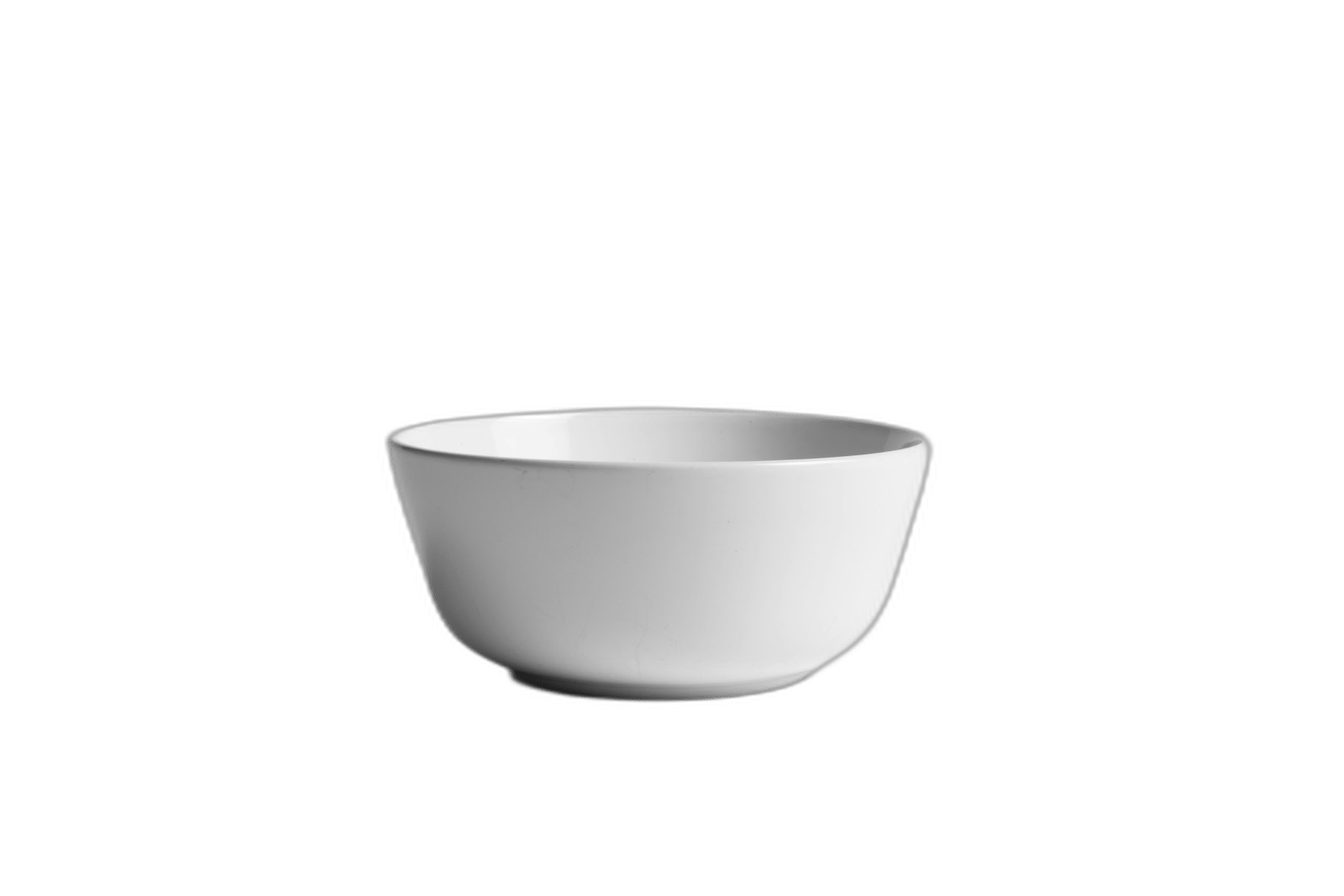
Pure white or very light neutral background, product centered, realistic contact shadow, no props, no text.
Camera:
Front 3/4 angle, sharp focus, commercial catalog lighting.
QA:
No extra objects, no fake labels, no distorted edges.ここでは、AIに退屈な仕事をさせるほど良い結果になります。
白背景画像はクリエイティブディレクターを驚かせるためではなく、購入者に商品を理解させるための画像です。
画像2:スタジオ商品写真
ここからAIがかなり役に立ちます。
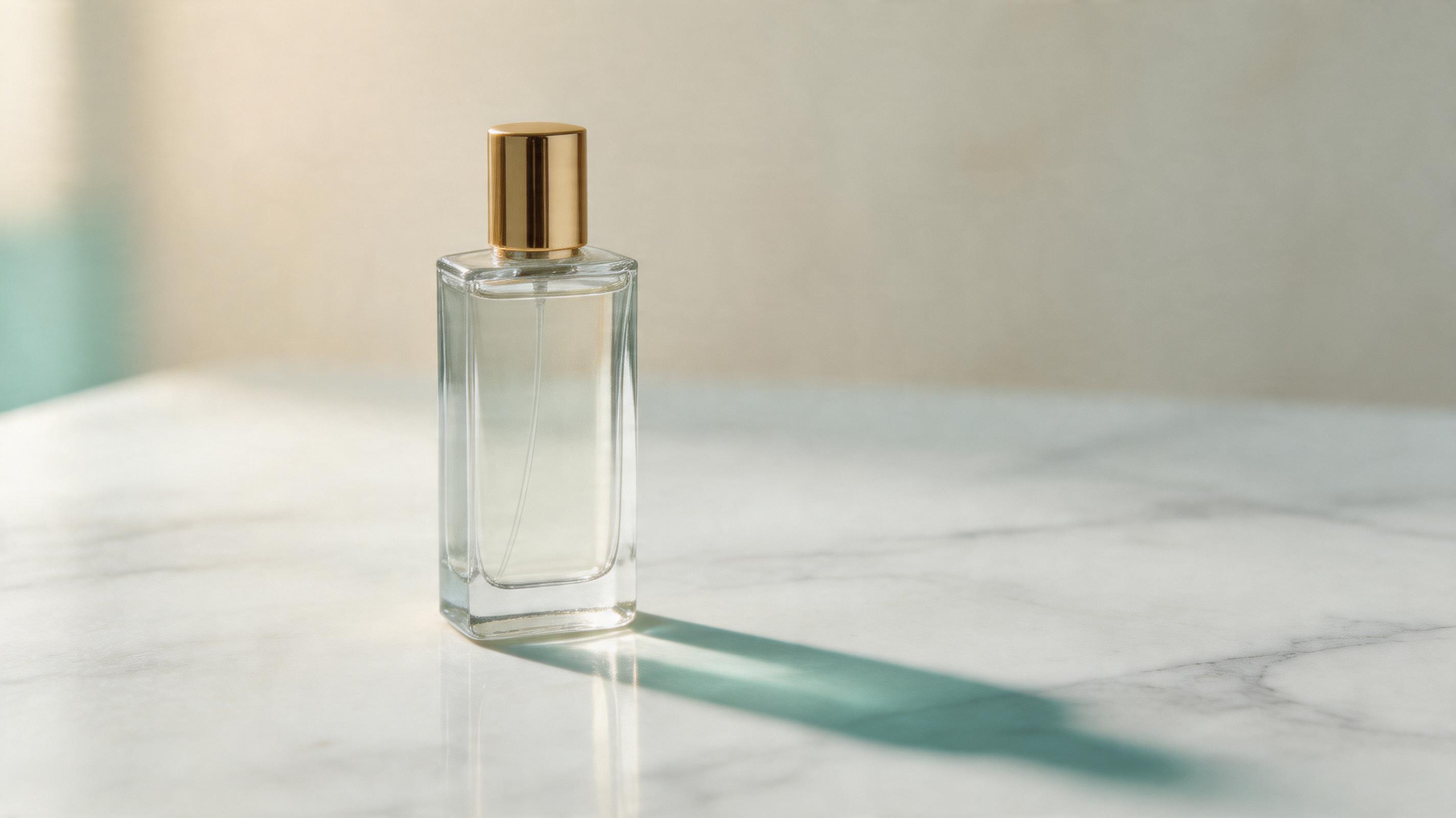
スタジオ写真では、照明、影、面、背景の奥行きを足せます。ただしキャンペーン画像にしすぎないことが重要です。
Create a premium studio product photograph from the uploaded product reference.
Place the product on a simple stone, acrylic, wood, or matte surface. Use soft directional light, realistic shadows, and subtle background depth. Keep the product as the only hero object.
良い画像は背景が静かでした。弱い画像は、商品より先に小物を増やしていました。
画像3:ライフスタイル画像
ライフスタイル画像は便利ですが、危険です。
AIは商品をキッチン、ジム、浴室、オフィス、海辺、街中に数秒で置けます。
同時に、商品そのものを少し変えてしまいます。
私は毎回この文を入れます。
The environment may change, but the product may not.単純ですが効きます。
Create a lifestyle ecommerce image using the uploaded product as the exact reference.
Scene:
Place the product in [environment] with natural human-scale context. Use realistic lighting and a believable surface.
Product:
Keep the product geometry, color, label, logo, and material accurate. Do not replace the product with a similar object.
Composition:
Product remains the hero. Background supports the use case but does not compete.画像4:商品説明画像
商品説明画像では、売り手は説明しすぎます。
AIはそれをさらに悪化させ、ラベルだらけの画像を作りがちです。
私はこう制限します。
Create a product-detail image with 3 feature callouts maximum. Use thin leader lines, short labels, and close-up crops that show real product details. Do not invent specifications not visible in the reference.3つで十分です。
10個のラベルが必要なら、それは1枚の画像ではなく、商品ページのセクションとして作る方が良いです。
まだ人間が撮るべき画像
AIがすべて勝ったわけではありません。
私は今でも、次の画像では人間の撮影を選びます。
- 鮮度が重要な食品。
- 高級な布やレザーのマクロ質感。
- 実物との一致が厳しく求められる規制カテゴリ。
- 本物の人物が中心になるキャンペーン。
- 信頼が細かい物理ディテールに依存する商品。
AIが弱いという話ではありません。
正直に使うべきだという話です。
私が使うワークフロー
順番はこうです。
- 商品写真をアップロードする。
- まず地味なメイン画像を作る。
- 次にスタジオ写真を作る。
- ライフスタイル方向を1つ作る。
- 商品説明画像を1つ作る。
- 商品の形とラベルをQAする。
- 最後に広告画像とSNS用画像を作る。
派手な広告から始めると、商品のズレに気づけません。
The Bottom Line
- AIはEC商品画像の一部を置き換えられますが、商品撮影全体を置き換えるわけではありません。
- カタログ画像、スタジオ写真、ライフスタイル案、商品説明画像、広告草案に向いています。
- 食品、規制カテゴリ、質感が重要なヒーロー画像では、人間の撮影がまだ強いです。
- 1つの画像の仕事に、1つのプロンプトを書きます。
- GPT Image2 Studio では、参考画像を入れて複数モデルを比べ、商品精度を確認してからスタイルを追います。
最初のプロンプトはこれで十分です。
Create a 3:4 ecommerce product photograph from this uploaded product reference. Preserve the exact product shape, label, color, and material. Place it in a clean commercial studio scene with realistic lighting, soft shadows, and enough negative space for a product page or ad crop.派手ではありません。
だから使えます。
Frequently asked questions
Do I need a credit card to try GPT Image2 Studio?
No. Every new account starts with 30 credits on signup, then unlocks 30 more after the first successful image. Paid plans only kick in if you want more than the free ceiling.
Can I use the generated images commercially?
Yes. Every tier — including the free starter credits — comes with full commercial rights. Run ads, sell products, print on merchandise, publish on any platform. No watermark, no attribution required.
Which model should I route to for what?
Hero ads and text-heavy creative → GPT Image 1.5 (high). Product and macro texture work → Nano Banana Pro. High-volume social iteration → Nano Banana 2. Fast drafts and mood boards → Z Image. Our workbench routes one prompt across all of them in one click.
How fast is a single generation?
Z Image returns in ~10 seconds. Nano Banana 2 in 15–20. Nano Banana Pro and GPT Image 1.5 (high) in 30–45 for standard quality, up to a minute for 4K high-quality. Parallel runs across all models take the same wall-clock time as the slowest one.
What's the difference between GPT Image 1.5 (high) and Nano Banana 2?
On the April 2026 ImagineArt 2.0 Arena, GPT Image 1.5 (high) sits at 1275 ELO, Nano Banana 2 at 1264 — inside each other's confidence intervals (an 11-point gap with ±10/±11 CI means the order can flip on any given week). GPT Image 1.5 (high) wins decisively on text inside images; Nano Banana 2 is 2–3× faster and half the API cost.
Can I edit an existing image instead of generating from scratch?
Yes. All top-3 models support image-to-image and masked editing. Upload your reference, draw a mask over the region you want changed, and prompt the edit. The Nano Banana family and GPT Image 1.5 both preserve product geometry when given a reference — important for commercial product work.
Stop guessing the model.
Run all three.
We route your prompt to GPT Image 1.5 (high), Nano Banana 2, Z Image and more — same workbench, same prompt, side-by-side blind compare. 30 credits on signup, another 30 after your first successful image, and commercial rights at every tier.
30 + 30
Free credits
5+
SOTA models
30s
To first render