I Rebuilt Ecommerce Product Photos With AI. The Flashiest Image Wasn’t the Most Useful.
A practical ecommerce product photography test with AI: hero images, studio shots, lifestyle scenes, detail images, and where human photography still matters.

David Chen
·4 min read

I used to think ecommerce product photography had one job: make the product look good.
That is not enough.
A good ecommerce image set answers questions before the shopper asks them:
- What does the product actually look like?
- What does the material feel like?
- How big is it?
- Where would I use it?
- Why should I click through?
So I rebuilt a product image set with AI to see where it actually helps.
Not to prove that AI replaces photographers.
To understand which images are worth generating and which ones still need a real shoot.
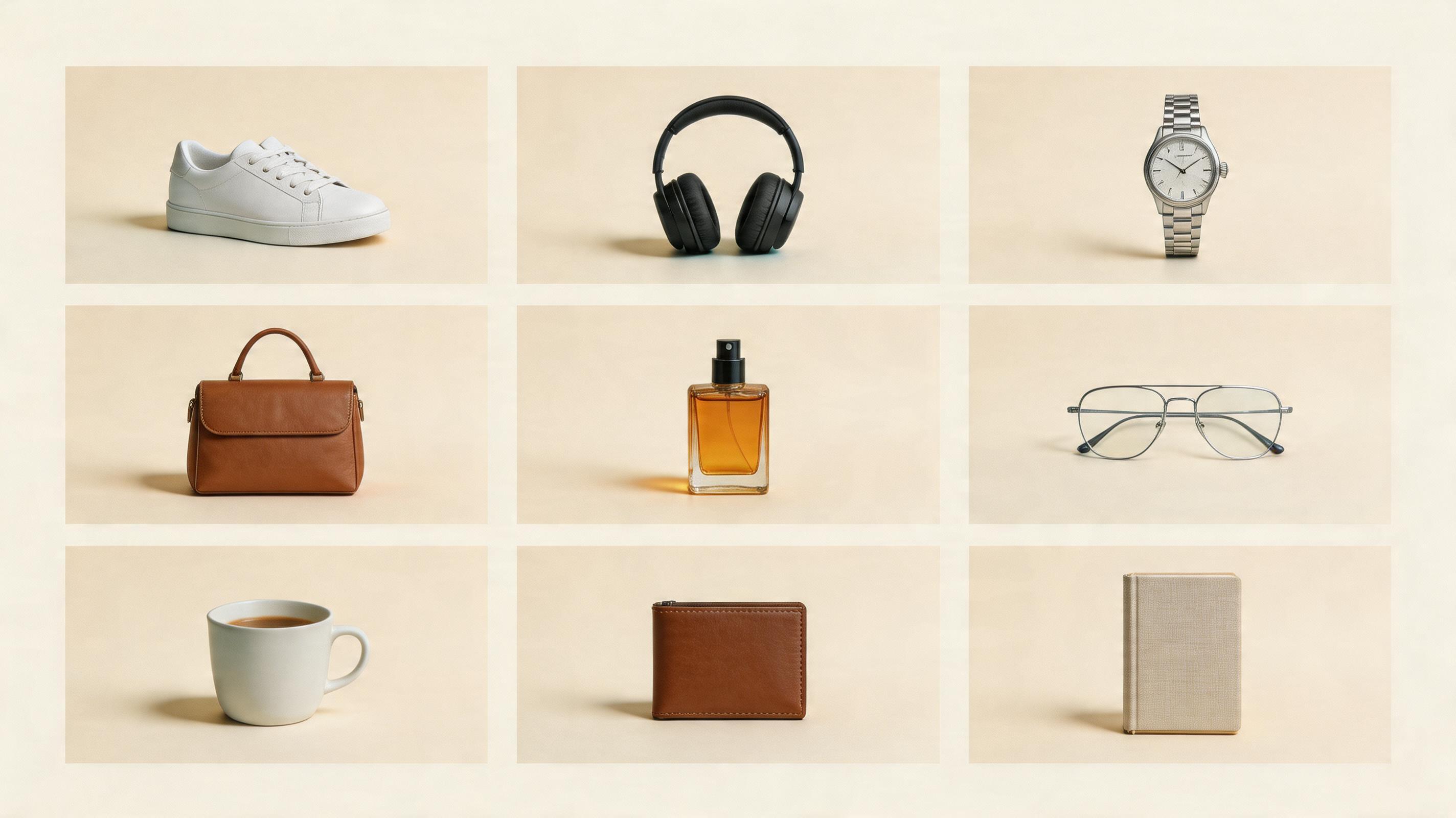
My conclusion was simple: AI is useful for first drafts, product-page variants, lifestyle concepts, detail images, and ad ideas.
But it should not blindly replace every product shoot.
Generate a clean product image first
Upload a product reference and start with a clean 3:4 ecommerce product image before making lifestyle and detail shots.
1. The Hero Image Should Stay Quiet
The white-background hero image is not glamorous.
It is still the most important image.
It helps shoppers understand the product without distraction.
Create a clean ecommerce product photo.
Use the uploaded product as the reference.
White background, centered product, realistic shadow, sharp focus.
Make it look like a marketplace hero image.
Add props only after the hero image is stable.
The hero image should be clear, stable, and easy to trust.
2. Studio Shots Add Texture
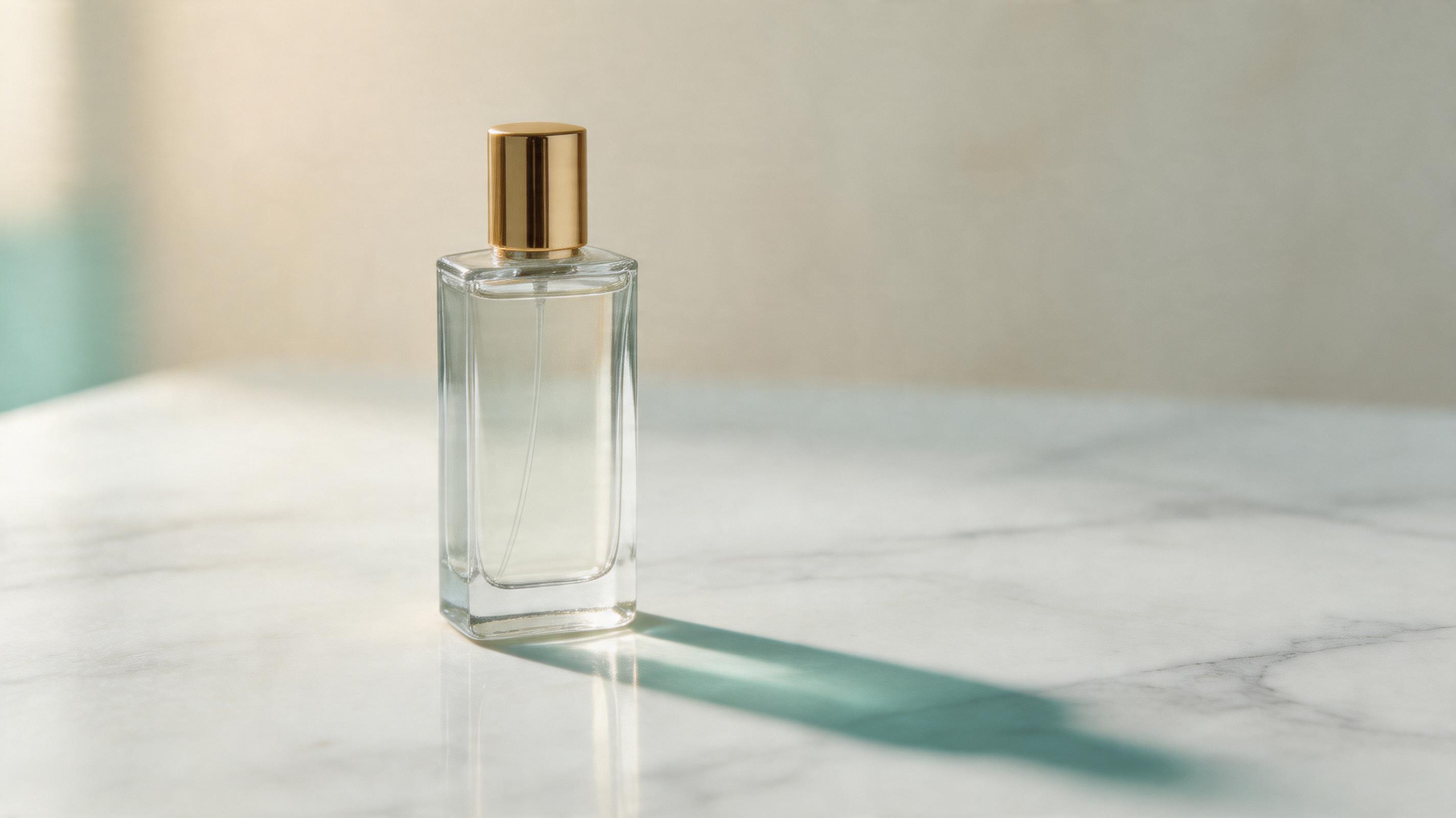
Studio shots are where AI starts to feel genuinely useful.
You can add surfaces, light, shadows, and background depth without rebuilding a physical set.
I use this:
Create a premium studio product photograph.
Place the product on a clean matte surface.
Use soft directional light, realistic shadow, and subtle background depth.
Keep the product as the only hero object.
If the result looks too dramatic, I ask for a calmer version.
Studio shots should make the product feel better, not hide it.
3. Lifestyle Images Need a Real Use Case
Lifestyle images are where AI can look fake fast.
The model loves coffee cups, plants, window light, silk, stones, and water drops.
But those details do not always help the shopper.
The better question is:
Where would this product actually live?
Headphones: commute, desk, cafe.
Perfume: vanity table, travel pouch, getting-ready moment.
Sneakers: street, track, gym.
Mug: office desk, breakfast table.
Use:
Create a lifestyle ecommerce image.
Place the product in a believable real-life usage scene.
Use natural lighting and human-scale context.
The product should still be the main subject.
The scene should make the product easier to imagine, not just prettier.
4. Detail Images Need Three Points, Not Ten
Detail images fail when they try to explain everything.
On mobile, more than three callouts usually becomes clutter.
Create a clean ecommerce detail image.
Show the product clearly.
Add 3 simple feature callouts with short labels.
Use clean spacing and a vertical product-page layout.
If you have eight selling points, make three images.
Split a long page into several focused images.
What I Would Still Shoot With a Photographer
AI is fast, but some images still deserve a real shoot.
I would be careful with:
- food texture and freshness
- premium leather, fabric, jewelry, and watches
- medical, wellness, or claim-sensitive products
- real model fit and wear images
- products where tiny physical details affect trust
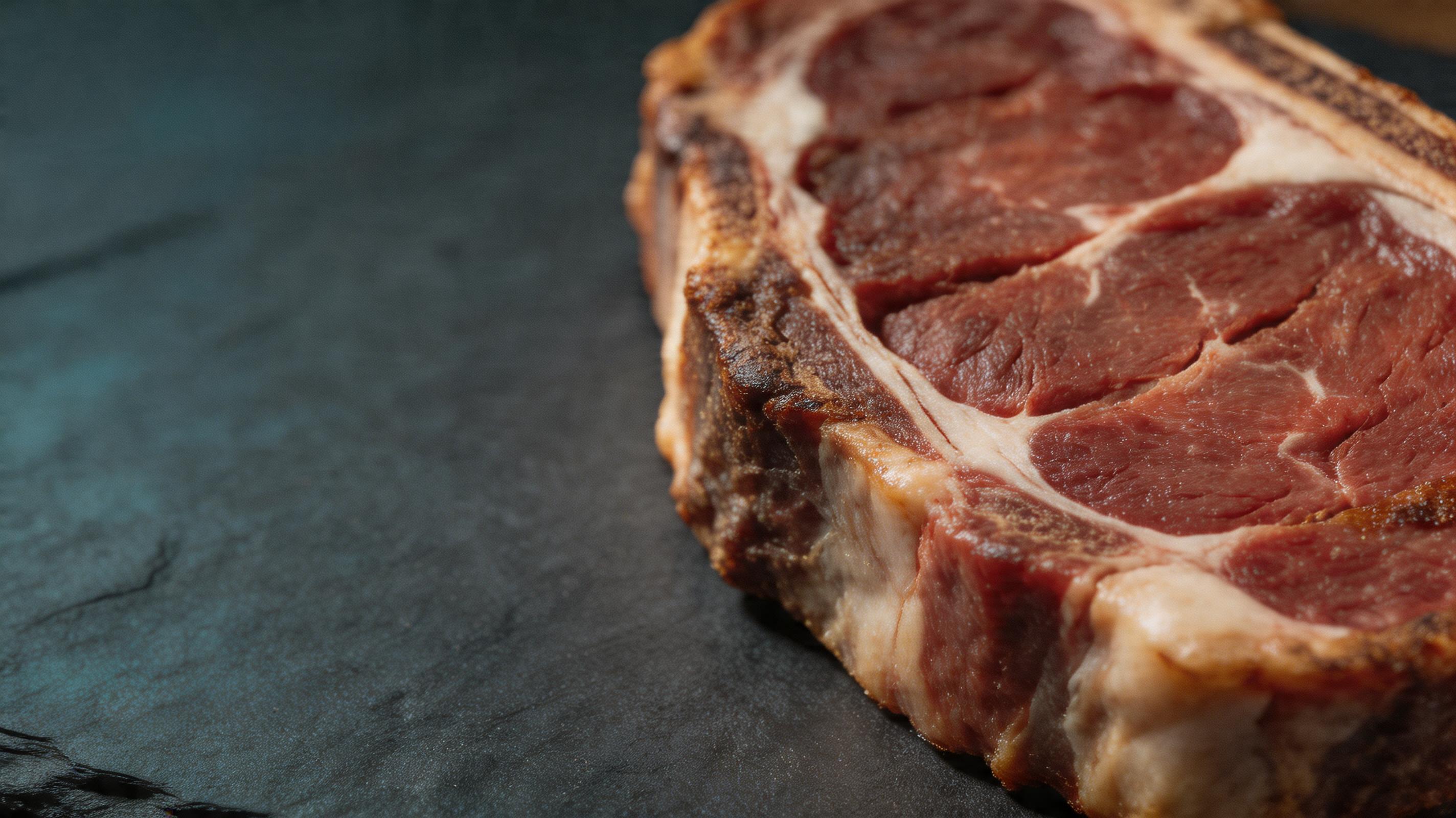
AI is excellent for direction.
Final ecommerce assets still need human review.
My Current Order
When I only have one reference photo, I generate in this order:
- white-background hero
- studio product shot
- lifestyle image
- detail-page image
- ad image and social cover
The order matters.
If you start with the coolest ad, you may miss the fact that the product changed.
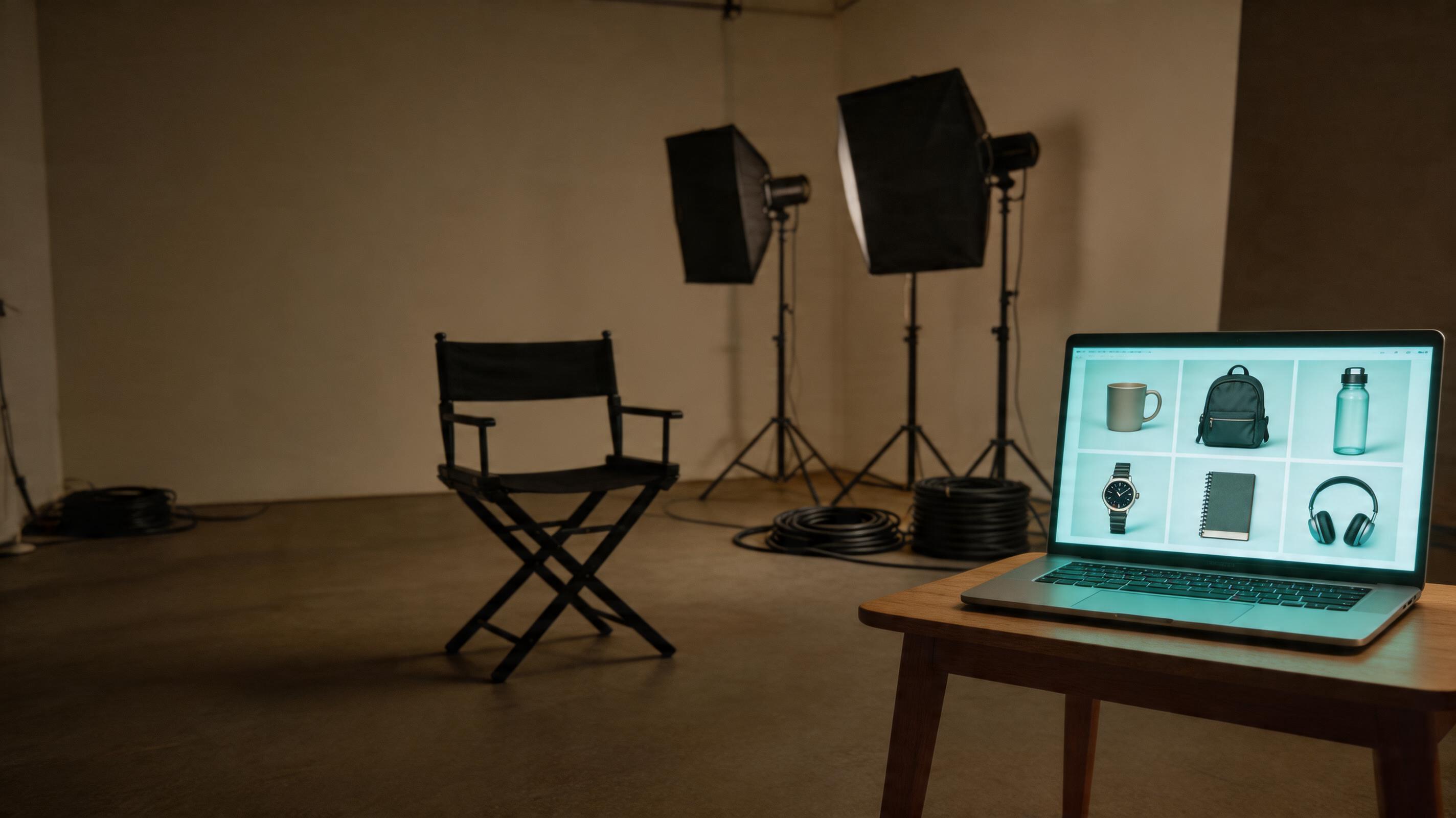
The Bottom Line
AI can save ecommerce teams a lot of time.
But the most valuable image is not always the flashiest one.
The valuable image is the one you can actually place on a product page:
- clear hero image
- premium studio shot
- believable lifestyle scene
- simple detail graphic
- clickable social cover
Used in that order, AI becomes a fast ecommerce visual assistant instead of a random image toy.
Frequently asked questions
Do I need a credit card to try GPT Image2 Studio?
No. Every new account starts with 30 credits on signup, then unlocks 30 more after the first successful image. Paid plans only kick in if you want more than the free ceiling.
Can I use the generated images commercially?
Yes. Every tier, including the free starter credits, comes with full commercial rights. Run ads, sell products, print on merchandise, publish on any platform. No watermark, no attribution required.
Which model should I route to for what?
Hero ads and text-heavy creative fit GPT Image 1.5 high. Product and macro texture work fit Nano Banana Pro. High-volume social iteration fits Nano Banana 2. Fast drafts and mood boards fit Z Image. The workbench can route one prompt across all of them.
How fast is a single generation?
Z Image returns in about 10 seconds. Nano Banana 2 often returns in 15 to 20 seconds. Nano Banana Pro and GPT Image 1.5 high usually take 30 to 45 seconds for standard quality, and up to about a minute for 4K high quality.
What's the difference between GPT Image 1.5 high and Nano Banana 2?
GPT Image 1.5 high is stronger for text inside images and premium ad creative. Nano Banana 2 is faster and cheaper. In production, compare both with the same prompt before choosing the final image.
Can I edit an existing image instead of generating from scratch?
Yes. Upload a reference image, then continue with image-to-image, masked edits, background removal, object cleanup, or compression inside the same workflow.
Stop guessing the model.
Run all three.
We route your prompt to GPT Image 1.5 high, Nano Banana 2, Z Image and more — same workbench, same prompt, side-by-side blind compare. 30 credits on signup, another 30 after your first successful image, and commercial rights at every tier.
30 + 30
Free credits
5+
SOTA models
30s
To first render