GPT Image2
Amostra realArraste a divisória para inspecionar os detalhes
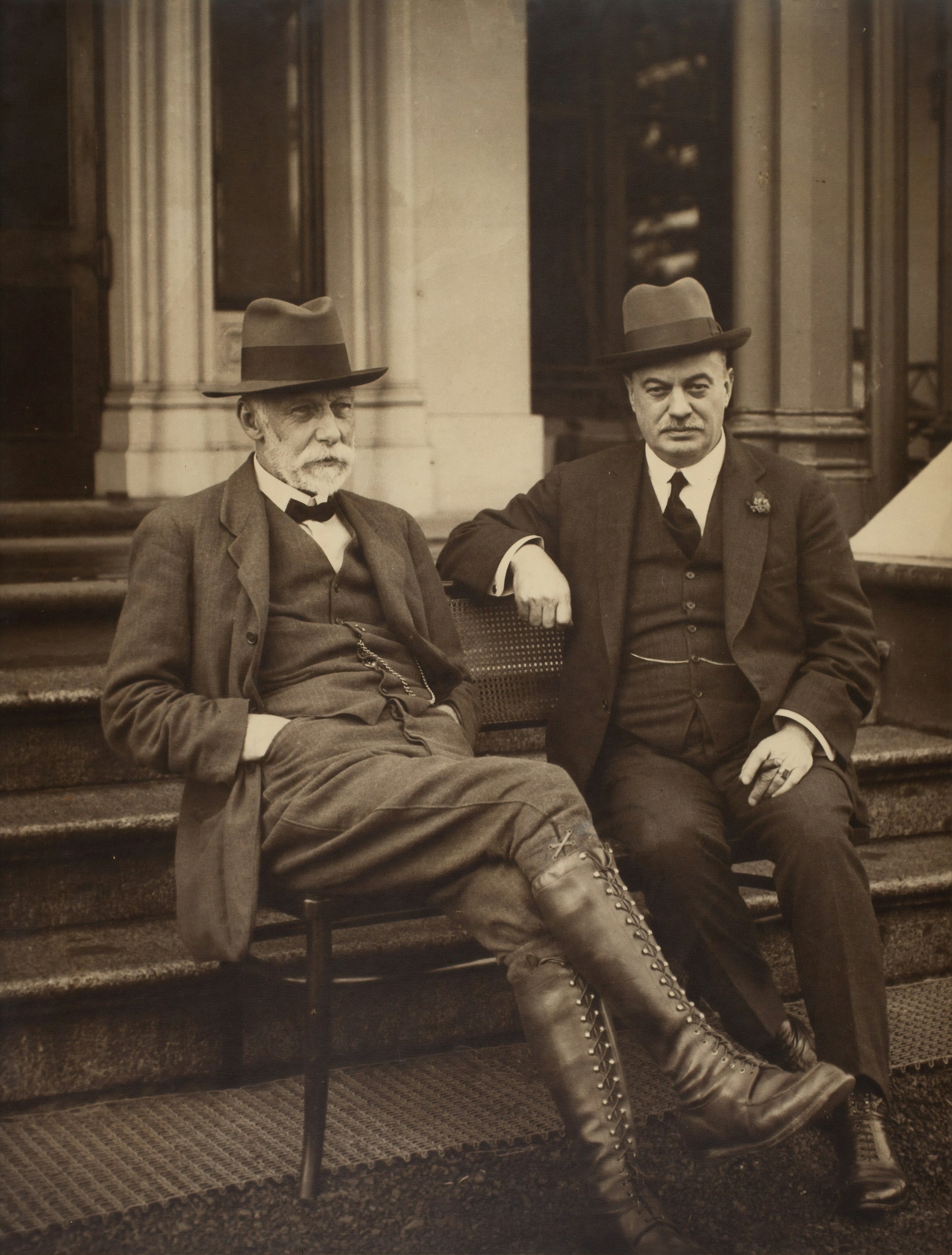
Arraste a divisória para inspecionar os detalhes
Retrato nítido de 2.400 px
Digitalização minúscula de 194 px
Melhorar após geração
Upscaler de imagem on-line gratuitamente via AI
Transforme um render pequeno ou uma foto enviada em um asset 2x ou 4x mais limpo e continue editando com remoção de fundo, limpeza de objetos ou compressão para web.
Comece a aumentar a escala
Faça upload de uma renderização, foto de produto, pôster ou retrato.
Nenhuma imagem disponível? Experimente um destes
Input
JPG, PNG, WebP, HEIC
Resultado
PNG, JPG, WebP
Sua primeira corrida gratuita retorna à fila normal.
Best fit
Best when the subject is already right, but the file is too small for ads, product pages, or print review.
Watch first
Do not upscale broken anatomy, unreadable labels, or a wrong product shape; regenerate those first.
Next move
After the detail holds up, compress the final export or remove the background for a product layout.
Escala 2x ou 4x
Qualidade rápida ou mágica
Predefinições de fotos, produtos ou ilustrações
Exemplos
Veja o salto na resolução antes de fazer upload
Cada exemplo mostra a origem em baixa resolução ao lado da exportação mais nítida, para você avaliar se a ferramenta combina com seu tipo de imagem.
sharper 4096 px
Drag to compare
Arte limpa de 2.400 px
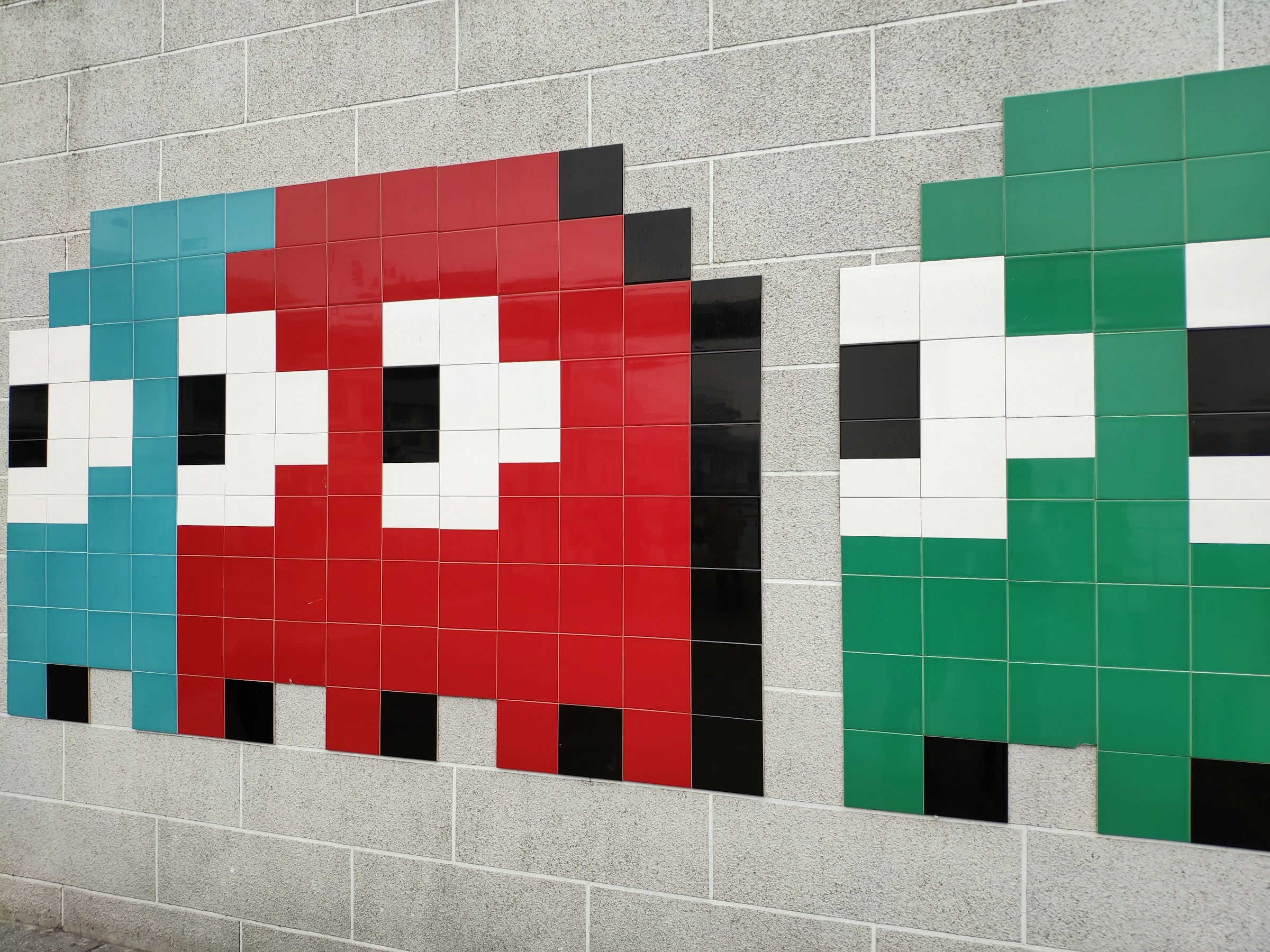
Fonte pixelizada de 256 px
Traga pixel art para o tamanho de pôster
Use quando um jogo pequeno, ícone ou visual retrô precisa aguentar um recorte maior.
sharper 4096 px
Drag to compare
Detalhes do produto mais nítidos
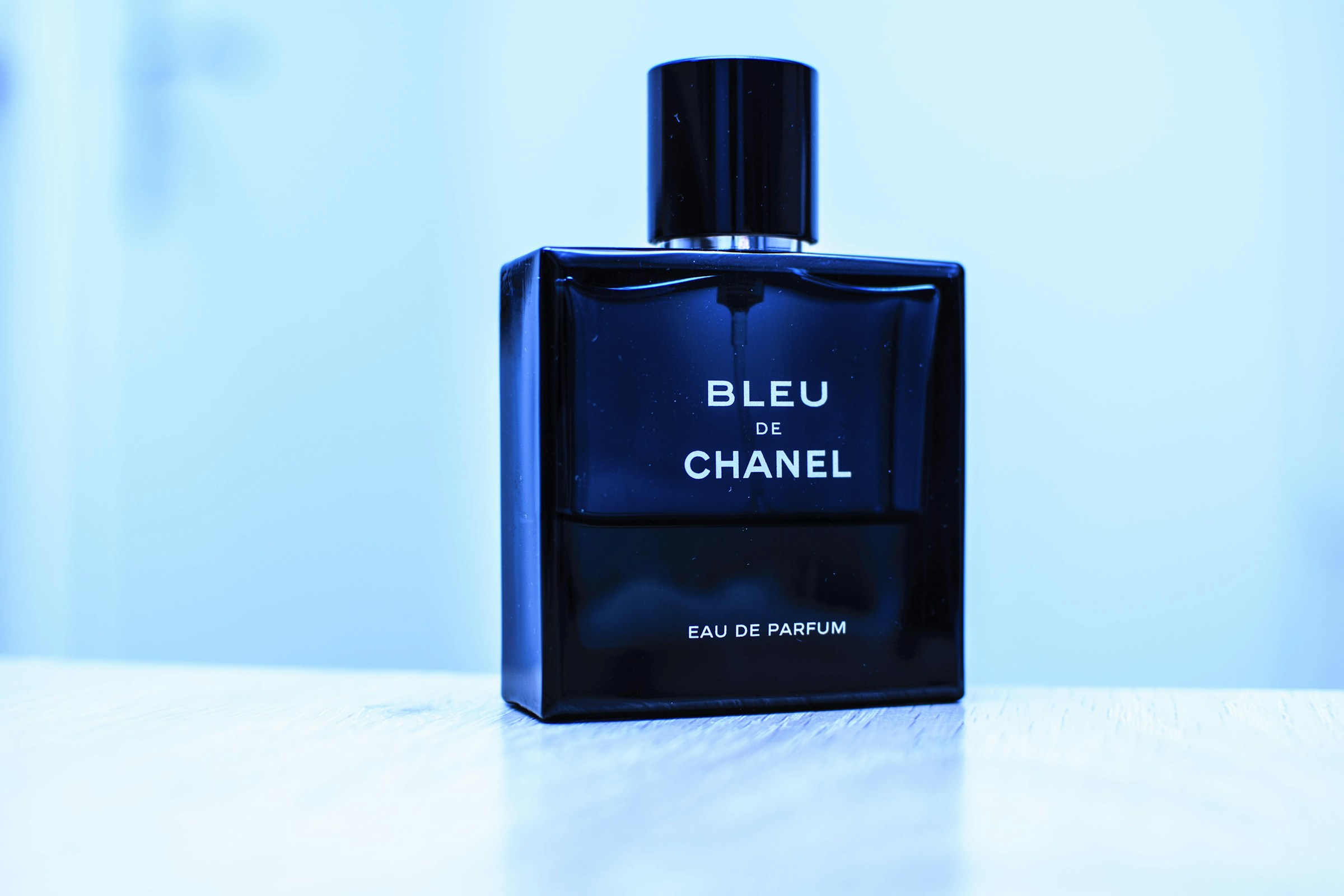
Foto pequena do produto compactado
Faça com que a foto de um produto pareça premium
Vidro do perfume, bordas da tampa e brilhos ficam mais fáceis de usar em hero de loja ou anúncio.
sharper 4096 px
Drag to compare
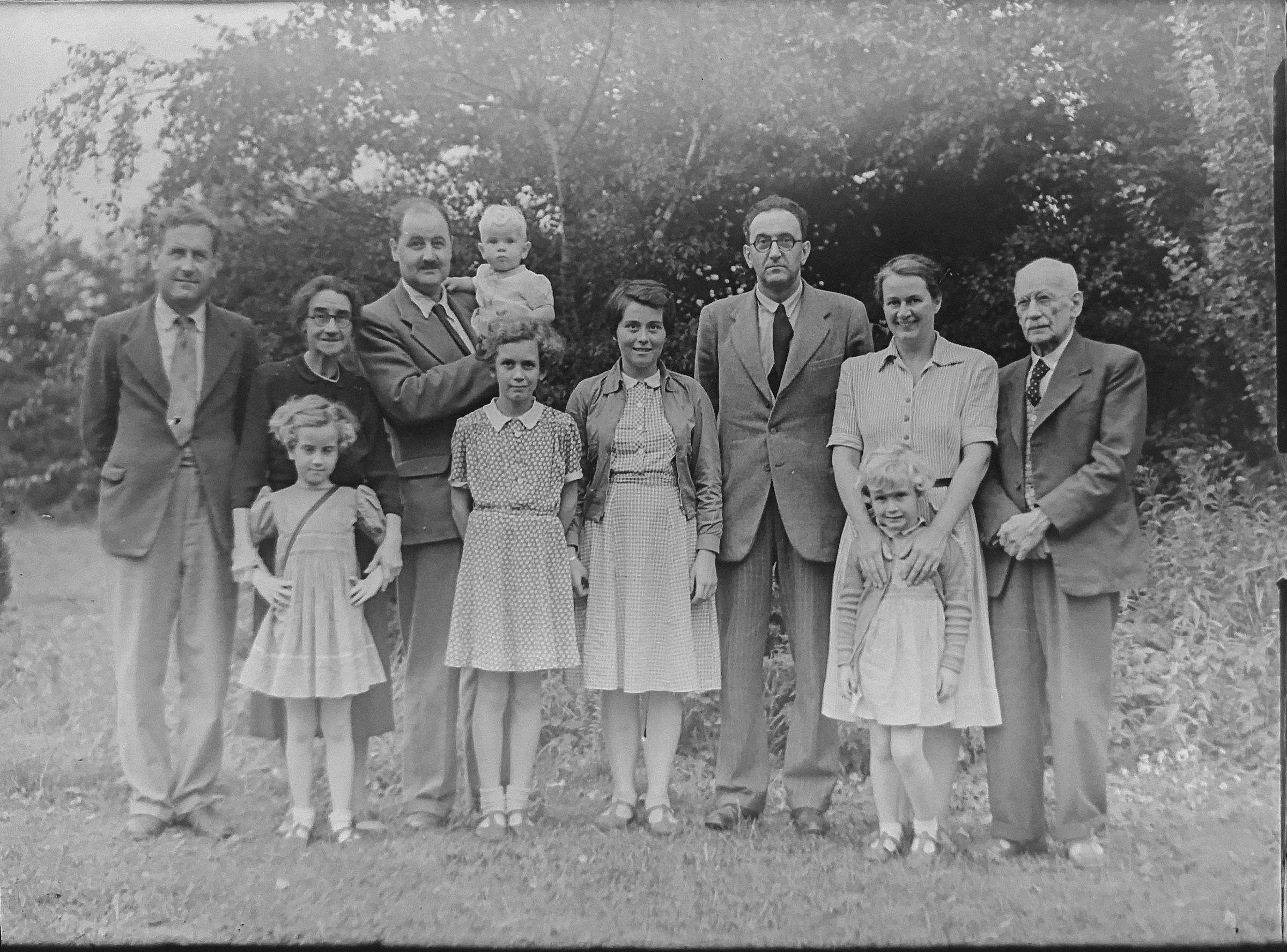
Textura de foto restaurada
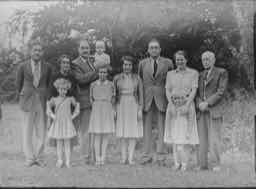
Varredura familiar com poucos detalhes
Dê vida a fotos antigas de família
Um exemplo no estilo restauração deixa o valor claro sem explicação técnica.
sharper 4096 px
Drag to compare
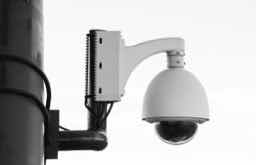
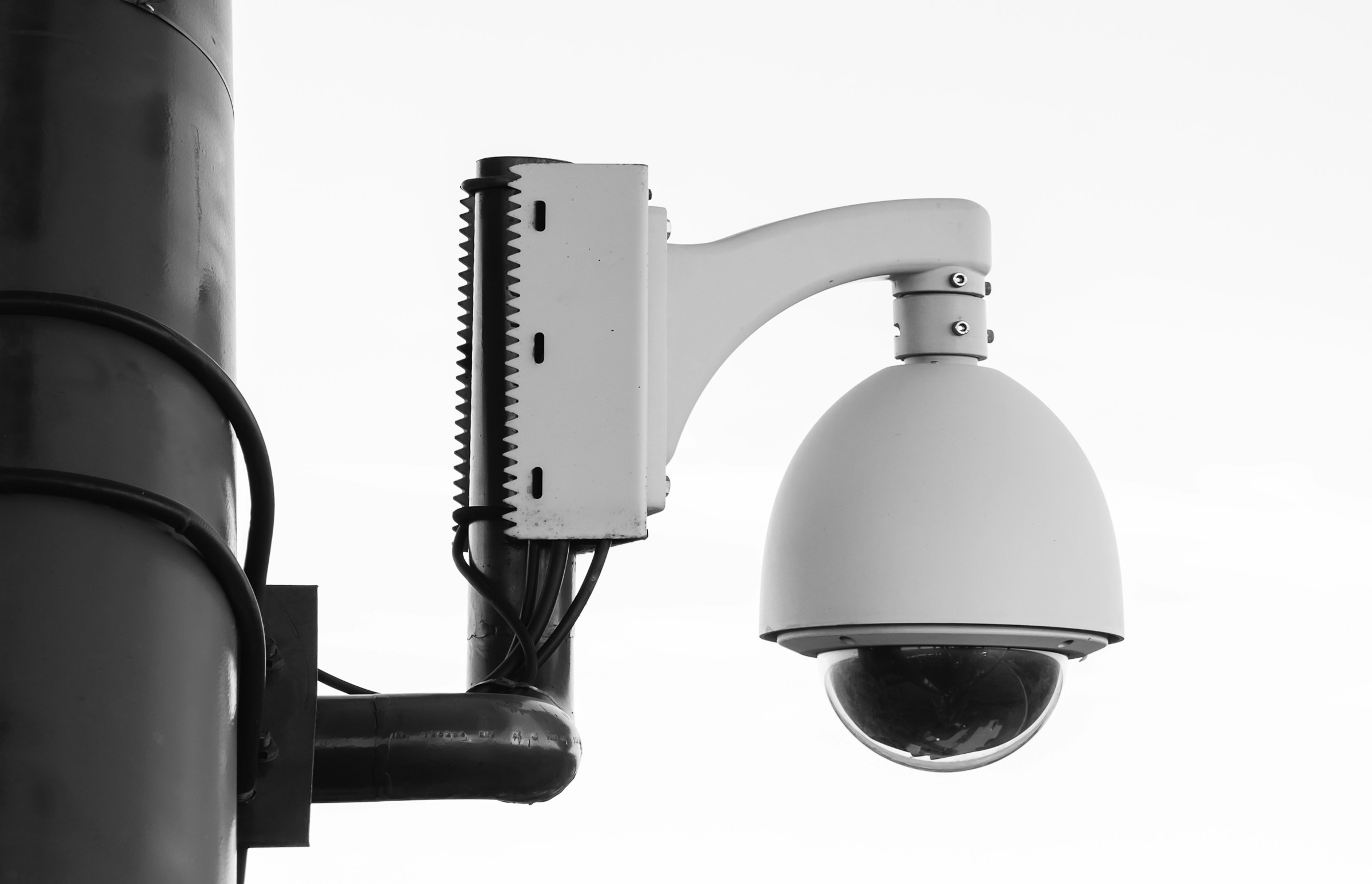
Detalhe monocromático legível
Quadro de vigilância embaçado
Limpe uma segurança ainda
Frames preto e branco com pouca luz precisam de contraste mais forte e bordas mais úteis.
sharper 4096 px
Drag to compare
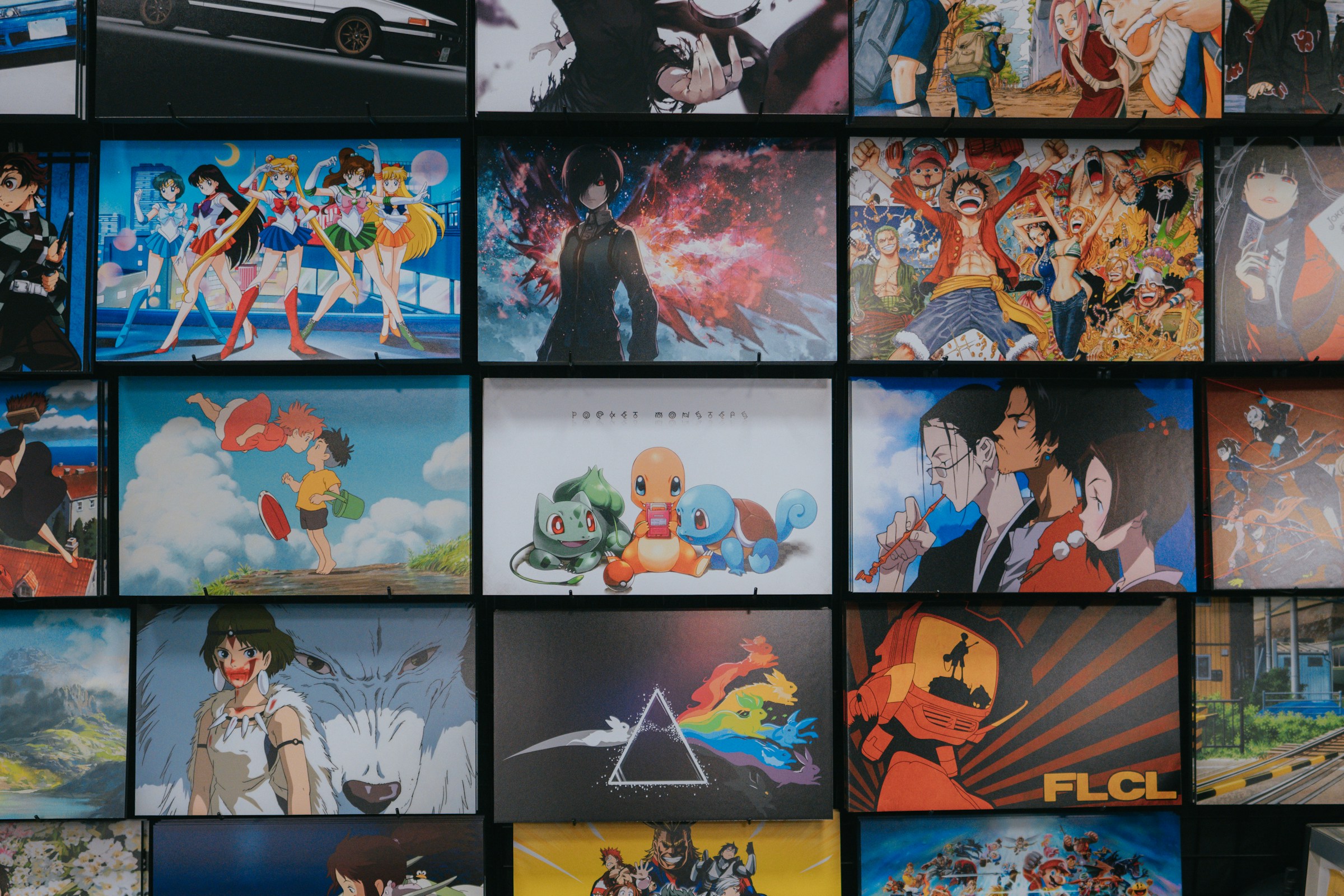
Detalhe nítido da ilustração
Parede de anime compactada
Cartazes de anime sofisticados para 4K
Exemplos de ilustração colorida mostram utilidade para fãs, criadores e layouts impressos.
Casos de uso
Não é um utilitário único. É o próximo passo após geração.
A página continua focada em busca, mas também mostra o que mais o GPTIMG pode finalizar a partir da mesma imagem.
Imagens AI que precisam de exportação em tamanho final
Gere em tamanho de rascunho e amplie o melhor resultado para anúncios, landing pages e recortes em alta resolução.
Fotos de produtos que parecem muito pequenas
Dê mais espaço de pixels a imagens de loja e catálogo antes de remover fundo ou comprimir.
Cartazes e capas que precisam de detalhes mais nítidos
Revise tipografia, textura e detalhes pequenos antes de enviar o design a um cliente ou gráfica.
Ferramentas conectadas
Uma imagem finalizada geralmente precisa de mais um movimento
Depois da primeira edição, mantenha o mesmo asset avançando pela suíte em vez de reenviá-lo para outro lugar.
Comprimir após aumentar a escala
Mantenha a versão mais nítida leve o suficiente para sites e lojas.
Open Comprima imagens online sem perda visível de qualidade
Remova o fundo
Transforme a imagem mais nítida em um PNG transparente e limpo.
Open Remova fundos de imagens com AI
Apague pequenos artefatos
Clean odd text, marks, or distracting details after enlarging.
Open Remova objetos indesejados das imagens
Fluxos de trabalho
Caminhos de acabamento populares
Estas são as combinações que os usuários normalmente precisam depois de gerar ou enviar uma imagem.
Fluxo de trabalho de imagem de anúncio AI
Amplie o melhor render, apague pequenos artefatos e exporte uma versão leve para web.
Fluxo de trabalho da página do produto
Recorte o produto, amplie a imagem final e comprima para melhorar a velocidade da loja.
Trust
Limites claros tornam a ferramenta mais fácil de confiar
Cada página explica o que o recurso altera, quais arquivos aceita, quais custos se aplicam e quando outra etapa de edição é o melhor próximo passo.
O custo final é mostrado antes de executar uma edição AI.
Edições de IA com falha devem devolver credits quando a tarefa do backend falhar.
Use suas próprias imagens ou imagens que você tem direito de modificar.
1
Carregar a imagem
Comece com um render de IA, foto de produto, retrato, pôster ou qualquer imagem que precise de resolução mais útil.
2
Escolha a direção de saída
Escolha uma ampliação mais rápida para assets de rotina ou uma ampliação com mais detalhes para campanhas finais.
3
Continue terminando a mesma imagem
Continue com remoção de fundo, limpeza de objetos ou compressão na mesma suíte de ferramentas.
Devo fazer upgrade antes ou depois de remover o fundo?
Em fotos de produto, remova o fundo primeiro quando a borda do assunto importa e depois amplie o resultado limpo. Em pôsteres e arte de IA, amplie primeiro se precisar inspecionar detalhes pequenos.
Posso compactar uma imagem ampliada depois?
Sim. A ampliação aumenta a contagem de pixels, então a compressão costuma ser o último passo antes de enviar para um site ou marketplace.
Quais imagens funcionam melhor para upscaling AI?
Fotos de produto, retratos, pôsteres, renders de IA e assets sociais funcionam bem. Imagens muito borradas ainda podem precisar de limpeza ou regeneração.