GPT Image2
Amostra realArraste a divisória para inspecionar os detalhes


Arraste a divisória para inspecionar os detalhes
Exportação web leve
Grande JPG original
Imagens leves e prontas para exportação
Comprima imagens online sem perda visível de qualidade
Reduza o tamanho do arquivo depois de gerar, remover fundo ou ampliar. Mantenha a qualidade alta, acelere páginas e evite limites de upload.
Compressor aberto
Envie arquivos JPG, PNG ou WebP. A compressão no navegador é planejada para privacidade.
Nenhuma imagem disponível? Experimente um destes



Input
JPG, PNG, WebP
Resultado
JPG, PNG, WebP
Settings
Qualidade visual94%
Compression runs locally in your browser. No upload, no credits.
Best fit
Best for finished images that look right but are too heavy for pages, stores, email, or uploads.
Watch first
Compression will not fix a blurry source; upscale or repair the image before final export.
Next move
Use it as the last step after generation, background removal, upscaling, or cleanup.
Controle deslizante de qualidade
Tamanho do arquivo de destino
Saída JPG, PNG ou WebP
Exemplos
Verifique o que fica menor e o que ainda parece publicável
Compressão só ajuda quando a imagem continua boa o suficiente para a página, loja, e-mail ou prévia de cliente que você vai entregar.

612 KB web export
Drag to compare
Arquivo de compartilhamento menor
Originais de alta qualidade
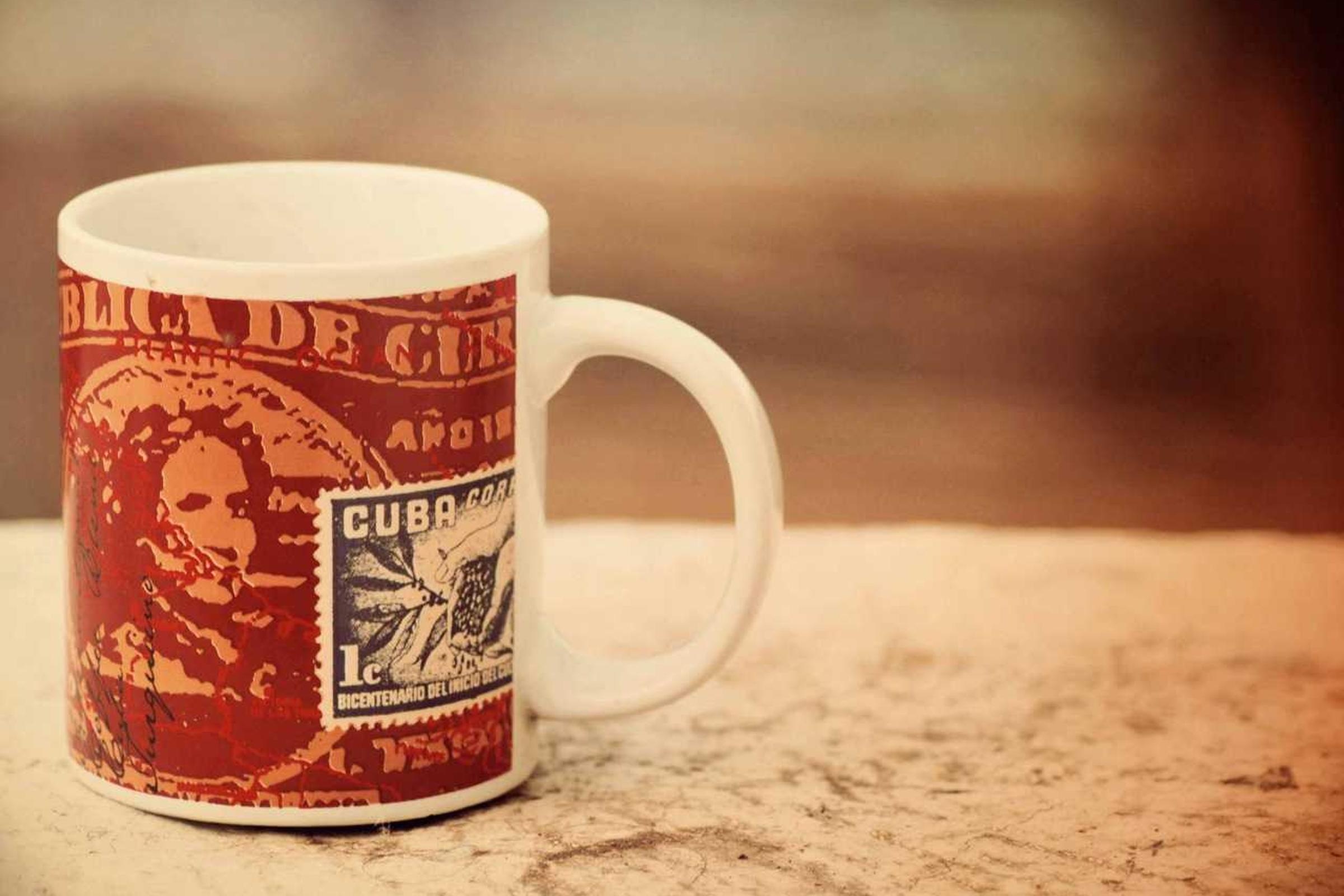
Torne um retrato mais fácil de carregar
Bom para imagens de perfil, prévias para clientes e uploads de suporte com limite de tamanho.
612 KB web export
Drag to compare
Imagem rápida da vitrine
Arquivo de produto pesado
Reduza as fotos dos produtos para aumentar a velocidade da loja
Fotos de produto muitas vezes precisam de compressão depois de remover fundo ou ampliar.

612 KB web export
Drag to compare
Ativo da web menor
Foto grande do espaço de trabalho
Compactar uma exportação de espaço de trabalho
Um caso prático de compressão para documentação, páginas no Notion e prévias para clientes.

612 KB web export
Drag to compare
Exportação pronta para CMS
Imagem editorial pesada
Reduzir a imagem principal da mesa do blog
Útil para tutoriais, dashboards, relatórios e blogs com muitas imagens.
612 KB web export
Drag to compare
Arquivo da web de carregamento rápido
Grande arquivo editorial
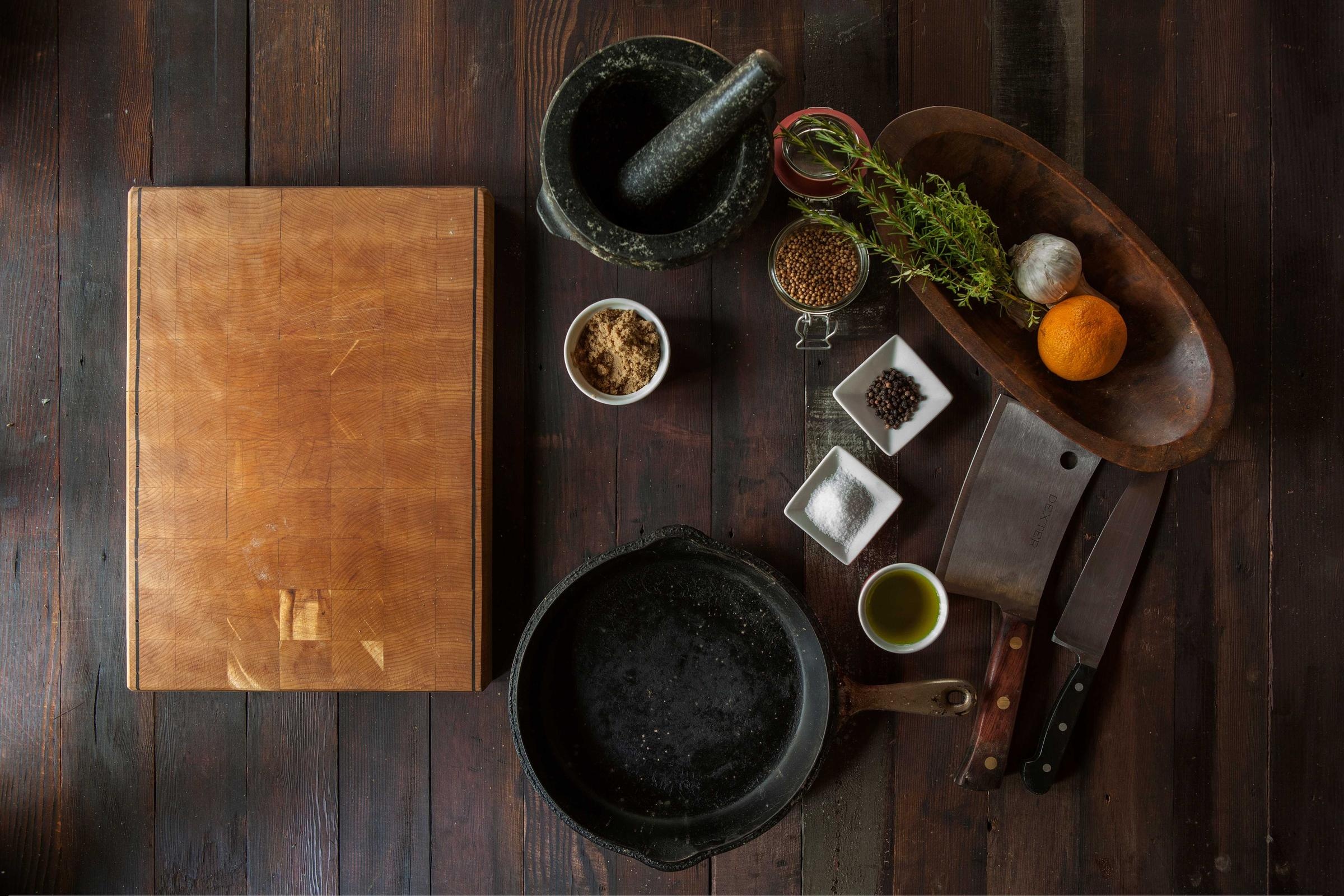
Comprimir fotos editoriais de alimentos e produtos
Uma natureza-morta rica mostra que a compressão ainda pode ficar refinada para publicar.
Casos de uso
Não é um utilitário único. É o próximo passo após geração.
A página continua focada em busca, mas também mostra o que mais o GPTIMG pode finalizar a partir da mesma imagem.
Velocidade do site
Comprima imagens hero, fotos de produto e visuais de blog antes que deixem a página lenta.
Limites de mercado e CMS
Reduza imagens para Shopify, WordPress, Notion, e-mail e uploads de suporte.
Etapa final após as edições do AI
Depois de ampliar, remover fundo ou apagar, exporte uma versão mais leve para publicar de verdade.
Ferramentas conectadas
Uma imagem finalizada geralmente precisa de mais um movimento
Depois da primeira edição, mantenha o mesmo asset avançando pela suíte em vez de reenviá-lo para outro lugar.
Sofisticado se parecer muito pequeno
Se a compressão revelar baixa resolução, aumente a nitidez antes da exportação final.
Open Upscaler de imagem on-line gratuitamente via AI
Remova o fundo primeiro
Em imagens de produto, recorte o assunto antes de comprimir o arquivo final.
Open Remova fundos de imagens com AI
Apague as distrações primeiro
Remova marcas ou poluição visual antes de criar a exportação final mais leve.
Open Remova objetos indesejados das imagens
Fluxos de trabalho
Caminhos de acabamento populares
Estas são as combinações que os usuários normalmente precisam depois de gerar ou enviar uma imagem.
Fluxo de trabalho de imagens do site
Aumente a nitidez se necessário, remova problemas visuais e comprima para velocidade de página.
Fluxo de trabalho de lista de produtos
Prepare um recorte limpo de produto, amplie e exporte uma imagem que carrega rápido.
Trust
Limites claros tornam a ferramenta mais fácil de confiar
Cada página explica o que o recurso altera, quais arquivos aceita, quais custos se aplicam e quando outra etapa de edição é o melhor próximo passo.
A compactação deve ser gratuita e separada dos créditos AI.
Compressão no navegador é melhor para capturas privadas e arquivos de clientes.
Use a compressão como etapa final de exportação depois da edição de imagem.
1
Carregar imagens finalizadas
Comece com a imagem que você quer publicar, compartilhar ou enviar para loja, CMS ou e-mail.
2
Escolha qualidade e formato
Use o controle de qualidade e a escolha de formato para equilibrar qualidade visual e tamanho do arquivo.
3
Baixe ou continue editando
Salve o arquivo menor ou volte para ampliar, remover fundo ou apagar se a imagem ainda precisar de acabamento.
Devo compactar antes ou depois do upscaling?
Comprima por último. A ampliação aumenta tamanho e detalhe, então a compressão costuma ser a etapa final antes de publicar.
A compactação de imagem é uma edição AI?
Não. A compressão é planejada como ferramenta de exportação no navegador. As ferramentas de IA são ampliação, remoção de fundo e apagar objetos.
Minha imagem será carregada para compactação?
O compressor planejado roda no cliente, então a compressão pode acontecer no navegador sem enviar a imagem a um provedor de IA.