产品摄影价格怎么估?我用 10 个 SKU 对比了棚拍、混合和 AI
一篇面向电商团队的产品摄影价格和产品拍摄价格拆解:传统棚拍、AI 混合工作流和 AI-first 产品图套图怎么比较,真正的成本在哪里,以及什么时候 AI 才值得用。

David Chen
·2 min read

我第一次给产品摄影报价时,问错了问题。
我问的是:“一张产品图多少钱?”
更好的问题应该是:
扣掉废片、修改、修图、渠道裁切之后,一张真正可用的图多少钱?
成本就是在这里变化的。
这篇文章里,我把一个 10 个 SKU 的简单电商拍摄按三种方式算了一遍:
- 传统摄影棚流程
- 真人拍摄加 AI 的混合流程
- AI-first,加人工 QA 的流程
快速答案:产品摄影价格不能只看单张生成或摄影师日费,要看每张可批准成图成本。AI 最能省的是短周期电商产品图和广告变体,隐藏成本是人工审核。
最意外的是:AI 不是最贵的部分,也不是最应该盯着看的部分。
真正贵的是人工审核。
那个看起来很便宜的假数字
AI 图片生成会让第一版草图显得几乎免费。
这很危险。
如果你只算 credits,会低估项目。
如果你只算摄影师,会为不需要实拍的图多付钱。
真实价格通常在中间。
我会把成本拆成这几类:
| 成本项 | 包含什么 | 为什么重要 |
|---|---|---|
| 前期准备 | 商品整理、提示词 brief、参考图、拍摄清单 | 输入差会制造昂贵返工 |
| 生成 | AI credits、模型测试、变体 | 单张便宜,但不是零成本 |
| 筛选 | 选图、剔除漂移、检查文字 | 这是隐藏人工 |
| 修图 | 清理、调色、边缘修正、最终裁切 | 最终电商使用仍然需要 |
| QA | 声明、几何、标签、平台适配 | 防止昂贵错误 |
credits 只是其中一行。
方案 1:传统摄影棚
传统棚拍仍然有意义。
它适合这些情况:
- 商品是高端品。
- 材质很重要。
- 图片必须代表准确售卖实物。
- 真人模特是 campaign 核心。
- 图片会长期使用,而不是一周后就换。
缺点是速度和固定成本。
即使是小拍摄,也会有协调成本:寄样、整理产品、布光、摄影师、助理、修图、审批。
10 个 SKU 的拍摄,真实成本很少只是摄影师日费。它是整个生产循环。
方案 2:真人加 AI 的混合流程
这是我最喜欢的电商流程。
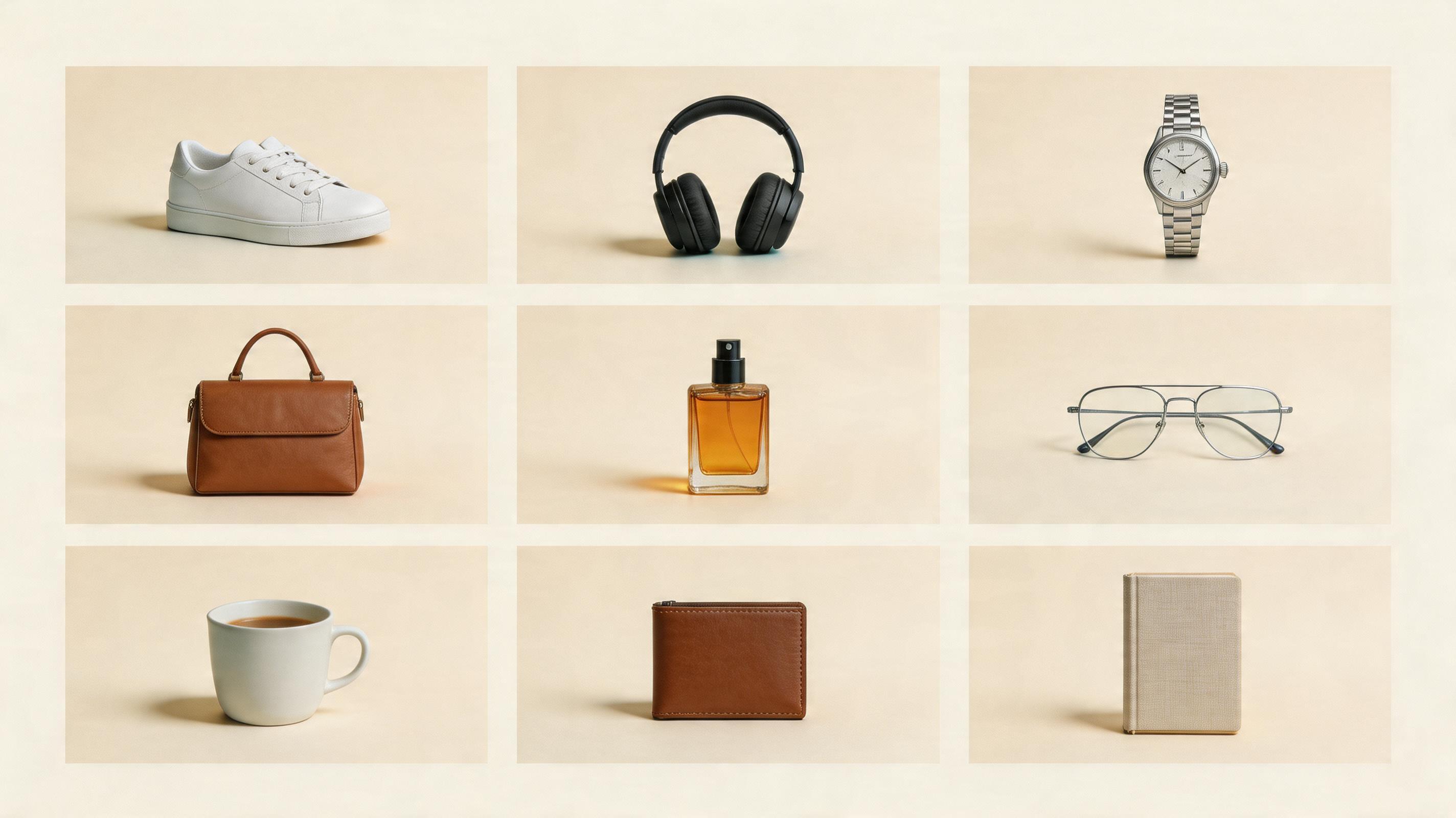
你先拍或上传一张干净商品参考图,再用 AI 生成配套图片:
- 干净背景版本
- 生活方式场景
- 功能细节图
- 社媒裁切
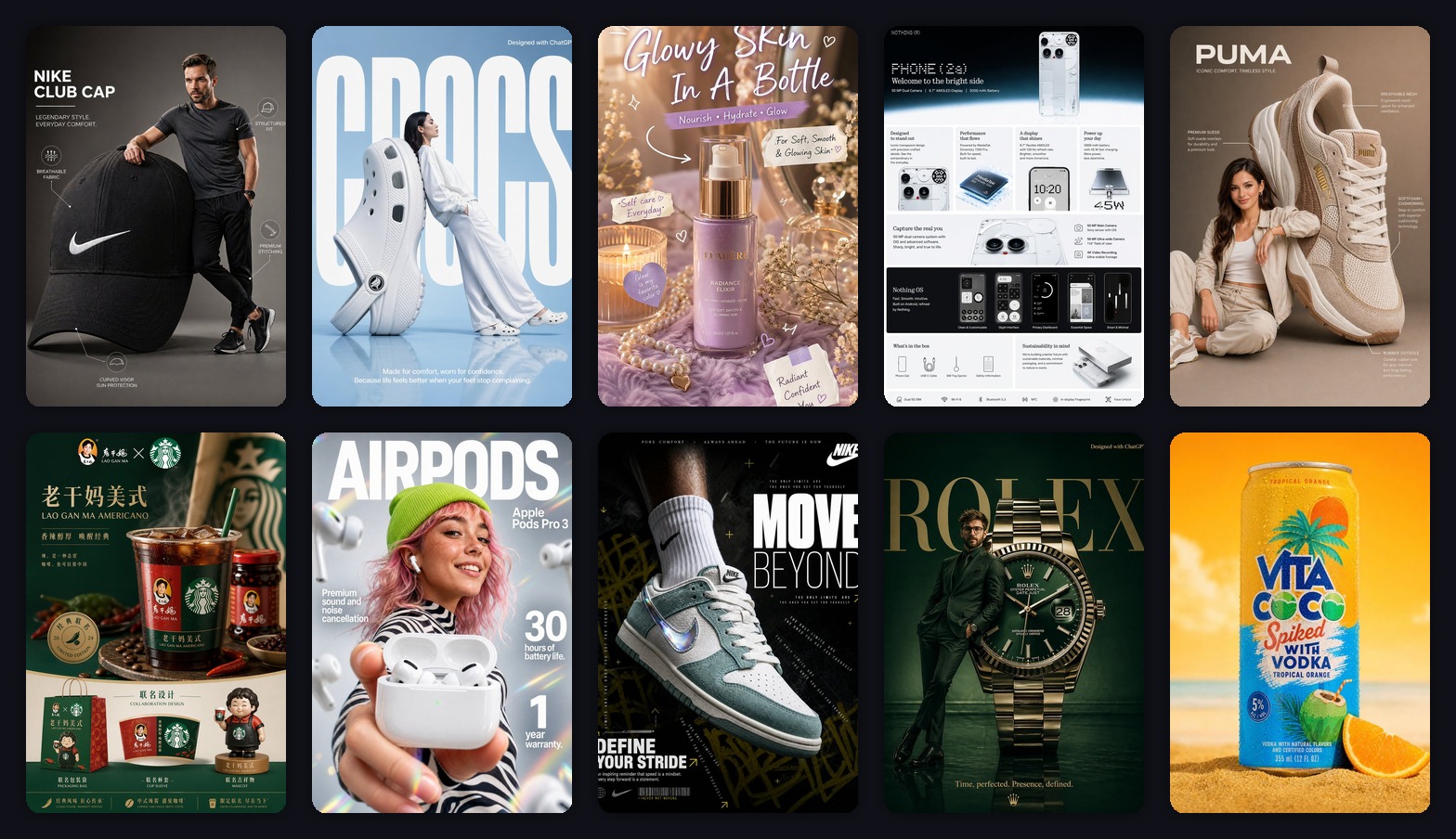
- 广告主视觉
- 季节性变体
人仍然负责重要判断:
- 商品准确吗?
- 材质可信吗?
- 标签读得清吗?
- 功效和卖点安全吗?
- 图片符合品牌吗?
AI 降低生产时间,但不会取消判断。
方案 3:AI-first
AI-first 适合图片不是法律意义上“真实证明”的场景。
适合:
- 概念广告
- 社媒变体
- 背景探索
- 季节性 campaign 图
- 早期落地页测试
- 经过 QA 的平台辅助图
不适合:
- 体现新鲜度的食物特写
- 医疗、保健品或监管声明
- 奢侈品材质微距
- 任何必须证明准确实物的图
AI-first 最快,但需要一条硬规则:
只要商品变了,这张图就失败。
我会真正使用的报价表
我现在算的是“每张可批准成图成本”,不是“每次生成成本”。
| 流程 | 最适合 | 成本表现 | 主要隐藏成本 |
|---|---|---|---|
| 摄影棚 | Hero campaign、高端 SKU、质感关键产品 | 固定成本高,成图稳定 | 排期和修图 |
| 混合流程 | 电商套图、广告、生活方式变体 | 总成本更低,迭代更快 | 人工 QA 和清理 |
| AI-first | 概念、社媒测试、背景变体 | 草图成本最低 | 剔除商品漂移 |
最大的错误,是拿一张棚拍成图和一次 AI 生成做比较。
这不是同一个单位。
正确比较方式是:
总花费之后,我们得到了多少张可用、已批准、可上线的渠道图?
让 AI 报价不失控的提示词
如果你生成的是模糊图片,后面就会用人工清理来付账。
我会从限制漂移的提示词开始:
Create a clean 3:4 ecommerce product image set from one uploaded product reference.

Generate one of the following:
[white-background hero / lifestyle scene / feature-detail image / ad-style hero]

Product:
Preserve the exact product shape, color, label, logo placement, material, and key silhouette. Keep the original product design intact.

Scene:
Use realistic commercial product photography lighting, clean composition, and channel-appropriate negative space.

QA:
Use only safe, verifiable product labels. Keep the geometry clean, the label readable, and the product fully visible.
测试 AI-first 套图提示词
打开 GPT Image2 Studio,上传一张商品参考图,看看你的 SKU 是否适合用 AI 做套图。
AI 最能省钱的地方
AI 最适合短生命周期图片。
包括:
- 每周广告
- 季节性背景
- 社媒变体
- 邮件 hero 图
- 平台辅助图片
- 最终拍摄前的早期创意测试
AI 在长期主视觉上省得没那么多。
那种图我仍然希望摄影师、修图师和品牌审核参与。
The Bottom Line
- 产品摄影报价不是每次生成多少钱,而是每张可批准成图多少钱。
- 高端、质感关键、监管严格或长期使用的 hero 图,传统棚拍仍然值得。
- AI-first 最适合变体、campaign 测试、辅助图和快速电商创意。
- 混合流程通常经济性最好:真实参考图、AI 变体、人工 QA。
- 隐藏成本不是 AI credits,而是审核、剔除、清理和最终批准。
如果你要测试自己的 SKU,从一张参考图和一种图片类型开始。
不要先生成整套 campaign。
先证明商品不会漂移。
然后再放大这套流程。
常见问题
试用 GPT Image2 Studio 需要银行卡吗?
不需要。新账号注册即可获得 30 点数,首次成功生成后还能再解锁 30 点数。只有需要更多用量时才需要选择付费方案。
生成图片可以商用吗?
可以。包括免费启动点数在内,每个档位都包含商用授权。可用于广告、商品页、印刷物和社媒内容,无水印,也不强制署名。
不同模型适合什么任务?
广告主视觉和含文字创意优先用 GPT Image 1.5 high;商品质感和微距细节适合 Nano Banana Pro;大量社媒迭代适合 Nano Banana 2;快速草图和情绪板可以用 Z Image。工作台可以让同一个提示词同时跑多个模型。
单张生成通常需要多久?
Z Image 通常约 10 秒返回;Nano Banana 2 约 15 到 20 秒;Nano Banana Pro 和 GPT Image 1.5 high 标准质量通常 30 到 45 秒,4K 高质量可能接近 1 分钟。
GPT Image 1.5 high 和 Nano Banana 2 有什么差别?
GPT Image 1.5 high 更适合图中文字和高要求广告创意;Nano Banana 2 更快,成本也更低。实际生产中建议同一提示词并排比较,再选最稳的结果。
可以编辑已有图片吗?
可以。上传参考图后,可以做图生图、局部重绘、去背景、擦除和压缩,让同一张图继续完成后续交付。