2026年W杯ロゴを眺めるだけで終わらせない。AIで自分用ファンキットを作る
2026年ワールドカップ向けに、AIでプロフィール画像、スマホ壁紙、オリジナルステッカー、観戦カード、都市別ファン画像を作る実践ガイド。

Sarah Thompson
·2 min read
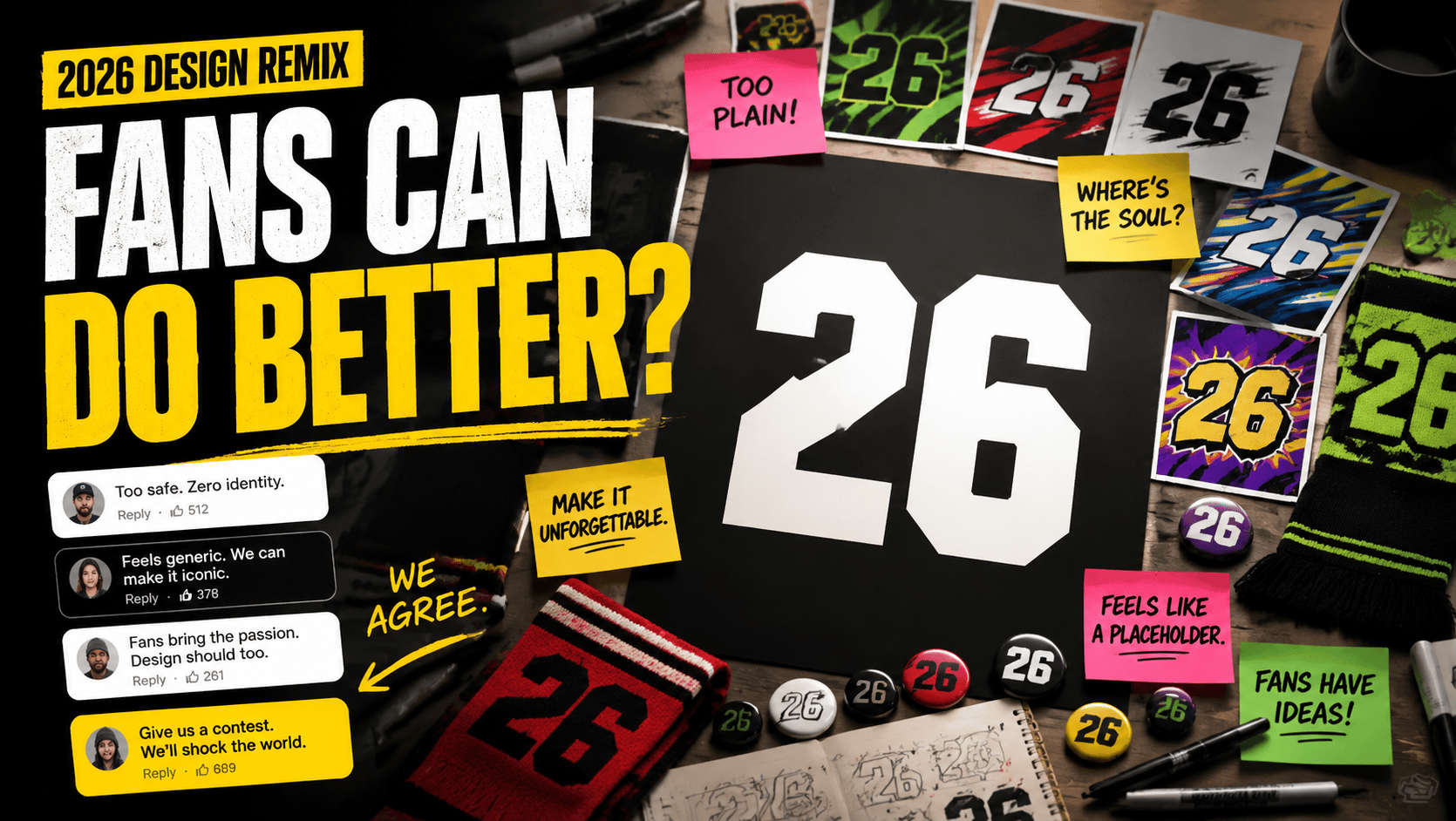
2026年ワールドカップのビジュアルが出ると、毎回のようにネットでは議論が起きます。
ロゴが好きかどうか。公式球 TRIONDA はどう見えるか。Clutch、Maple、Zayu というマスコットはかわいいのか。
正直、普通のファンやクリエイターが公式デザインを決めることはできません。
でも、この熱量を使うことはできます。
これから 2026 World Cup profile picture、World Cup 2026 wallpaper、サッカー ステッカー、観戦画像、ファン头像のような検索は増えていきます。
だから私は、公式ビジュアルを眺めて終わるより、AIで自分用のファンキットを作るほうが面白いと思っています。
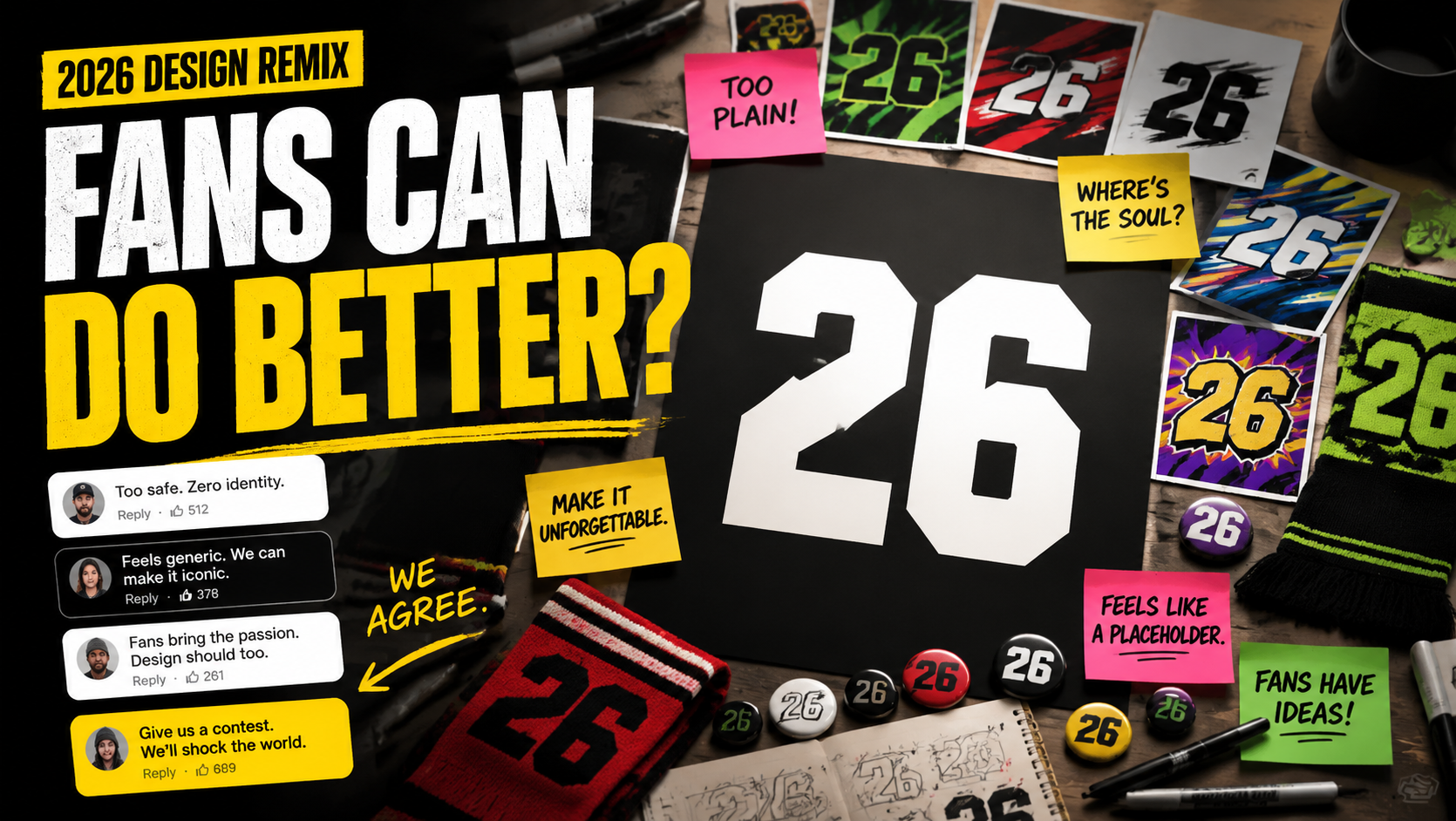
私はプロのデザイナーではありません。
Photoshopで細かく切り抜いたり、ゼロからステッカーを描いたりするのも得意ではありません。
でも、AIに何を作ってほしいか伝えることはできます。
まず作るなら、この4つで十分です。
- スマホ壁紙
- SNSプロフィール画像
- オリジナルステッカー
- 観戦パーティー用カバー
普通のポスター1枚より、実際に使いやすい。
2026ファンキットを生成する
生成ページを開いて、下のプロンプトを貼り付けるだけで壁紙、头像、ステッカーを作れます。
AIで作るほうが楽しい理由
2026年大会の面白さは、アメリカ、カナダ、メキシコの3か国、16都市に広がっていることです。
つまり、全員に同じポスターでは足りません。
シアトルやバンクーバーが好きなら、深いグリーン、雨、山、森、メープルの雰囲気が合います。
メキシコシティなら、明るい色、ストリートサッカー、夜市、壁画、フェス感が合います。
マイアミなら、ネオンピンク、ブルー、ヤシの木、海風、夜の光が合います。
AIはこういう地域の空気を混ぜるのが得意です。
素材サイトを何時間も探す必要はありません。都市の雰囲気、色、サッカー感、使い道をそのまま書けばいい。
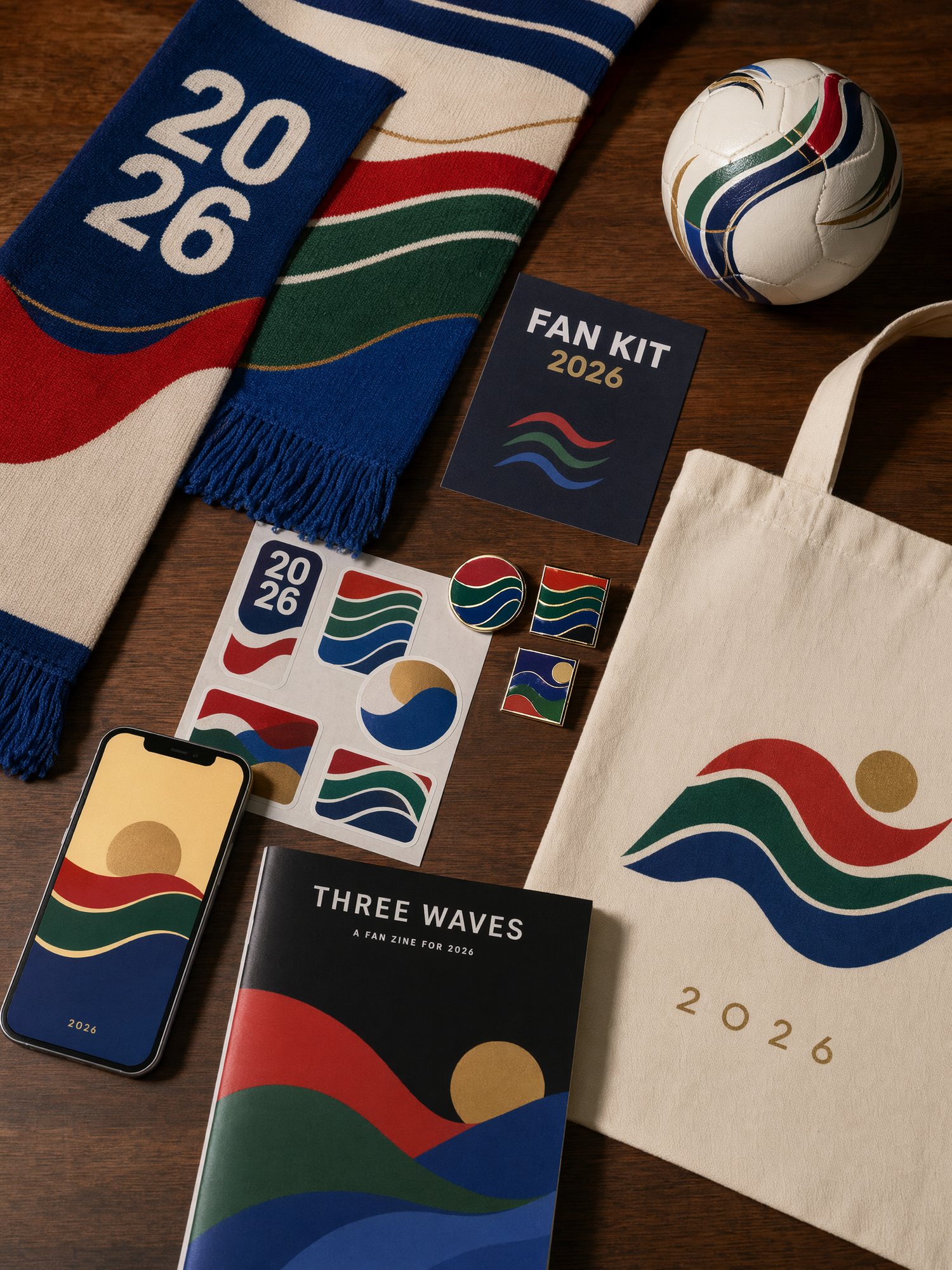
私が使いやすかったプロンプトはこの3つです。
1. まずスマホ壁紙を作る
壁紙は一番使いやすいファン画像です。
イベント情報を詰め込む必要はありません。色、雰囲気、構図が良ければ十分です。
マイアミ風ならこれです。
A trendy 2026 football fan phone wallpaper.
Miami city vibe with neon pink and bright blue colors,
palm tree silhouettes in the background,
a dynamic football in the center,
high aesthetic, modern vector art style,
clean composition, perfect for iPhone wallpaper.
メキシコシティ風なら、途中をこう変えます。
Mexico City street football vibe,
bright Aztec-inspired colors,
night market lights,
urban mural background,
festival energy.
バンクーバー風ならこうです。
Vancouver rainy night football vibe,
deep green and white color palette,
mountain silhouette,
maple leaf accents,
misty stadium lights.
最初から完璧にしようとしなくて大丈夫です。
4枚作って、一番よい方向を選んでから色や構図を整えます。
2. オリジナルのステッカーを作る
ステッカーはポスターよりもシェアされやすいです。
長い画像は保存されなくても、よいステッカーやアイコンはチャットで使われます。
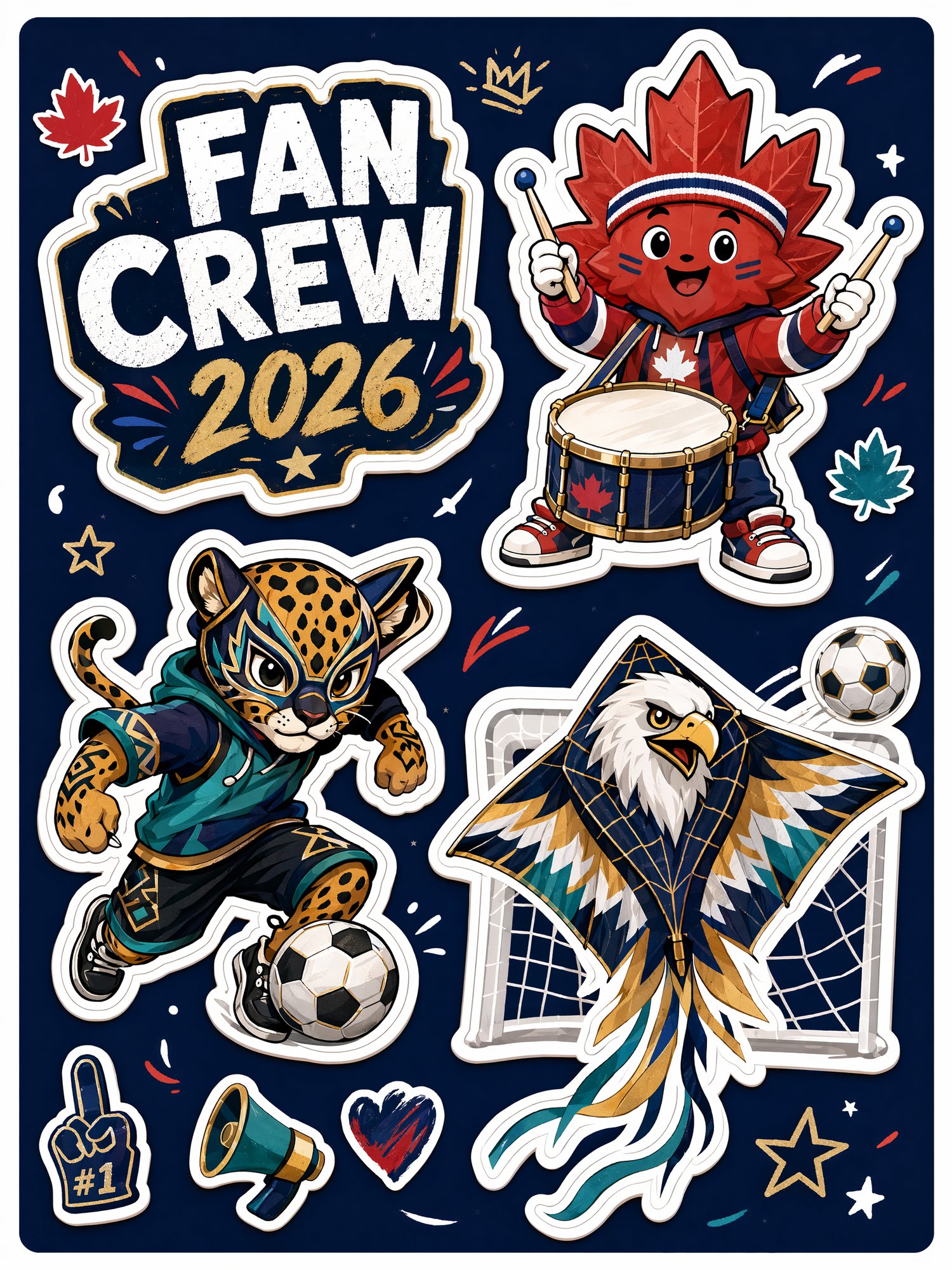
Create an original football fan sticker sheet flat-lay.
Design three fictional mascot-style characters:
a maple leaf playing drums,
a jaguar doing street football tricks,
and an eagle wearing goalkeeper gloves.
Cute, energetic, trendy blind-box style,
bold sticker outlines, colorful match-day captions.
1体だけより、セットで作るほうがファンキットらしく見えます。
3. SNSプロフィール画像を作る
大会が近づくと、プロフィール画像やグループ头像を変える人が増えます。
大事なのは3つだけです。
- サッカー感がすぐ伝わる
- 色が強い
- 小さくしても表情が見える
A dynamic 3D avatar of a football fan
wearing a generic team jersey,
with red, white, and green face paint,
excited match-day expression,
highly detailed, vivid colors,
clean background,
perfect for a social media profile picture.
やわらかい雰囲気にしたいなら追加します。
soft studio lighting, glossy 3D style, friendly and energetic.TikTokやInstagram寄りなら、こうです。
bold rim light, stadium glow, high contrast, viral sports profile image.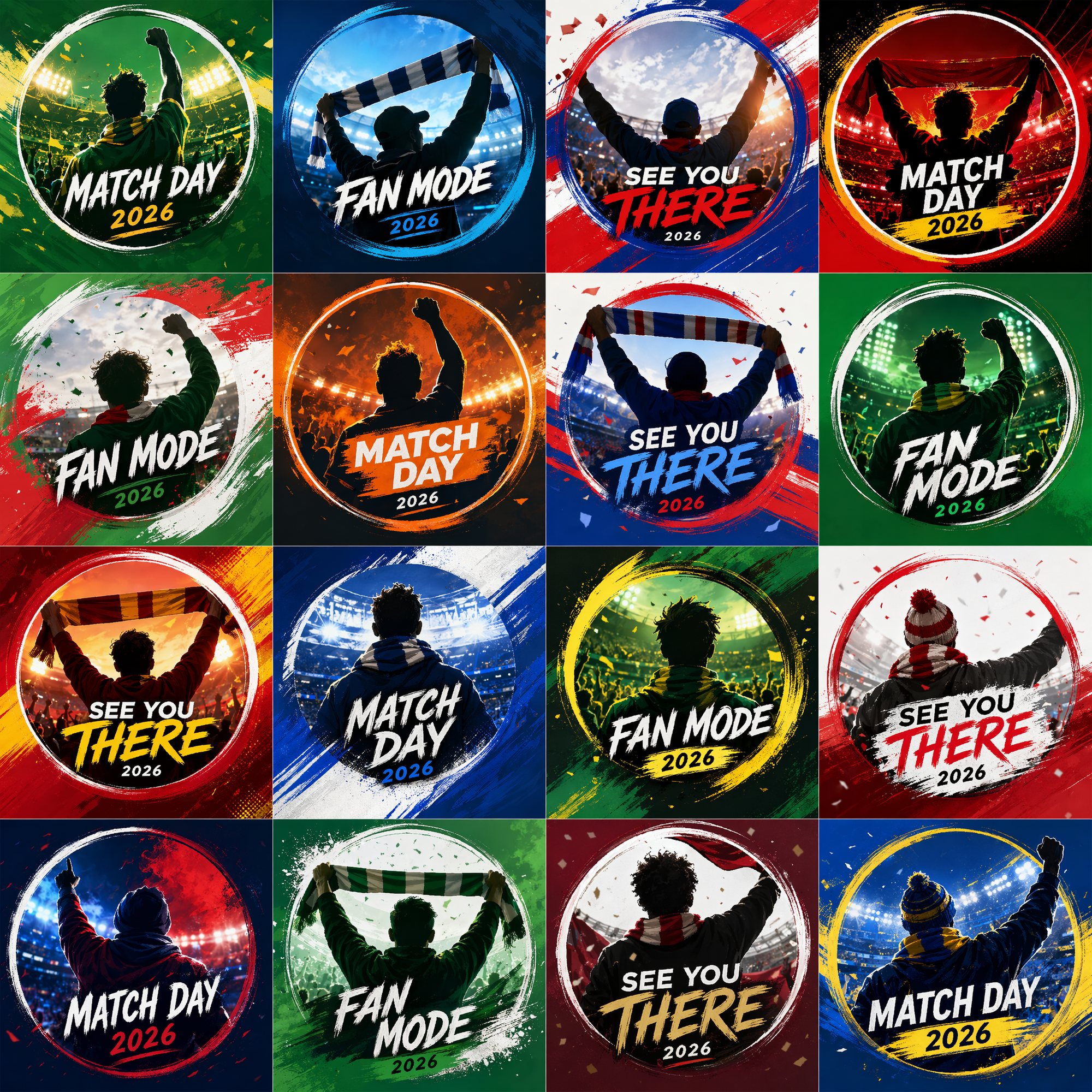
最後にファンキットとしてまとめる
1枚の画像も楽しいですが、セットにすると一気に投稿しやすくなります。
头像、壁紙、ステッカー、スカーフ、ピン、ポストカードを1枚のフラットレイにまとめる。
それだけで「自分のワールドカップセットを作った」感が出ます。
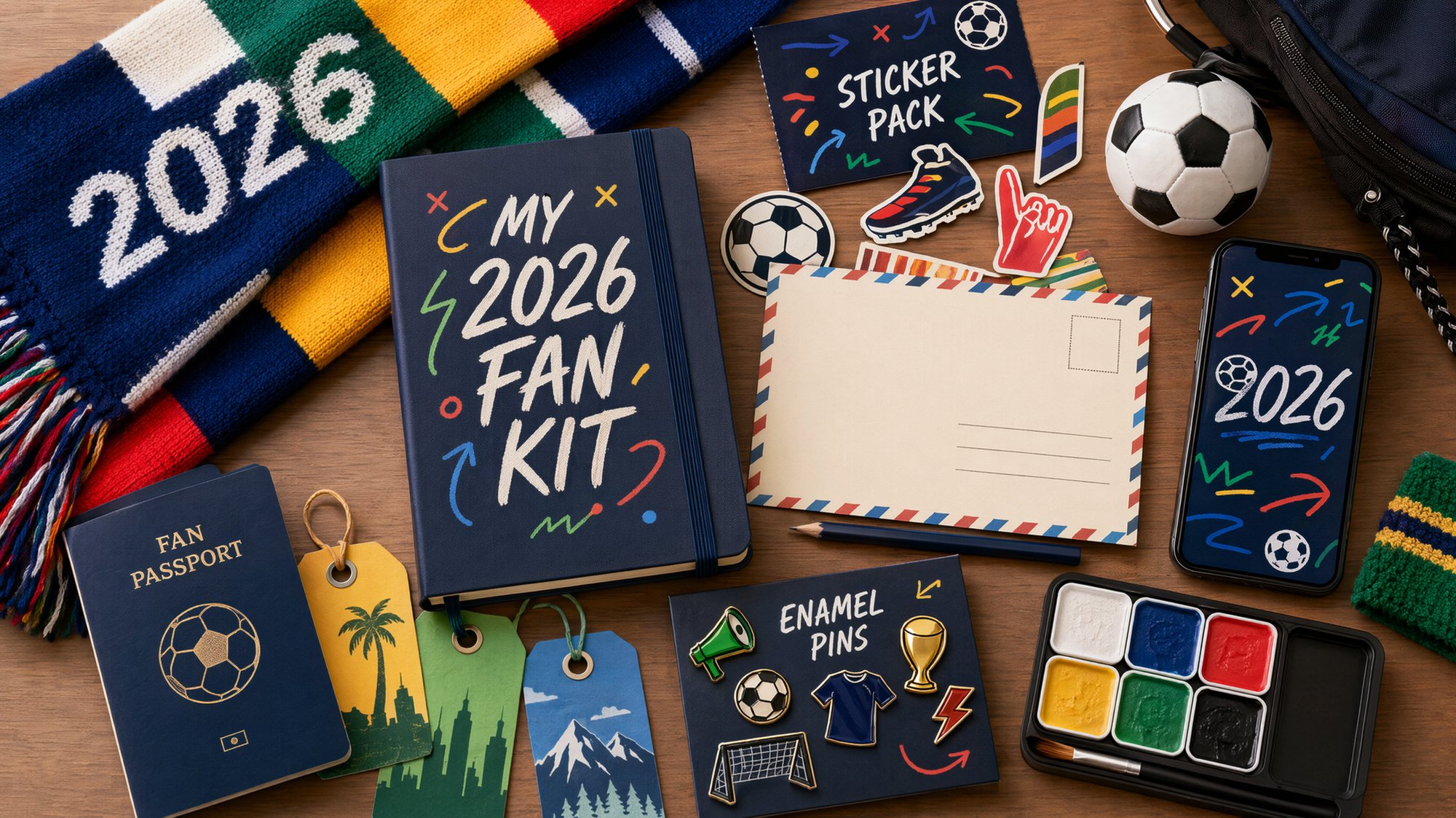
Create a 2026 football fan kit flat-lay.
Include scarf, sticker sheet, fan passport notebook,
pins, phone wallpaper preview, mini football,
host-city postcards, and match-day badges.
Use a premium editorial product photography style,
bright fan energy, clean layout, highly shareable.
私が使っている作り方
ローカル環境や複雑なノードは必要ありません。
私は GPT Image2 Studio で試しています。
プロンプトを入れて、複数モデルの結果を見比べるだけです。头像が強い結果、ステッカーが強い結果、フラットレイが強い結果は、並べるとすぐ分かります。
流れはシンプルです。
- 短いプロンプトで試す。
- いくつか方向を出す。
- 一番雰囲気が強いものを選ぶ。
- 都市、色、サイズ、投稿先を足す。
- 壁紙、头像、ステッカー、カバーに広げる。
The Bottom Line
2026年ワールドカップの熱量は、これからもっと上がります。
公式ビジュアルについて話すのも楽しい。
でも、自分で使える画像を作るほうがもっと楽しいです。
- スマホ壁紙
- プロフィール画像
- オリジナルステッカー
- 観戦カバー
- 都市別ファン画像
みんながまだ議論している間に、自分だけのワールドカップファンキットを先に作ってしまいましょう。
Sources: FIFA official match ball TRIONDA and FIFA mascot announcement.
よくある質問
GPT Image2 Studio の無料試用にカードは必要ですか?
必要ありません。新規登録で30クレジット、最初の画像生成に成功するとさらに30クレジットを受け取れます。追加利用が必要な場合のみ有料プランを選べます。
生成した画像は商用利用できますか?
はい。無料のスタータークレジットを含め、各プランで商用利用が可能です。広告、商品ページ、印刷物、SNS投稿に使えます。ウォーターマークや必須クレジット表記はありません。
どのモデルを選べばいいですか?
文字入り広告やヒーロービジュアルは GPT Image 1.5 high、商品質感や細部は Nano Banana Pro、大量のSNS案は Nano Banana 2、素早いラフ制作は Z Image が向いています。同じプロンプトで並べて比較できます。
1枚の生成にはどのくらい時間がかかりますか?
Z Image は約10秒、Nano Banana 2 は15〜20秒、Nano Banana Pro と GPT Image 1.5 high は標準品質で30〜45秒ほどです。4K高品質では1分前後かかる場合があります。
GPT Image 1.5 high と Nano Banana 2 の違いは何ですか?
GPT Image 1.5 high は画像内テキストや広告品質に強く、Nano Banana 2 は高速でコストを抑えやすいモデルです。制作では同じプロンプトで比較して選ぶのが安全です。
既存画像の編集もできますか?
できます。参照画像をアップロードして、画像から画像への生成、部分編集、背景削除、不要物削除、圧縮まで同じ流れで進められます。
モデル選びで迷わない。
まとめて比較できます。
同じプロンプトを GPT Image 1.5 high、Nano Banana 2、Z Image など複数モデルで比較できます。ひとつのワークベンチで、納品に使える画像を素早く判断できます。登録で30クレジット、最初の成功生成後に追加30クレジット。商用利用権も各プランに含まれます。
30 + 30
無料クレジット
5+
主要モデル
30s
初回生成まで