1枚の商品写真からEC用の商品画像セットをAIで作ってみた
1枚の商品参考画像から、ECのメイン画像、スタジオ写真、使用シーン、詳細画像、広告ビジュアル、SNSカバーを作るAIワークフロー。

David Chen
·2 min read
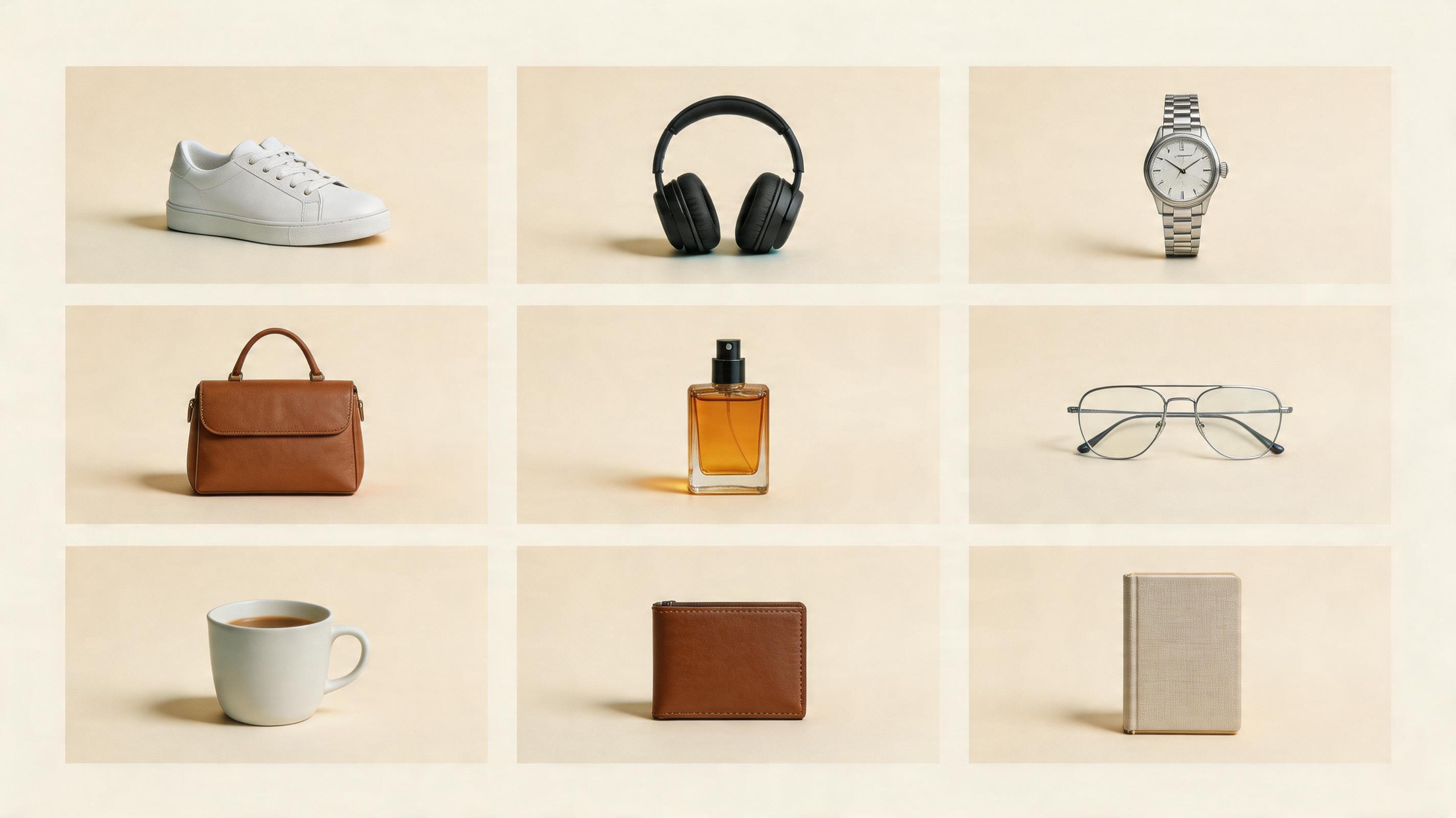
ECチームが必要なのは、きれいな画像1枚だけではありません。
メイン画像、スタジオ写真、使用シーン、詳細画像、広告画像、SNSカバーが必要です。
そこで試したのがこれです。
1枚の商品参考画像から、AIでEC用の商品画像セットを作れるのか。
答えは、作れます。
ただし、1つのプロンプトで全部作ろうとしないほうがいいです。
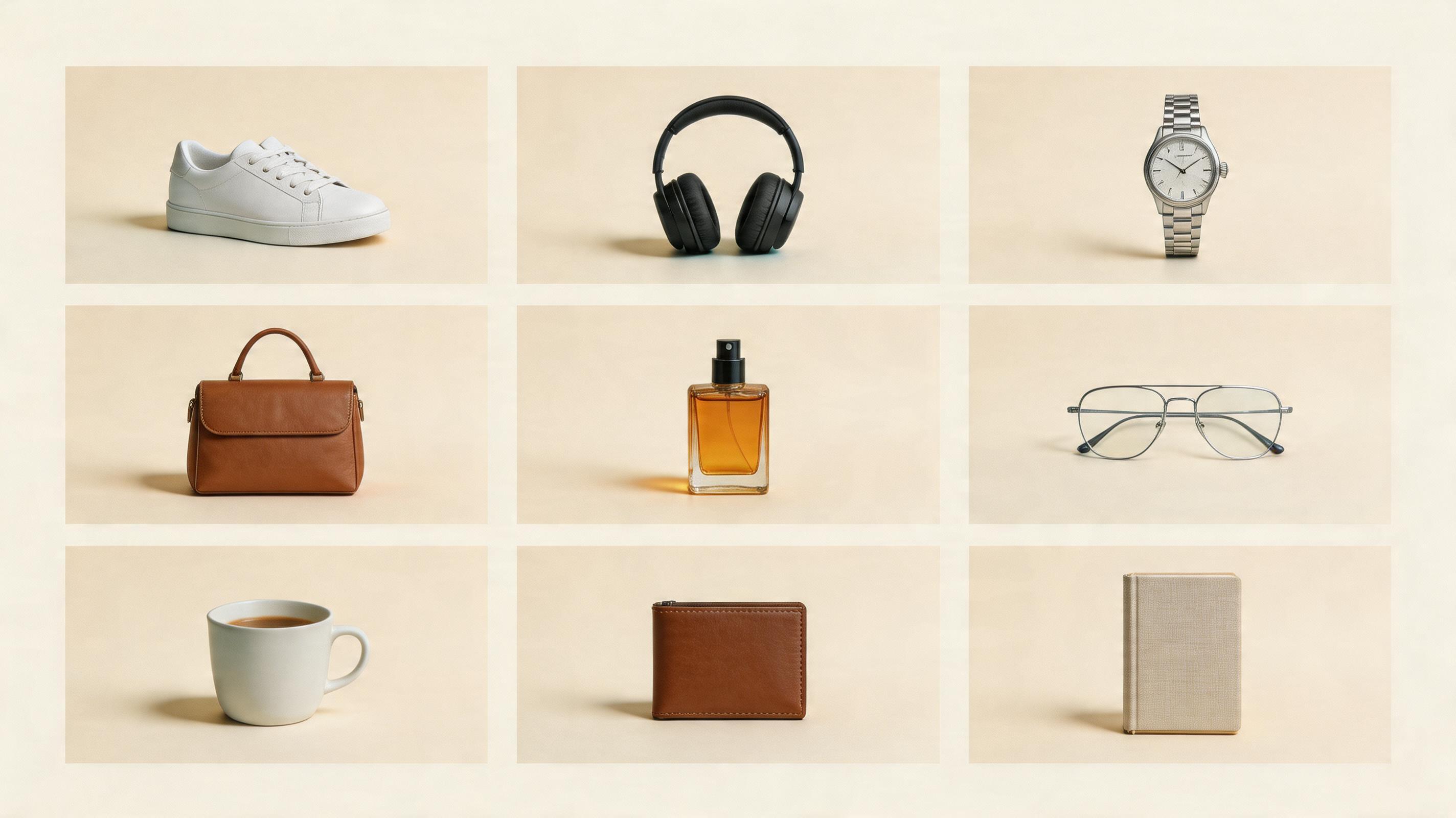
まず必要な画像を分ける
最初にこう書くと失敗しやすいです。
Make a premium ecommerce product image set.きれいにはなりますが、どこに使う画像なのか曖昧になります。
私は5枚に分けます。
- 白背景のメイン画像:商品をはっきり見せる。
- スタジオ写真:質感を上げる。
- 使用シーン画像:使う場面を見せる。
- 詳細ページ画像:2〜3個の売りを説明する。
- SNSカバー:スクロールを止める。
最初の商品画像を生成する
商品参考画像をアップロードして、まずは3:4のきれいなEC商品画像を作ります。
1. メイン画像はあえてシンプルにする
白背景のメイン画像は、派手にしなくていいです。
買う人が商品をすぐ理解できれば十分です。
Create a clean ecommerce hero product image from the uploaded product reference.
Use a white or light neutral background.
Place the product in the center with realistic studio lighting and a soft contact shadow.
Keep the product clear, sharp, and suitable for a marketplace listing.
最初から小物を増やさないほうが安定します。
2. スタジオ写真で質感を足す
次に、少しブランド感のあるスタジオ写真を作ります。
Create a premium studio product photo from the uploaded product reference.
Place the product on a simple stone, acrylic, wood, or matte surface.
Use soft directional lighting, realistic shadows, and a clean commercial background.
Make it feel suitable for a product detail page or brand store.
これは商品ページの2枚目やブランドページに使いやすいです。
3. 使用シーンは「どこで使うか」を見せる
使用シーン画像は、飾りではありません。
ユーザーが自分の生活に置き換えられることが大事です。
Create a lifestyle ecommerce image using the uploaded product.
Place the product in a realistic usage scene: [write the scene].
The environment should explain how the product is used.
The product remains the hero of the image.
イヤホンなら通勤やデスク。
スキンケアなら洗面台や旅行ポーチ。
スニーカーなら街、ランニングコース、ジム。
4. 詳細画像は3つまでに絞る
詳細画像に情報を詰め込みすぎると、スマホで読めません。
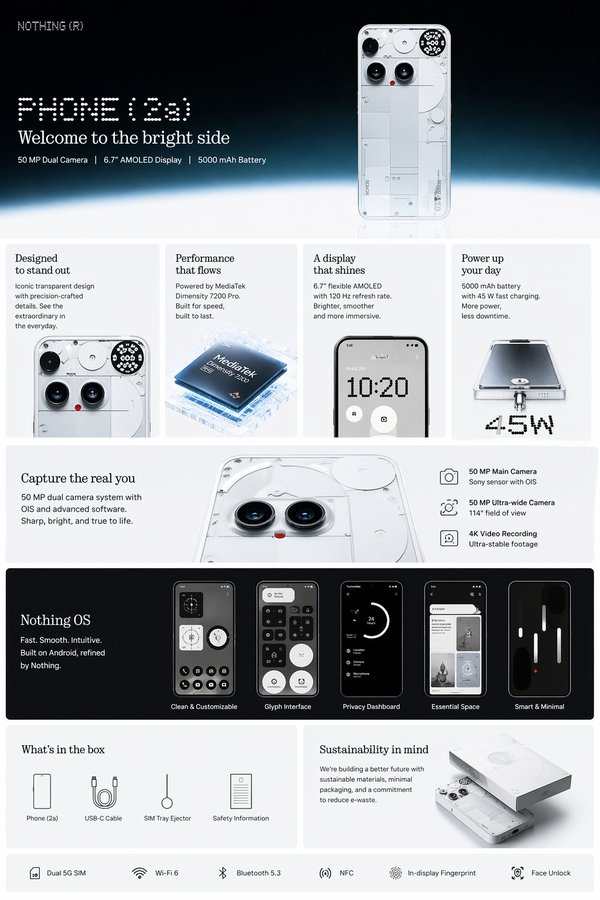
Create a clean ecommerce product-detail image.
Show the product as the hero.
Add up to 3 simple feature callouts with short labels.
Use enough white space and a clear vertical product-page layout.
売りが多い場合は、1枚に詰め込まず分けます。
The Bottom Line
1枚の商品写真から、AIでEC用の画像セットは作れます。
ただし、画像ごとに役割を分けることが大事です。
メイン画像は商品を見せる。スタジオ写真は質感を作る。使用シーンは欲しくさせる。詳細画像は説明する。SNSカバーはクリックを取る。
この順番で作ると、AIはただの画像生成ツールではなく、ECのビジュアル制作アシスタントになります。
よくある質問
GPT Image2 Studio の無料試用にカードは必要ですか?
必要ありません。新規登録で30クレジット、最初の画像生成に成功するとさらに30クレジットを受け取れます。追加利用が必要な場合のみ有料プランを選べます。
生成した画像は商用利用できますか?
はい。無料のスタータークレジットを含め、各プランで商用利用が可能です。広告、商品ページ、印刷物、SNS投稿に使えます。ウォーターマークや必須クレジット表記はありません。
どのモデルを選べばいいですか?
文字入り広告やヒーロービジュアルは GPT Image 1.5 high、商品質感や細部は Nano Banana Pro、大量のSNS案は Nano Banana 2、素早いラフ制作は Z Image が向いています。同じプロンプトで並べて比較できます。
1枚の生成にはどのくらい時間がかかりますか?
Z Image は約10秒、Nano Banana 2 は15〜20秒、Nano Banana Pro と GPT Image 1.5 high は標準品質で30〜45秒ほどです。4K高品質では1分前後かかる場合があります。
GPT Image 1.5 high と Nano Banana 2 の違いは何ですか?
GPT Image 1.5 high は画像内テキストや広告品質に強く、Nano Banana 2 は高速でコストを抑えやすいモデルです。制作では同じプロンプトで比較して選ぶのが安全です。
既存画像の編集もできますか?
できます。参照画像をアップロードして、画像から画像への生成、部分編集、背景削除、不要物削除、圧縮まで同じ流れで進められます。
モデル選びで迷わない。
まとめて比較できます。
同じプロンプトを GPT Image 1.5 high、Nano Banana 2、Z Image など複数モデルで比較できます。ひとつのワークベンチで、納品に使える画像を素早く判断できます。登録で30クレジット、最初の成功生成後に追加30クレジット。商用利用権も各プランに含まれます。
30 + 30
無料クレジット
5+
主要モデル
30s
初回生成まで