Image to Image Generator with GPT Image 2 References
Upload a source image, keep the subject visible, and generate campaign-ready visual directions with GPT Image 2 image-to-image reference workflows.
GPT Image 2: 30 credits at 1K, 50 credits at 2K, 88 credits at 4K. Each output is charged separately. Failed outputs are refunded.
GPT Image 2.5 · 30 credits/image
Choose 1K / 2K / 4K; pixel dimensions are shown for each aspect ratio.
AI Model
Sources
First image is the main reference. Tap any tile to promote it.
0/8
Prompt
0/5000
Output
Every output is an independent render and is charged separately.
1/10
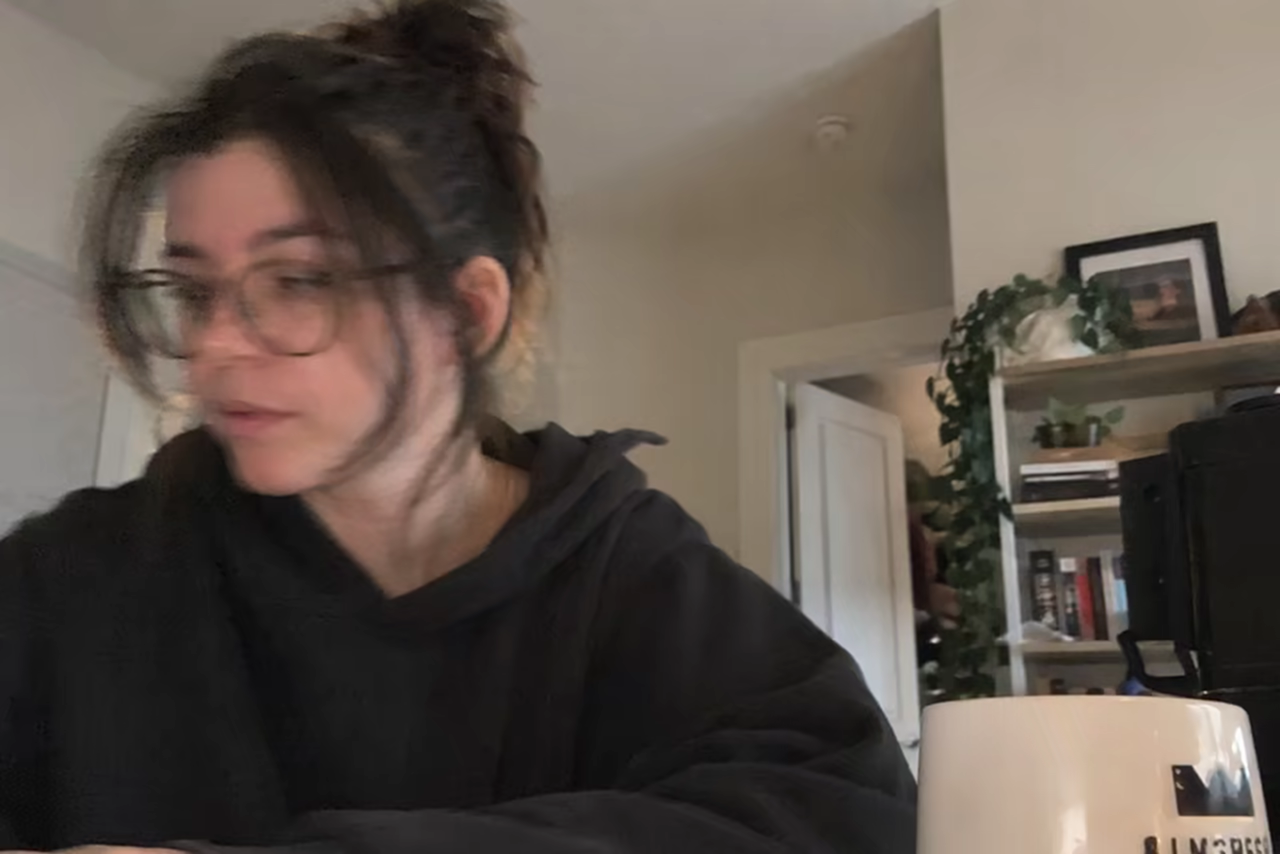
Hero example 1
Matched prompt
I want to see what you really look like.
Draw a snapshot of your everyday life as if it were accidentally taken on an iPhone.
Make it feel like a very ordinary, imperfect candid shot.
The photo should have slight motion blur, with uneven, natural lighting.
Conversion path
Upload a reference, or start from text first
The workbench above is prefilled with a GPT Image 2 prompt for this use case. Generate a first direction, then reuse strong results or your own product and venue photos as references.