GPT Image2
Muestra realArrastra el divisor para inspeccionar los detalles.
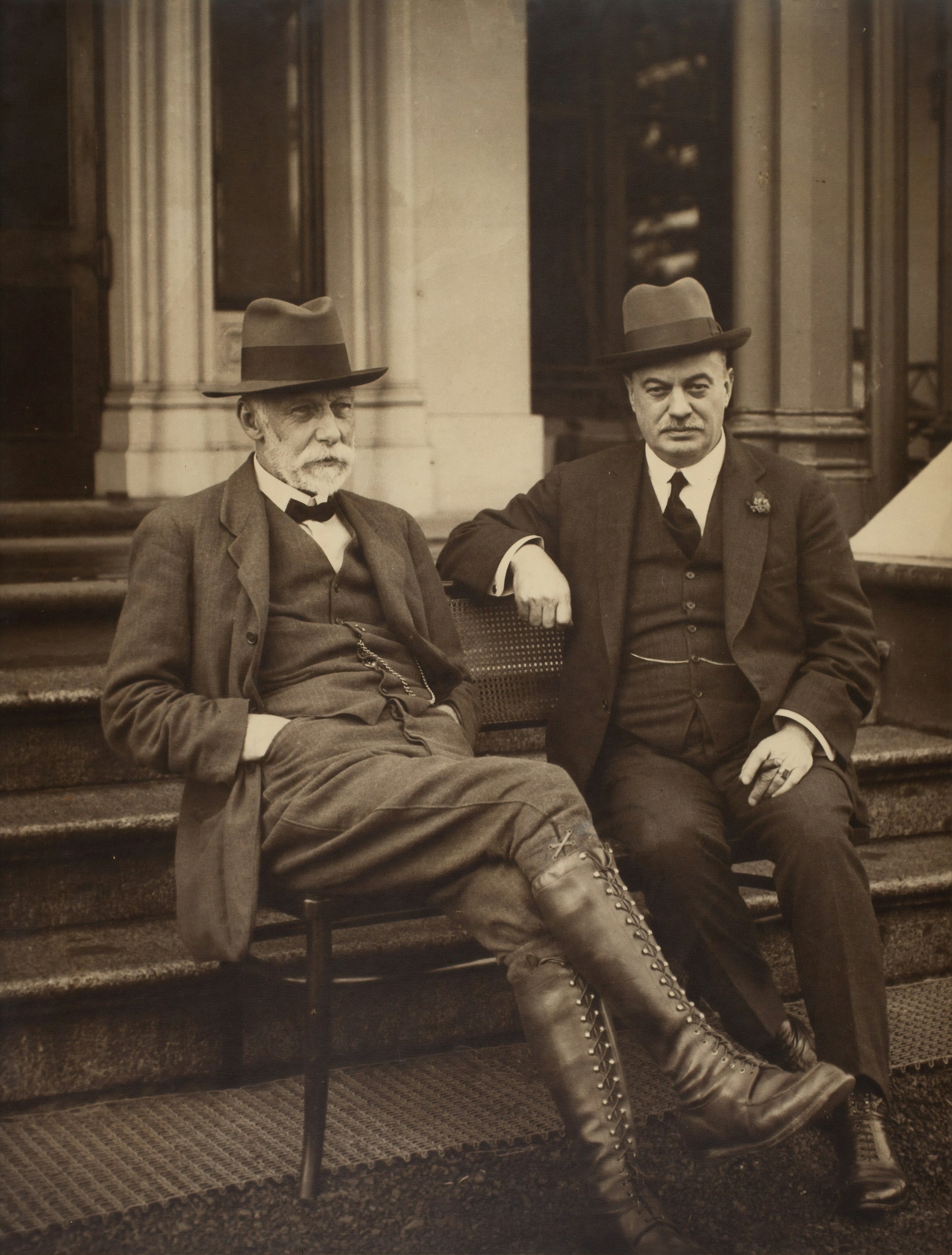
Arrastra el divisor para inspeccionar los detalles.
Retrato nítido de 2400 px
Pequeño escaneo de 194 px
Mejorar tras generación
Image Upscaler en línea gratis a través de AI
Convierte un render pequeño o una foto subida en un recurso 2x o 4x más limpio y sigue editándolo con eliminación de fondo, limpieza de objetos o compresión web.
Comience a escalar
Sube un render, una foto de producto, un póster o un retrato.
¿No hay imagen disponible? Prueba uno de estos
Input
JPG, PNG, WebP, HEIC
Resultado
PNG, JPG, WebP
Tu primera carrera gratuita regresa a la cola normal.
Best fit
Best when the subject is already right, but the file is too small for ads, product pages, or print review.
Watch first
Do not upscale broken anatomy, unreadable labels, or a wrong product shape; regenerate those first.
Next move
After the detail holds up, compress the final export or remove the background for a product layout.
Escala 2x o 4x
Calidad rápida o mágica
Ajustes preestablecidos de fotografía, producto o ilustración
Ejemplos
Vea el salto de resolución antes de cargar
Cada ejemplo muestra la fuente de baja resolución junto a la exportación más nítida para que evalúes si la herramienta encaja con tu tipo de imagen.
sharper 4096 px
Drag to compare
Limpie la obra de arte de 2400 px
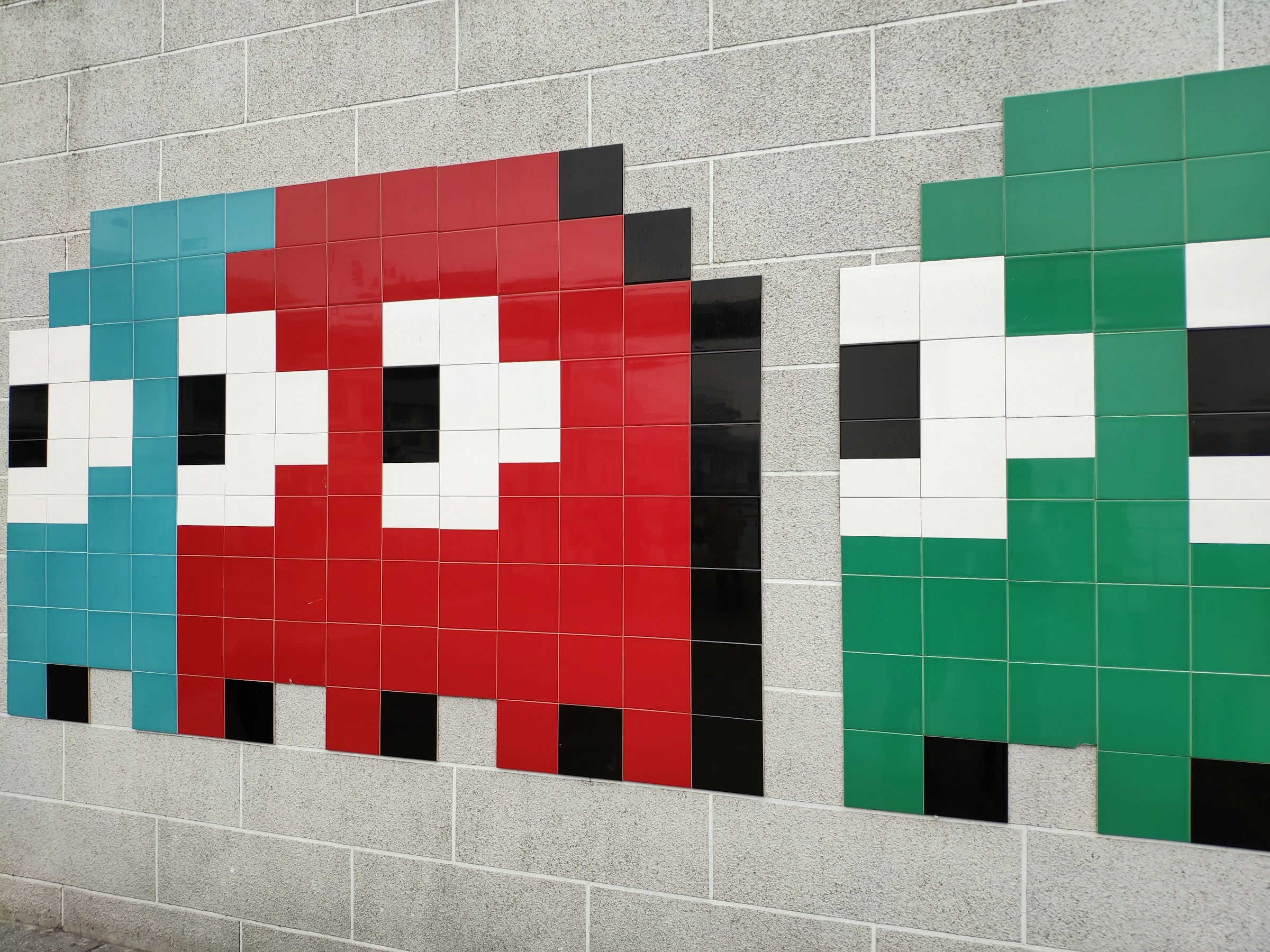
Fuente pixelada de 256 px
Lleva el pixel art al tamaño de un póster
Úselo cuando un juego pequeño, un ícono o un elemento visual retro necesite sobrevivir a una cosecha más grande.
sharper 4096 px
Drag to compare
Detalles del producto más nítidos
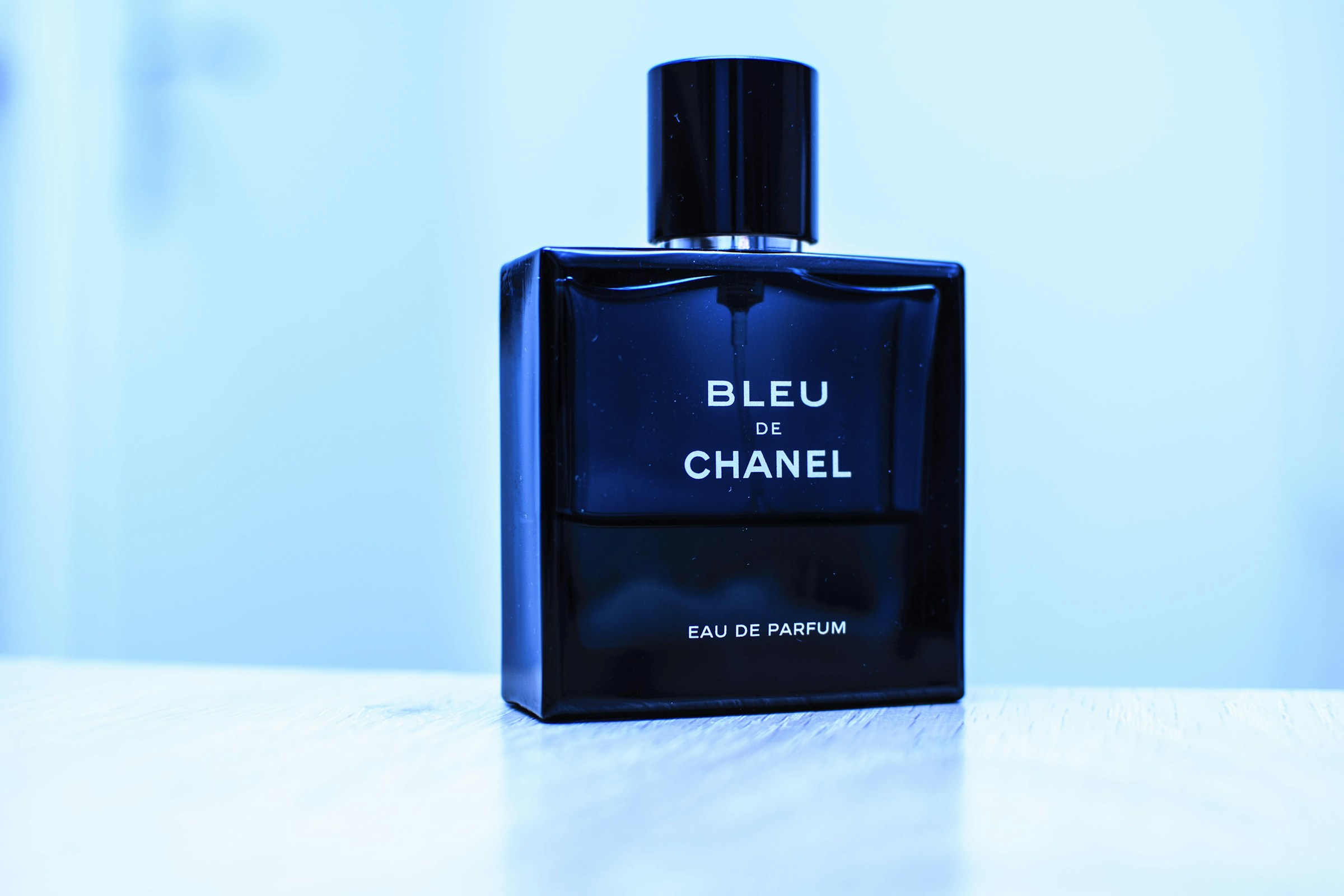
Pequeña toma de producto comprimido.
Haga que la foto de un producto parezca premium
El vaso de perfume, los bordes de la tapa y los reflejos se vuelven más fáciles de usar en un anuncio o héroe de tienda.
sharper 4096 px
Drag to compare
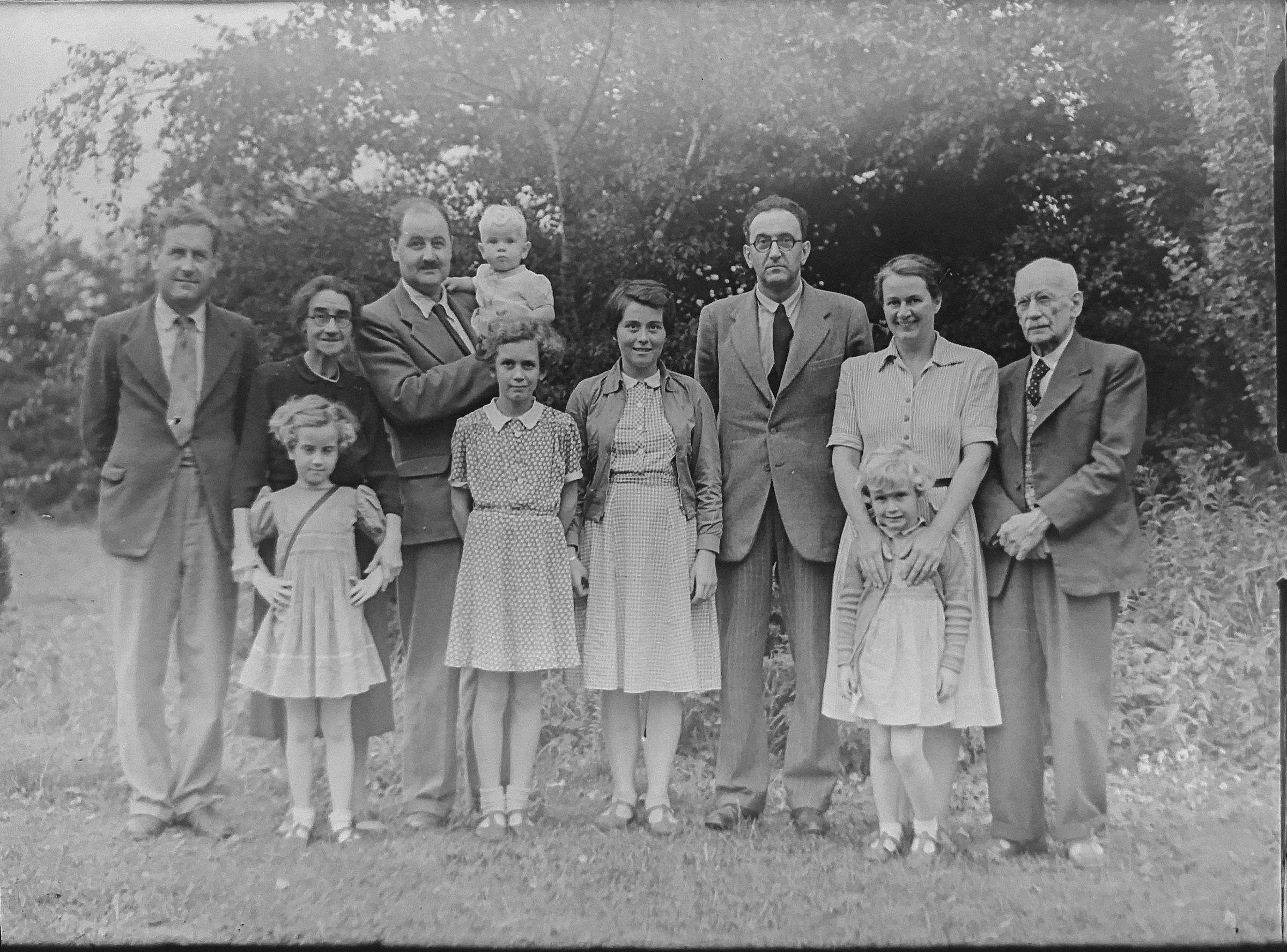
Textura de foto restaurada
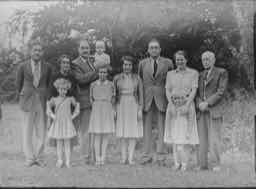
Escaneo familiar con poco detalle
Devuélvele vida a viejas fotos familiares
Un ejemplo de estilo restauración deja claro el valor sin necesidad de explicación técnica.
sharper 4096 px
Drag to compare
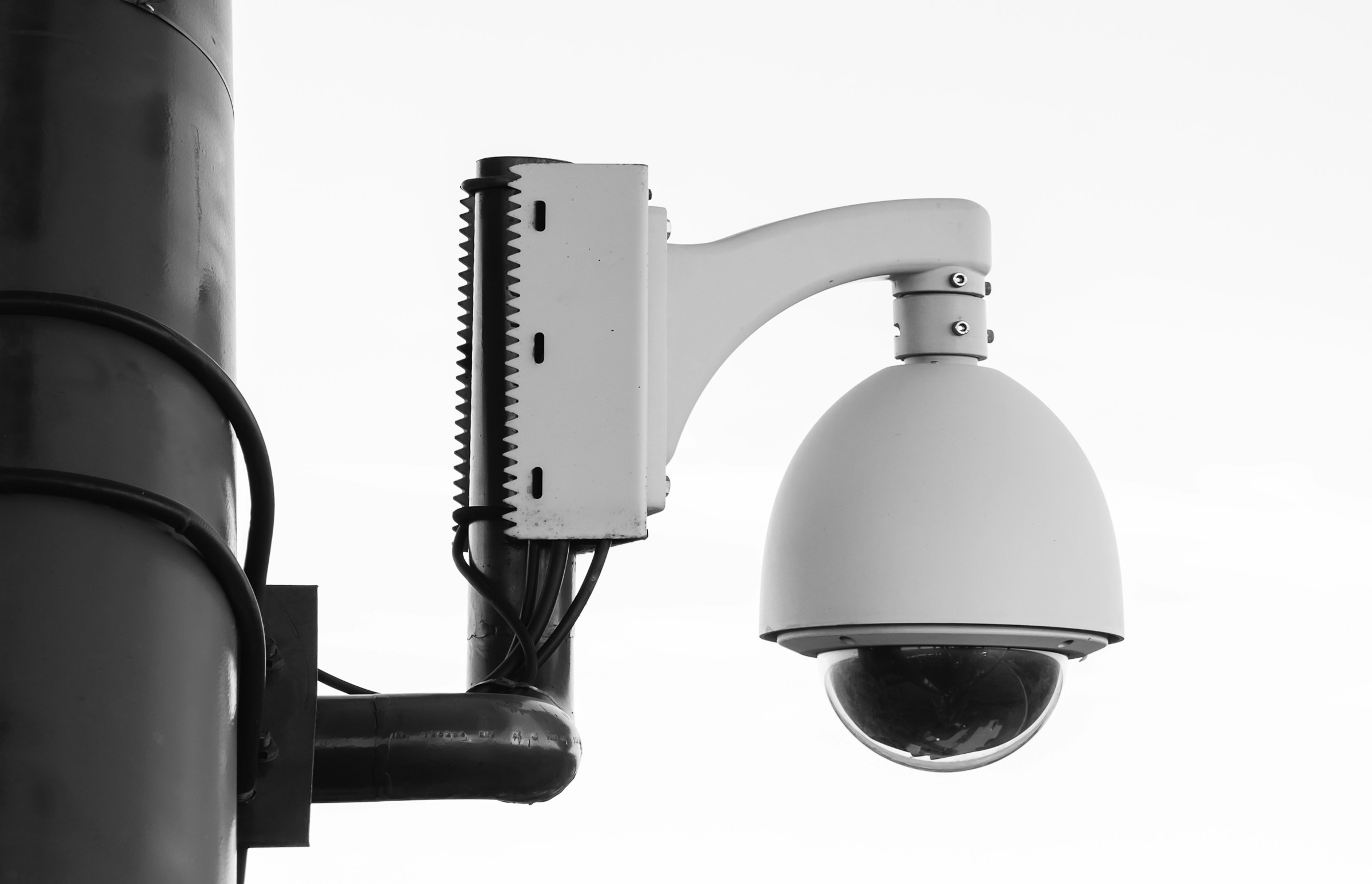
Detalle monocromático legible
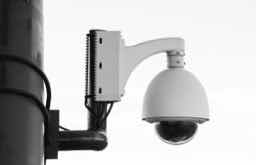
Marco de vigilancia borroso
Limpiar un fotograma de seguridad
Los marcos en blanco y negro con poca luz necesitan un contraste más fuerte y bordes más utilizables.
sharper 4096 px
Drag to compare
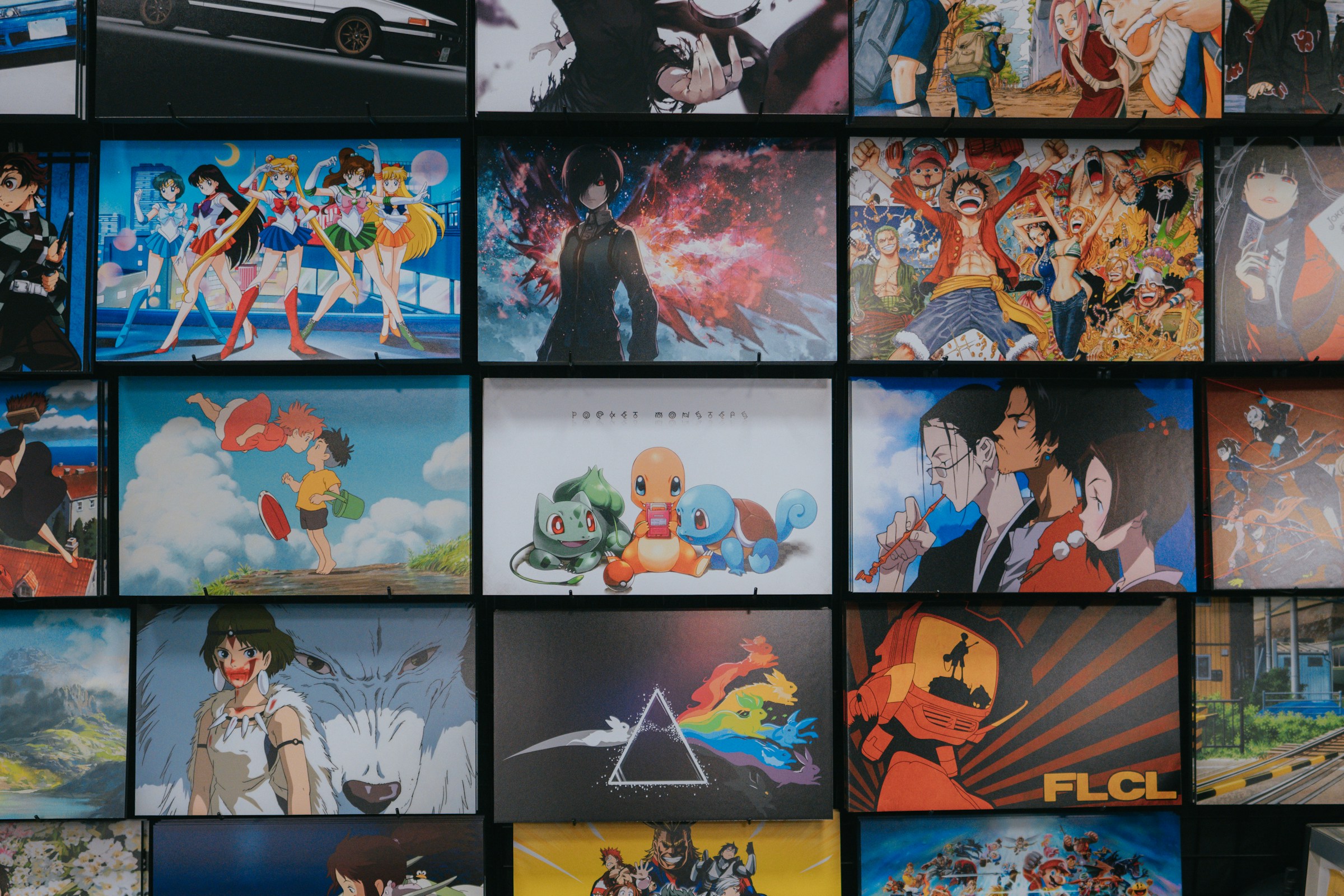
Detalle de ilustración nítida
Muro de anime comprimido
Pósteres de anime exclusivos en 4K
Los coloridos ejemplos de ilustraciones hacen que la herramienta resulte útil para los aficionados, los creadores y los diseños de impresión.
Casos de uso
No es una utilidad única. Es el siguiente paso tras generación.
La página mantiene foco SEO, pero también enseña qué más puede terminar GPTIMG a partir de la misma imagen.
Imágenes AI que necesitan exportación en tamaño final
Genere en tamaño de borrador y luego amplíe el formato ganador para anuncios, páginas de destino y cultivos de alta resolución.
Fotos de productos que parecen demasiado pequeñas
Dé a las imágenes de tiendas y catálogos más espacio en píxeles antes de eliminar o comprimir el fondo.
Pósteres y portadas que necesitan detalles más nítidos
Revise la tipografía, la textura y los elementos pequeños antes de que un diseño llegue a un cliente o proveedor de impresión.
Herramientas conectadas
Una imagen terminada normalmente necesita un movimiento más.
Después de la primera edición, mantén el mismo recurso dentro de la suite en lugar de subirlo a otra herramienta.
Comprimir después de escalar
Mantenga la versión más nítida lo suficientemente liviana para sitios web y tiendas.
Open Comprime imágenes en línea sin pérdida visible de calidad
Quitar el fondo
Convierta la imagen más nítida en un PNG limpio y transparente.
Open Eliminar fondos de imágenes con AI
Borrar pequeños artefactos
Clean odd text, marks, or distracting details after enlarging.
Open Eliminar objetos no deseados de las imágenes
Flujos de trabajo
Caminos de llegada populares
Estas son las combinaciones que los usuarios suelen necesitar después de generar o subir una imagen.
Flujo de trabajo de imágenes de anuncios AI
Mejore el mejor renderizado, borre pequeños artefactos y luego exporte una versión web-light.
Flujo de trabajo de la página del producto
Recorte el producto, amplíe la toma final y comprímala para acelerar la tienda.
Trust
Los límites claros hacen que sea más fácil confiar en la herramienta
Cada página explica qué cambia la función, qué archivos admite, qué coste aplica y cuándo conviene pasar a otro paso de edición.
El costo final se muestra antes de ejecutar una edición AI.
Las ediciones de IA fallidas deben devolver credits cuando falle la tarea del backend.
Utilice sus propias imágenes o imágenes que tenga derecho a modificar.
1
Sube la imagen
Comience con un renderizado de IA, una fotografía de producto, un retrato, un póster o cualquier imagen que necesite una resolución más utilizable.
2
Elija la dirección de salida
Elija una mejora más rápida para los recursos de rutina o una mejora con muchos detalles para el trabajo final de la campaña.
3
Sigue terminando la misma imagen.
Continúe con la eliminación de fondo, la limpieza de objetos o la compresión desde el mismo conjunto de herramientas.
¿Debo mejorar antes o después de eliminar el fondo?
Para fotografías de productos, elimine primero el fondo cuando el borde del sujeto sea importante y luego mejore el resultado limpio. Para carteles y arte con IA, primero mejore si necesita inspeccionar pequeños detalles.
¿Puedo comprimir una imagen mejorada después?
Sí. La ampliación aumenta el número de píxeles, por lo que la compresión suele ser el último paso antes de subirlo a un sitio web o mercado.
¿Qué imágenes funcionan mejor para la ampliación de AI?
Las fotografías de productos, los retratos, los carteles, los renderizados de IA y los activos sociales funcionan bien. Es posible que aún sea necesario limpiar o regenerar las imágenes muy borrosas.