GPT Image2
Muestra realArrastra el divisor para inspeccionar los detalles.
Arrastra el divisor para inspeccionar los detalles.
Vista previa de PNG en
Producto transparente PNG
Foto original del producto.
Recortes limpios y listos para el producto
Eliminar fondos de imágenes con AI
Recorta el sujeto, exporta un PNG transparente y continúa con ampliación, borrado o compresión para que la imagen quede lista para publicar.
Quitar fondo
Cargue un producto, persona, maqueta de logotipo o tema generado.
¿No hay imagen disponible? Prueba uno de estos


Input
JPG, PNG, WebP
Resultado
Transparent PNG, JPG, WebP
Tu primera carrera gratuita regresa a la cola normal.
Best fit
Best when the subject edge is visible and you need a reusable transparent PNG for stores, ads, or profile images.
Watch first
Hair, glass, mesh, and shadows need an edge check on white, black, and color backgrounds.
Next move
Use the cutout as a layer, then upscale for hero layouts or compress for upload speed.
Fondo transparente, blanco, negro o de color personalizado
Vista previa del tema
Continuar ampliando o comprimiendo
Ejemplos
Vea el recorte antes de confiar en la herramienta
Cada ejemplo usa una imagen original real y una salida PNG transparente. Arrastra el divisor y cambia el fondo de la vista previa para revisar bordes sobre transparente, blanco, negro y colores de marca.
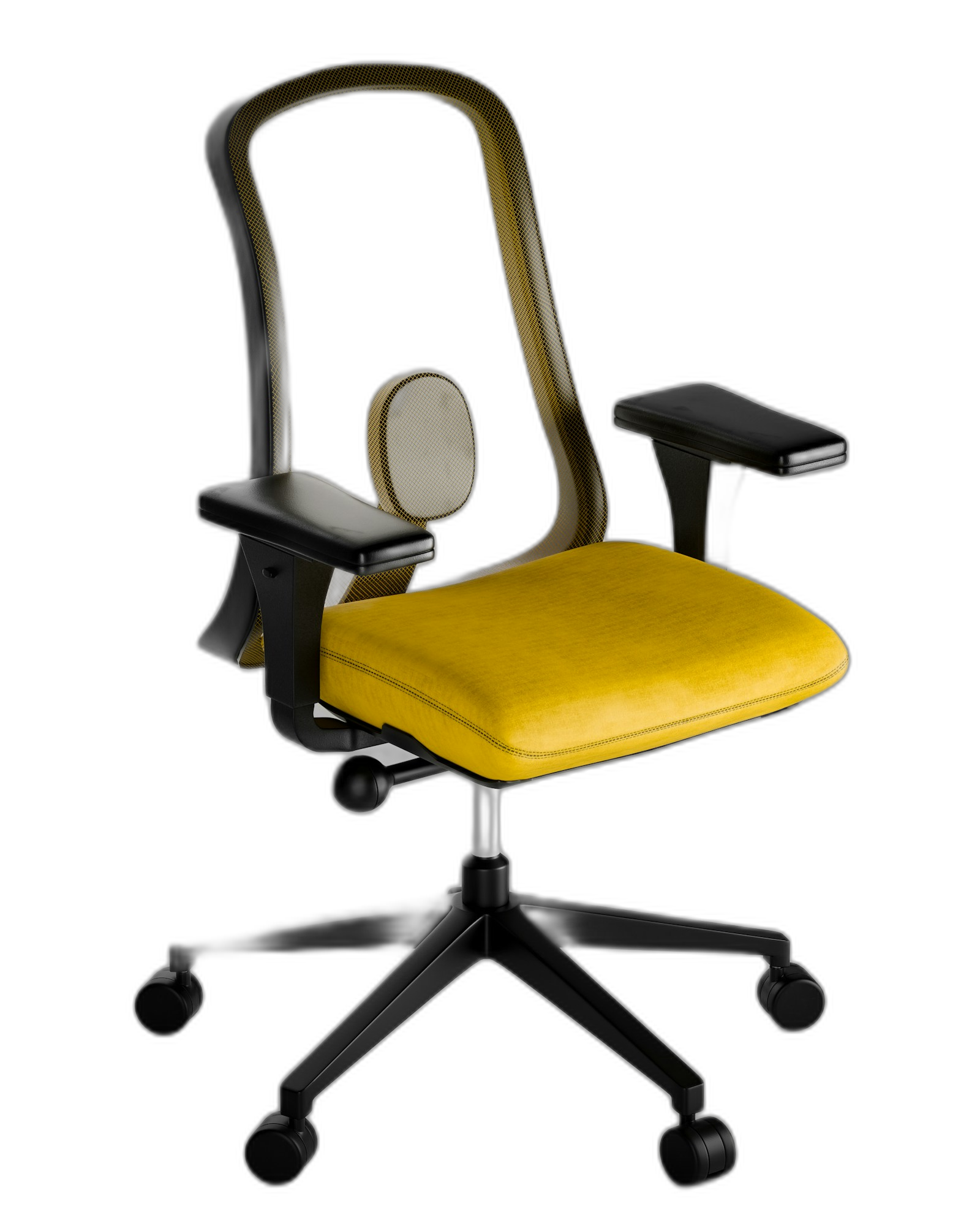
real transparent PNG
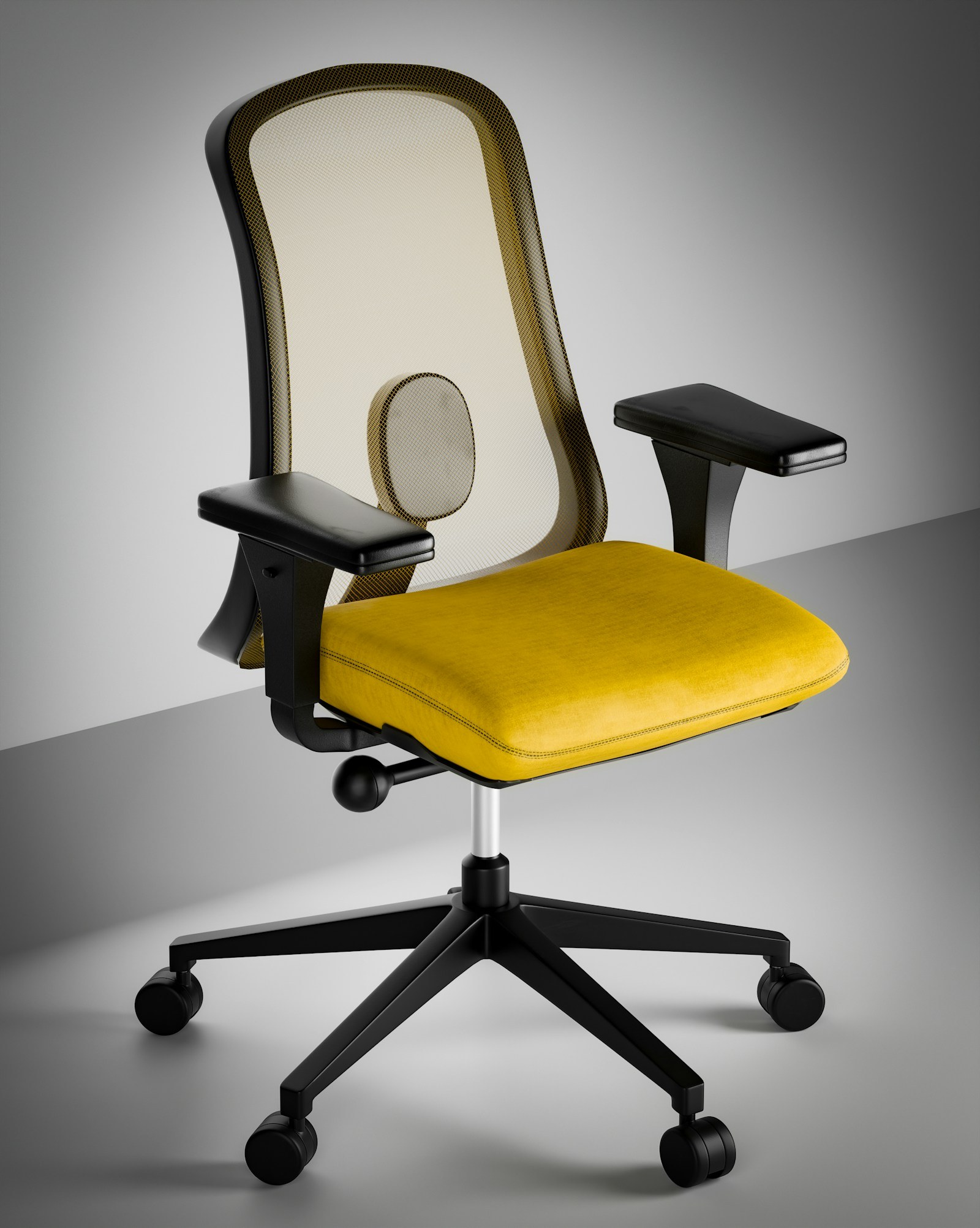
Drag to compare
Silla transparente PNG
Foto original de la silla.
Recorta una silla de producto de su foto de estudio.
El tema se convierte en una capa reutilizable para tarjetas de productos, anuncios y escenas generadas.
real transparent PNG
Drag to compare
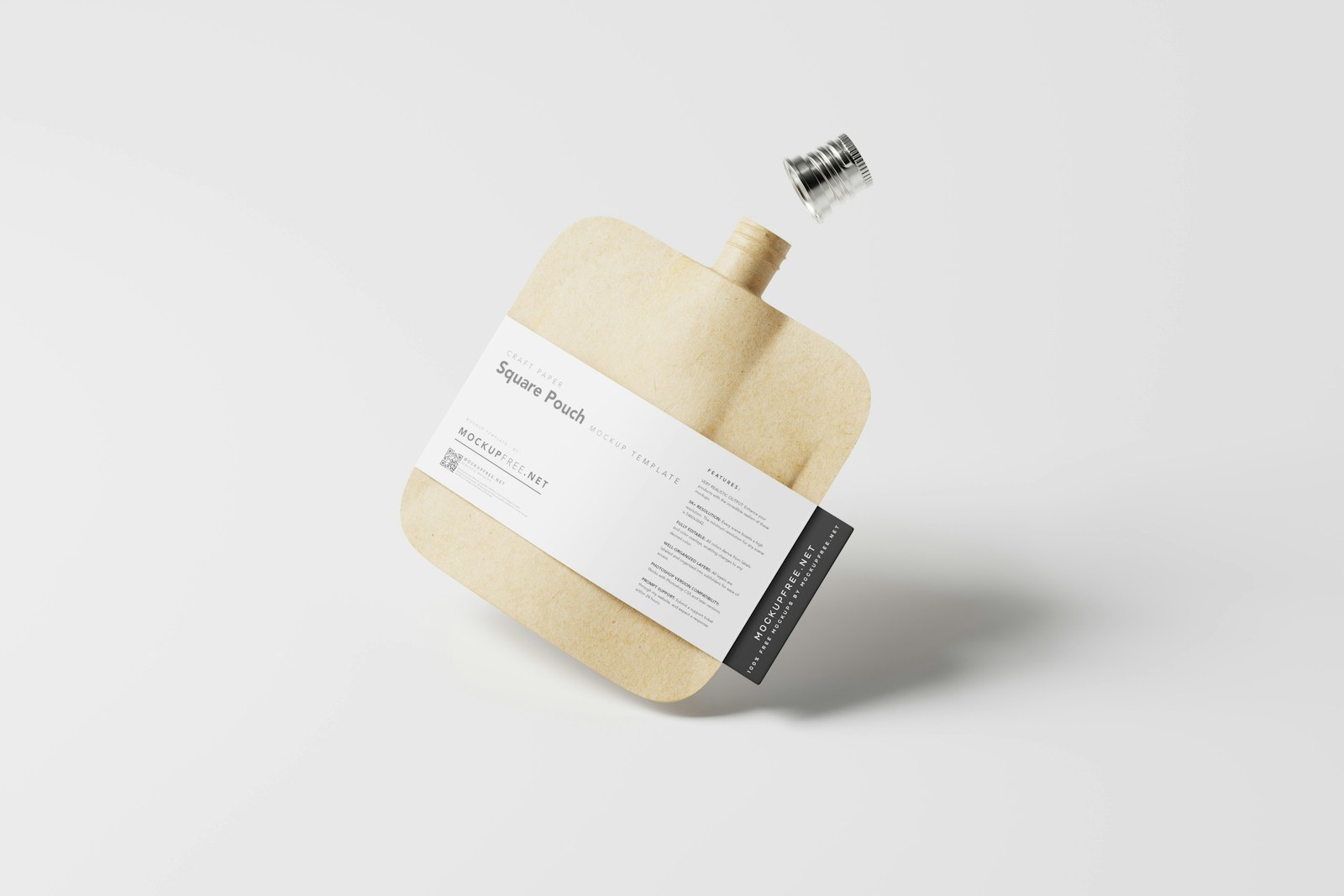
Embalaje capa PNG
Paquete con sombra de estudio.
Extraer el embalaje de un mosaico de mercado
Útil cuando la foto original es buena pero la tienda, el banner o el anuncio necesitan un fondo diferente.
real transparent PNG
Drag to compare
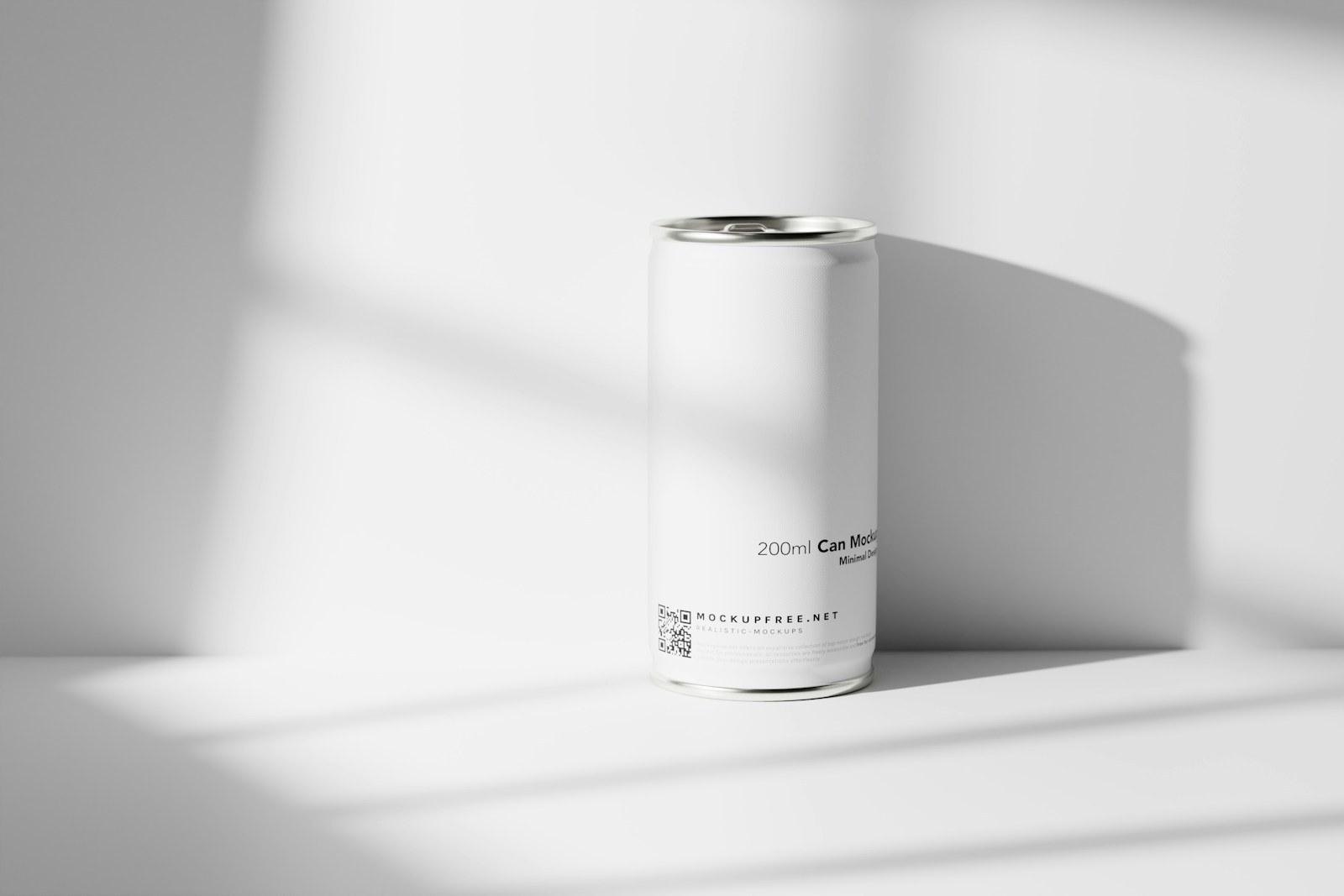
Recorte de un solo producto
Puede en una escena de luz.
Aislar una lata antes de hacer una escena publicitaria.
Una capa de objeto limpia puede moverse a una nueva escena generada, cuadrícula de productos o diseño de comparación.

real transparent PNG

Drag to compare
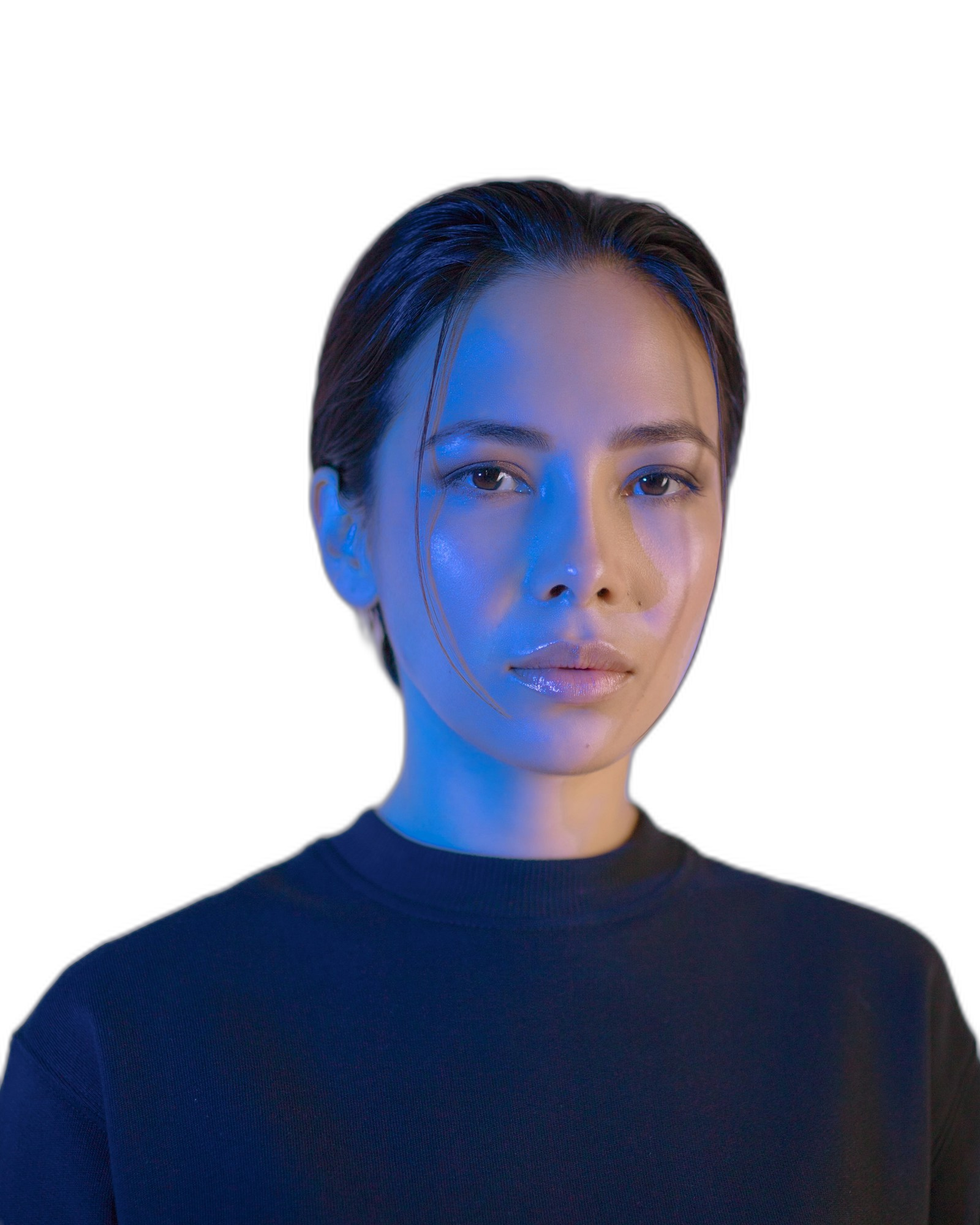
Persona lista para capas
Retrato con fondo
Prepare un recorte de persona para miniaturas
Los creadores pueden reutilizar un retrato en portadas, pancartas, gráficos de perfil y anuncios.
real transparent PNG

Drag to compare
Capa creativa transparente
fondo original
Cree capas sociales y publicitarias limpias
Una salida transparente hace que el siguiente paso del diseño sea obvio: nuevo fondo, escalado y luego comprimir.
Casos de uso
No es una utilidad única. Es el siguiente paso tras generación.
La página mantiene foco SEO, pero también enseña qué más puede terminar GPTIMG a partir de la misma imagen.
Fotos del producto
Cree un recorte de producto limpio para Shopify, Amazon, listados de mercados y diseños de anuncios.
Avatares e imágenes de perfil.
Recorta una persona o personaje y reutilízalo en miniaturas, pancartas y publicaciones en redes sociales.
Sujetos generados por AI
Saque un objeto o personaje generado de su escena para que se convierta en una capa de diseño reutilizable.
Herramientas conectadas
Una imagen terminada normalmente necesita un movimiento más.
Después de la primera edición, mantén el mismo recurso dentro de la suite en lugar de subirlo a otra herramienta.
Mejora el recorte
Haga que el PNG transparente sea más nítido para páginas de productos y anuncios.
Open Image Upscaler en línea gratis a través de AI
Borrar las distracciones de los bordes
Limpia marcas raras, etiquetas o restos alrededor del sujeto.
Open Eliminar objetos no deseados de las imágenes
Comprimir para cargar
Exporte un WebP o JPG más pequeño una vez que el recorte esté listo.
Open Comprime imágenes en línea sin pérdida visible de calidad
Flujos de trabajo
Caminos de llegada populares
Estas son las combinaciones que los usuarios suelen necesitar después de generar o subir una imagen.
Flujo de trabajo del producto Shopify
Elimine la escena ocupada, mejore el producto y luego exporte una imagen de la tienda de carga rápida.
Flujo de trabajo creativo publicitario
Cree una capa temática, límpiela y luego amplíela para diseños de campaña.
Trust
Los límites claros hacen que sea más fácil confiar en la herramienta
Cada página explica qué cambia la función, qué archivos admite, qué coste aplica y cuándo conviene pasar a otro paso de edición.
La salida transparente está diseñada para imágenes que posee o que tiene permiso para editar.
Los buenos recortes necesitan un sujeto visible y suficiente contraste.
Puedes continuar editando la misma imagen en lugar de volver a cargarla en otro lugar.
1
Sube una imagen de tema
Utilice un producto, persona, objeto, personaje o imagen generada con un tema claro.
2
Vista previa del recorte
Verifique el borde del sujeto y luego elija una salida de fondo transparente, blanco, negro o en color.
3
Terminar el activo
Mejora para una entrega más nítida o comprime el archivo final para una carga web más rápida.
¿Puedo mejorar después de eliminar el fondo?
Sí. Para las imágenes de productos, elimine primero el fondo y luego amplíe el recorte limpio para que los bordes y la forma del producto sean más fáciles de inspeccionar.
¿Puedo utilizar el resultado como un PNG transparente?
El resultado planificado admite PNG transparente para que pueda colocar el tema en anuncios, páginas de productos y diseños de diseño.
¿Qué debo hacer si es necesario limpiar el borde recortado?
Envíe el resultado a la herramienta de borrado para eliminar restos de bordes, etiquetas no deseadas o pequeños artefactos.