GPT Image2
Sampel nyataSeret pembatas untuk memeriksa detailnya
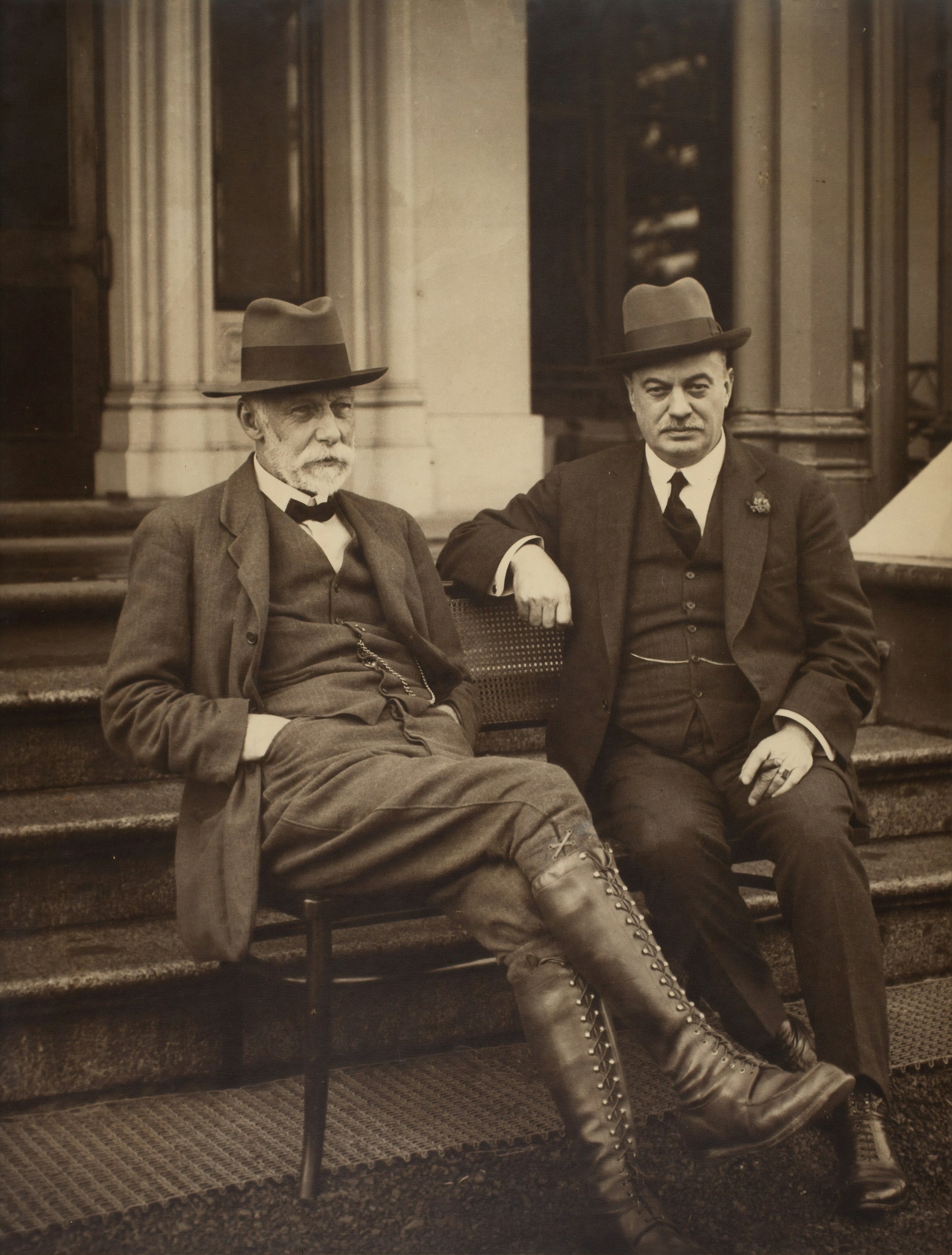
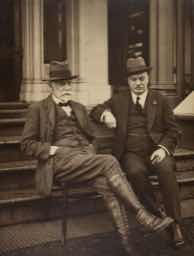
Seret pembatas untuk memeriksa detailnya
Potret tajam 2400 piksel
Pemindaian kecil 194 piksel
Tingkatkan dari generasi ke generasi
Peningkatan Gambar Online gratis melalui AI
Ubah render kecil atau foto unggahan menjadi aset 2x atau 4x yang lebih bersih, lalu lanjutkan dengan hapus background, bersihkan objek, atau kompresi web.
Mulai tingkatkan
Unggah render, foto produk, poster, atau potret.
Tidak ada gambar di tangan? Cobalah salah satunya
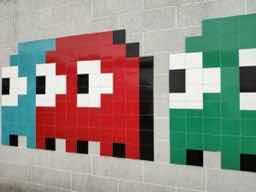
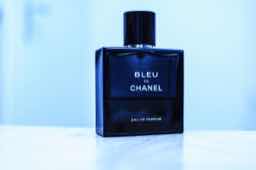
Input
JPG, PNG, WebP, HEIC
Hasil
PNG, JPG, WebP
Lari bebas pertama Anda kembali ke antrean normal.
Best fit
Best when the subject is already right, but the file is too small for ads, product pages, or print review.
Watch first
Do not upscale broken anatomy, unreadable labels, or a wrong product shape; regenerate those first.
Next move
After the detail holds up, compress the final export or remove the background for a product layout.
skala 2x atau 4x
Kualitas Cepat atau Ajaib
Preset foto, produk, atau ilustrasi
Contoh
Lihat lompatan resolusi sebelum Anda mengunggah
Setiap contoh menampilkan sumber resolusi rendah di samping hasil yang lebih tajam agar kamu bisa menilai apakah tool ini cocok untuk jenis gambarmu.
sharper 4096 px
Drag to compare
Bersihkan karya seni 2400 px
Sumber piksel 256 piksel
Bawa seni piksel ke ukuran poster
Gunakan ini saat game kecil, ikon, atau visual retro perlu bertahan dalam jumlah besar.
sharper 4096 px
Drag to compare
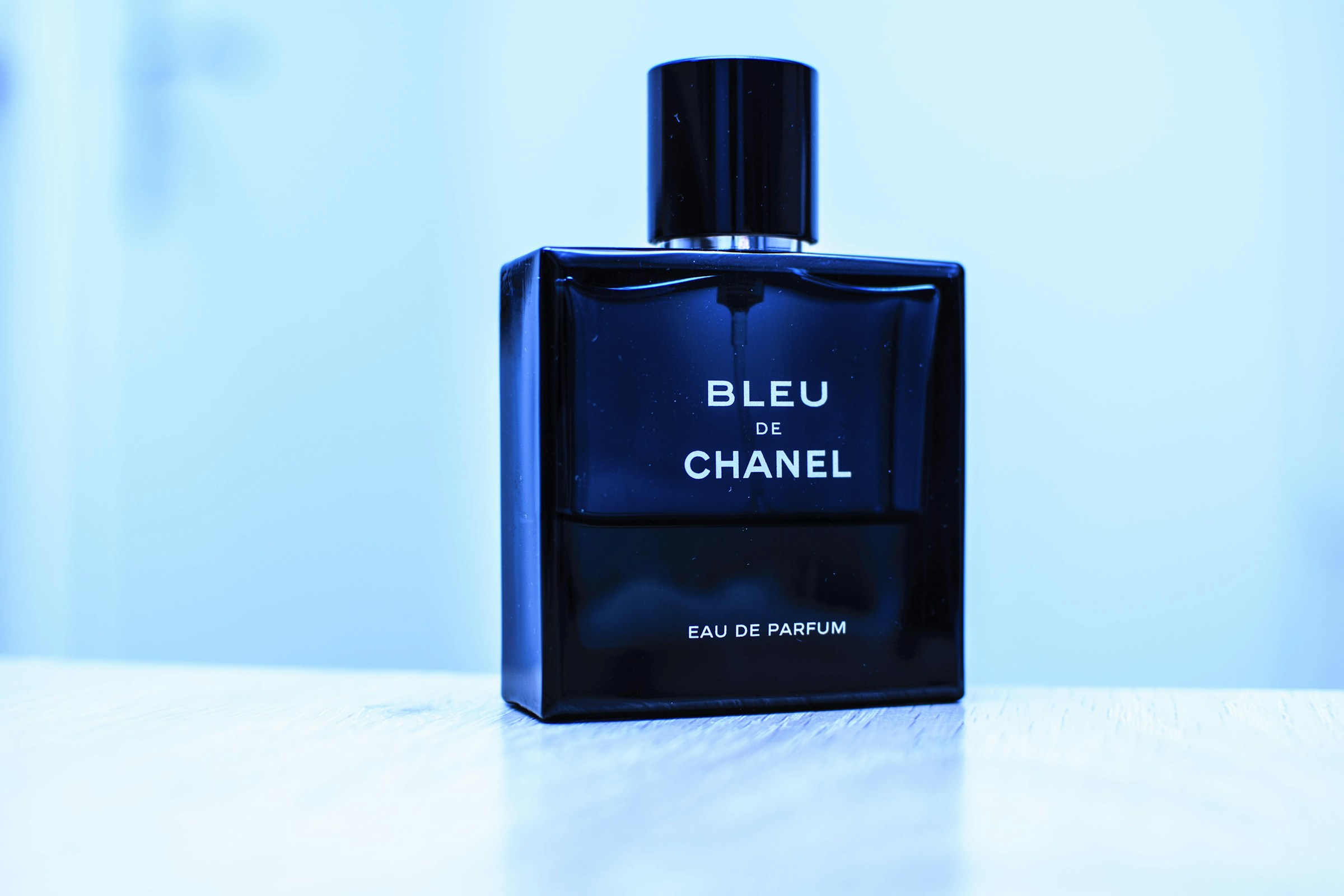
Detail produk lebih tajam
Tembakan produk terkompresi kecil
Jadikan foto produk terasa premium
Gelas parfum, tepi tutup, dan highlight menjadi lebih mudah digunakan dalam pahlawan toko atau iklan.
sharper 4096 px
Drag to compare
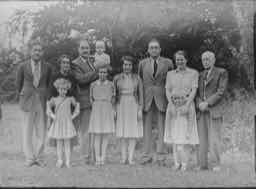
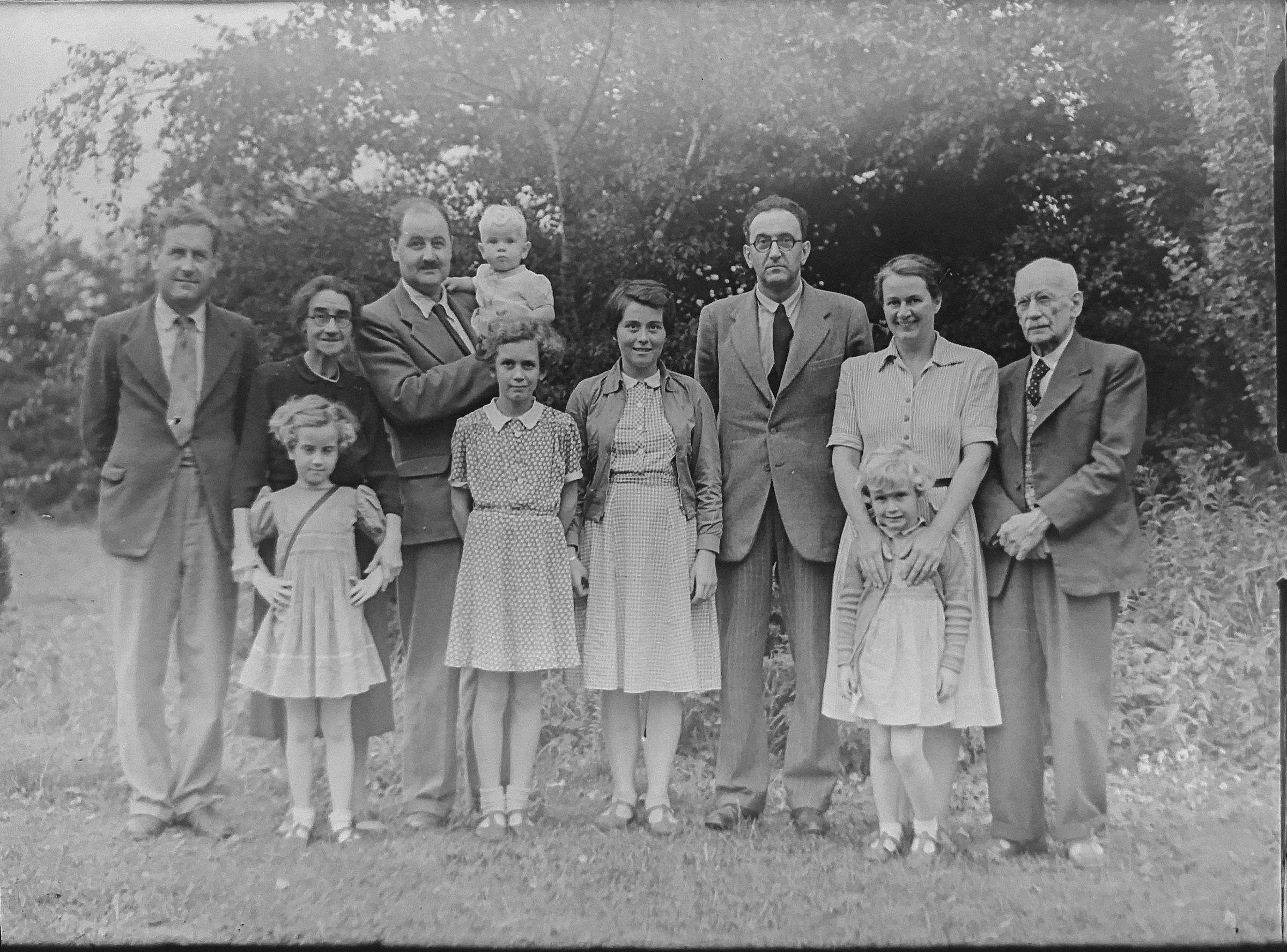
Tekstur foto dipulihkan
Pemindaian keluarga dengan detail rendah
Hidupkan kembali foto keluarga lama
Contoh gaya restorasi memperjelas nilainya tanpa memerlukan penjelasan teknis.
sharper 4096 px
Drag to compare
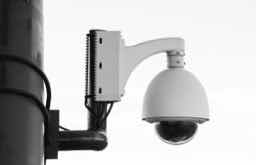
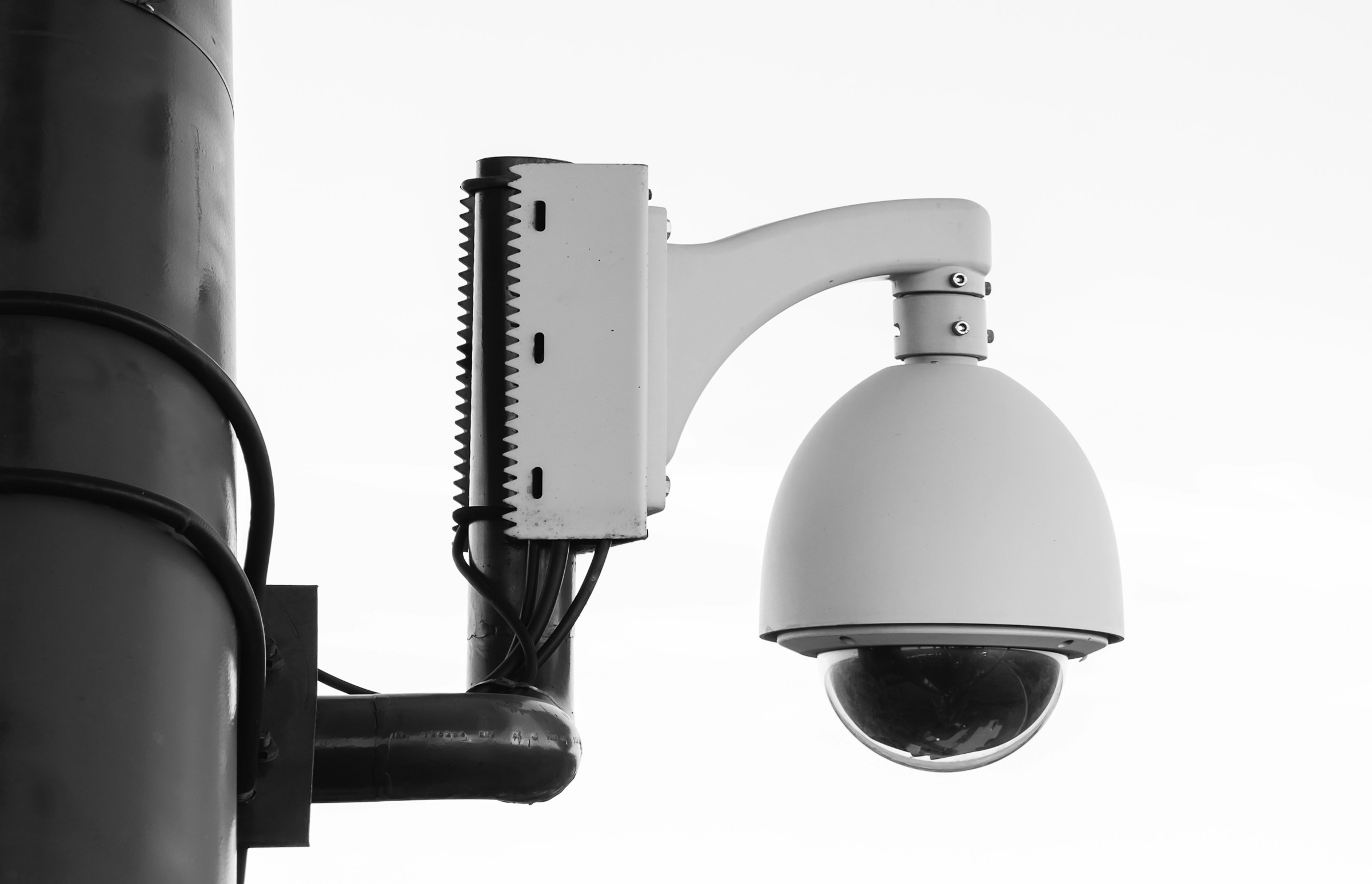
Detail monokrom yang dapat dibaca
Bingkai pengawasan buram
Bersihkan keamanan
Bingkai hitam-putih dengan cahaya redup memerlukan kontras yang lebih kuat dan tepian yang lebih berguna.
sharper 4096 px
Drag to compare
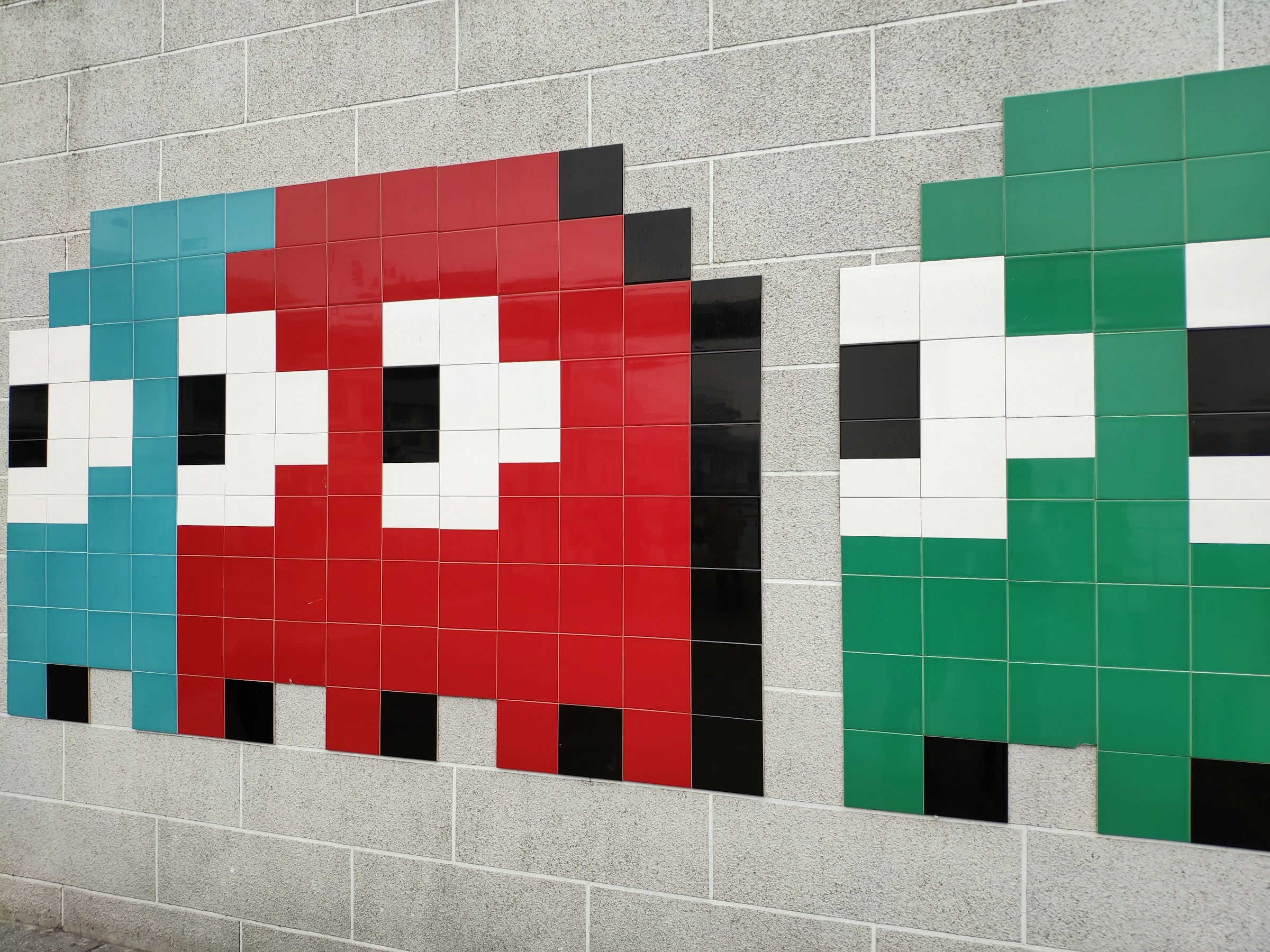
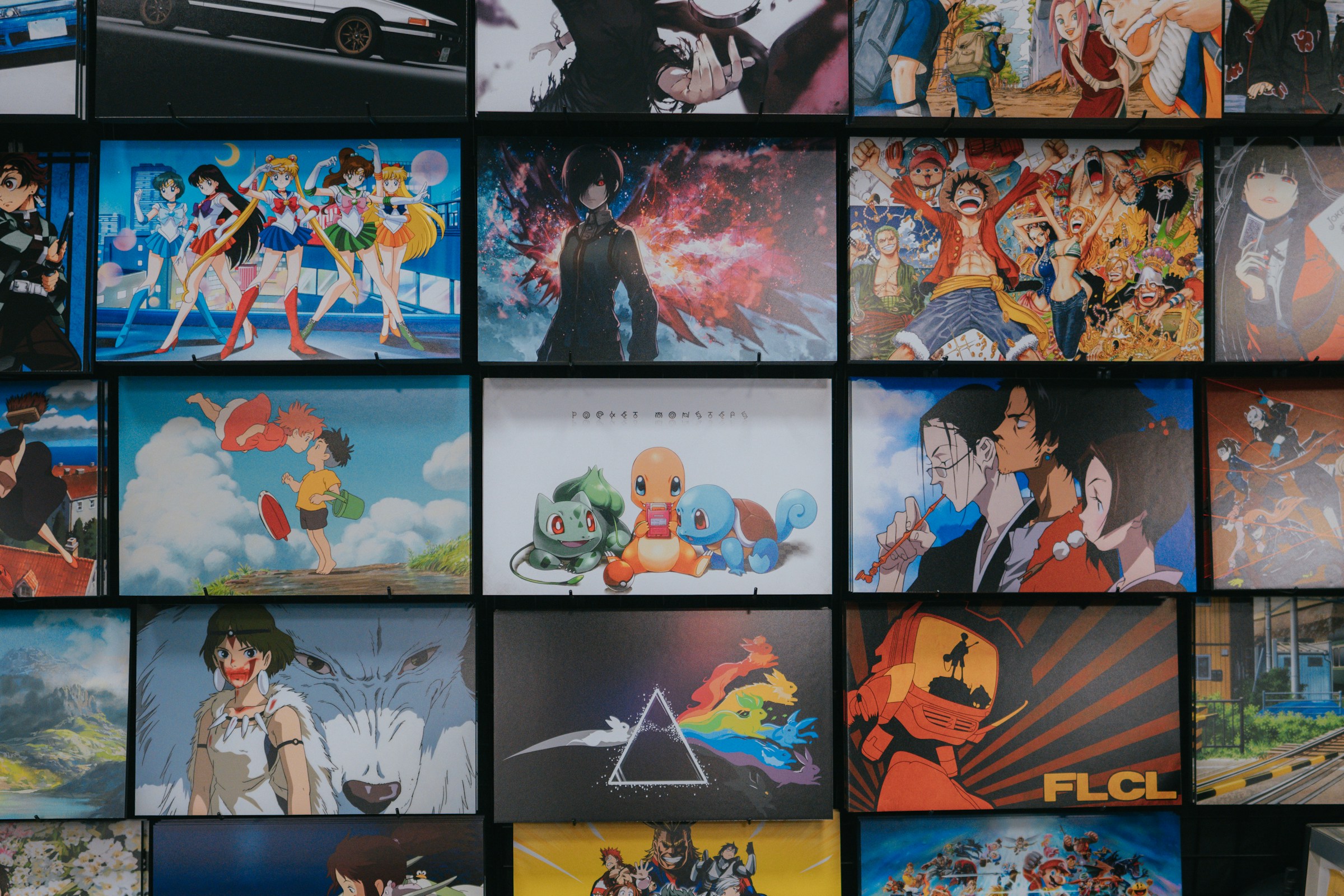
Detail ilustrasi yang tajam
Dinding anime terkompresi
Poster anime kelas atas hingga 4K
Contoh ilustrasi penuh warna membuat alat ini berguna bagi penggemar, pencipta, dan tata letak cetak.
Kasus penggunaan
Bukan utilitas satu kali saja. Ini adalah langkah berikutnya dari generasi ke generasi.
Halaman tetap fokus untuk pencarian, tetapi juga menunjukkan apa lagi yang bisa diselesaikan GPTIMG dari gambar yang sama.
Gambar AI yang memerlukan ekspor ukuran akhir
Hasilkan dalam ukuran draf, lalu tingkatkan pemenang untuk iklan, laman landas, dan pemotongan resolusi tinggi.
Foto produk yang terasa terlalu kecil
Berikan lebih banyak ruang piksel pada gambar penyimpanan dan katalog sebelum penghapusan atau kompresi latar belakang.
Poster dan sampul yang memerlukan detail lebih tajam
Tinjau tipografi, tekstur, dan elemen kecil sebelum desain dikirim ke klien atau vendor pencetakan.
Alat yang terhubung
Satu gambar yang sudah jadi biasanya memerlukan satu gerakan lagi
Setelah edit pertama, lanjutkan aset yang sama di suite ini alih-alih mengunggahnya ke tempat lain.
Kompres setelah peningkatan
Jaga agar versi yang lebih tajam cukup ringan untuk situs web dan toko.
Open Kompres gambar secara online tanpa kehilangan kualitas yang terlihat
Hapus latar belakang
Ubah gambar yang lebih tajam menjadi PNG transparan yang bersih.
Open Hapus latar belakang gambar dengan AI
Hapus artefak kecil
Clean odd text, marks, or distracting details after enlarging.
Open Hapus objek yang tidak diinginkan dari gambar
Workflow
Jalur finishing yang populer
Inilah kombinasi yang biasanya dibutuhkan pengguna setelah membuat atau mengunggah gambar.
Alur kerja gambar iklan AI
Tingkatkan render terbaik, hapus artefak kecil, lalu ekspor versi web-light.
Alur kerja halaman produk
Gunting produk, perbesar hasil akhir, dan kompres untuk kecepatan penyimpanan.
Trust
Batasan yang jelas membuat alat ini lebih mudah dipercaya
Setiap halaman menjelaskan apa yang diubah fitur, file apa yang didukung, biaya yang berlaku, dan kapan langkah editing lain lebih tepat.
Biaya akhir ditampilkan sebelum menjalankan pengeditan AI.
Edit AI yang gagal harus mengembalikan credits saat tugas backend gagal.
Gunakan gambar Anda sendiri atau gambar yang berhak Anda modifikasi.
1
Unggah gambar
Mulailah dengan render AI, foto produk, potret, poster, atau gambar apa pun yang memerlukan resolusi lebih bermanfaat.
2
Pilih arah keluaran
Pilih skala yang lebih cepat untuk aset rutin atau skala yang lebih detail untuk pekerjaan kampanye akhir.
3
Terus selesaikan gambar yang sama
Lanjutkan dengan penghapusan latar belakang, pembersihan objek, atau kompresi dari rangkaian alat yang sama.
Haruskah saya meningkatkannya sebelum atau sesudah menghapus latar belakang?
Untuk foto produk, hapus latar belakang terlebih dahulu jika tepi subjek penting, lalu tingkatkan hasil yang sudah dibersihkan. Untuk poster dan seni AI, tingkatkan terlebih dahulu jika Anda perlu memeriksa detail-detail kecil.
Bisakah saya mengompresi gambar yang ditingkatkan setelahnya?
Ya. Peningkatan skala meningkatkan jumlah piksel, sehingga kompresi sering kali menjadi langkah terakhir sebelum mengunggah ke situs web atau pasar.
Gambar apa yang paling cocok untuk peningkatan AI?
Jepretan produk, potret, poster, rendering AI, dan aset sosial berfungsi dengan baik. Gambar yang sangat buram mungkin masih memerlukan pembersihan atau regenerasi objek.