GPT Image2
Sampel nyataSeret pembatas untuk memeriksa detailnya


Seret pembatas untuk memeriksa detailnya
Ekspor web ringan
JPG asli berukuran besar
Gambar ringan dan siap ekspor
Kompres gambar secara online tanpa kehilangan kualitas yang terlihat
Kurangi ukuran file setelah generasi, hapus background, atau upscale. Tetap jaga kualitas, percepat halaman, dan hindari batas upload.
Buka kompresor
Unggah file JPG, PNG, atau WebP. Kompresi di sisi browser dirancang untuk privasi.
Tidak ada gambar di tangan? Cobalah salah satunya

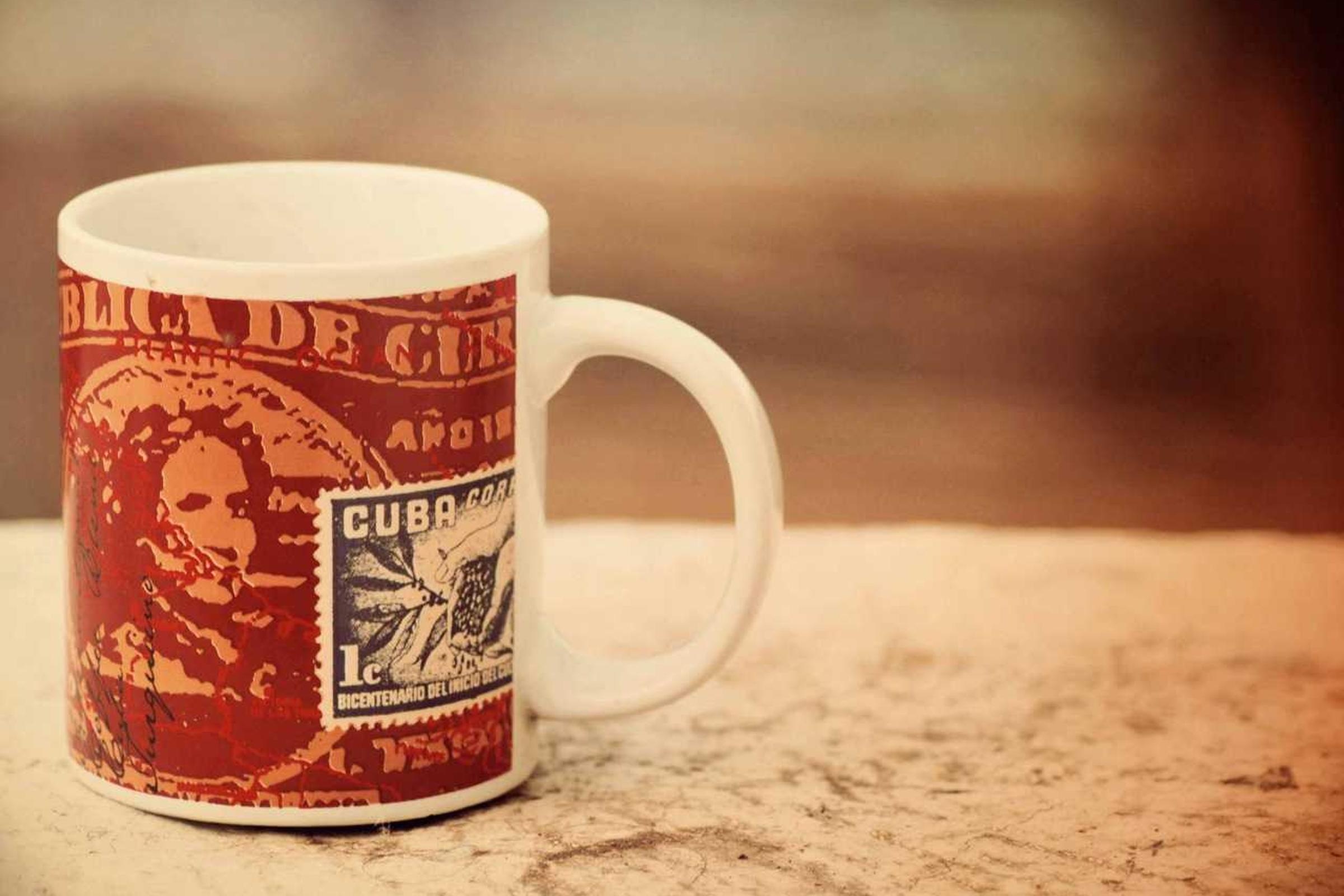


Input
JPG, PNG, WebP
Hasil
JPG, PNG, WebP
Settings
Kualitas visual94%
Compression runs locally in your browser. No upload, no credits.
Best fit
Best for finished images that look right but are too heavy for pages, stores, email, or uploads.
Watch first
Compression will not fix a blurry source; upscale or repair the image before final export.
Next move
Use it as the last step after generation, background removal, upscaling, or cleanup.
Penggeser kualitas
Ukuran file sasaran
Keluaran JPG, PNG, atau WebP
Contoh
Periksa apa yang menjadi lebih kecil dan apa yang masih terlihat dapat dipublikasikan
Kompresi hanya berguna jika gambar tetap cukup bagus untuk halaman, toko, email, atau preview klien yang akan kamu kirim.

612 KB web export
Drag to compare
File berbagi yang lebih kecil
Asli berkualitas tinggi
Jadikan potret lebih mudah diunggah
Cocok untuk gambar profil, pratinjau klien, dan unggahan tiket dukungan dengan batas ukuran.
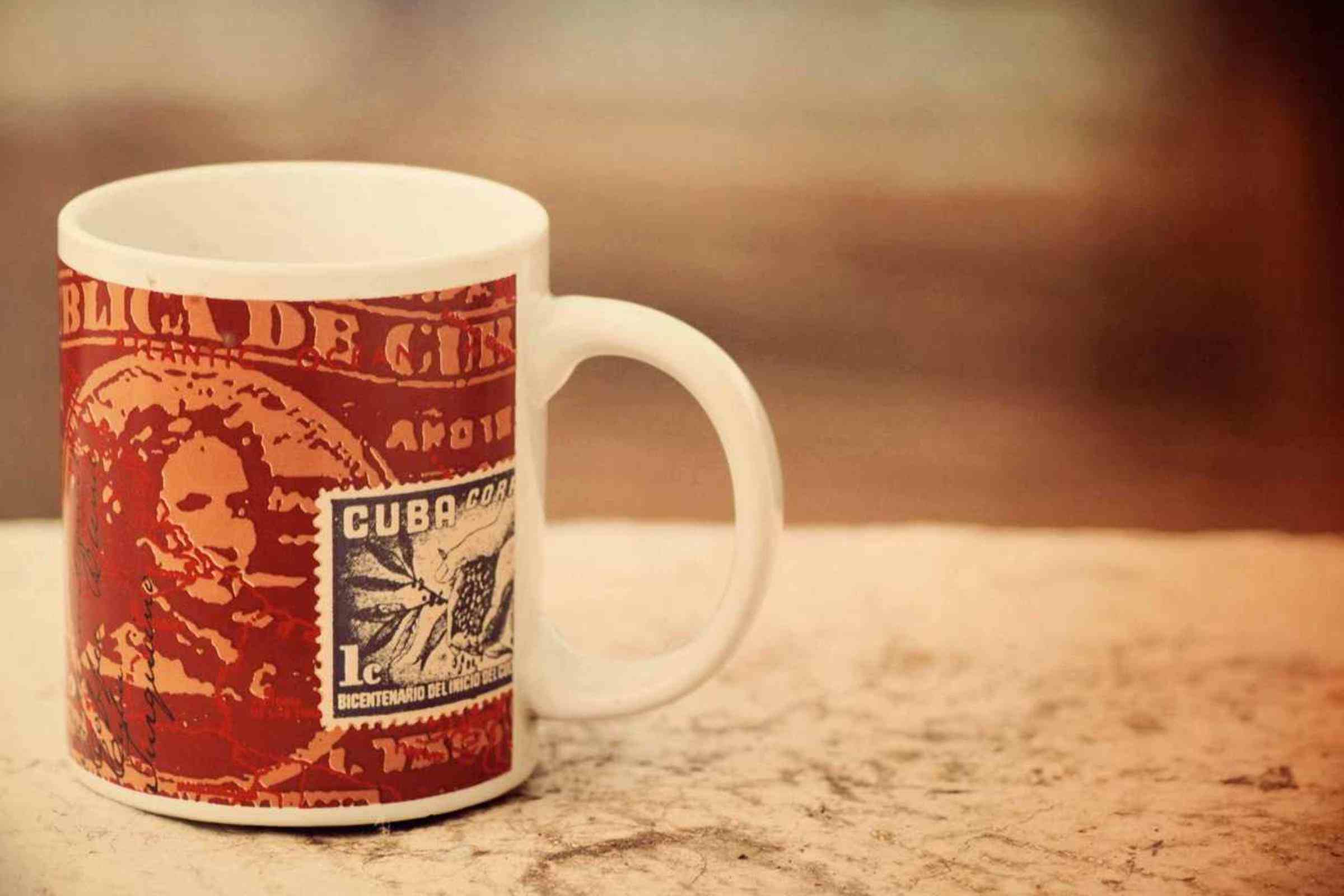
612 KB web export
Drag to compare
Gambar etalase cepat
File produk berat
Kecilkan foto produk untuk kecepatan penyimpanan
Foto produk sering kali memerlukan kompresi setelah penghapusan atau peningkatan latar belakang.

612 KB web export
Drag to compare
Aset web yang lebih kecil
Foto ruang kerja besar
Kompres ekspor ruang kerja
Kisah kompresi praktis untuk dokumentasi, halaman Notion, dan pratinjau klien.

612 KB web export
Drag to compare
Ekspor siap CMS
Gambar editorial yang berat
Kecilkan gambar pahlawan meja blog
Berguna untuk tutorial, dasbor, laporan, dan halaman blog yang banyak gambar.
612 KB web export
Drag to compare
File web yang dimuat dengan cepat
File editorial besar
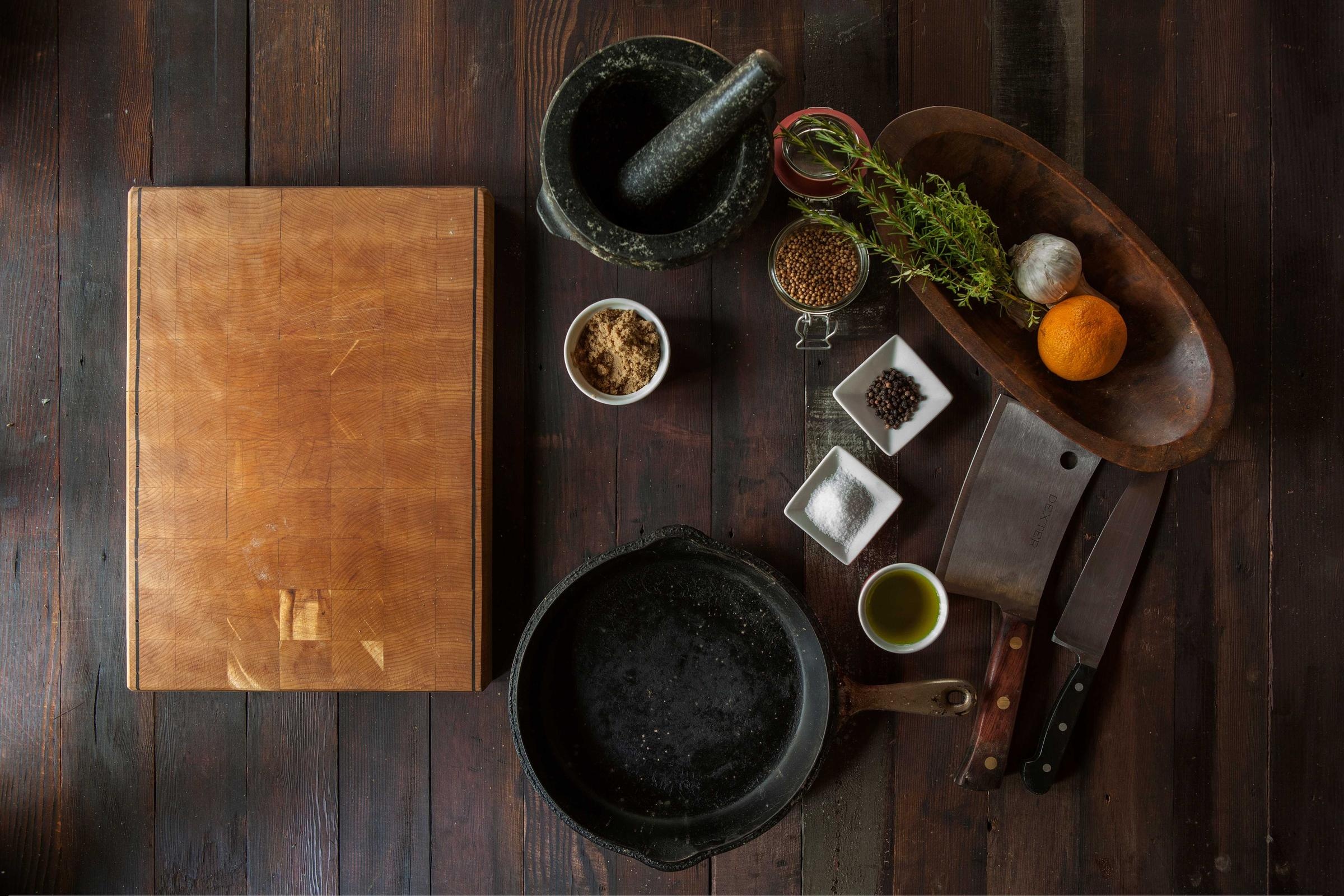
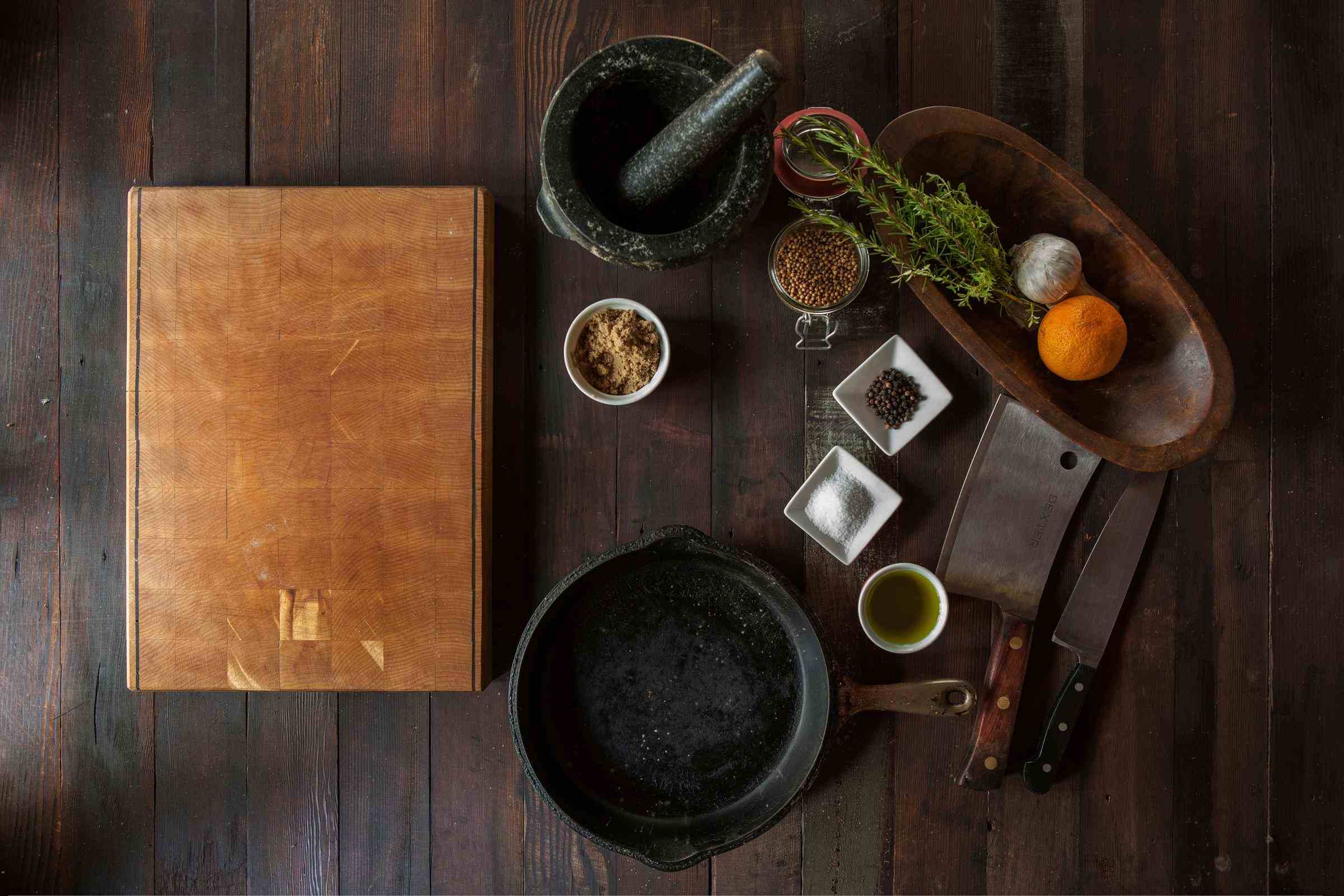
Kompres foto editorial makanan dan produk
Gambar still-life yang kaya menunjukkan bahwa kompresi dapat tetap cukup baik untuk dipublikasikan.
Kasus penggunaan
Bukan utilitas satu kali saja. Ini adalah langkah berikutnya dari generasi ke generasi.
Halaman tetap fokus untuk pencarian, tetapi juga menunjukkan apa lagi yang bisa diselesaikan GPTIMG dari gambar yang sama.
Kecepatan situs web
Kompres gambar pahlawan, foto produk, dan visual blog sebelum memperlambat halaman.
Batasan pasar dan CMS
Kecilkan gambar untuk unggahan Shopify, WordPress, Notion, email, dan tiket dukungan.
Langkah terakhir setelah pengeditan AI
Setelah meningkatkan, menghapus latar belakang, atau menghapus, ekspor versi yang lebih ringan untuk penerbitan sebenarnya.
Alat yang terhubung
Satu gambar yang sudah jadi biasanya memerlukan satu gerakan lagi
Setelah edit pertama, lanjutkan aset yang sama di suite ini alih-alih mengunggahnya ke tempat lain.
Kelas atas jika terlihat terlalu kecil
Jika kompresi menunjukkan sumber beresolusi rendah, pertajam sebelum ekspor akhir.
Open Peningkatan Gambar Online gratis melalui AI
Hapus latar belakang terlebih dahulu
Untuk gambar produk, potong subjeknya sebelum mengompresi file akhir.
Open Hapus latar belakang gambar dengan AI
Hapus gangguan terlebih dahulu
Bersihkan tanda atau elemen berantakan sebelum membuat ekspor final yang lebih ringan.
Open Hapus objek yang tidak diinginkan dari gambar
Workflow
Jalur finishing yang populer
Inilah kombinasi yang biasanya dibutuhkan pengguna setelah membuat atau mengunggah gambar.
Alur kerja gambar situs web
Pertajam gambar jika diperlukan, hilangkan masalah visual, lalu kompres untuk kecepatan halaman.
Alur kerja daftar produk
Siapkan potongan produk yang bersih, perbesar, dan ekspor gambar produk yang dimuat dengan cepat.
Trust
Batasan yang jelas membuat alat ini lebih mudah dipercaya
Setiap halaman menjelaskan apa yang diubah fitur, file apa yang didukung, biaya yang berlaku, dan kapan langkah editing lain lebih tepat.
Kompresi harus bebas dan terpisah dari kredit AI.
Kompresi sisi browser lebih baik untuk tangkapan layar pribadi dan file klien.
Gunakan kompresi sebagai langkah ekspor terakhir setelah pengeditan gambar.
1
Unggah gambar yang sudah jadi
Mulailah dengan gambar yang ingin Anda publikasikan, bagikan, atau unggah ke toko, CMS, atau email.
2
Pilih kualitas dan format
Gunakan penggeser kualitas dan pilihan format untuk menyeimbangkan kualitas visual dan ukuran file.
3
Unduh atau lanjutkan pengeditan
Simpan file yang lebih kecil, atau kembali ke skala besar, penghapusan latar belakang, atau penghapusan jika gambar masih perlu diselesaikan.
Haruskah saya mengompres sebelum atau sesudah peningkatan?
Kompres terakhir. Peningkatan skala meningkatkan ukuran dan detail, sehingga kompresi biasanya merupakan langkah ekspor terakhir sebelum dipublikasikan.
Apakah kompresi gambar merupakan editan AI?
Tidak. Kompresi direncanakan sebagai alat ekspor sisi browser. Alat AI bersifat kelas atas, penghapusan latar belakang, dan penghapusan.
Apakah gambar saya akan diunggah untuk kompresi?
Kompresor yang direncanakan berada di sisi klien, sehingga kompresi dapat dilakukan di browser tanpa mengirimkan gambar ke penyedia AI.