GPT Image2
Echte ProbeZiehen Sie die Trennlinie, um Details zu prüfen


Ziehen Sie die Trennlinie, um Details zu prüfen
Leichter Webexport
Großes Original JPG
Exportfähige, kompakte Bilder
Komprimieren Sie Bilder online ohne sichtbaren Qualitätsverlust
Reduzieren Sie die Dateigröße nach Generierung, Hintergrundentfernung oder Upscaling. Qualität bleibt hoch, Seiten werden schneller und Upload-Limits leichter eingehalten.
Kompressor öffnen
Laden Sie JPG-, PNG- oder WebP-Dateien hoch. Die Kompression im Browser ist für mehr Datenschutz vorgesehen.
Kein Bild zur Hand? Probieren Sie eines davon aus

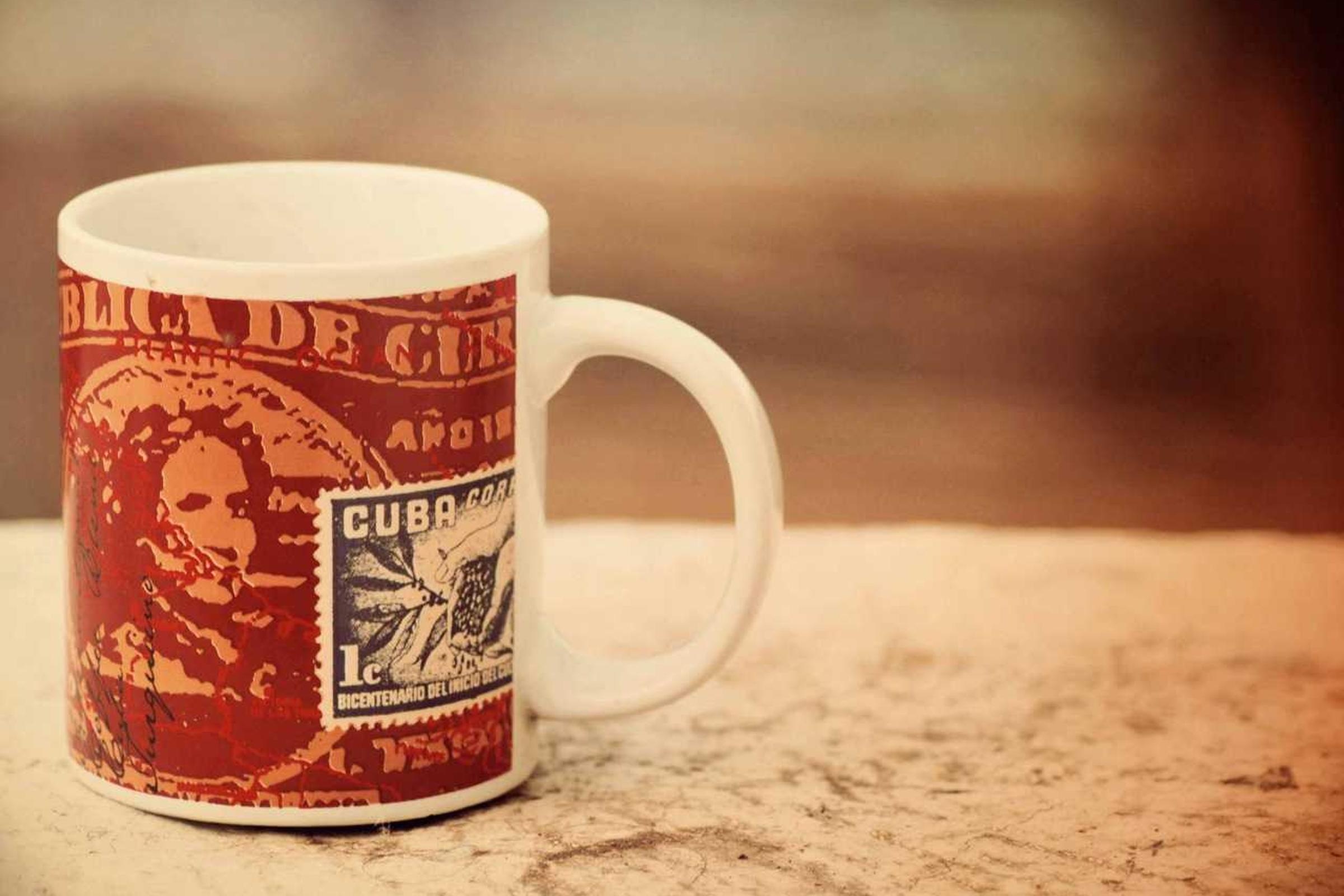


Input
JPG, PNG, WebP
Ergebnis
JPG, PNG, WebP
Settings
Visuelle Qualität94%
Compression runs locally in your browser. No upload, no credits.
Best fit
Best for finished images that look right but are too heavy for pages, stores, email, or uploads.
Watch first
Compression will not fix a blurry source; upscale or repair the image before final export.
Next move
Use it as the last step after generation, background removal, upscaling, or cleanup.
Qualitätsschieberegler
Zieldateigröße
JPG-, PNG- oder WebP-Ausgabe
Beispiele
Prüfen Sie, was kleiner wird und was noch veröffentlichungsfähig aussieht
Kompression ist nur sinnvoll, wenn das Bild weiterhin gut genug für Seite, Shop, E-Mail oder Kundenvorschau wirkt.

612 KB web export
Drag to compare
Kleinere Freigabedatei
Hochwertiges Original
Erleichtern Sie das Hochladen eines Porträts
Gut für Profilbilder, Kundenvorschauen und Support-Ticket-Uploads mit Größenbeschränkungen.
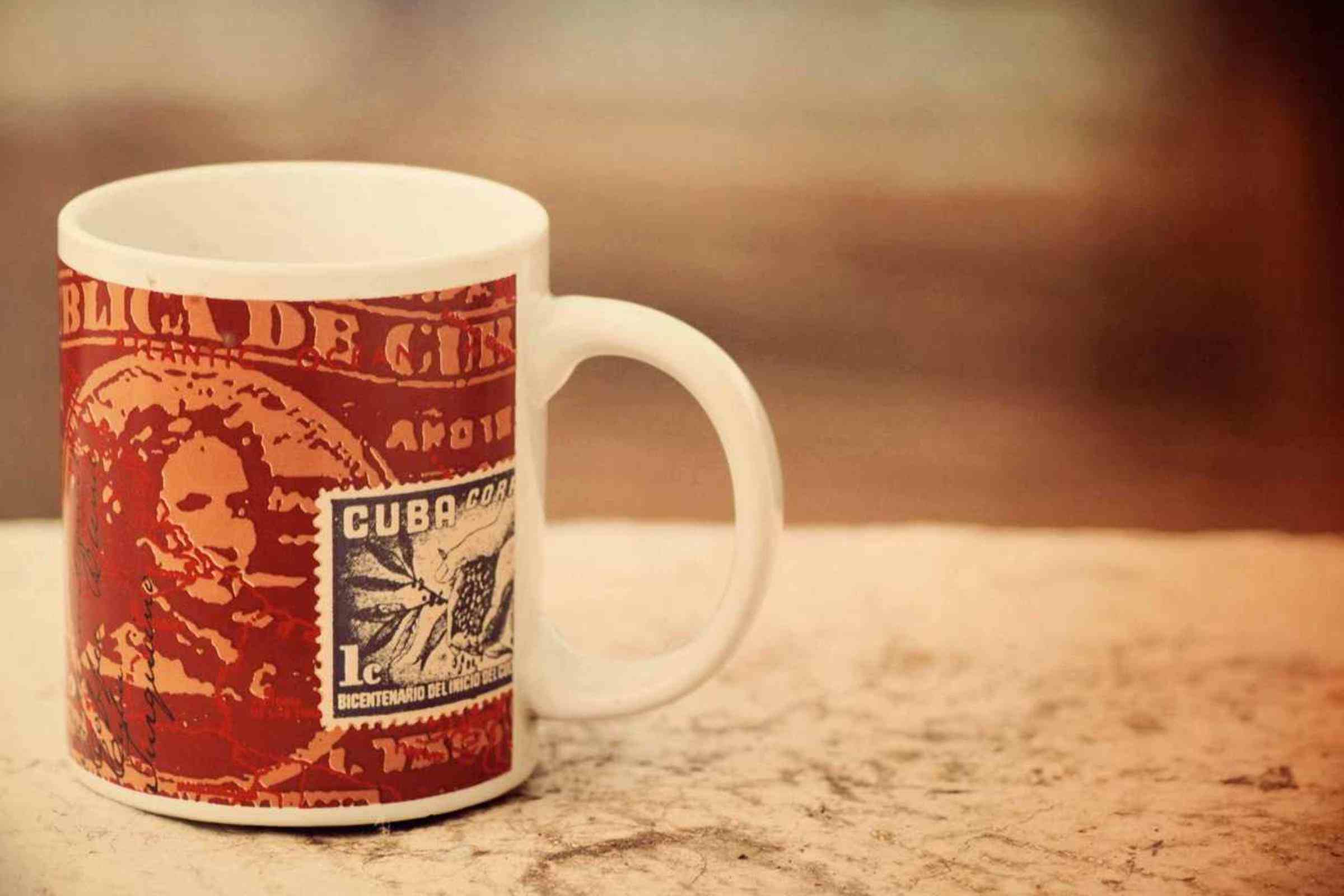
612 KB web export
Drag to compare
Schnelles Schaufensterbild
Schwere Produktdatei
Verkleinern Sie Produktfotos, um die Ladengeschwindigkeit zu erhöhen
Produktfotos müssen häufig nach dem Entfernen oder Hochskalieren des Hintergrunds komprimiert werden.

612 KB web export
Drag to compare
Kleineres Web-Asset
Großes Arbeitsplatzfoto
Komprimieren Sie einen Arbeitsbereichsexport
Eine praktische Komprimierungsgeschichte für Dokumentation, Notion-Seiten und Kundenvorschauen.

612 KB web export
Drag to compare
CMS-fähiger Export
Schweres redaktionelles Bild
Verkleinern Sie das Bild eines Blog-Desk-Helden
Nützlich für Tutorials, Dashboards, Berichte und bildintensive Blogseiten.


612 KB web export
Drag to compare
Schnell ladende Webdatei
Große redaktionelle Datei
Komprimieren Sie redaktionelle Aufnahmen von Lebensmitteln und Produkten
Ein reichhaltiges Stilllebenbild zeigt, dass die Komprimierung für die Veröffentlichung ausreichend ausgefeilt bleiben kann.
Anwendungsfälle
Kein einmaliger Nutzen. Es ist der nächste Schritt nach der Generation.
Die Seite bleibt auf Suche fokussiert und zeigt zugleich, was GPTIMG aus demselben Bild weiter fertigstellen kann.
Website-Geschwindigkeit
Komprimieren Sie Heldenbilder, Produktfotos und Blog-Visuals, bevor sie eine Seite verlangsamen.
Marktplatz- und CMS-Grenzwerte
Verkleinern Sie Bilder für Shopify-, WordPress-, Notion-, E-Mail- und Support-Ticket-Uploads.
Letzter Schritt nach den AI-Änderungen
Entfernen Sie nach der Hochskalierung den Hintergrund oder löschen Sie ihn und exportieren Sie eine leichtere Version für die eigentliche Veröffentlichung.
Vernetzte Werkzeuge
Ein fertiges Bild erfordert normalerweise einen weiteren Schritt
Nach der ersten Bearbeitung bleibt dasselbe Asset in der Suite, statt es in ein anderes Tool hochzuladen.
Gehoben, wenn es zu klein aussieht
Wenn durch die Komprimierung eine Quelle mit niedriger Auflösung erkannt wird, schärfen Sie sie vor dem endgültigen Export.
Open Bild-Upscaler online kostenlos über AI
Entfernen Sie zuerst den Hintergrund
Schneiden Sie bei Produktbildern das Motiv aus, bevor Sie die endgültige Datei komprimieren.
Open Entfernen Sie Bildhintergründe mit AI
Beseitigen Sie zuerst Ablenkungen
Entfernen Sie Markierungen oder visuelle Störungen, bevor Sie den finalen leichten Export erstellen.
Open Entfernen Sie unerwünschte Objekte aus Bildern
Arbeitsabläufe
Beliebte Zielwege
Das sind die Kombinationen, die Nutzer nach dem Generieren oder Hochladen eines Bildes typischerweise brauchen.
Workflow für Website-Bilder
Schärfen Sie das Bild bei Bedarf, beseitigen Sie visuelle Probleme und komprimieren Sie es dann, um die Seitengeschwindigkeit zu erhöhen.
Workflow für die Produktauflistung
Bereiten Sie einen sauberen Produktausschnitt vor, vergrößern Sie ihn und exportieren Sie ein schnell ladendes Produktbild.
Trust
Klare Grenzen machen das Tool vertrauenswürdiger
Jede Seite erklärt, was die Funktion verändert, welche Dateien unterstützt werden, welche Kosten gelten und wann ein weiterer Bearbeitungsschritt sinnvoller ist.
Die Komprimierung sollte kostenlos und getrennt von AI-Credits erfolgen.
Die browserseitige Komprimierung eignet sich besser für private Screenshots und Clientdateien.
Verwenden Sie die Komprimierung als letzten Exportschritt nach der Bildbearbeitung.
1
Fertige Bilder hochladen
Beginnen Sie mit dem Bild, das Sie veröffentlichen, teilen oder in einen Shop, ein CMS oder eine E-Mail hochladen möchten.
2
Wählen Sie Qualität und Format
Verwenden Sie einen Qualitätsregler und eine Formatauswahl, um die visuelle Qualität und die Dateigröße in Einklang zu bringen.
3
Laden Sie es herunter oder bearbeiten Sie es weiter
Speichern Sie die kleinere Datei oder kehren Sie zur Hochskalierung, zum Entfernen des Hintergrunds oder zum Löschen zurück, wenn das Bild noch bearbeitet werden muss.
Sollte ich vor oder nach dem Upscaling komprimieren?
Zuletzt komprimieren. Durch die Hochskalierung werden Größe und Details erhöht, daher ist die Komprimierung normalerweise der letzte Exportschritt vor der Veröffentlichung.
Ist die Bildkomprimierung eine AI-Bearbeitung?
Nein. Die Komprimierung ist als browserseitiges Exporttool geplant. Die KI-Tools sind hochskaliert, Hintergrundentfernung und Löschen.
Wird mein Bild zur Komprimierung hochgeladen?
Der geplante Kompressor ist clientseitig, sodass die Komprimierung im Browser erfolgen kann, ohne das Bild an einen KI-Anbieter zu senden.